Loopy Pro: Create music, your way.
What is Loopy Pro? — Loopy Pro is a powerful, flexible, and intuitive live looper, sampler, clip launcher and DAW for iPhone and iPad. At its core, it allows you to record and layer sounds in real-time to create complex musical arrangements. But it doesn’t stop there—Loopy Pro offers advanced tools to customize your workflow, build dynamic performance setups, and create a seamless connection between instruments, effects, and external gear.
Use it for live looping, sequencing, arranging, mixing, and much more. Whether you're a live performer, a producer, or just experimenting with sound, Loopy Pro helps you take control of your creative process.
Download on the App StoreLoopy Pro is your all-in-one musical toolkit. Try it for free today.
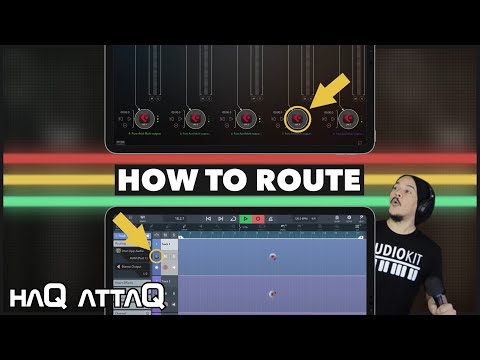
Record from AUM into Cubasis 2 & 3 | IAA Output Routing | haQ attaQ

How does one record Audio from AUM into Cubasis? This is another frequently asked question that I've been receiving (a LOT) from many viewers over the years. A session like that needs Inter App Audio (IAA) routing and here's how you set it up!
The setup process is the same wether you’re using Cubasis 2 or 3.
Apps used: AUM, Cubasis 3, AudioShare, Pure Acid
Btw I’ve pinned a comment under my video on YouTube with extra vital info in it. I’m pasting that info here now:
“ You have to RESTART everything if you first do your setup and then realise that background audio is turned off in Cubasis. I’ve had my sessions glitch out completely when I’ve tried turning background audio on after doing the setup. If that happens, then it is simpler and less frustrating to just do it all from scratch.”
haQattaQ
Comments
As always, appreciate the knowledge!
Love you, Jakob...
Thank you for another great video!
Stay healthy everybody!
Best,
Lars
Happy to help!
Same to you and the Cubasis team. Take care!
Your a great person Jaqob, seriously appreciate all the things you have done for todays musicians.
...
+1.000.000