Loopy Pro: Create music, your way.
What is Loopy Pro? — Loopy Pro is a powerful, flexible, and intuitive live looper, sampler, clip launcher and DAW for iPhone and iPad. At its core, it allows you to record and layer sounds in real-time to create complex musical arrangements. But it doesn’t stop there—Loopy Pro offers advanced tools to customize your workflow, build dynamic performance setups, and create a seamless connection between instruments, effects, and external gear.
Use it for live looping, sequencing, arranging, mixing, and much more. Whether you're a live performer, a producer, or just experimenting with sound, Loopy Pro helps you take control of your creative process.
Download on the App StoreLoopy Pro is your all-in-one musical toolkit. Try it for free today.
A really good Koala tutorial

I’ve kinda fell in love with this app. I had it ages and thought it was a simple app to record vocal beats. I couldn’t have been more wrong. Puts a lot of hardware to shame.

Comments
This is really great. I learned a few new things. Best one was that you can change the pitch of the samples in the piano roll. I can’t even make Ableton do that.
Yes that was a good one that I didn’t know it could do. Great for bass lines, arps etc…
what part is that?
Comes in around 12:39
oh I see, well you can drag notes on ableton or move them with the keyboard, if you can't just press "b" to change to the select tool
PlayPM is also pretty amazing covering Koala Sampler:
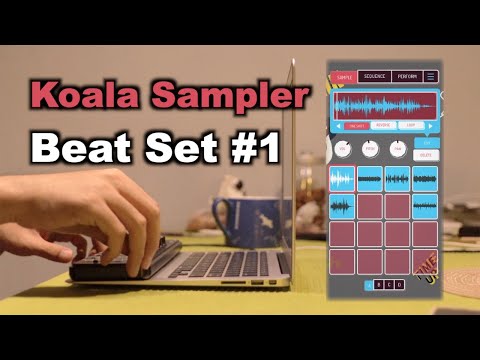
Yeah also use simpler. Turns any sample into an instrument that you can play chromatically.
If you use slice mode in Simpler, you can’t change the pitch of the sequenced slices. Well, you can, using the transpose knob, but it’s nowhere near as good as Koala’s keyboard.
I’ve started using iPad Koala with Ableton. The Mac Koala has no Ableton link, and neither let you choose audio routing on multi-channel audio interfaces. I’m “hosting” the IAA version in Audiobus, and routing to-from the Mac via an iConnect. It sounds complicated, but state-saving in AB should hopefully make it easy.
I’m avoiding AUv3 because of the memory warnings.