Loopy Pro: Create music, your way.

What is Loopy Pro?Loopy Pro is a powerful, flexible, and intuitive live looper, sampler, clip launcher and DAW for iPhone and iPad. At its core, it allows you to record and layer sounds in real-time to create complex musical arrangements. But it doesn’t stop there—Loopy Pro offers advanced tools to customize your workflow, build dynamic performance setups, and create a seamless connection between instruments, effects, and external gear.

Use it for live looping, sequencing, arranging, mixing, and much more. Whether you're a live performer, a producer, or just experimenting with sound, Loopy Pro helps you take control of your creative process.

Download on the App Store

Loopy Pro is your all-in-one musical toolkit. Try it for free today.

Percussive Synth by Vadym Rostok

1235»

Comments

  • Unusually long review, almost 2 days now. And sometimes it's just one hour. Mystery.
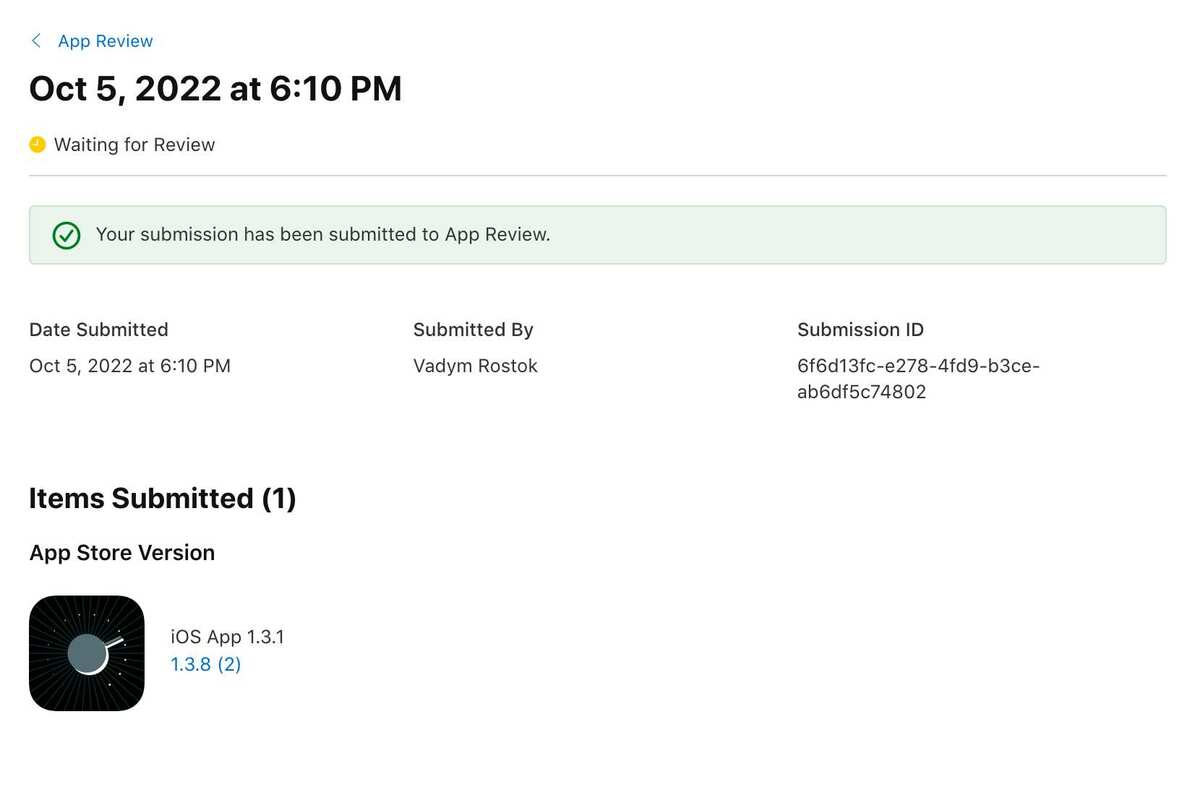
  • Just released the tracker-free version.
    cc @yokotate, @cazel, @FastGhost, @headmademusic
    One of the members of this forum shared a list of YouTube channels doing reviews on mobile music creation apps. Huge thanks for that. Some of them might be interested in reviewing my app, so I'll try to go that route.

  • @vadymrostok this is great news. really appreciate it - thanks

  • @vadymrostok said:
    Just released the tracker-free version.
    cc @yokotate, @cazel, @FastGhost, @headmademusic
    One of the members of this forum shared a list of YouTube channels doing reviews on mobile music creation apps. Huge thanks for that. Some of them might be interested in reviewing my app, so I'll try to go that route.

    Oh wow, thanks a lot for your understanding and your fast implementation.

  • I'm going to release the macOS version of the app.
    If anyone is interested in participating in the beta - PM me your AppleId email.
    Cheers!

  • Hey, Forum!
    I made the app free forever. No ads, same functionality.
    I hope more people would enjoy it.
    Cheers

  • @gsm909 said:
    Positive vibes surrounding this one, and a new proactive dev welcomed into the iOS family.
    Purchased to support further development.

    Indeed. sequencers always welcomed.

  • @vadymrostok said:
    Hey, Forum!
    I made the app free forever. No ads, same functionality.
    I hope more people would enjoy it.
    Cheers

    Nice you made this free, thanks! I just noticed though - some of the knobs in the AUv3 are crazy hard to control, touch response seems off. For example the decay amount knob: really difficult to dial in intermediate values. Could you maybe take a look and see if you could fix that and any other knobs that are acting up?

  • @Gavinski said:

    @vadymrostok said:
    Hey, Forum!
    I made the app free forever. No ads, same functionality.
    I hope more people would enjoy it.
    Cheers

    Nice you made this free, thanks! I just noticed though - some of the knobs in the AUv3 are crazy hard to control, touch response seems off. For example the decay amount knob: really difficult to dial in intermediate values. Could you maybe take a look and see if you could fix that and any other knobs that are acting up?

    Are the knobs near the right of the screen in landscape mode? If so, it could be the same as the problem for the Waldorf Blofeld and MicroWave in iPadOS 26. Seemingly the new windowed scheme confuses the AUv3, and it thinks you're adjusting the control from outside the window.

  • @Gavinski, with knobs, JUCE (the framework the app is based on) provides two behaviour patterns: absolute and relative. In absolute it behaves like an old-school physical knob: rotation speed has no effect, it's easy to move it to a predictable state, but very hard to fine-tune. And in relative, it's akin to modern "endless spinning" MIDI keyboard knobs or modern lens focusing rings: rotating it slowly lets you fine-tune it, and rotating quickly moves things faster, but doing so predictably takes some getting used to.
    In the standalone app, you can toggle between these modes: "sliders velocity sensitivity" checkbox under settings. This setting does not affect bpm because it has to be relative (otherwise, a tiny movement would jump from 6 to 300 bpm, for example).
    Relative mode is enabled by default as it's more flexible.
    Unfortunately, audio units don't have this setting, so it's always relative there.
    But I hope it's just this, not something broken, and it may be as simple as trying to drag knobs faster and getting used to it.
    I think it's possible to edit relative response curves, but with any curve, you'd have to get used to it.

  • @vadymrostok said:
    @Gavinski, with knobs, JUCE (the framework the app is based on) provides two behaviour patterns: absolute and relative. In absolute it behaves like an old-school physical knob: rotation speed has no effect, it's easy to move it to a predictable state, but very hard to fine-tune. And in relative, it's akin to modern "endless spinning" MIDI keyboard knobs or modern lens focusing rings: rotating it slowly lets you fine-tune it, and rotating quickly moves things faster, but doing so predictably takes some getting used to.
    In the standalone app, you can toggle between these modes: "sliders velocity sensitivity" checkbox under settings. This setting does not affect bpm because it has to be relative (otherwise, a tiny movement would jump from 6 to 300 bpm, for example).
    Relative mode is enabled by default as it's more flexible.
    Unfortunately, audio units don't have this setting, so it's always relative there.
    But I hope it's just this, not something broken, and it may be as simple as trying to drag knobs faster and getting used to it.
    I think it's possible to edit relative response curves, but with any curve, you'd have to get used to it.

    Some of these knobs are genuinely unusable for me. Lots of Juce apps have decent knob behaviour so I'm sure you can definitely improve this tbh

  • @Gavinski, oh, I just remembered after checking that exact knob. It's quantized, it moves in 50% steps. So it's impossible to set a value not divisible by 50. That's what you meant, right?
    Why quantized? From manual

    There's also an oscillators decay section - you can set decay time in seconds and decay amount quantized to octaves and fifths, it allows for the creation of drum-like sounds.

    So it's there to keep decay amount snapped to octaves and fifths, but I see how it'd seem to be a needless limitation. I'll take it into account when I'm back at development.
    Are there issues with other knobs? If so, please describe a desired behaviour here or in dm. Thanks

  • No sound in Drambo..

  • @Slush said:
    No sound in Drambo..

    Is it AU ?

  • @sigma79 said:

    @Slush said:
    No sound in Drambo..

    Is it AU ?

    Yes, it works in Apematrix.

  • @Slush said:

    @sigma79 said:

    @Slush said:
    No sound in Drambo..

    Is it AU ?

    Yes, it works in Apematrix.

    Must be IAA.

    Thought it wernt AU yesterday and just checked with AUM ( only IAA )

    Perhaps its AU though.

  • edited March 13

    @sigma79 said:

    @Slush said:

    @sigma79 said:

    @Slush said:
    No sound in Drambo..

    Is it AU ?

    Yes, it works in Apematrix.

    Must be IAA.

    Thought it wernt AU yesterday and just checked with AUM ( only IAA )

    Perhaps its AU though.

    It’s auv3 (that’s what it says in Apematrix and I can sequence it). It’s just not working in Drambo.

  • @Slush said:

    @sigma79 said:

    @Slush said:

    @sigma79 said:

    @Slush said:
    No sound in Drambo..

    Is it AU ?

    Yes, it works in Apematrix.

    Must be IAA.

    Thought it wernt AU yesterday and just checked with AUM ( only IAA )

    Perhaps its AU though.

    It’s auv3 (that’s what it says in Apematrix and I can sequence it). It’s just not working in Drambo.

    Note that the midi sequencer AUv3 loads in a midi slot and the instrument loads in an fx slot (not an instrument slot, not sure why that is)

  • @Gavinski said:

    @Slush said:

    @sigma79 said:

    @Slush said:

    @sigma79 said:

    @Slush said:
    No sound in Drambo..

    Is it AU ?

    Yes, it works in Apematrix.

    Must be IAA.

    Thought it wernt AU yesterday and just checked with AUM ( only IAA )

    Perhaps its AU though.

    It’s auv3 (that’s what it says in Apematrix and I can sequence it). It’s just not working in Drambo.

    Note that the midi sequencer AUv3 loads in a midi slot and the instrument loads in an fx slot (not an instrument slot, not sure why that is)

    Thanks.

    It does load as fx.

    It crashes Drambo though.

    It works in Aum.

  • @Gavinski said:

    @Slush said:

    @sigma79 said:

    @Slush said:

    @sigma79 said:

    @Slush said:
    No sound in Drambo..

    Is it AU ?

    Yes, it works in Apematrix.

    Must be IAA.

    Thought it wernt AU yesterday and just checked with AUM ( only IAA )

    Perhaps its AU though.

    It’s auv3 (that’s what it says in Apematrix and I can sequence it). It’s just not working in Drambo.

    Note that the midi sequencer AUv3 loads in a midi slot and the instrument loads in an fx slot (not an instrument slot, not sure why that is)

    Yes, I tried it as an fx as well, so far no luck. I don’t want to spend a lot of time on it, I was just curious what it would do, but so far only Apematrix.

Sign In or Register to comment.