Loopy Pro: Create music, your way.
What is Loopy Pro? — Loopy Pro is a powerful, flexible, and intuitive live looper, sampler, clip launcher and DAW for iPhone and iPad. At its core, it allows you to record and layer sounds in real-time to create complex musical arrangements. But it doesn’t stop there—Loopy Pro offers advanced tools to customize your workflow, build dynamic performance setups, and create a seamless connection between instruments, effects, and external gear.
Use it for live looping, sequencing, arranging, mixing, and much more. Whether you're a live performer, a producer, or just experimenting with sound, Loopy Pro helps you take control of your creative process.
Download on the App StoreLoopy Pro is your all-in-one musical toolkit. Try it for free today.
Comments
Ok, thank you, I was prepared to restart but only if there was lots of interest. From what i can see there is not that yet. So I will prioritise other apps and keep an eye if things change here
Yes please continue with the tutorials
Yes, please!
Yes Yes …
Yes please Leo . I truly love your work . . Your tutorials are clear , targeted , and to try be point .
Cheers Leo
Love your tutorials Leo.. anytime I find myself stuck in an app, I always search your YouTube channel and 99% of the time I find what I am looking for.. priceless..
I recently got a new iPad (A16) and so was finally able to test + subscribe for the next year.. I’ll be going through this whole series to make sure I haven’t missed anything..
Every video is greatly appreciated.. you’ve built a huge library for us.. if you decide to continue, great.. if you decide to dedicate your time to other apps, also great.. we will benefit with either decision.. it’s your time Leo, spend it as you wish.. but a big thank you for all you’ve done thus far.. 🙏
Leo, I just watched (rewatched?) your tutorial on the pattern sequencer. Excellent, of course. I have some spare time on vacation so I’m going to spend more of it on your Logic series. I’m sure I’ve missed some.
@sfm : Well , well, well…….
Ok
Apple Logic Pro 3 for iPad - Tutorial 50: The power of Player Sessions
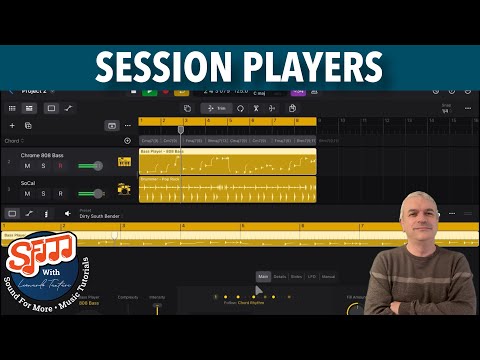
Session players are great to get you started with something…
I think the biggest gap in the Logic Pro manual is AUv3 features. Your Recording Riffler Flow MIDI is a good example.
I can mention many gaps in the manual
Thanks again, for the new tutorial, Leo. No, as you said , the supplied manual is NO WAY to learn this app.. Please keep more coming..
Also with the new creators bundle many people who never considered subscribing to Logic Pro in the past might do so now .
Apple Logic Pro 3 for iPad - Tutorial 51: Chord Global Track in Session Player
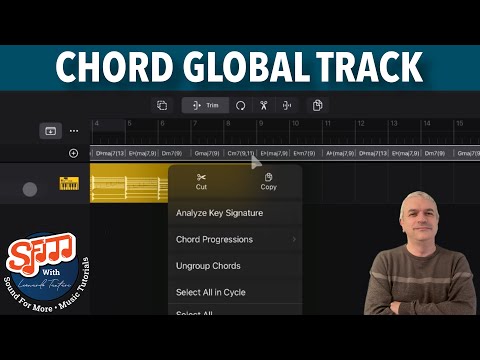
YES!!! Thanks again, Leo!
This last video is just an introduction to the global chord track; few more videos are coming to show how else it can be utilised, so do not worry if not everything is clear after only one video
Good , looking forward to the next one..
Apple Logic Pro 3 for iPad - Tutorial 52: Chords on Audio and MIDI Regions
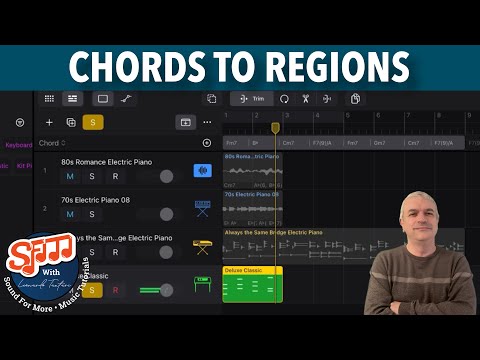
Yes! Thanks again in, Leo………
Apple Logic Pro 3 for iPad - Tutorial 53: Step Sequencer - Import Samples
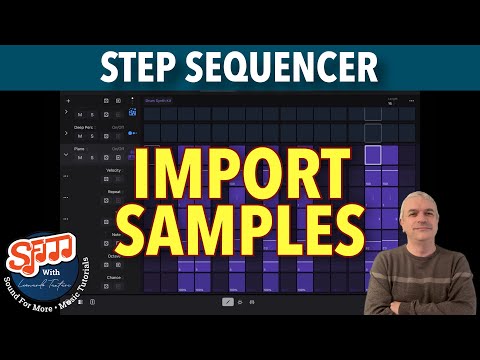
Latest videos are not getting many views, I may have to abandon these again. Perhaps people have moved on from Logic Pro for iPad ?
@sfm : This video already has over 100 views in 10 hrs. In a year you’d have over 30,000 views if not more . Not too shabby .. Please don’t stop making these LP4ipad videos . They’re classic and much needed
That's not how YouTube works, unfortunately. New videos get more of a push in the first day or so. After that, views slow to a trickle. A video that gets 1000 views in the first 24 hours might only end up with 2 or 3000 views total over the course of the next year. A video with 1 or 200 views in the first day will likely have fewer than 500 views a year later, and will likely have netted maybe $2 max in YouTube ad revenue. Worth the bother?
@Gavinski : I didn’t know that . I absolutely HATE the idea of losing @sfm Logic Pro
for iPad videos .
@sfm ::What about making them for your patron page ?
Please do not forget that the creator needs to pay the Apple Subscription as well, Apple never provided any support on this…
As i just restarted with the Logic Pro for iPad videos I am going to give it a bit longer before deciding, in the meantime here is another video:
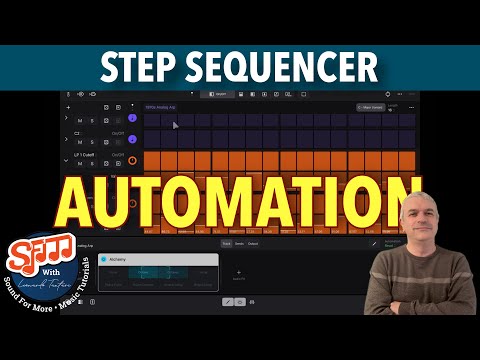
Apple Logic Pro 3 for iPad - Tutorial 54: Step Sequencer - How to create Automation
Apple Logic Pro 3 for iPad - Tutorial 55: Step Sequencer Magic: Instant Beats
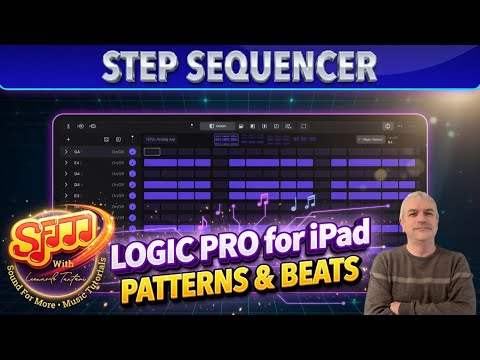
Discover how to create instant, harmonically intelligent beats using the Step Sequencer in Logic Pro for iPad 3! In this tutorial, learn to load pattern templates, analyze chords from regions, apply them to the global Chord Track, and make your Step Sequencer patterns follow chords automatically — displaying relevant intervals (root, 7th, 6th, 5th, etc.) for musically coherent results.
Key highlights:
• Load predefined chord patterns and extract chords instantly
• Set Pitch Source to “Chord Track” for patterns to adapt in real-time
• Randomize steps within chord degrees (e.g., root or fifth) for creative variations
• Add instruments like Quick Sampler (concert piano example) and Session Player drummers
• Mix with Mastering Assistant and apply real-time transposition via plug-ins
Timestamps:
0:00 - Welcome & Channel Reminder
0:40 - Creating a New Project & Adding Pattern Track
1:20 - Loading 1970 Analog Arp & Pattern Templates
1:50 - Loading Chord Pattern & Analyzing Chords
2:30 - Applying Region Chords to Global Chord Track
3:10 - Creating New Pattern & Setting Pitch Source to Chord Track
3:50 - Adding Quick Sampler Concert Piano
4:20 - Playing, Randomizing Steps & Chord-Following Magic
4:50 - Adding Session Player Drummer
5:00 - Mixing with Mastering Assistant
5:45 - Real-Time Transposition with Transposer Plug-in
6:15 - Tips for Building from Scratch & Final Thoughts
Thanks again, Leo and LOVE the new time stamps now . DON’T STOP !!!!
Amazing, clear instruction, and straight to the point demonstration. Thanks Leo!
And I agree; please don’t ever stop!