Loopy Pro: Create music, your way.
What is Loopy Pro? — Loopy Pro is a powerful, flexible, and intuitive live looper, sampler, clip launcher and DAW for iPhone and iPad. At its core, it allows you to record and layer sounds in real-time to create complex musical arrangements. But it doesn’t stop there—Loopy Pro offers advanced tools to customize your workflow, build dynamic performance setups, and create a seamless connection between instruments, effects, and external gear.
Use it for live looping, sequencing, arranging, mixing, and much more. Whether you're a live performer, a producer, or just experimenting with sound, Loopy Pro helps you take control of your creative process.
Download on the App StoreLoopy Pro is your all-in-one musical toolkit. Try it for free today.
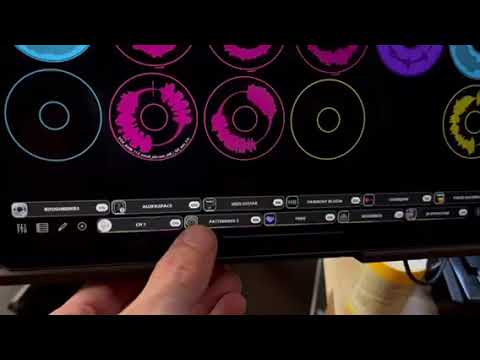
major glitch when using pattering 3

this is tipically not an issue as i will just record each drum beat into a doughnut, but seems like patterning 3 is not very well designed, or could this be another issue?
i have the latest ipad
Comments
Buffer settings maybe? Can’t remember settings for the app off the top of my head, so not sure.
We can't see what the CPU percentage reads before you open the window. Some AUv3, use a lot more resources when their windows are open.
What is your buffer set to?
buffer duration is set to 256, sample rate to auto,, file format to 32bit
What does the CPU indicator say before and after you open the patterning ui? Does it stabilize?
CPU indicator?
There is a display in Loopy Pro that indicates the percentage of available DSP processing;
Not sure what's going on here. My first thought is that there is was some debugging code that got left into production accidentally. I will investigate. Are you are on the latest version - 3.2?
this morning i turned off auto save in loopy and it seems to work now, i then turned back on auto save just to see if it will glitch again and seems to work fine still. so not sure what the issue was but its fine now. I will keep working with this and take note when and if this will happen again.
latest version of patterning, cpu indicator at 65%,
Was the CPU indicator at 65% before or after opening the Patterning u.i.?
If that was before opening the patterning u.i., you might want to look at whether you have CPU-heavy AUv3 instruments that aren't actively being using -- they might be eating up a lot of your CPU.
when you say that you turned off auto-save, do mean that you turned off Save Points? If so, Save Points won't affect CPU use -- and turning them off doesn't turn off auto-saving. It turns off archiving of save states.
65 was before, went to 51% after opening patterning, so not much of a drop.
but again so far tings are working great after turning off save points. i will keep my eye out on this issue if it persists