Loopy Pro: Create music, your way.
What is Loopy Pro? — Loopy Pro is a powerful, flexible, and intuitive live looper, sampler, clip launcher and DAW for iPhone and iPad. At its core, it allows you to record and layer sounds in real-time to create complex musical arrangements. But it doesn’t stop there—Loopy Pro offers advanced tools to customize your workflow, build dynamic performance setups, and create a seamless connection between instruments, effects, and external gear.
Use it for live looping, sequencing, arranging, mixing, and much more. Whether you're a live performer, a producer, or just experimenting with sound, Loopy Pro helps you take control of your creative process.
Download on the App StoreLoopy Pro is your all-in-one musical toolkit. Try it for free today.


Comments
Those operations are available in the clock popdown panel you get by tapping wherd the tempo is displayed.
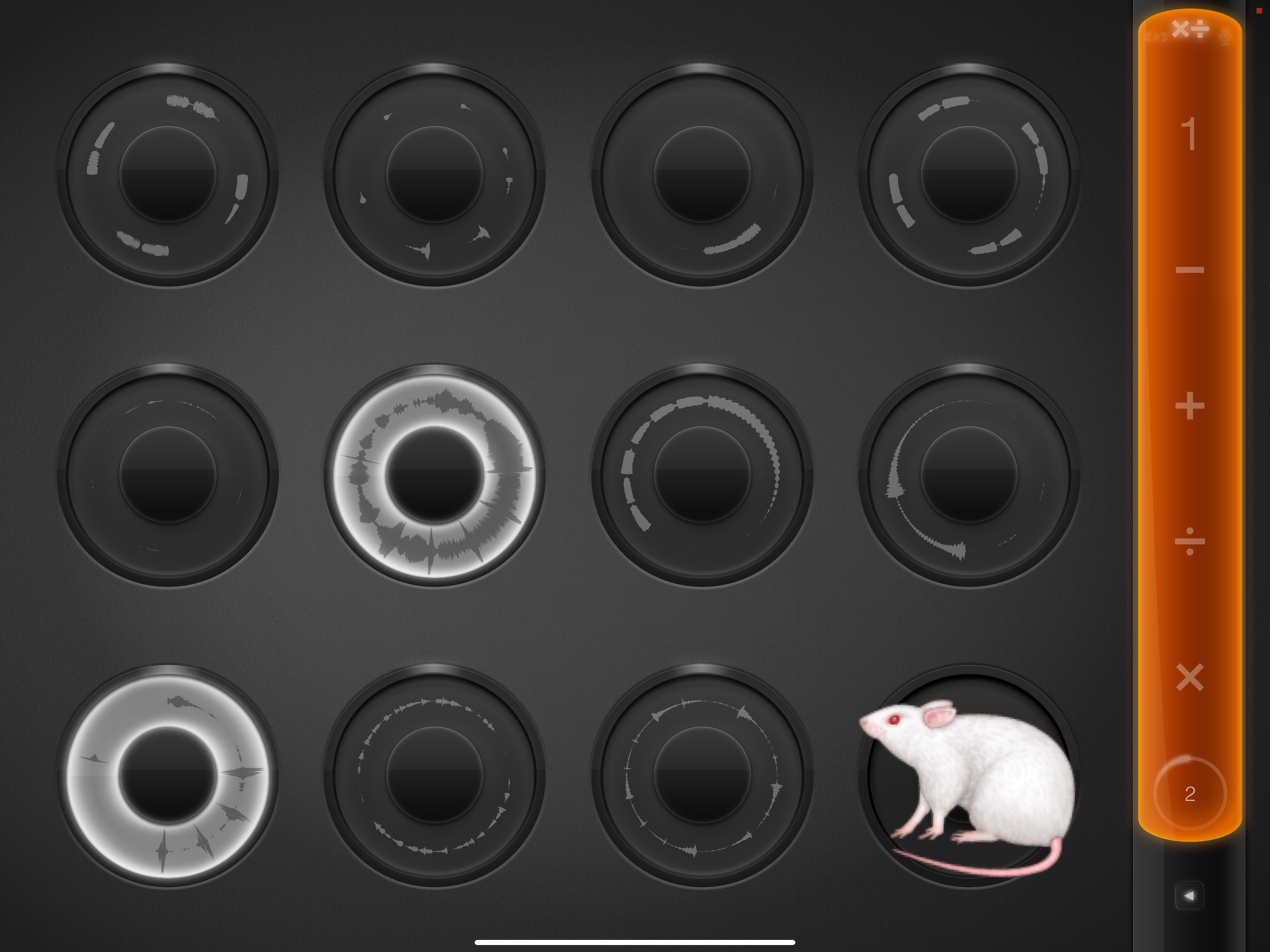
You can add buttons to your template if you want to access them more directly. Use the Set Master Length action to add/divide the master clock.
See the Master Clock Length tutorial sample project for widgets already setup. I highly recommend going through each project in the tutorial projects folder.
The other sample projects are well worth looking over, too.
Here is a quick mod of the sample project dive by adding some more loops to the tutorial project, switching up the colors and rearranging things on the page
@espiegel123

Thanks very much, looks great and I think this could be a good starting point for me to explore the new functionality in LP.
I urge you to also