Loopy Pro: Create music, your way.
What is Loopy Pro? — Loopy Pro is a powerful, flexible, and intuitive live looper, sampler, clip launcher and DAW for iPhone and iPad. At its core, it allows you to record and layer sounds in real-time to create complex musical arrangements. But it doesn’t stop there—Loopy Pro offers advanced tools to customize your workflow, build dynamic performance setups, and create a seamless connection between instruments, effects, and external gear.
Use it for live looping, sequencing, arranging, mixing, and much more. Whether you're a live performer, a producer, or just experimenting with sound, Loopy Pro helps you take control of your creative process.
Download on the App StoreLoopy Pro is your all-in-one musical toolkit. Try it for free today.
AudioSpectrogram: Free Real-Time Audio Analyzer & Spectrogram Web App

https://seven.systems/audio-spectrogram/
Installable as full home screen / desktop web app.
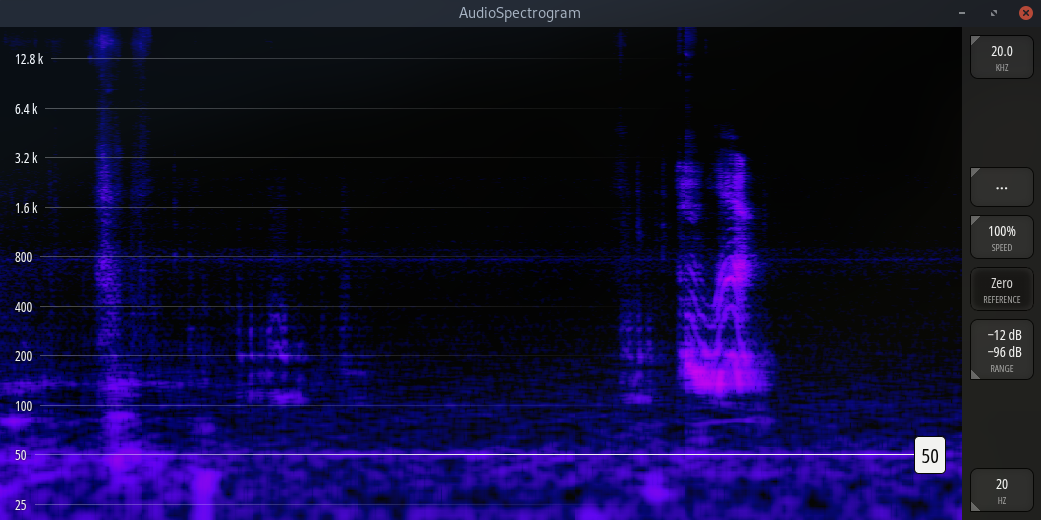
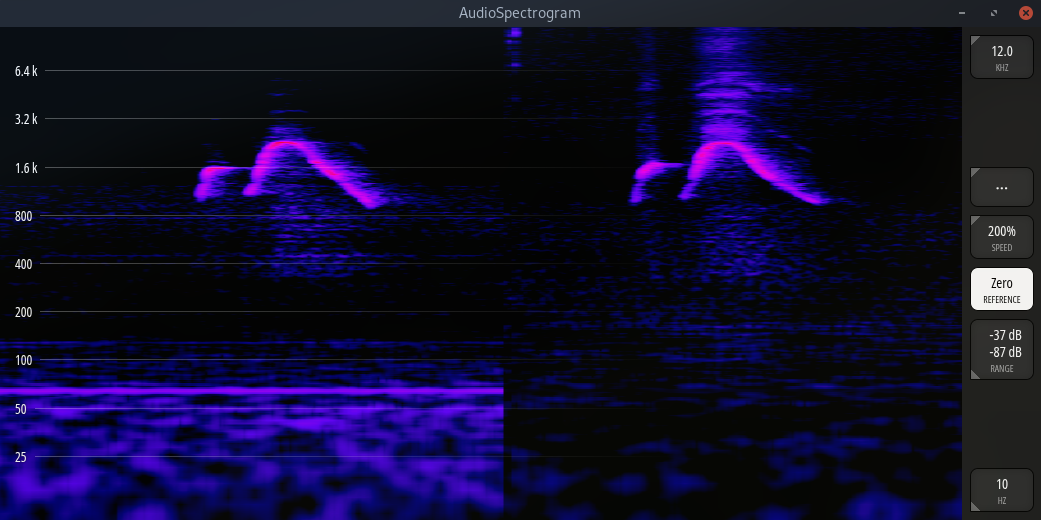
- Freely adjustable frequency range
- Freely adjustable dynamic range
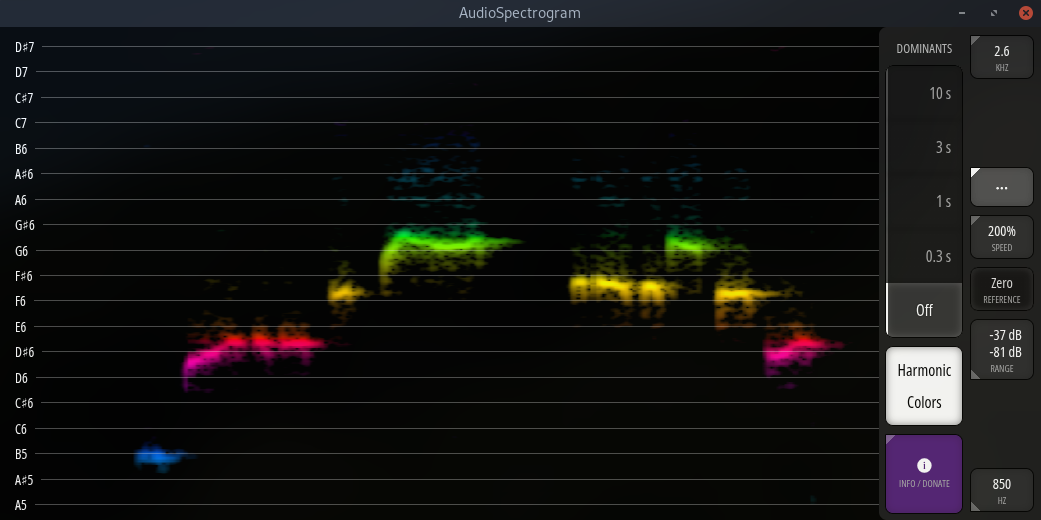
- Automatic note / pitch grid when zoomed in on narrow frequency range
- Optional note / pitch based coloring of spectrogram
- Configurable automatic detection of the two most dominant frequencies
- Selectable horizontal speeds (~ 10 seconds to 2 minutes visible at once)
- One-click background noise removal (spectral zero-reference)
- Efficient resource usage / low battery drain
- Dual-FFT technology for accuracy in both time and frequency dimensions
- Works on any device from toasters* to supercomputers*
Feedback and donations appreciated!
(* = display and audio hardware required)
Comments
Pretty cool, just tested on Android 👍 I couldn't find how to display notes on the vertical scale instead of Hz (I've got harmonic colors on)
YOU NAILED IT. Free apps are NOT free… they consume storage BUT you saw that issue and created a solution.
The App is IN THE CLOUD. Genius.
Now, I will wait to see if your web page captures user data ‘cause that’s a whole thing to rant about.
Thank you for testing on Android!
Notes will be displayed if you "zoom in" close enough vertically, i.e. if you choose a lower max frequency using the top-right menu (say, 1.5 kHz) and a higher min frequency using the bottom-right menu (say, 300 Hz). Note display depends on the available vertical display space: On taller displays (say, iPhone in portrait mode, or a desktop computer), a larger frequency range can be displayed while still displaying the note grid.
Thank you very much! This makes perfect sense too! 😅