Loopy Pro: Create music, your way.
What is Loopy Pro? — Loopy Pro is a powerful, flexible, and intuitive live looper, sampler, clip launcher and DAW for iPhone and iPad. At its core, it allows you to record and layer sounds in real-time to create complex musical arrangements. But it doesn’t stop there—Loopy Pro offers advanced tools to customize your workflow, build dynamic performance setups, and create a seamless connection between instruments, effects, and external gear.
Use it for live looping, sequencing, arranging, mixing, and much more. Whether you're a live performer, a producer, or just experimenting with sound, Loopy Pro helps you take control of your creative process.
Download on the App StoreLoopy Pro is your all-in-one musical toolkit. Try it for free today.
Instrument to Koala recording: routing

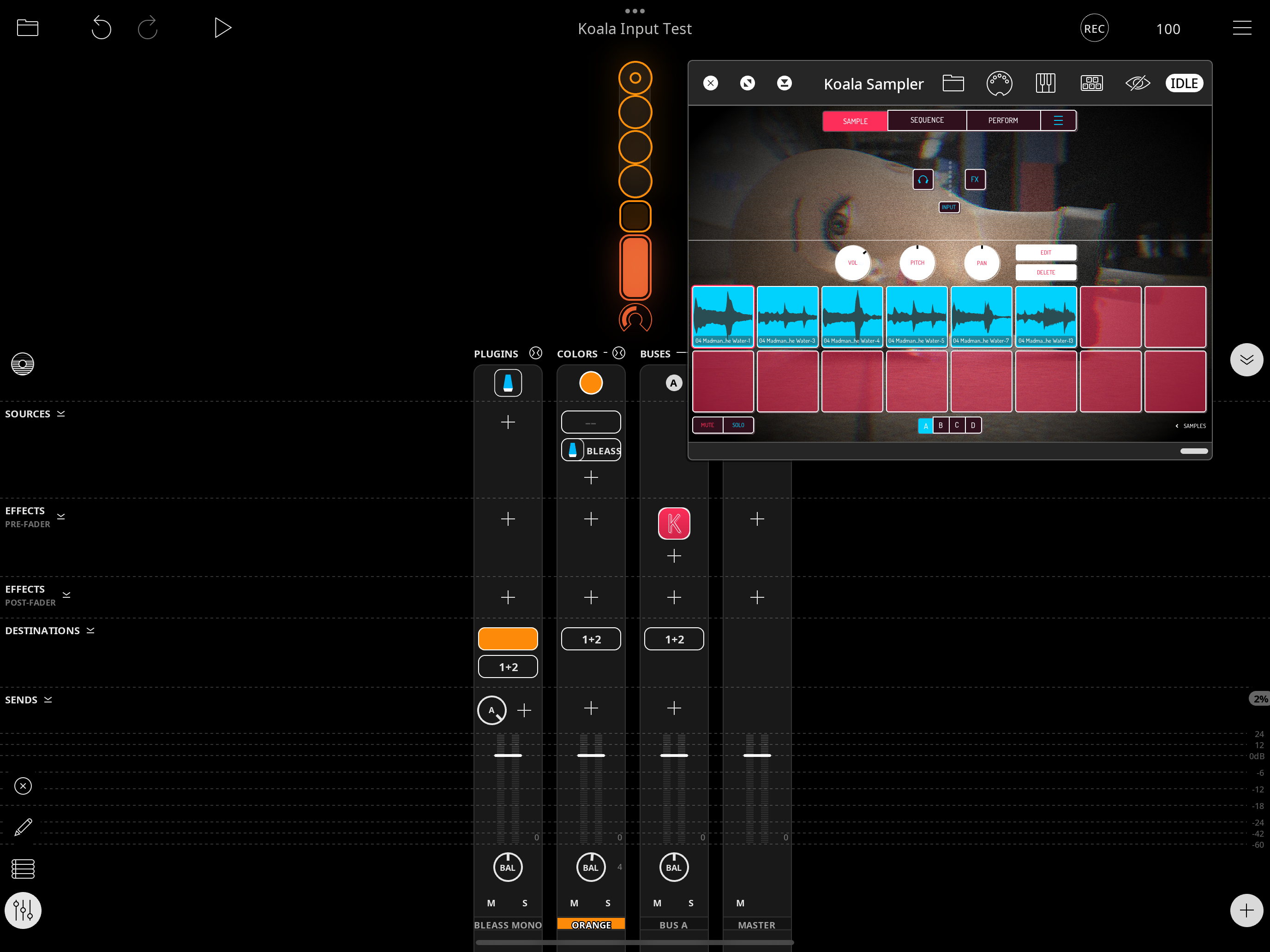
Can’t find the thread but @espiegel123 posted a simple way to record audio into koala as a music effect in a separate bus. Recording works as expected, but then playing the pads produces no sound—the effect is “Idle”. Makes sense, I guess, since an effect requires audio input to activate. Any advice on how to set this up so I can play back the recorded samples in Koala without a separate audio input?
Comments
Long press where it says OFF or IDLE, then turn
Enable Idle Modeoff. The setting will be remembered the next time you use the FX in a project.Ha! Yes! Always try the long press! Thanks @wim
For future reference , the Loopy Pro wiki (https://wiki.loopypro.com/Main_Page) and the manual are good places to search for information.