Loopy Pro: Create music, your way.
What is Loopy Pro? — Loopy Pro is a powerful, flexible, and intuitive live looper, sampler, clip launcher and DAW for iPhone and iPad. At its core, it allows you to record and layer sounds in real-time to create complex musical arrangements. But it doesn’t stop there—Loopy Pro offers advanced tools to customize your workflow, build dynamic performance setups, and create a seamless connection between instruments, effects, and external gear.
Use it for live looping, sequencing, arranging, mixing, and much more. Whether you're a live performer, a producer, or just experimenting with sound, Loopy Pro helps you take control of your creative process.
Download on the App StoreLoopy Pro is your all-in-one musical toolkit. Try it for free today.
Loopy Pro using midi clips to send to external gear, setting midi channel for each clip ?

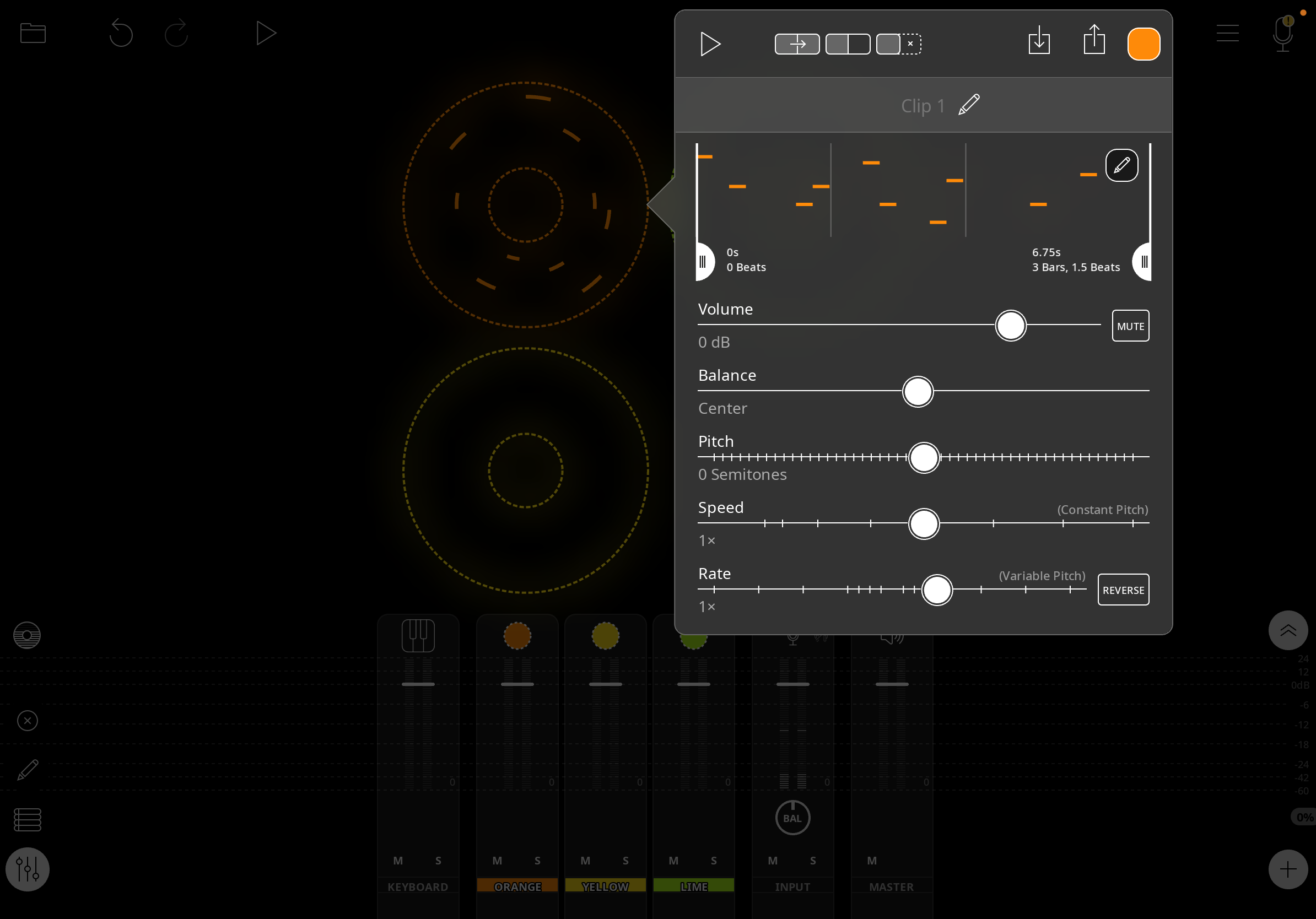
How do you set midi channel numbers for midi clips in LP ? I’m not seeing it listed anywhere for each individual clip? I’m trying to use LP as a hardware sequencer?
Comments
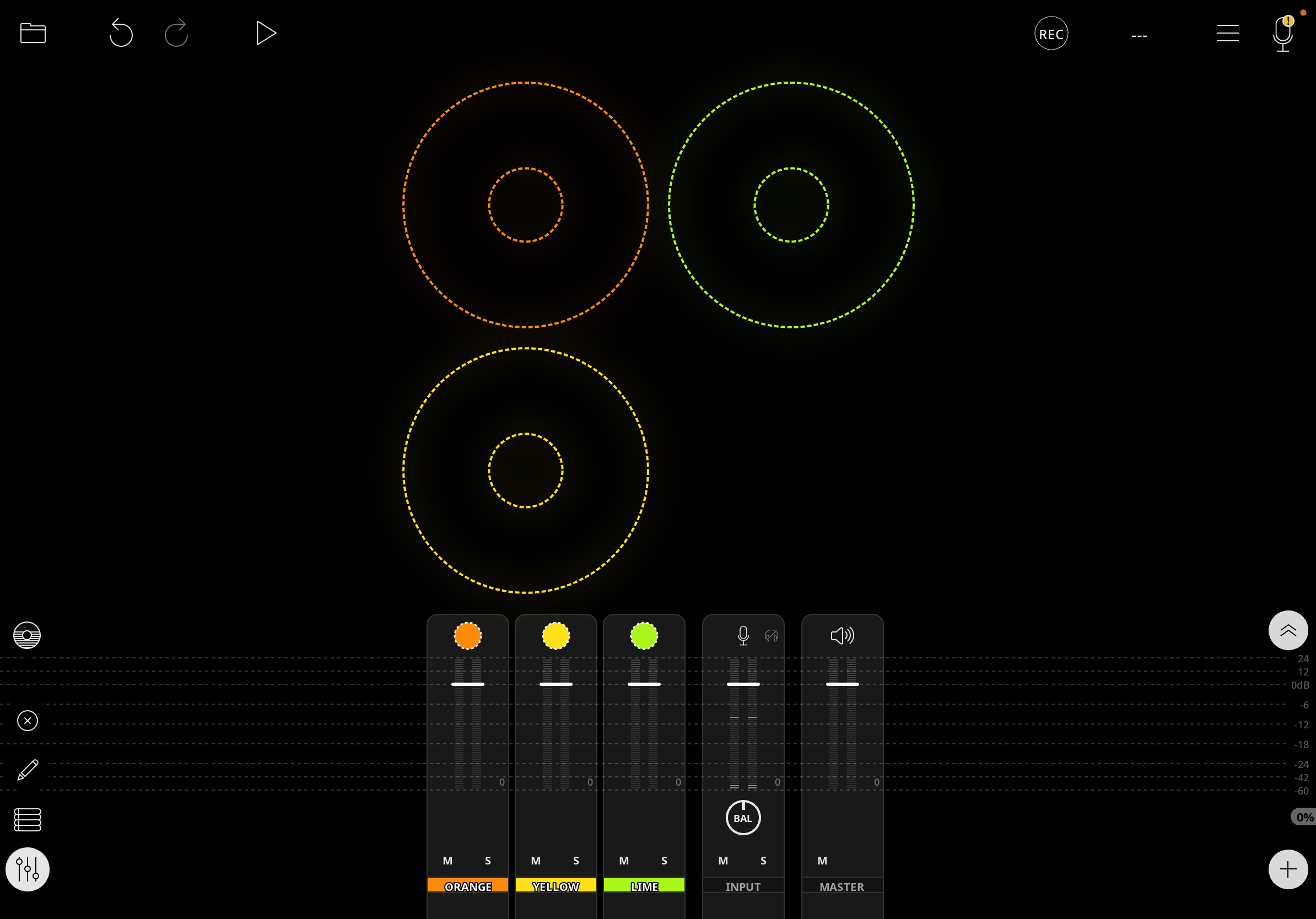
You don't set midi channel for clips, you set it for colors. Long press the midi color's destination in the mixer, and set the Destination Channel.
Cheers @wim knew it had to be something simple.