Loopy Pro: Create music, your way.
What is Loopy Pro? — Loopy Pro is a powerful, flexible, and intuitive live looper, sampler, clip launcher and DAW for iPhone and iPad. At its core, it allows you to record and layer sounds in real-time to create complex musical arrangements. But it doesn’t stop there—Loopy Pro offers advanced tools to customize your workflow, build dynamic performance setups, and create a seamless connection between instruments, effects, and external gear.
Use it for live looping, sequencing, arranging, mixing, and much more. Whether you're a live performer, a producer, or just experimenting with sound, Loopy Pro helps you take control of your creative process.
Download on the App StoreLoopy Pro is your all-in-one musical toolkit. Try it for free today.
Edit sample zoom issue and starting and endpoint control wish

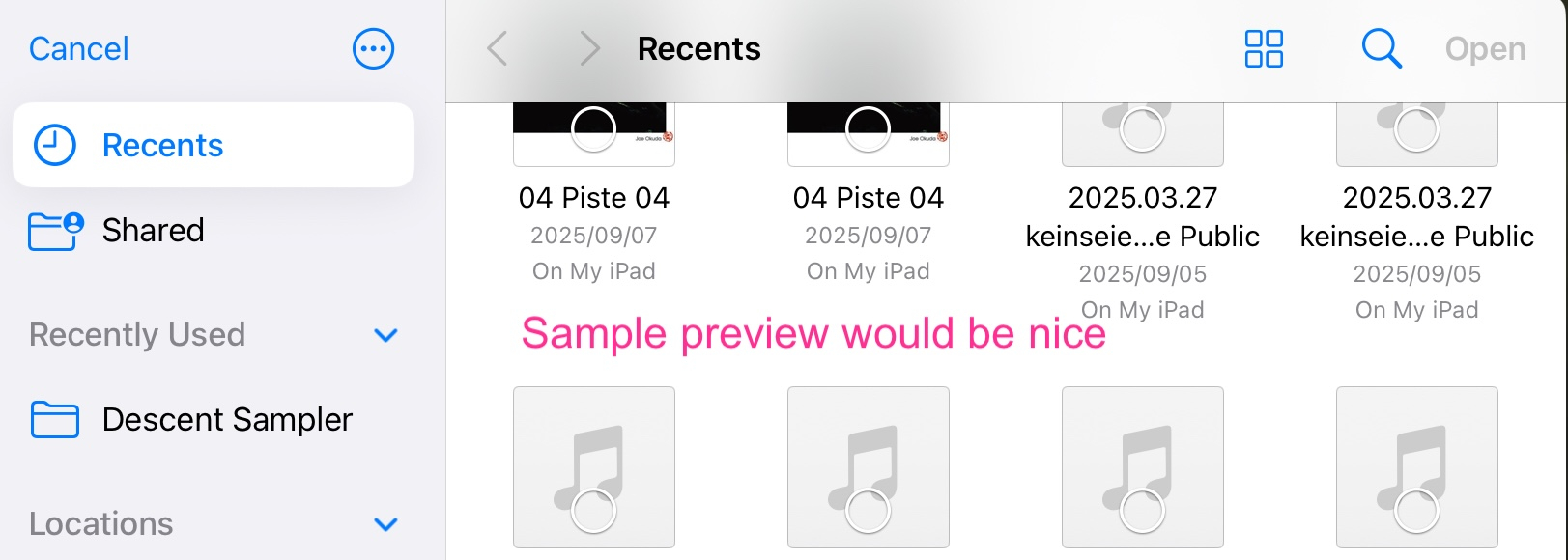
I would like to see a preview feature in iPadOS Finder, similar to the one in Koala.
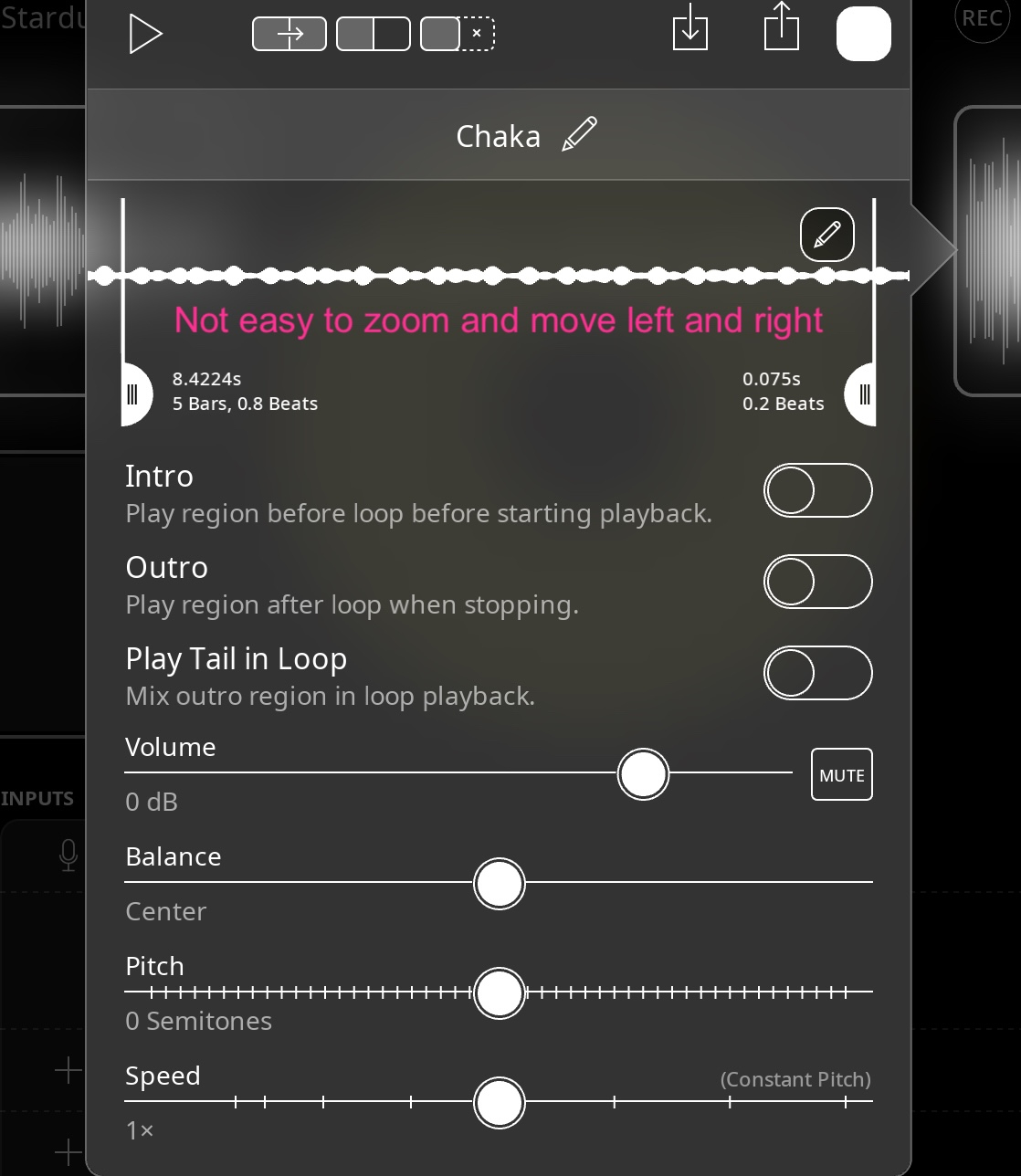
It would be great to have an easier way to move and zoom in on long samples.
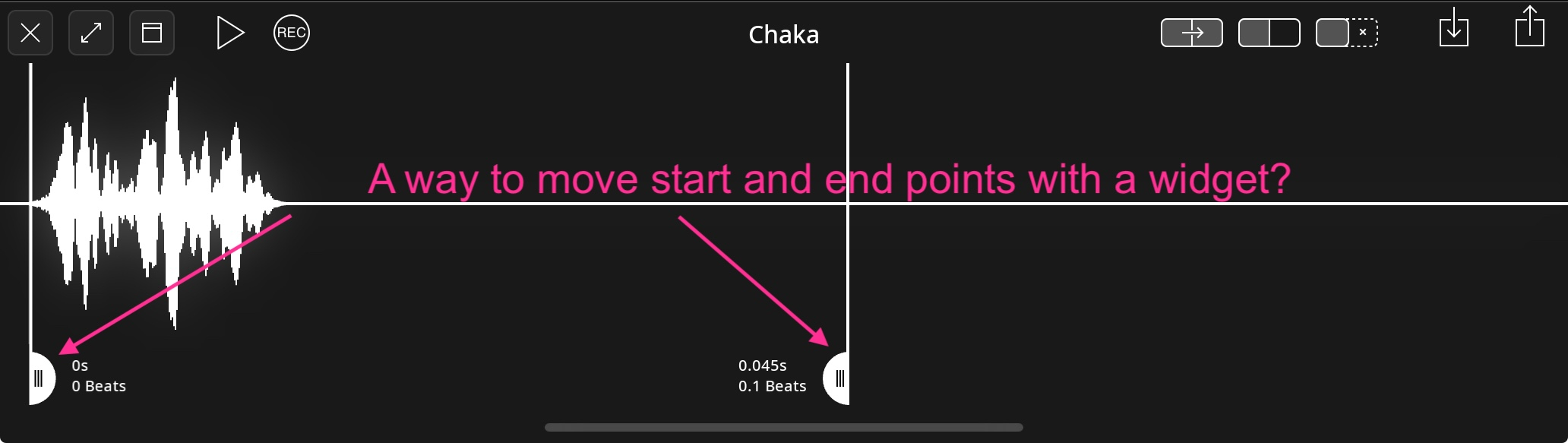
A way to control the start and end points of a sample for playback, like with the Chase Bliss Mood mk2 pedal, would be very useful.
Here is a video showing the issue.
https://dropover.cloud/af71ed
Comments
Do you know if you hit the pen icon you can get a bigger editor that can be almost full-screen? Also, if you haven’t found it already, drag down on the handles to disable snap.
@wim I haven't tried yet, thank you, it is easier.
Actions for adjusting the start and end points would be nice. It’s on the roadmap as a planned feature. Upvote to help push it along.
https://roadmap.loopypro.com/feature-requests/p/midi-control-and-actions-for-trim-start-end-for-clips-live-performance
You can adjust the clip offset (rotation) of a clip using a widget or actions. Not the same as adjusting the start and end points, but useful.
@wim Nice
You can set the sensitivity of, say, a knob setting the offset, and you can even quantize the offset amounts.