Loopy Pro: Create music, your way.
What is Loopy Pro? — Loopy Pro is a powerful, flexible, and intuitive live looper, sampler, clip launcher and DAW for iPhone and iPad. At its core, it allows you to record and layer sounds in real-time to create complex musical arrangements. But it doesn’t stop there—Loopy Pro offers advanced tools to customize your workflow, build dynamic performance setups, and create a seamless connection between instruments, effects, and external gear.
Use it for live looping, sequencing, arranging, mixing, and much more. Whether you're a live performer, a producer, or just experimenting with sound, Loopy Pro helps you take control of your creative process.
Download on the App StoreLoopy Pro is your all-in-one musical toolkit. Try it for free today.
Change in behaviour of one shot triggering after update? Anyone else notice?

Hi there,
since the latest update there's been a change in behaviour in my sessions that I built in the previous version of LP. I used to trigger an audio loop and several one shots using a trigger widget, one widget for each scene a la Ableton live. This has been working perfectly, but after the update the one shots no longer sound. The audio clip plays but none of the one shot clips. I can play the one shots by triggering their icon directly, so they are working, but not have them play as part of a trigger widget.
This is a quite a change in behaviour. Has anyone else noticed this? Any ideas?
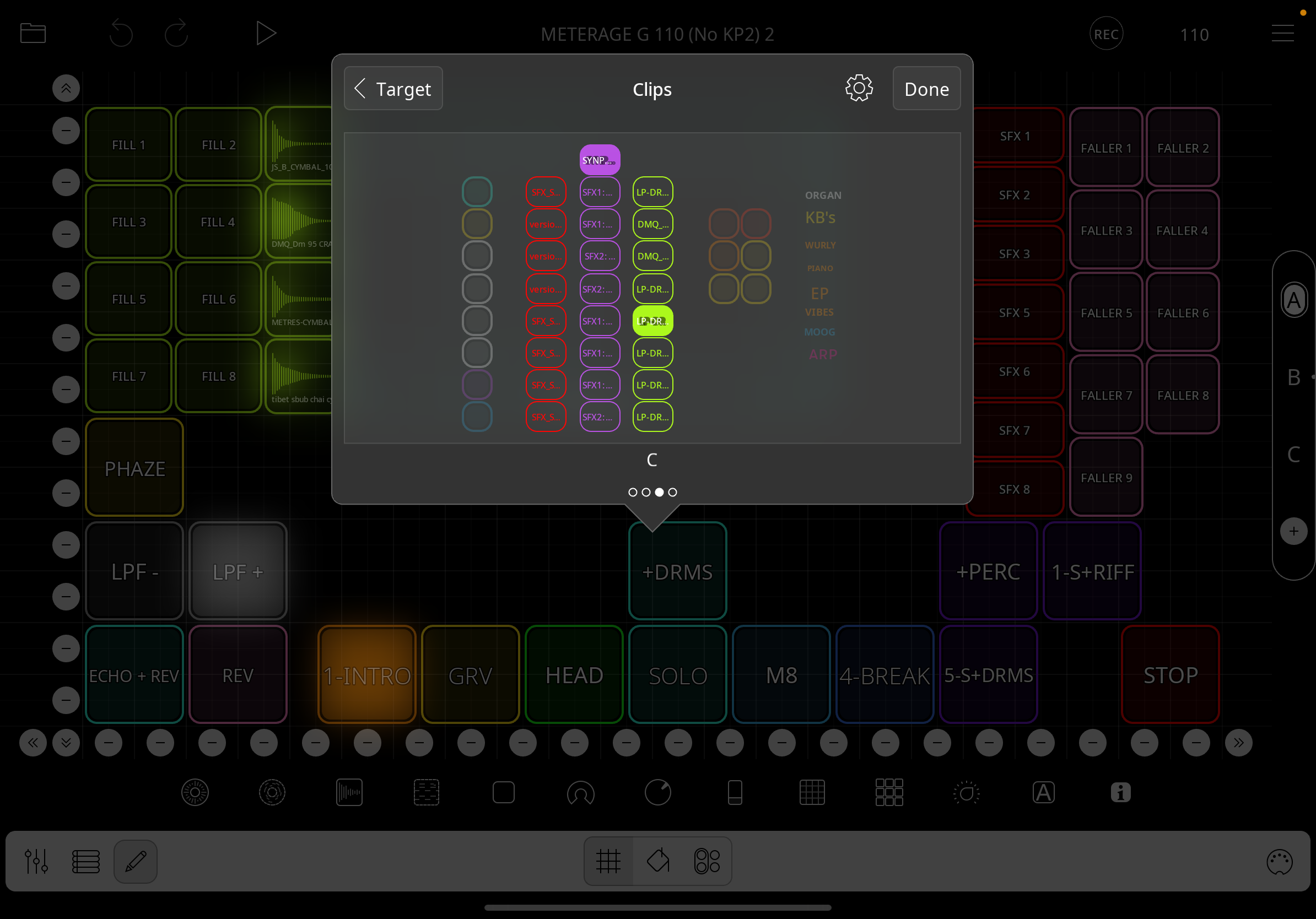
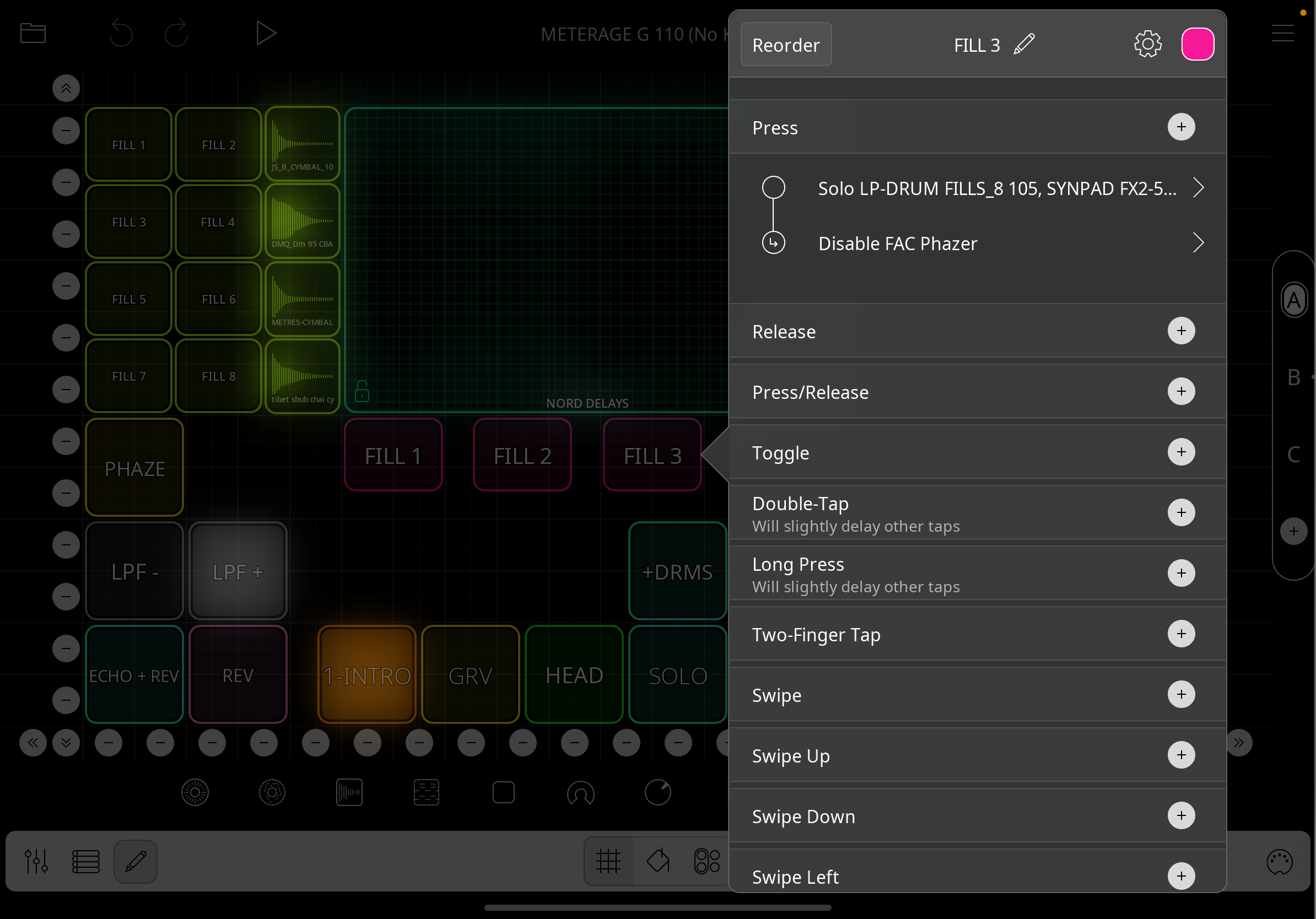
The first photo shows a widget to trigger a fill between scenes. There is a looped drum fill and a one shot SFX.
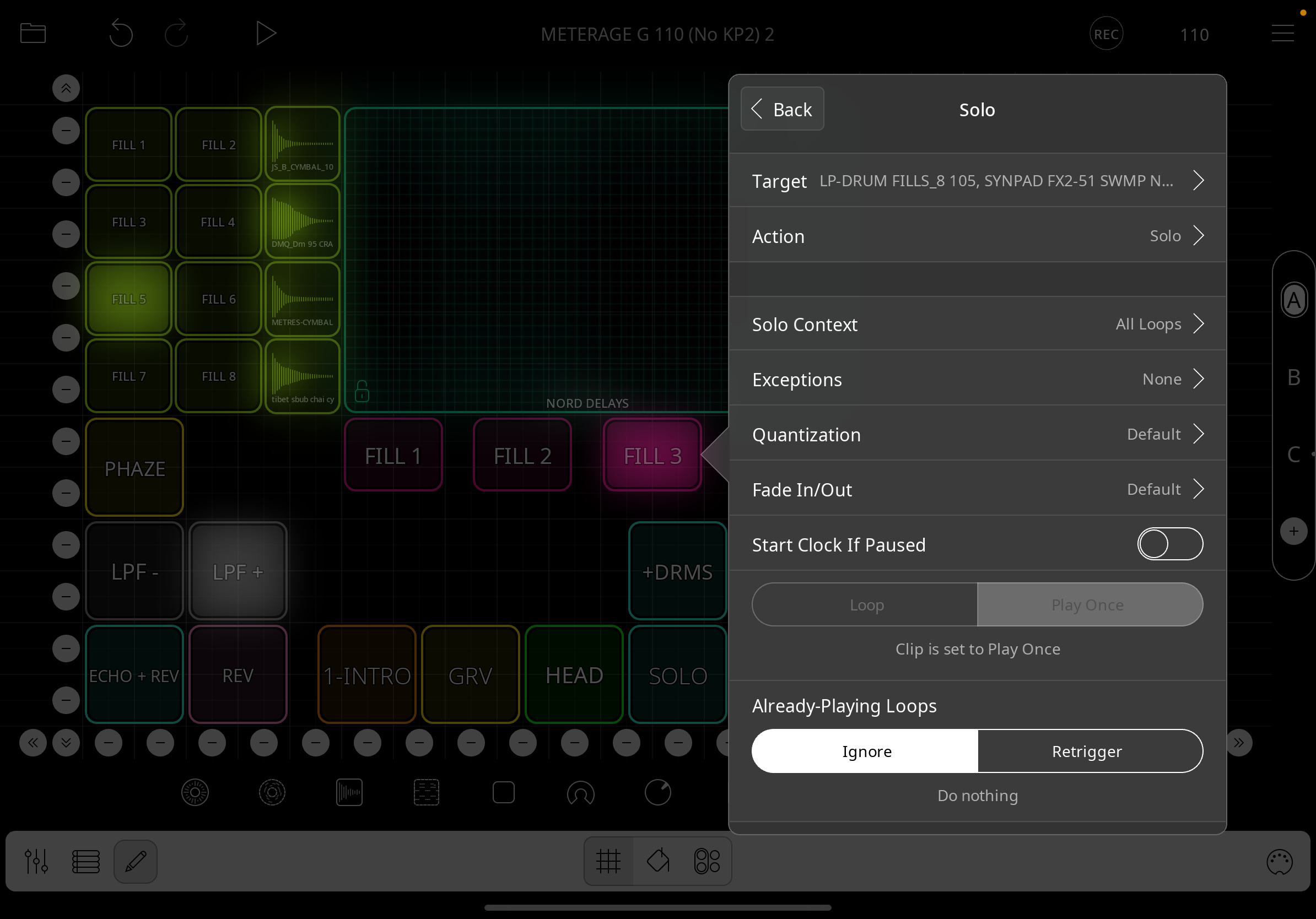
The second photo shows the settings for the clips
The third photo shows the clips, the green looped drum fill and the purple one shot.
When triggered the looped drum fill plays but the one shot doesn't. Master quantisation is set to one bar.
Comments
Sorry, the order of the photos is different but you get the idea.
@Maikoos : which two loopy versions do you mean when you say the latest update broke something working previously? Do you mean 2.0.4 broke things that worked in 2.0.3?
I think we will need to see your project as we haven’t had any similar reports. Please zip the project and send to [email protected] and describe the steps to reproduce the issue in the message.
I had similar issues after updating to iOS 26. Deleting the widgets and clip settings for one shot and starting again solved it for me. You could try that. Fingers crossed!
Hi Moozeic, thanks for your tip.
I'm not sure what you mean by iOS 26 as my understanding is we are only up to iOS 18 in the Apple universe. I'm running iOS 18.6.2. I'm hoping not to have to redo all my triggers and clip settings as there are quite a lot. I have tried deleting and redoing one as an experiment and it didn't help unfortunately.
M
Thanks for the prompt reply espiegel123.
Not sure which version I was running before. I purchased an upgrade on 1 September 2025, and was running whichever version it was before that major upgrade. Now running v2.02 (696)
I'll zip the project and send it to support, thanks.
M
Ok just updated to latest version but no change in behaviour. I'll go to the help desk.
This is surprising. We’ve had no reports of problems related to ios26 other than the annoyance that ios26 moved the multitasking menu to a place that interferes with the project drop down.
Sorry but could you explain how I compress a file to send? I just tried doing that on my iPad Pro 3, chose a Loopy pro session session file, Press and held it, chose the option "compress" and nothing seems to happen.
That is how to compress/zip a file. You are using Files app and choosing your project file? ? After you choose compress, you should see a zip of the file.
You will see a popup like this in files
After you should see something like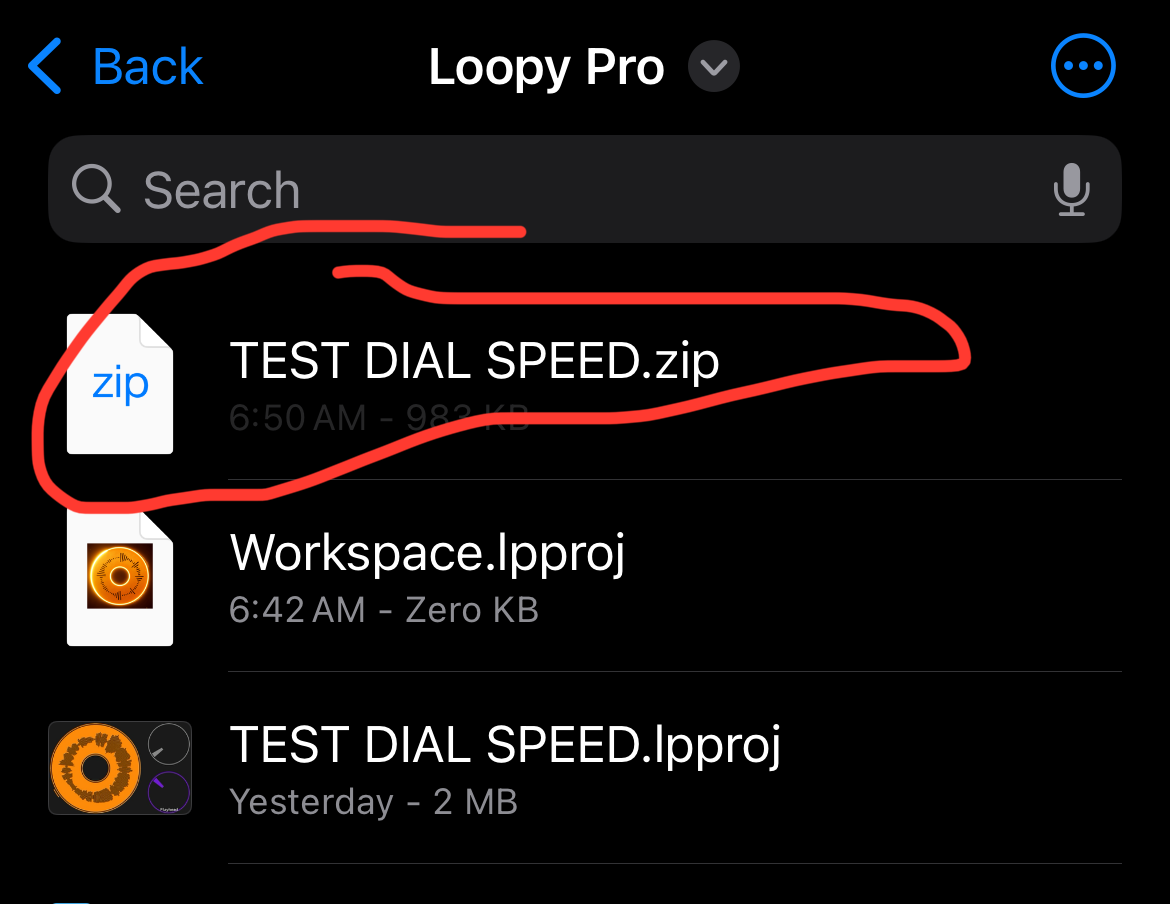
@espiegel123 - Mentioned this issue in the iOS 26 update thread a few days ago and that I was also no longer able to load ifretless bass as an auv into loopy pro immediately after updating to ios26. Both issues were resolved last night when it all mysteriously started working again. Sorry it didn’t work for you on ios18.62 @Maikoos
The IFretless bass issue had nothing to do with loopy pro. Their apps were broken in all hosts. They have updated their plugins with a fix.
Because of the timing, I assumed it was an iOS 26 issue, not a loopy pro issue but could be wrong (I am most days!)
Hi there everyone,
Apologies to Moozeic, we are indeed at iPadOS26, jeez I can't keep up.
Also to espiegel123, the compressed versions I tried worked, they were just saved off screen. The issue is they are 91MB after compression so I might need to strip out the audio clips and try again before sending as that's too large.
M
You could upload that to Google drive or Dropbox or the like and send us a link.
How about We-transfer?
Sure
The issue is that the Solo Clip action isn’t working for one-shot targets. I’ve let Michael know. As a workaround, you can use a combination of Stop All Clips + Play Clip
Hi there and thanks for your reply. Is that a change in behaviour from Loopy version 1.x.x?
Is that a deliberate change or a bug?
Thanks
M
It’s a bug. Amazingly no one seems to have run into it till now.
Thanks, at least I'm not going mad. 😁
Hi there,
I notice in the recent update 2.05 there is, "- Re-added support for solo actions affecting one shots"
That sounds like a fix or quasi fix for the, "soloing one shots not playing issue" but it hasn't fixed the bug. Am I interpreting it incorrectly?
Regards,
M
It is working when I test it. Can you send a zipped example where it doesn’t work to [email protected] ?
Hi Edward,
What version of iOS are you running? I'm on 18.7.1.
M
Did realise I've got so far behind. It's up to iPadOS 26! Could that be the issue?
The ios version is unlikely to make a difference. I tried with ios 17.x and 18.x
@Maikoos we'll need a project and instructions about reproducing the issue. There must be some factor besides simply solo not working. Perhaps some particular setting.
You're not actually that far behind. iPadOS 26 is really just "iPadOS 19", but Apple has switched to a year numbering system.