Loopy Pro: Create music, your way.
What is Loopy Pro? — Loopy Pro is a powerful, flexible, and intuitive live looper, sampler, clip launcher and DAW for iPhone and iPad. At its core, it allows you to record and layer sounds in real-time to create complex musical arrangements. But it doesn’t stop there—Loopy Pro offers advanced tools to customize your workflow, build dynamic performance setups, and create a seamless connection between instruments, effects, and external gear.
Use it for live looping, sequencing, arranging, mixing, and much more. Whether you're a live performer, a producer, or just experimenting with sound, Loopy Pro helps you take control of your creative process.
Download on the App StoreLoopy Pro is your all-in-one musical toolkit. Try it for free today.
Comments
Brilliant update this sequencer is king of the hill now.
It is great! I’m getting all kinds of interesting surprises from it.
@woodman … “Added polyrhythm”?!? Wuuut?!? Wow, thanks ! Instabuy now !
@Telstar5 : yes you made me think about it :-)
@woodman:
Great update! Thank you for this – but the Apple Pencil doesn’t work in a right way with this otherwise brillant App.
The same problem exists in WoodSynth. As soon as you lift the pencil, the value jumps to something different. In WoodPressor (yes, I own many of your very nice Apps) the problem doesn’t exist – everything works fine.
During writing this message the possible cause (hovering) of this problem came into my mind. So I turned off the (otherwise brillant) Apple Pencil hovering feature in the iPad‘s system settings and Voilà! – everything’s fine now!
Please have a look at this, because It drives me crazy to turn off hovering every time before I use your Apps.
There’s one more thing, I would like to see in an upcoming update:
It would be excellent if there was a „flip Faders (like on some famous mixing desks)“ function for the CCs. So instead of controlling Velocity, you also could draw in MIDI CC values – and have a better graphical visualization of the controller values.
Love & Peace,
Plø
@Ploe : I wasn't aware of the pencil problem as I don't have one but I will check it out. Nice idea for the fader flip, on the TO DO list !
😎
Great update, wow!
.> @woodman said:
Fantastic update, 🤩 you are a champion in diligence!
Another thing, if you already decided to support Apple Pencil, go all the way and be the first musical app(s) that supports the pencil’s barrel roll for tweaking the knobs. (Warning: it’s only supported with Pencil Pro).
@woodman:
There’s something wrong with the “transpose sequence” function (besides the numbering of the sequence to be transposed – 0-3 instead of 1-4, which isn’t a big problem).
The transform parameter seems to be transmitted to late (should be before the Note on event), so the first note of a cycle doesn’t get it. Sometimes even the whole sequence gets messed up.
An example:
Sequence one (4 steps, step length is quarter notes): C, D, E, F
Sequence two (2 steps, step length is 1 bar): transpose value 0,7
The resulting sequence should be: C,D,E,F, G,A,B,C
But it’s not …
I also think it would be nice to have a “blinking LED”, like you have on the “Alt” button at the “All steps” Button – just to make it more obvious that it’s activated.
Perhaps also in the settings box, if “set in all sequences” or “all vars”is turned on.
This could prevent some people from destroying their work (like it happened to me) …
Keep on, the App is brillant …
Cheers,
Plø
@Ploe : I'll check the transpose, you are probably right that is handled after the note-on, will fix it for next update. Flashings leds is also a good idea, it even crossed my mind as well :-)
btw I am just checking the pencil problem, my pencil arrived yesterday. Unfortunately I had to order the gen2 as my iPad Pro is just too old for the pencil pro.
@Ploe : just released v2.1
And more :
👍👊
This is just getting better and better...
Hey guys!
Sander Cliquet here. Son of Mr Woodman, haha. I made a video to showcase 10 WoodPecker presets that I made recently. All those presets are accompanied by a preset (with the same name) in WoodSynth. WoodPecker of course can send its sequence to any app but I think they sound best musically in combination with WoodSynth .
.
Here's the video: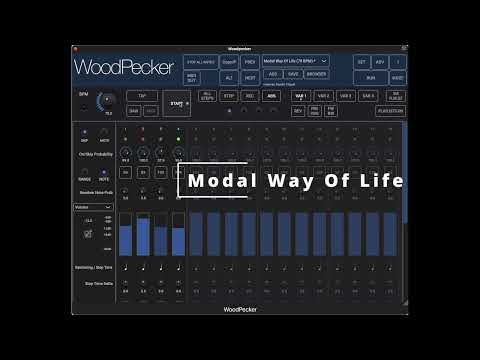
Let me know what you guys think and leave a comment on YouTube if possible :-).
Cheers,
Sander
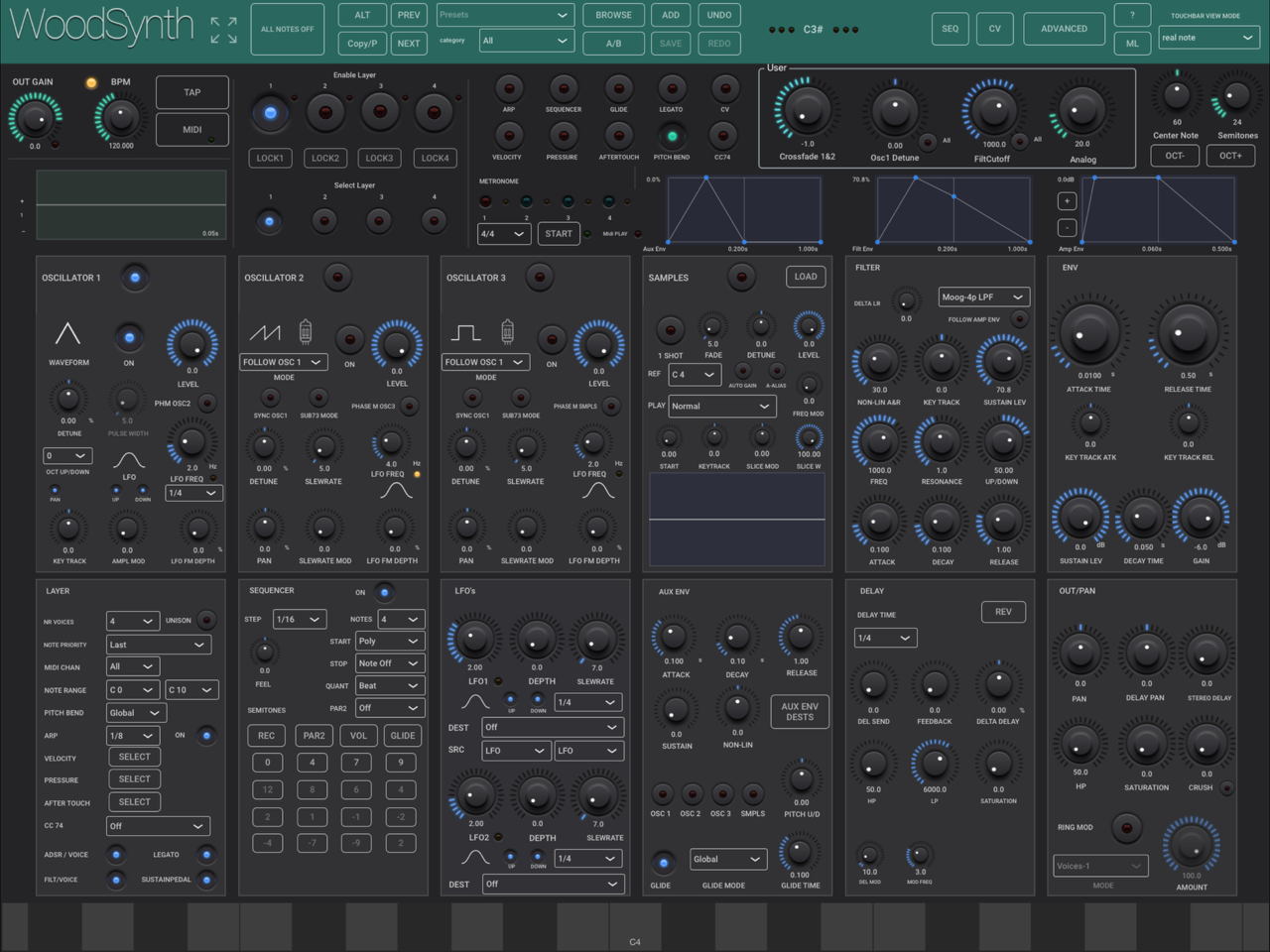
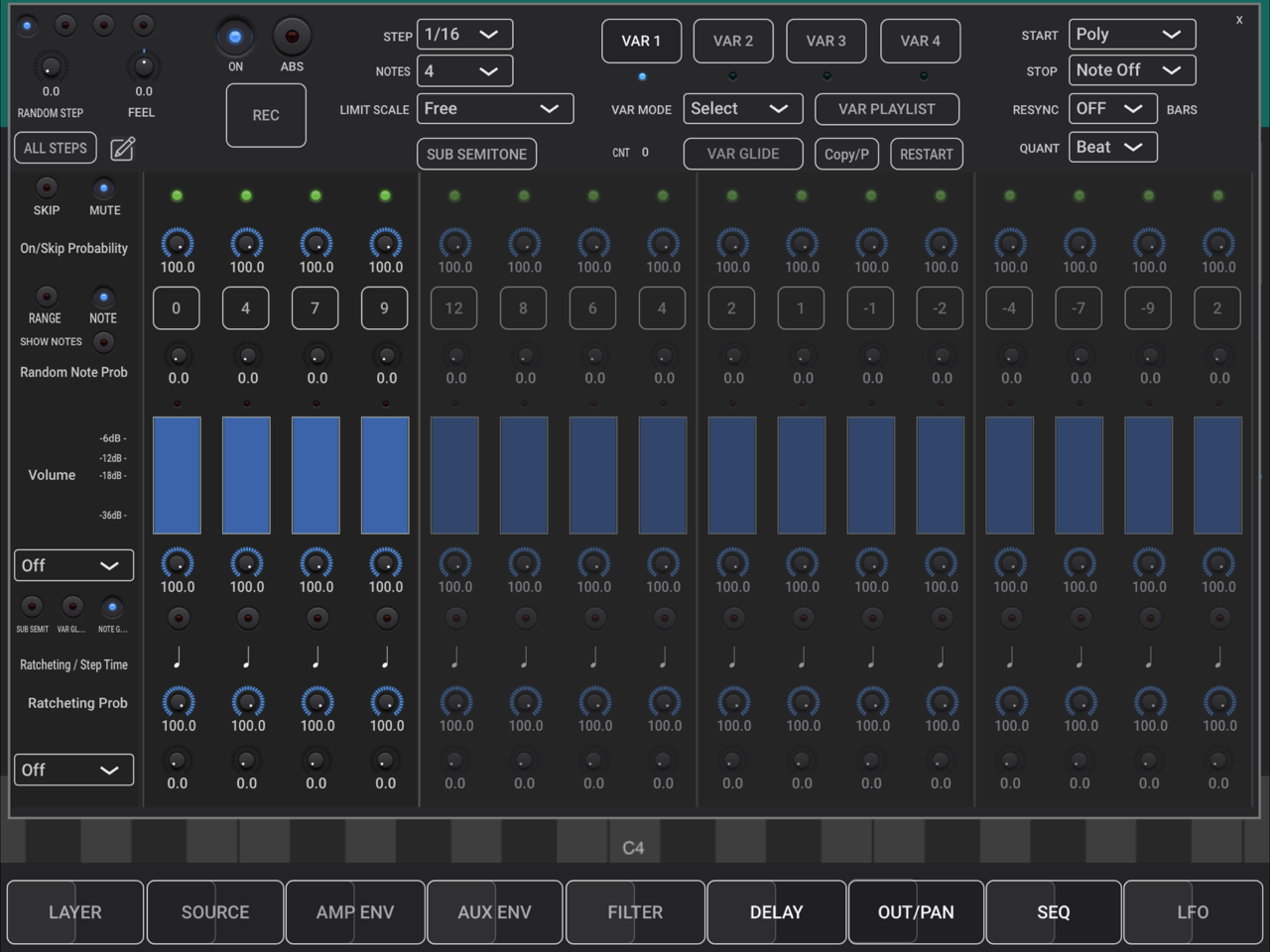
It looks and sounds very impressive but also quite complex, I already have the WoodSynth and even that was a challenge at times:
Welcome Sander! Nice effort to support your Dad’s work. 👍
@all, just released v2.5 with a bunch of new features :
Nice!
You’re killing it @woodman ! 🙏
Hugely useful!
perfect for fills trills and decorations