Loopy Pro: Create music, your way.
What is Loopy Pro? — Loopy Pro is a powerful, flexible, and intuitive live looper, sampler, clip launcher and DAW for iPhone and iPad. At its core, it allows you to record and layer sounds in real-time to create complex musical arrangements. But it doesn’t stop there—Loopy Pro offers advanced tools to customize your workflow, build dynamic performance setups, and create a seamless connection between instruments, effects, and external gear.
Use it for live looping, sequencing, arranging, mixing, and much more. Whether you're a live performer, a producer, or just experimenting with sound, Loopy Pro helps you take control of your creative process.
Download on the App StoreLoopy Pro is your all-in-one musical toolkit. Try it for free today.
Comments
thanks for sharing. i was wondering if there was a sequencer
Yes there is a sequencer. 64 steps with capabilities of 512 with looped based triggering. Probability for both loop based triggers and normal steps. A new video will be coming out tomorrow showing off some functionality of the sequencer and few other features.
Sweet looking fwd to watching that.
I don’t know about the technical limitations, but is it possible to just be able to delete the samples that come with the app after it’s been installed?
That's what I'd like to know
@YourOpponent - thanks for the reply - congrats on the release!
just watched the video. looks cool. but im curious can you adjust each steps timing to be a little behind, or a little ahead of time? just to get those offset rhythms?
Yes you can delete the stock Samposium library after the app has been installed. The demo projects, that come either the app, will not work though. If at any time you want to reinstall it, under the Samposium preferences, the gear in the upper right corner of the app, there is an option to reload the stock library if you change your mind.
Thank you! Happy people are feeling the app and checking it out!
There is no micro time adjustment for the step itself, but you can achieve this by changing the selection of the sample itself. If the sample has space before the first transient then you can make it swing or groove.
can you change pitch of each step?
Not currently. I have a ticket to explore what it would look like and the what the behavior would be if a step could contain a snapshot of values for all effects a sample pad could have. One way around this currently is to copy all on a sample pad and duplicate it and then change the pitch and sequence the duplicated sample pad.
Hi there….this question is meant for the dev, but can this app play samples based on where you “touch” them in their waveform? I know you can drag the start/stop handles to set those corresponding points, but I’m looking for something different. What I’m looking for is a sample performance tool that displays the waveform of your sample, then allows you to touch it at any point within and play each point touched as either a “play until released” or envelope driven event. Kind of like a manually triggered granular playback feature. Maybe even “scrubbing” the sample as your finger moves across the waveform.
I don’t think your app can do this, but figured I’d ask since it seems like such a wonderful performance tool otherwise.
Thanks and keep up the good work!
Yeah this is very much what I was envisioning from the name, just projecting my own desires I think though…
In a earlier version I had it working where you could touch the sample as well but the issue was when using long form samples (over 5mins which I do often) the selection granularity becomes broken and hard to select. So as of now it does not behave this way. Maybe I’ll have to revisit this. Appreciate the thoughts, thank you!
Here's my demo for it
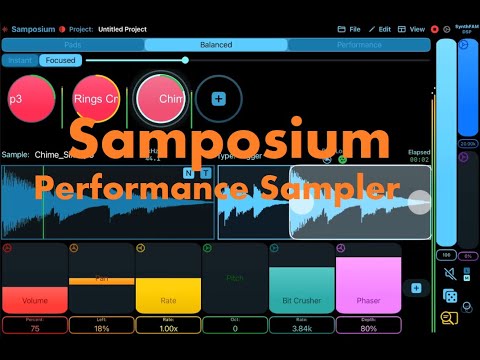
I think this app also works very well with Ambient samples. I'm giving it a go in this video, using some samples that come with the app. Next time I'll use it, I'll use some of my personal recordings that are on the same note (or can be easily turned into the same notes as the other/s by using the pitch down/up).
Awesome! Thank you 🙏🏽
Thank you for the heads up on this. Didn’t even know it was happening today I was able to slide in near the end and say hi and thank you to people. Thank you JumperCollins
Is there a direct way to record a performance to a file without using a second app like AudioShare using the internal mic?
You can resample the entire output using the recording controls. If you slide up on a sample pad and choose the right option it will record/resample the apps output. It then will be a aac file in the recorded folder under the Samples folder.
Well, consider doing a shorter form version of a performance sampler in the future. Touching, scrubbing and manual manipulation of the sample content could be quite the performance tool!
Thx for responding.
Thank you for the feedback!
New video out for Samposium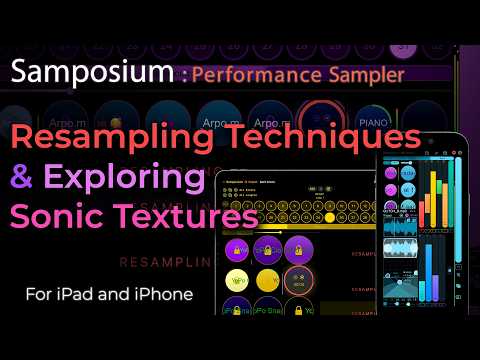
New video for Samposium v 1.02