Loopy Pro: Create music, your way.
What is Loopy Pro? — Loopy Pro is a powerful, flexible, and intuitive live looper, sampler, clip launcher and DAW for iPhone and iPad. At its core, it allows you to record and layer sounds in real-time to create complex musical arrangements. But it doesn’t stop there—Loopy Pro offers advanced tools to customize your workflow, build dynamic performance setups, and create a seamless connection between instruments, effects, and external gear.
Use it for live looping, sequencing, arranging, mixing, and much more. Whether you're a live performer, a producer, or just experimenting with sound, Loopy Pro helps you take control of your creative process.
Download on the App StoreLoopy Pro is your all-in-one musical toolkit. Try it for free today.
Text Size on Clips
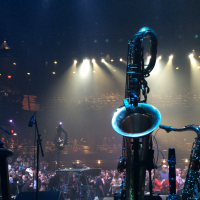
I use Loopy Pro on an iPad in a duo setting. The iPad is mounted to a mic stand downstage of my position and maybe just a little stage left (basically where a stand would be for a vocalist using a boom stand). It would be useful in my case to be able to enlarge the text labels on clips to make them more readable to my 1/2 century-old eyes as well as the eyes of the guitarist who is standing to my left. Is there a way to do this? Thanks 
Comments
You can use text widgets as labels. Their text size is adjustable.
Thank you!!!!