Loopy Pro: Create music, your way.
What is Loopy Pro? — Loopy Pro is a powerful, flexible, and intuitive live looper, sampler, clip launcher and DAW for iPhone and iPad. At its core, it allows you to record and layer sounds in real-time to create complex musical arrangements. But it doesn’t stop there—Loopy Pro offers advanced tools to customize your workflow, build dynamic performance setups, and create a seamless connection between instruments, effects, and external gear.
Use it for live looping, sequencing, arranging, mixing, and much more. Whether you're a live performer, a producer, or just experimenting with sound, Loopy Pro helps you take control of your creative process.
Download on the App StoreLoopy Pro is your all-in-one musical toolkit. Try it for free today.
Recording audio from one track into another ?

I know it's great one can simply bounce audio or freeze tracks, but there are times I want to route audio out and record into a new audio track. Is this still possible? Also on another question, each time I want to edit in the piano roll, I click on the midi region and it then has a double step process, just to get to the piano roll. Is there a way to just click and edit, without going to the prompts of edit/ edit in editor steps. Thanks as I learn this program.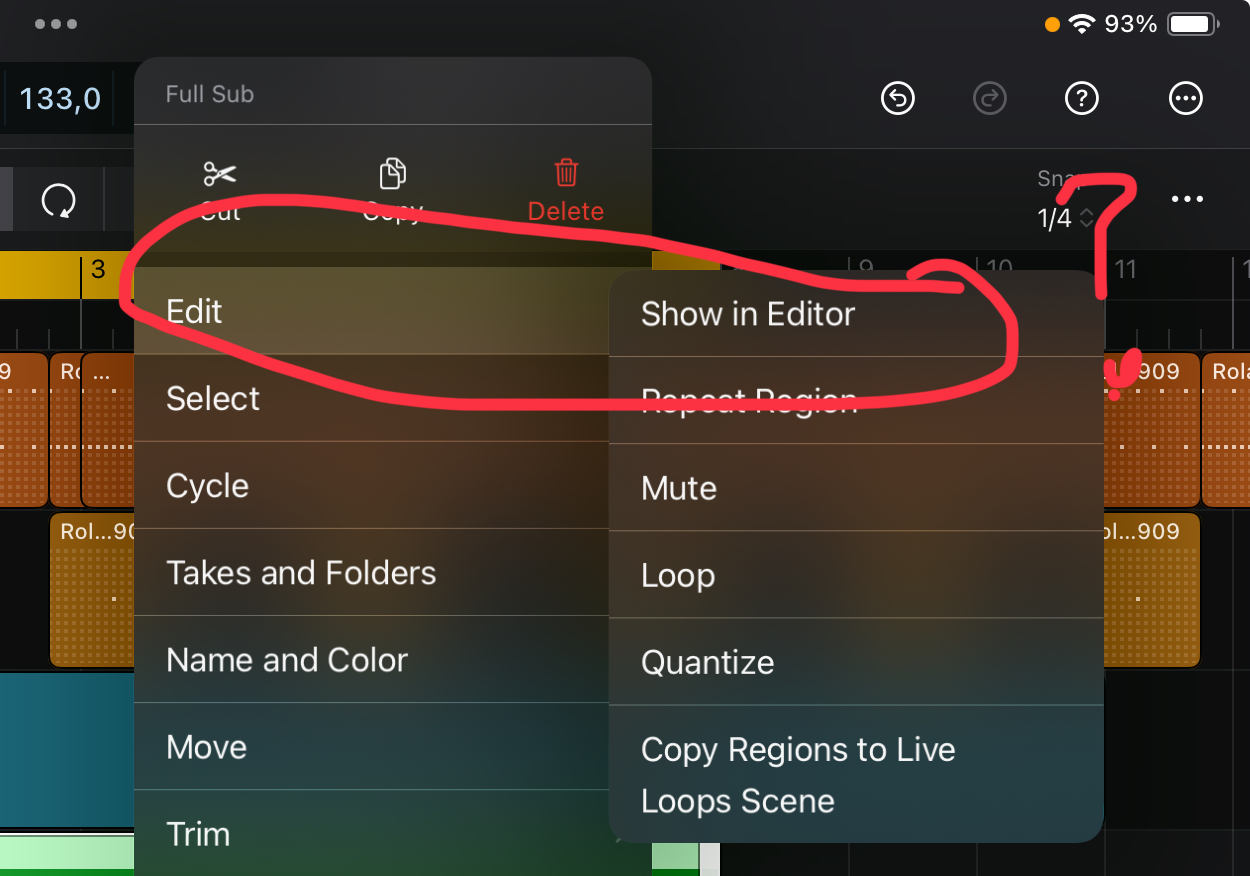
Comments
You could send the track you wish to record to a bus, and use the bus as input for another audio-track.
As for opening the editor, tap the pen tool at the bottom when something is selected in the arranger.
Thanks .. I'm new to this as I'm trying to get into Logic,
Personally I'm quite comfortable with using LogicPro for iPad even though it still misses a thing or two...
I did buy a Novation LauncKey Mini 25 Mk4 as it's one of the very few controllers where it's possible to assign regular 'keyboard shortcuts' to the pads using the Components software (so for example 'E' to a pad to open the editor) on the desktop...
The controller does 'Hijack' the iOS on-screen keyboard but thankfully there are settings under accessibility to keep the on-screen keyboard visible even when other 'keyboards' are detected.
One more ? How to go from piano roll to step sequencer ?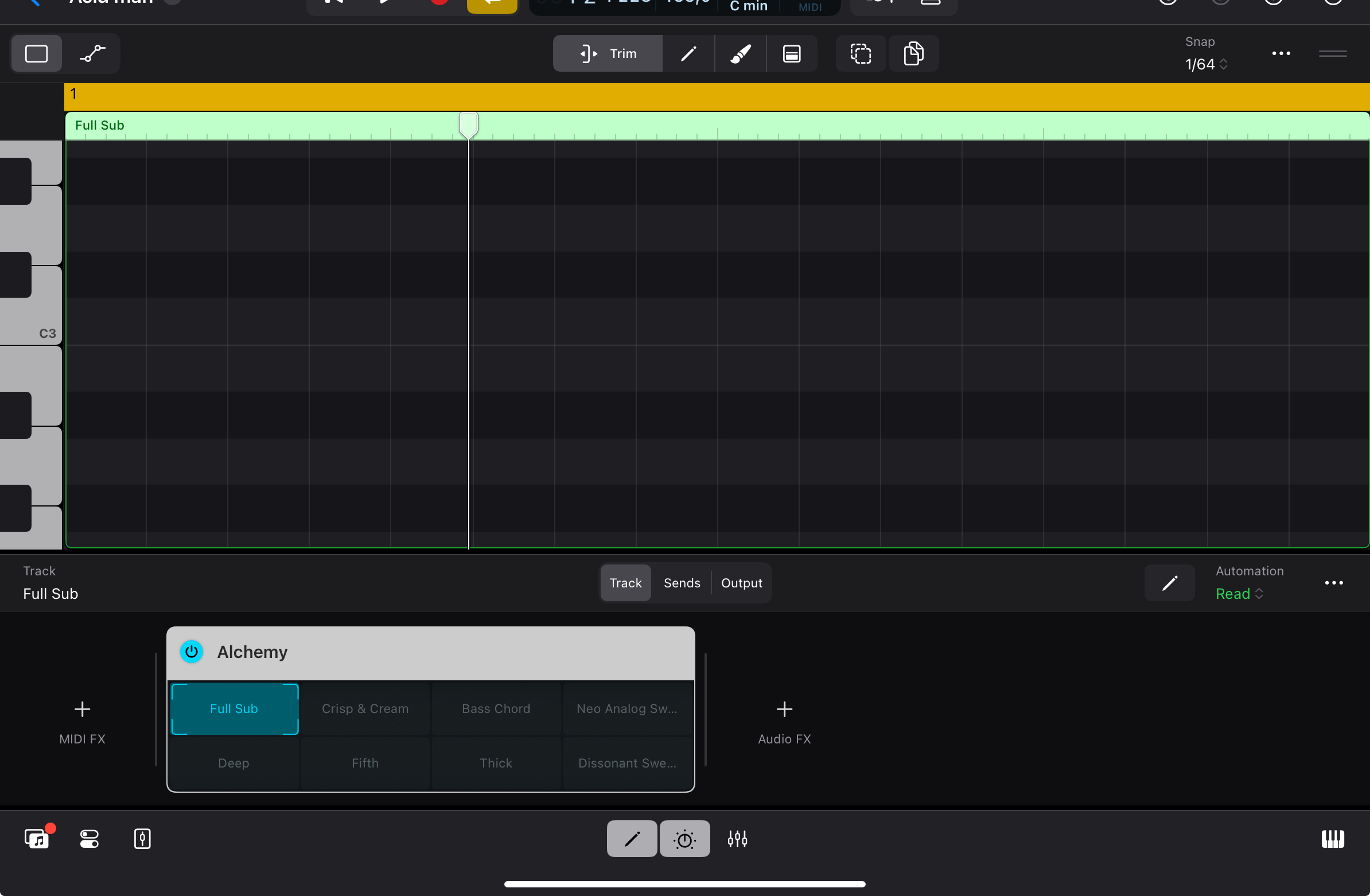
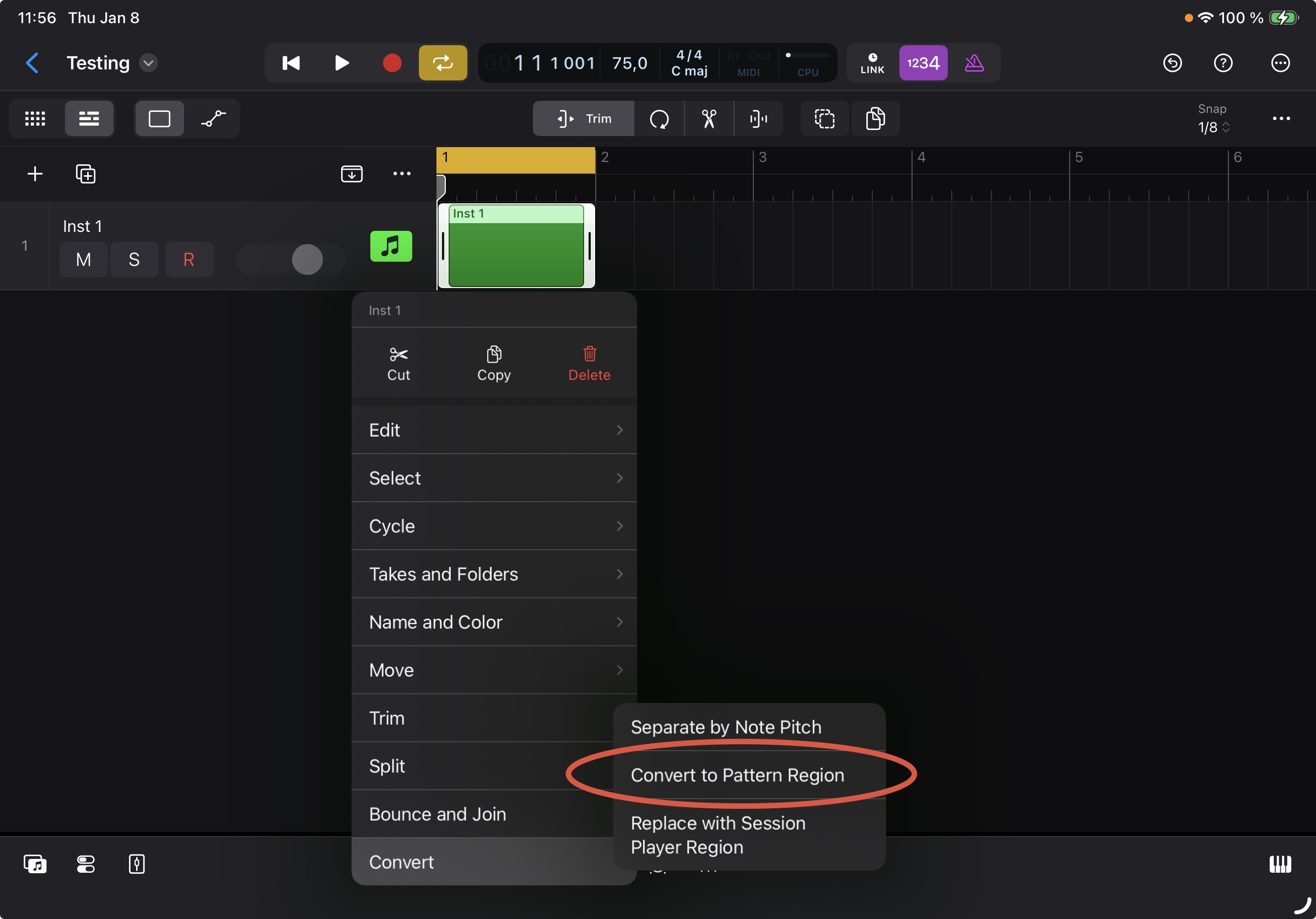
Create a 'pattern region' (you should also be able to 'convert' the region to pattern region).
Thanks so much