Loopy Pro: Create music, your way.
What is Loopy Pro? — Loopy Pro is a powerful, flexible, and intuitive live looper, sampler, clip launcher and DAW for iPhone and iPad. At its core, it allows you to record and layer sounds in real-time to create complex musical arrangements. But it doesn’t stop there—Loopy Pro offers advanced tools to customize your workflow, build dynamic performance setups, and create a seamless connection between instruments, effects, and external gear.
Use it for live looping, sequencing, arranging, mixing, and much more. Whether you're a live performer, a producer, or just experimenting with sound, Loopy Pro helps you take control of your creative process.
Download on the App StoreLoopy Pro is your all-in-one musical toolkit. Try it for free today.
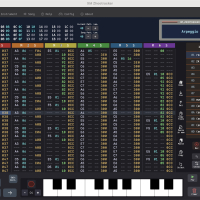
XM Zhootracker - a new iPad XM tracker with a LSDJ/gamepad workflow
Hello,
I made a tracker for iPad, mixing 2 universes together : handheld console tracker workflow (LSDJ, M8 tracker, LittlePiggyTracker etc...) and Fasttracker2, Milkytracker etc...
https://apps.apple.com/fr/app/xm-zhootracker/id6757368800
The result is a sample tracker for people which are interested in tracker music and mixing modern and old school. Even if you don't know about XM files, this tracker is intended to be easy to use and there is a help section if you are stuck.
Little hint : press A, then combo A+right/left, A+up/down will do the most things you want.
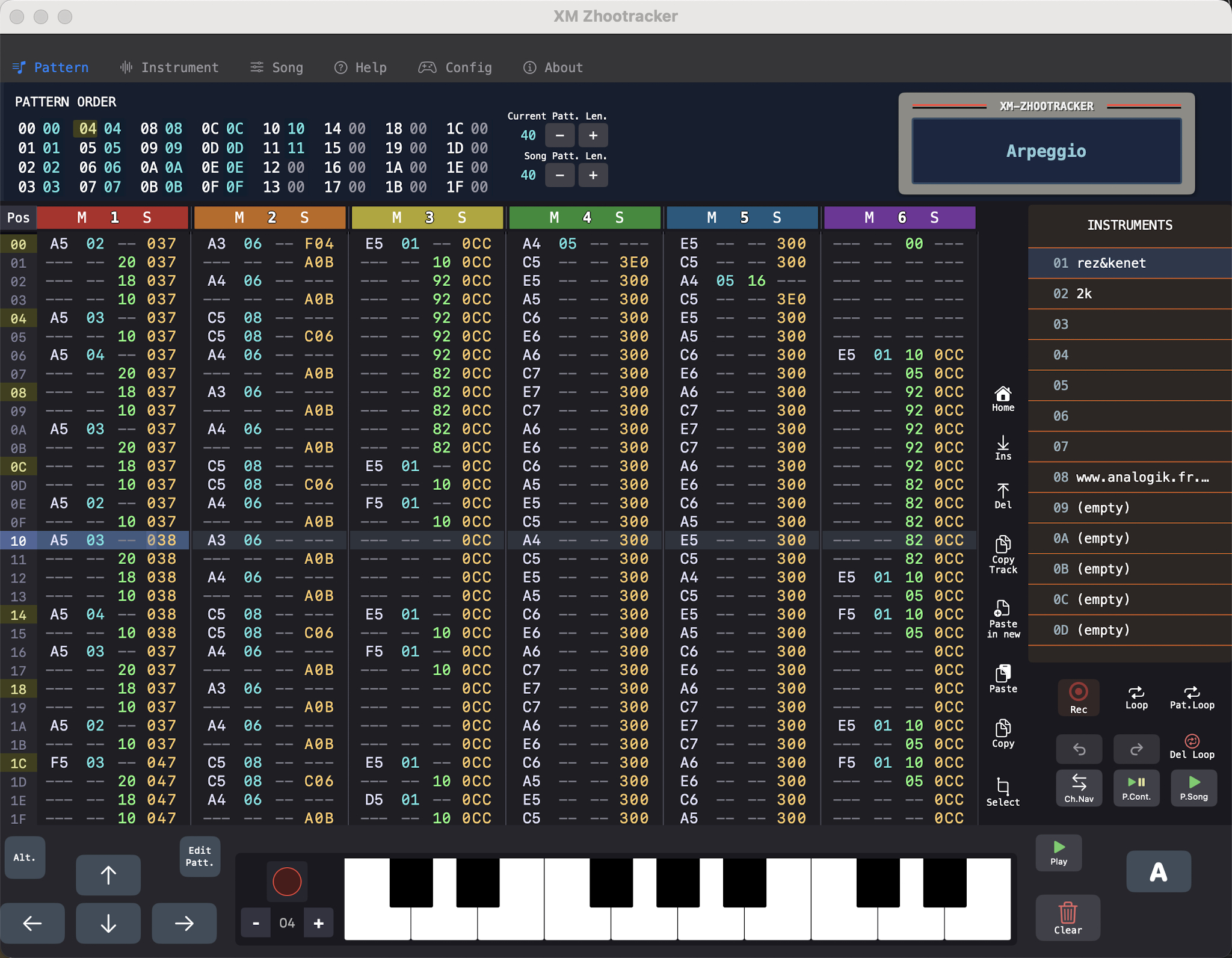
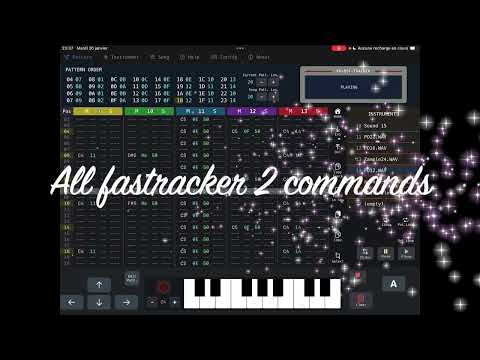
You can use a gamepad, a keyboard (other bluetooth or wired) or virtual buttons on the app which is, at my taste, the easier way to use a tracker on iPad (even with only the buttons on screen), and it is at my know, the only app which does that.
- WAV samples supported (Native 32-bit floating-point audio engine with full support for 16-bit CD-quality samples).
- All FT2 commands works
- Envelope and audio loops
- Native Audio Engine: Built specifically for iPadOS
- Legacy Support: Runs smoothly even on older devices (tested on iPad 7th gen).
- Zero-Bloat Implementation: A clean-room development with no external dependencies for maximum stability and a tiny footprint.
Join the discord here : https://discord.gg/HngyaW7e
for feature request, questions, bugs signalement for I can fix it very quickly !
Comments
Wow, that looks very cool!
@Maz_Hoot This is very interesting. Count me in.
Link for those interested. €9.99 one-time price. 👍
App store
Thanks for your interest ! It is such an exciting project to work on ! There is a lot of cool things coming in next updates (like MIDI, record sample from microphone, trim sample etc...)
Any chance of a demo or trial? I'm keen to try and learn these things, but not enough to spend money unless I know I'm going to want to use it.
Unfortunately, Apple doesn't offer an easy way to provide demos for one-time purchase apps. But remember that Apple has a very straightforward refund policy if the app doesn't meet your expectations within the first 14 days.
Also, I am making a tutorial video, it will be in French because I'm not very fluent in vocal English, but there will be the auto translate functionality of YouTube.
Note that only some countries (EU and UK for example) give automatic refunds within a 2 week period via Right of Withdrawal option. In many countries the AppStore can and does often reject refund requests. One way some developers have offered a way for people to trial their app is by opening a public beta. You might not want to do that, but it's an option worth being aware of.
Some have even put beta tests with time limits
eg you could see how that works on the Fugue Machine Rubato beta:
https://testflight.apple.com/join/n1nedavK
I should be more precise: Apple doesn't have a 'Trial' button on the store. And I prefer offering a full purchase instead of adding ads or locking functionalities. I did use TestFlight during development, but it didn't work well for me because very few people actually sent feedback. I'm getting much more useful input now that the app is live on the App Store. That's why I prefer to focus on the real version and make videos for those who want to see how it works.
I will post here the tutorial video when it will be ready, and also I plan to record a video demonstrating samples recording other the mic (which will be available in next update)
Hello,
There was a lot of updates since the last time, here is a summary of what's new :
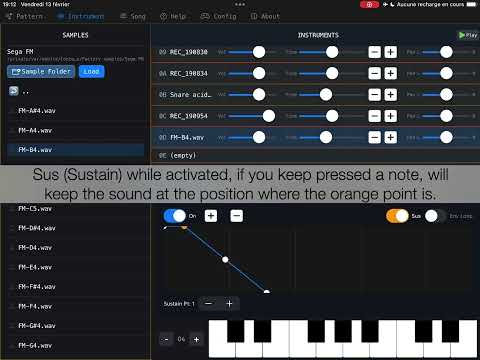
Here is a tutorial about how work the microphone record on the grid and also basic features. You can see the overall behavior of the application in this video :
Have a nice day,
Maz Hoot :-)
Hello,
New update :
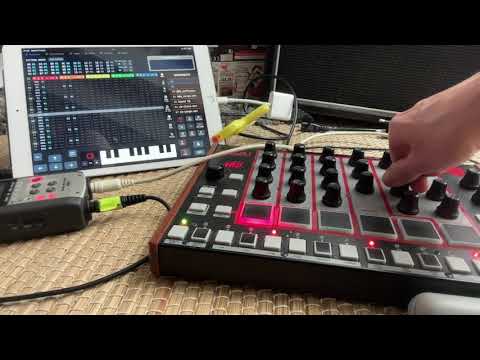
You can now use MIDI out, MIDI in, MIDI clock in, MIDI clock out. And a fun row trigger mode for live performances.
Here is some videos :
MIDI out (XM-Zhootracker controlling Akai Rhythm Wolf) :
Row trigger mode :
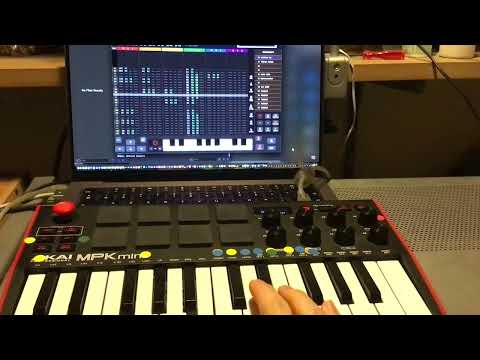
video 1
video 2
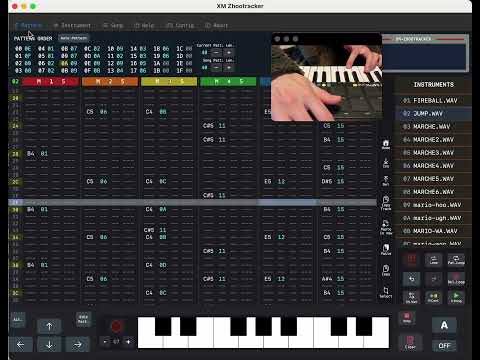
https://apps.apple.com/fr/app/xm-zhootracker/id6757368800
Have a nice day
Maz Hoot