Loopy Pro: Create music, your way.
What is Loopy Pro? — Loopy Pro is a powerful, flexible, and intuitive live looper, sampler, clip launcher and DAW for iPhone and iPad. At its core, it allows you to record and layer sounds in real-time to create complex musical arrangements. But it doesn’t stop there—Loopy Pro offers advanced tools to customize your workflow, build dynamic performance setups, and create a seamless connection between instruments, effects, and external gear.
Use it for live looping, sequencing, arranging, mixing, and much more. Whether you're a live performer, a producer, or just experimenting with sound, Loopy Pro helps you take control of your creative process.
Download on the App StoreLoopy Pro is your all-in-one musical toolkit. Try it for free today.
Keypad MIDI Controller by discoDSP (Released)

https://apps.apple.com/us/app/keypad-midi-controller/id6758680165
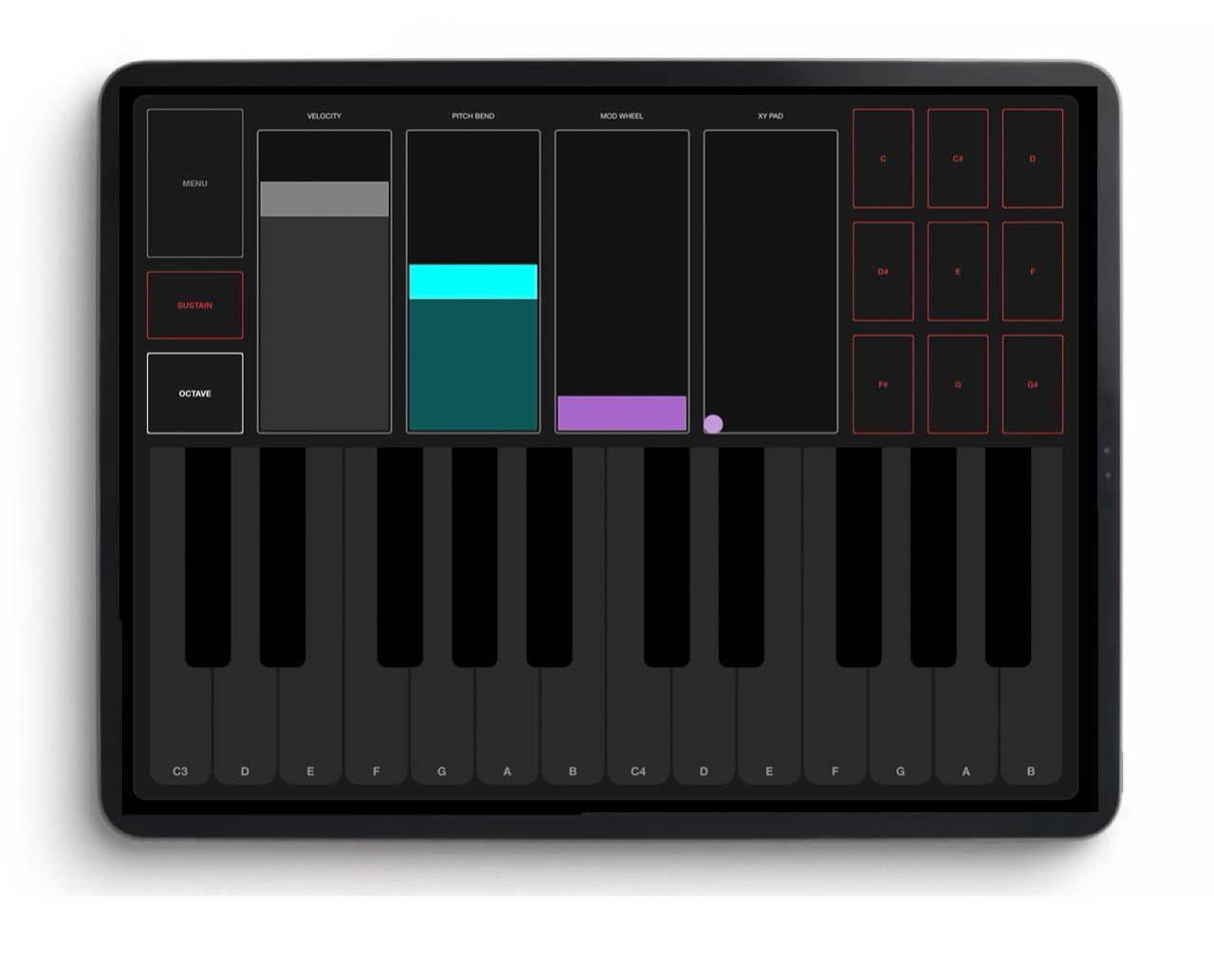
Transform your iPad into a professional MIDI controller with touch-optimized piano keyboard, drum pads, and XY performance controls. Control iOS apps, hardware synths, and Mac software wirelessly.
KeyPad brings complete MIDI control to your iOS device with an intuitive, touch-first interface designed for mobile music production and live performance. Use as a standalone app or load as an AUv3 plugin in your favorite iOS DAW.
Perfect for mobile music producers needing quick MIDI input, performers playing iOS instruments live, beat makers creating rhythm patterns, sound designers crafting automation, educators teaching MiDI concepts, and anyone controlling external hardware or desktop software from iOS.
CORE FEATURES:
• 2-Octave Piano Keyboard with responsive touch control
• 9-Pad Drum Grid for finger drumming
• XY Performance Pad for expressive parameter control
• Velocity, Pitch Bend, and Modulation faders
• Sustain pedal with hold functionality
• Octave shifting for extended range
• Height-based velocity with Linear, Exponential, and Logarithmic curves
• Virtual MIDI port for inter-app routing
• Hardware MIDI interface support
• Network MIDI for wireless control of Mac apps
• 16 MIDI channels plus Omni mode
• Adaptive interface optimized for all iPad and iPhone sizes
TOUCH-OPTIMIZED PERFORMANCE
Height-Based Velocity: Touch keys at different vertical positions for dynamic velocity control.
Three curve options let you customize response for natural, expressive playing on your iOS device's touch screen.
XY Performance Pad: Control two parameters simultaneously with multi-touch gestures. Assign any MIDI CC to X and Y axes for filter sweeps, effect morphing, or live sound manipulation.
Smart Layout: KeyPad automatically adapts to your device orientation and size. Full layout on iPad displays all controls. Compact keyboard-only mode works perfectly on iPhone or when used with other apps in Split View.
WIRELESS MAC CONTROL
Control Logic Pro, Ableton Live, or any Mac music software wirelessly over your local network.
KeyPad uses Bonjour/Network MIDI to connect seamlessly to your Mac - no cables required.
Perfect for studio setups where you want to control your DAW from your iPad or iPhone.
AUV3 PLUGIN
Load KeyPad directly inside GarageBand, AUM, Cubasis, BeatMaker, Drambo, or any AUv3-compatible host. Control your instruments without switching apps. All settings save with your project for instant recall.
STANDALONE APP
Use KeyPad independently to control hardware synthesizers via compatible MIDI interfaces, route MIDI to other iOS apps through virtual MIDI connections, or connect wirelessly to your Mac. Perfect for live performance setups and studio workflows.
OSC OUTPUT
Send MIDI data as Open Sound Control messages to networked applications. Enable wireless control of desktop software like Ableton Live, Max/MSP, or TouchDesigner from your iOS device. Configure custom host and port for advanced setups.
Comments
Very cool to offer this for free. IMO, the drum pads are way too small relative to the Velocity, Pitch Bend, Mod and X/Y Pad. Those vertical sliders should be half their current width and the drum pads should be much wider. And there should be either a smaller inset view of a full 88-key keyboard for changing up/down the keyboard position, or there should be large UP/DOWN arrows for changing keyboard position. I'll be testing this out.
The Drumpads seem to send 2 Note On messages for each tap?!
The usual DiscoDSP shitshow then? 🤔
Don't know really, re-downloaded their oscilloscope AUV3 and it doesn't pass thru audio...
...but hey this one is free
True haha
At least they got some stats for their downloads counter but it's no longer installed on my iPad...
...maybe they'll add some stuff in the future updates, like 8x8 grid-pad to emulate the Novation LaunchPad's etc.
Time will tell but, nope it won't stay on my iPad
Bummer, was excited
At least 2 problems with this in its current state, would anyone like to confirm they also get these problems?
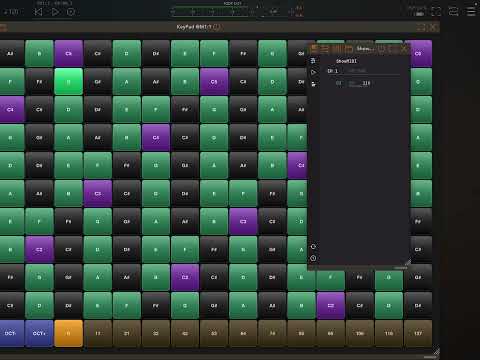
First video shows me playing one note quickly (non-mpe mode, playing pianoteq). You can hear that it starts doing a kind of note doubling, sounds like a kind of fast ratcheting:
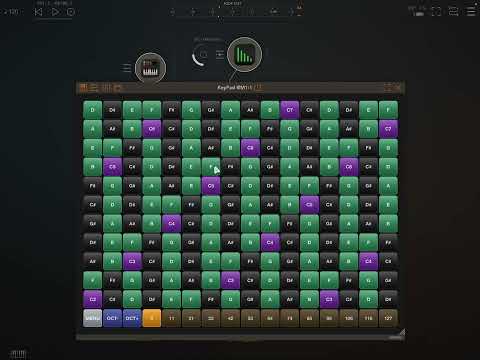
Second video (using MPE XY mode) shows a weird problem that happens when doing pitch bend. I drag to change the pitch of the note, when I release my finger, the note snaps back to its original value. That should not happen!:
I won’t go into more details, but there are plenty of other weaknesses of this app, even if free. Seems some thing have been thought out reasonably well, others have not.
This has had repeated improvements and updates, adding lots of new features and functionality. I haven’t used it much yet, but the hexagonal pads were only recently added.
>
>
Interesting, could be similar to the issue mentioned by @Samu
New Update
DiscoDSP updated KeyPad Midi Controller to remove the double hit/ratchet issue and MPE pitch bend issue.
Dope.
Oh, they're keeping an eye on things, good.
Still not really working properly for me as an MPE controller. If I map C74 to Oscillator level in an MPE synth like Phosphor, there’s all kinds of weirdness. I dunno, I’ll stick to Salome or other options I guess, don’t have the time or motivation to troubleshoot this