Loopy Pro: Create music, your way.
What is Loopy Pro? — Loopy Pro is a powerful, flexible, and intuitive live looper, sampler, clip launcher and DAW for iPhone and iPad. At its core, it allows you to record and layer sounds in real-time to create complex musical arrangements. But it doesn’t stop there—Loopy Pro offers advanced tools to customize your workflow, build dynamic performance setups, and create a seamless connection between instruments, effects, and external gear.
Use it for live looping, sequencing, arranging, mixing, and much more. Whether you're a live performer, a producer, or just experimenting with sound, Loopy Pro helps you take control of your creative process.
Download on the App StoreLoopy Pro is your all-in-one musical toolkit. Try it for free today.
16 Drones - Ambient Drone Synth by Rubén Terrón (Released)

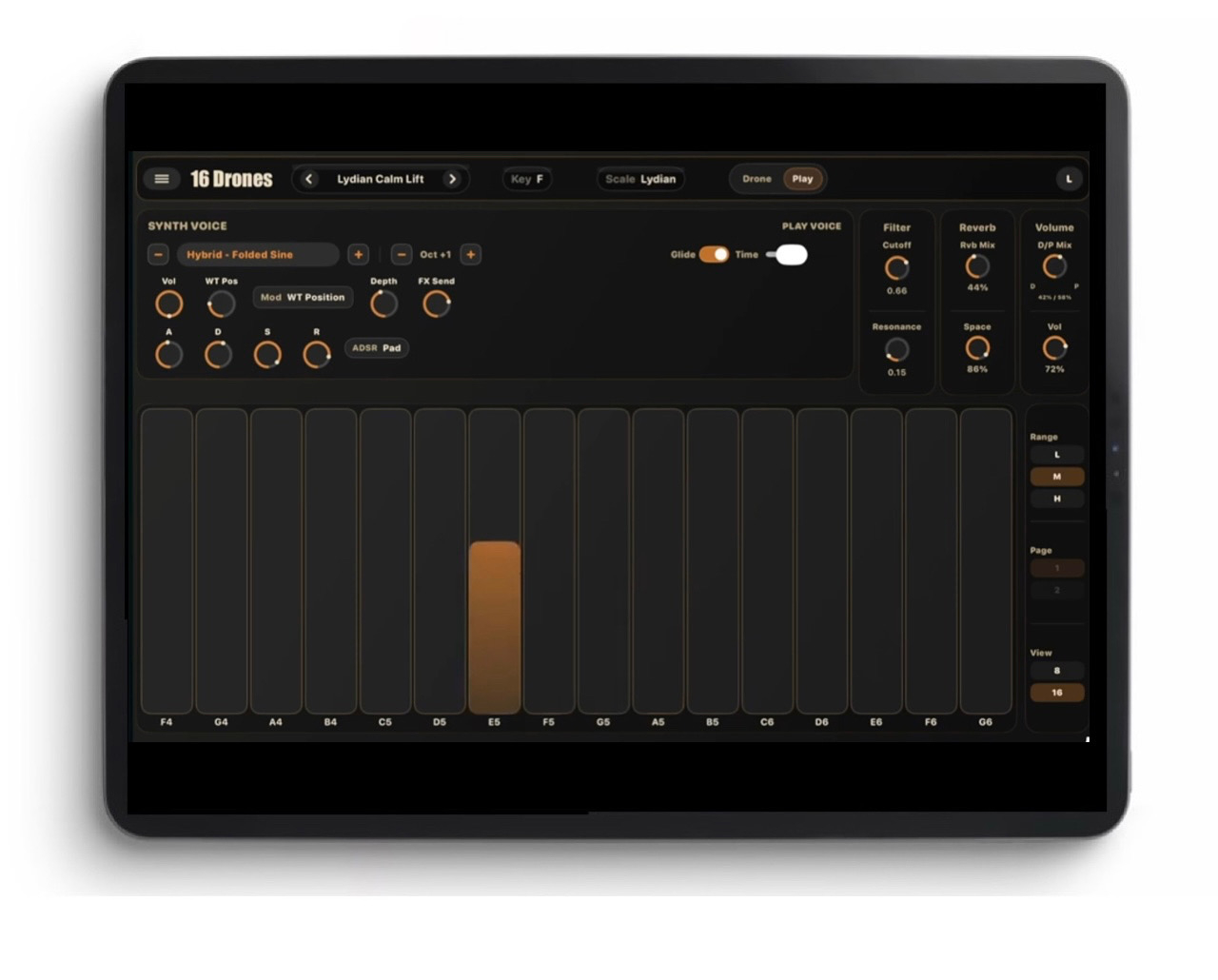
https://apps.apple.com/us/app/16-drones/id6761003327
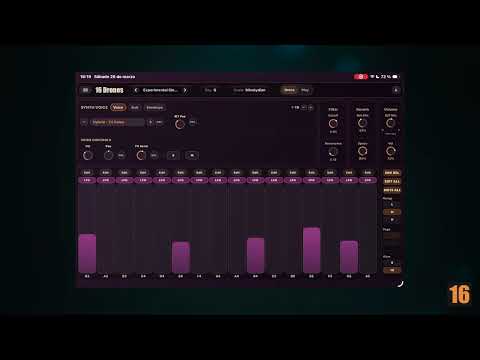
Create evolving drones with 16 drone voices and custom drone envelopes, then perform in-key with a dedicated Play voice, rich scales, and built-in AUv3 support.
16 Drones is an ambient drone synthesizer built for evolving textures, harmonic soundscapes, and expressive in-key performance.
Shape layered drones with a custom wavetable engine, per-voice controls, per-voice custom drone envelopes, and an additional subtractive layer. Then perform on top with a dedicated Play voice that stays in the same scale.
Designed to be deep but immediate, 16 Drones gives you rich timbral control, musical scale exploration, expressive performance options, flexible MIDI workflow, and both standalone and AUv3 operation.
Features:
•16 drone voices for layered evolving textures
•Custom wavetable synthesis with per-voice control
•Per-voice custom drone envelopes for motion and character
•An additional subtractive layer for extra depth and weight
•A dedicated Play voice for expressive in-key performance
•Rich musical and exotic scales
•Standalone app and AUv3 instrument support
•MIDI input support for performance and control
•MIDI Learn for fast hardware mapping
•Aftertouch expression support, including polyphonic aftertouch
•Factory presets for fast inspiration
Comments
On my iphone I was not able to get 1 sound out of it.
Tried everything, just silence
This is because, bizarrely, it has been set not to generate sound when your device is on silent mode. The dev should definitely change that, careless oversight. For now, you can either turn off silent mode, or turn on 'Audio Background' in the settings of this app.
I like this one a lot! Hits a nice spot between simple and usable. And all parameters exposed in AUM (when you buy the unlock.)
Now, I just would like some sort of manual or help function, as the workings of the modulation envelopes (if this is what they are) are not entirely clear to me. I have written the dev re. this - hopefully I learn more soon.
Some thought put into this, yes, but it has no ability to bend notes it seems? That is a serious negative, for me personally, so I'd rather use an MPE synth over this, for drones.
Remains me of monome norns sines script which I love. Would be great if you can select the note per pad and not only be ties to the scales
Yeah I thought the same, re sines. Great script