Loopy Pro: Create music, your way.

What is Loopy Pro?Loopy Pro is a powerful, flexible, and intuitive live looper, sampler, clip launcher and DAW for iPhone and iPad. At its core, it allows you to record and layer sounds in real-time to create complex musical arrangements. But it doesn’t stop there—Loopy Pro offers advanced tools to customize your workflow, build dynamic performance setups, and create a seamless connection between instruments, effects, and external gear.

Use it for live looping, sequencing, arranging, mixing, and much more. Whether you're a live performer, a producer, or just experimenting with sound, Loopy Pro helps you take control of your creative process.

Download on the App Store

Loopy Pro is your all-in-one musical toolkit. Try it for free today.

Midnight Plaza by Lewis Le Val (Released)

2»

Comments

  • @Gavinski said:

    @Hel said:
    Has anyone been successful at setting up external modulation ,as I can’t seem to get it working ?

    I just checked, seems to be broken @lewisleval

    Thanks for confirming Gav , thought it was something that I wasn’t doing correctly.

  • @Hel said:
    Has anyone been successful at setting up external modulation ,as I can’t seem to get it working ?

    No worries, I’m on it! 😊

  • @lewisleval said:

    @Hel said:
    Has anyone been successful at setting up external modulation ,as I can’t seem to get it working ?

    No worries, I’m on it! 😊

    Many thanks and heartfelt gratitude Lewis. Loving your work by the way.

  • This thing is incredible with vocals.

    Really good stuff.

  • I tried it on an entire mix, and it sounds very good, me thinks.
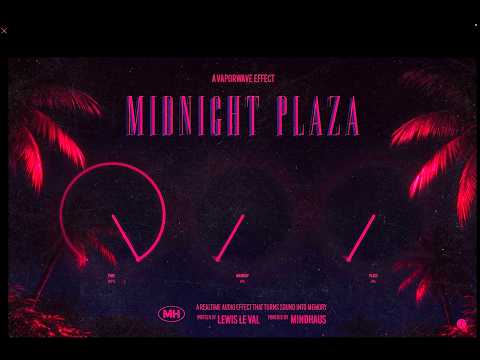
    I do like this kind of effect, price is great too.

  • edited April 11

    Awesome video Doug!

    Another cool thing other than doing vocal dimension stuff is making drones tweaking the time and memory on pads. Teraverse has made some really great ones. Just feeding chord progressions from StepBud and tweaking the time can net some really cinematic stuff. The simplicity in the controls is pretty brilliant.

    The wind/background was crated by Midnight Plaza and feedback from pads.

    Here is the wind made completely with midnight plaza's time and memory knobules:

  • edited April 11

    Lastly this is midnight plaza's slapped on all channels.

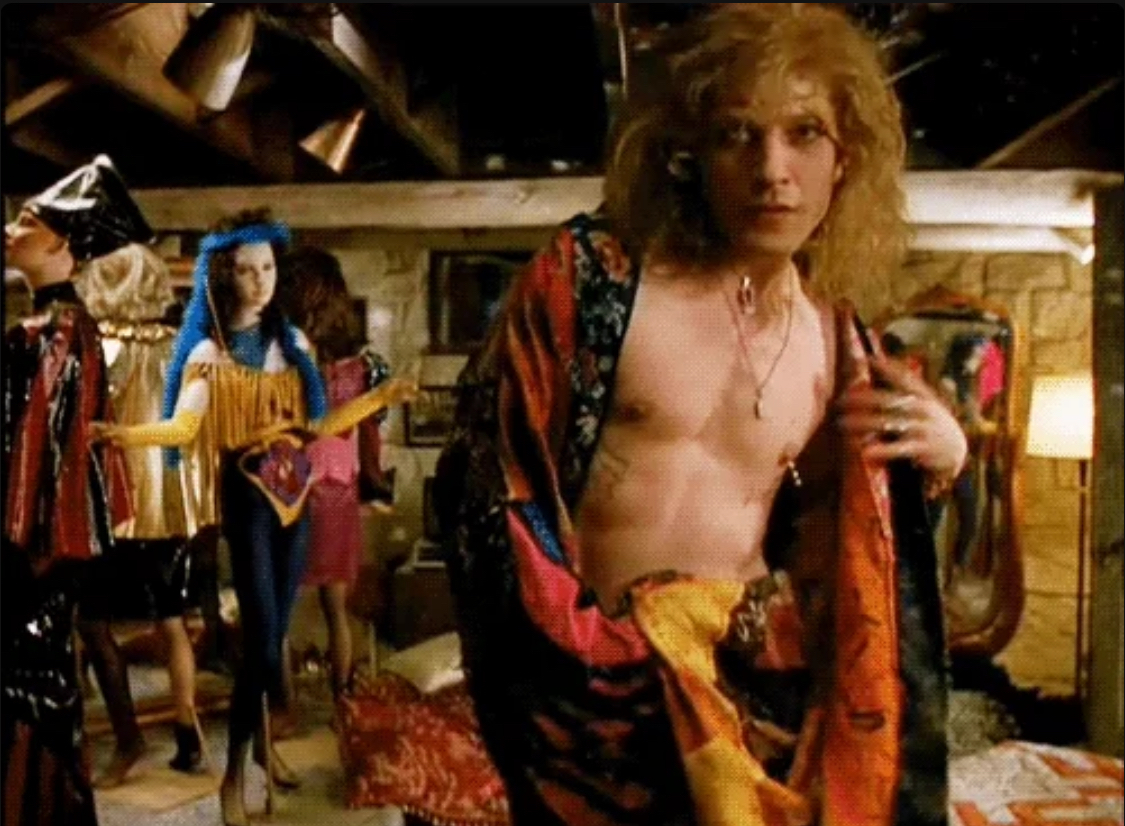
    Kinda reminds me of this:
  • I set it up on my master channel on loopy pro to use as an occasional weird way to end a song. I run the time down from 100 to 0 using an 8 second ramp. Sounds like an old 8 track tape eating itself. Love it!

  • edited April 12

    I’m not a guitar guy, but I feel like midnight plaza is helping me tame some of the Riffer riffs to a more bluesy sound
    Lillte fella does a lot

  • @lewisleval
    External midi modulation is not working. Looking forward to slow modulation of the time parameter, any chance of an update soon?

  • @RJB said:
    @lewisleval
    External midi modulation is not working. Looking forward to slow modulation of the time parameter, any chance of an update soon?

    Hi there! There’s an update out now that solves this 😊

  • This version does not load in AUM when you open projects containing the previous version...

  • @lewisleval said:

    @RJB said:
    @lewisleval
    External midi modulation is not working. Looking forward to slow modulation of the time parameter, any chance of an update soon?

    Hi there! There’s an update out now that solves this 😊

    Great job Lewis, appreciate all your hard work.

  • @lasselu said:
    This version does not load in AUM when you open projects containing the previous version...

    Yes that does happen here as well. You can remove the old version and add the new updated one easily enough though.

  • @Hel said:

    @lasselu said:
    This version does not load in AUM when you open projects containing the previous version...

    Yes that does happen here as well. You can remove the old version and add the new updated one easily enough though.

    But then you lose the settings.

  • Yeah, bummer...

  • @bygjohn said:

    @Hel said:

    @lasselu said:
    This version does not load in AUM when you open projects containing the previous version...

    Yes that does happen here as well. You can remove the old version and add the new updated one easily enough though.

    But then you lose the settings.

    That’s is true , however there are only 3 dials to set . Can’t complain about an app we got our hands on for Gratis.

  • @Hel said:

    @bygjohn said:

    @Hel said:

    @lasselu said:
    This version does not load in AUM when you open projects containing the previous version...

    Yes that does happen here as well. You can remove the old version and add the new updated one easily enough though.

    But then you lose the settings.

    That’s is true , however there are only 3 dials to set . Can’t complain about an app we got our hands on for Gratis.

    I can if it means I go back to a project and can’t remember how it was dialed in, so the thing is borked. Really annoying, and entirely avoidable. Other devs who’ve made similar changes have included a second deprecated version with the old identifiers so existing work isn’t wrecked.

  • @bygjohn said:

    @Hel said:

    @bygjohn said:

    @Hel said:

    @lasselu said:
    This version does not load in AUM when you open projects containing the previous version...

    Yes that does happen here as well. You can remove the old version and add the new updated one easily enough though.

    But then you lose the settings.

    That’s is true , however there are only 3 dials to set . Can’t complain about an app we got our hands on for Gratis.

    I can if it means I go back to a project and can’t remember how it was dialed in, so the thing is borked. Really annoying, and entirely avoidable. Other devs who’ve made similar changes have included a second deprecated version with the old identifiers so existing work isn’t wrecked.

    +1

  • @bygjohn said:

    @Hel said:

    @bygjohn said:

    @Hel said:

    @lasselu said:
    This version does not load in AUM when you open projects containing the previous version...

    Yes that does happen here as well. You can remove the old version and add the new updated one easily enough though.

    But then you lose the settings.

    That’s is true , however there are only 3 dials to set . Can’t complain about an app we got our hands on for Gratis.

    I can if it means I go back to a project and can’t remember how it was dialed in, so the thing is borked. Really annoying, and entirely avoidable. Other devs who’ve made similar changes have included a second deprecated version with the old identifiers so existing work isn’t wrecked.

    Hi there, so one major flaw that prompted this update was the fact that the previous version didn’t have state saving in the UI, so previous saved DAW projects weren’t saved properly anyway. The effect itself was preserved, but the dials in the UI were resetting to default when loading previously saved projects. The update ensures that the dials now always reflect what the effect is actually doing.

  • There may be diamonds in that dream on the hill
    But the people who live there still complain
    Cause the roof's got a hole in it
    And everything is soaking in the rain - The Meat Puppets.

  • @lewisleval said:

    @bygjohn said:

    @Hel said:

    @bygjohn said:

    @Hel said:

    @lasselu said:
    This version does not load in AUM when you open projects containing the previous version...

    Yes that does happen here as well. You can remove the old version and add the new updated one easily enough though.

    But then you lose the settings.

    That’s is true , however there are only 3 dials to set . Can’t complain about an app we got our hands on for Gratis.

    I can if it means I go back to a project and can’t remember how it was dialed in, so the thing is borked. Really annoying, and entirely avoidable. Other devs who’ve made similar changes have included a second deprecated version with the old identifiers so existing work isn’t wrecked.

    Hi there, so one major flaw that prompted this update was the fact that the previous version didn’t have state saving in the UI, so previous saved DAW projects weren’t saved properly anyway. The effect itself was preserved, but the dials in the UI were resetting to default when loading previously saved projects. The update ensures that the dials now always reflect what the effect is actually doing.

    Which is great, and thank you. But as the new version identifies itself as a different plugin, it loses that previously saved effect which worked with the old version despite the dials not showing it.

    TBH I don’t get why fixing the knob positions requires the plugin identifying itself as a different plugin.

Sign In or Register to comment.