Loopy Pro: Create music, your way.
What is Loopy Pro? — Loopy Pro is a powerful, flexible, and intuitive live looper, sampler, clip launcher and DAW for iPhone and iPad. At its core, it allows you to record and layer sounds in real-time to create complex musical arrangements. But it doesn’t stop there—Loopy Pro offers advanced tools to customize your workflow, build dynamic performance setups, and create a seamless connection between instruments, effects, and external gear.
Use it for live looping, sequencing, arranging, mixing, and much more. Whether you're a live performer, a producer, or just experimenting with sound, Loopy Pro helps you take control of your creative process.
Download on the App StoreLoopy Pro is your all-in-one musical toolkit. Try it for free today.
AudioThing Fields - Audio Recorder App (Out Now!)

Hi everyone!
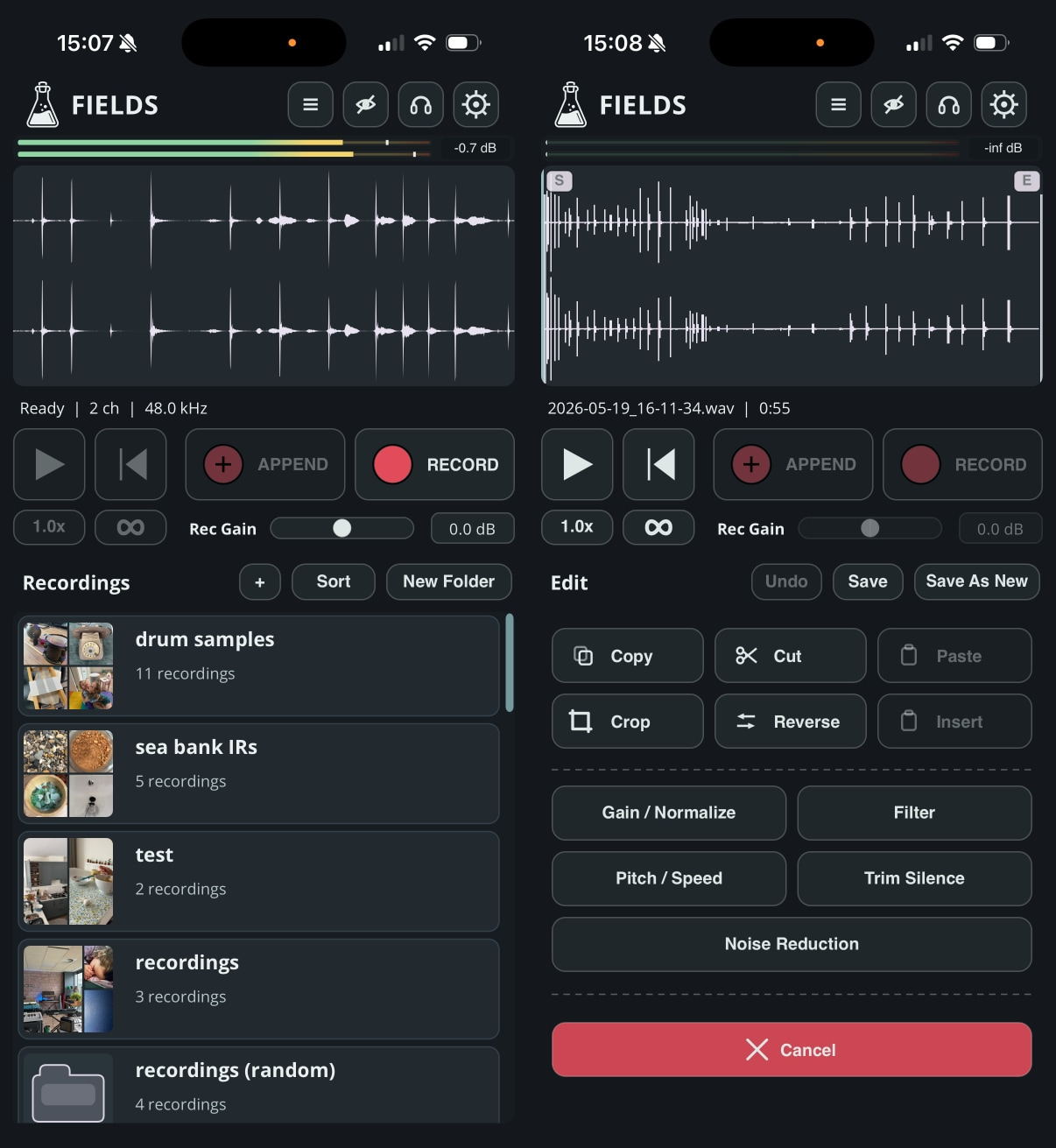
Fields is out now! Thank you for your feedback. We will continue improving the app in the coming months. Enjoy!
https://www.audiothing.net/apps/fields/
https://apps.apple.com/us/app/fields-audio-recorder/id6761787638
https://www.youtube.com/shorts/PTwN0kCCcMI
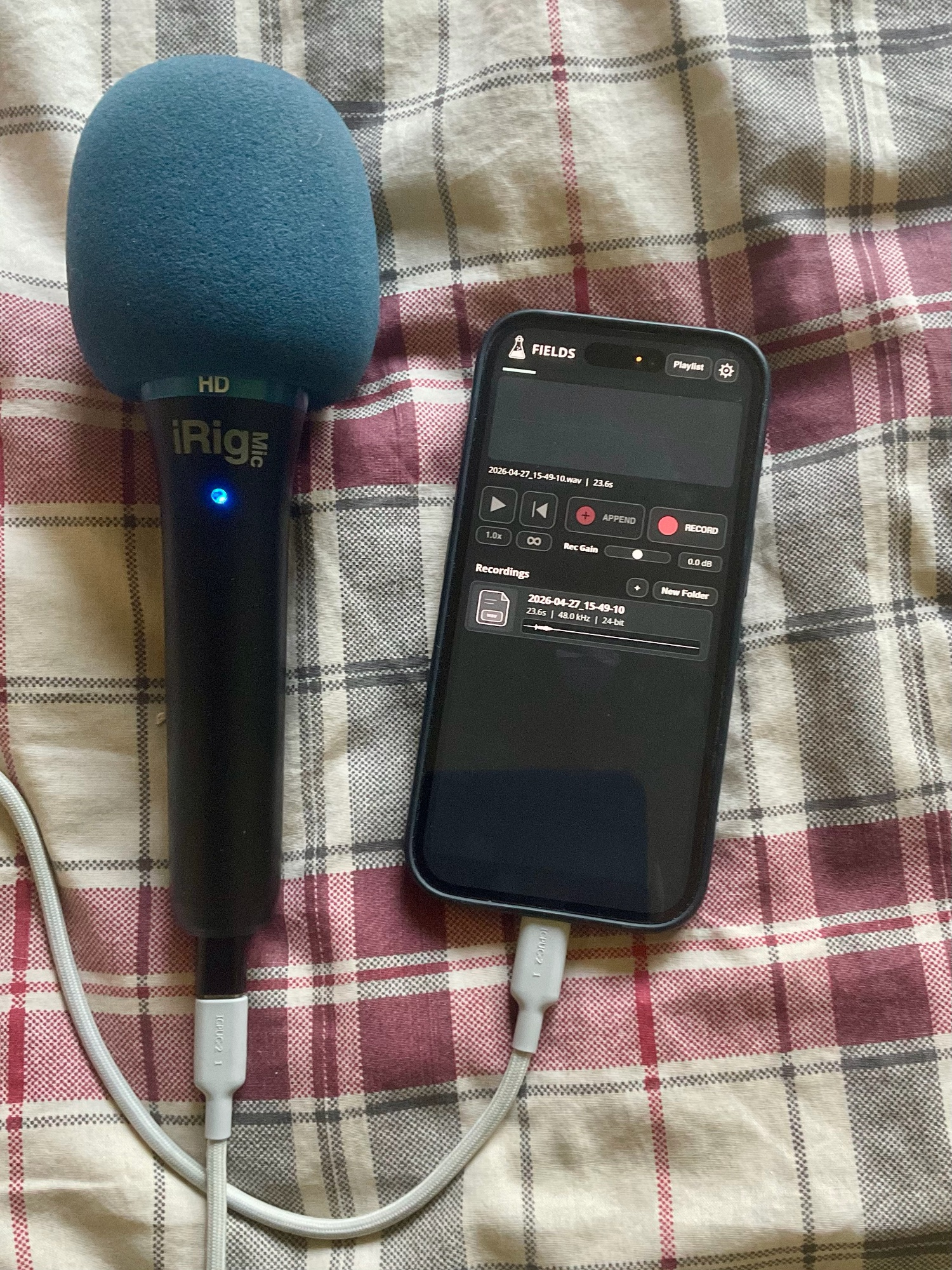
The idea behind Fields was simple: I wanted to avoid carrying my bulky field recorder around and have something ready to go on my phone whenever I needed it. You can still connect external devices, although I have yet to find a proper stereo, portable USB C microphone that feels right for this kind of setup. That said, the iPhone’s internal microphones are actually quite good for quick recordings.
All feedback is welcome, and very much appreciated!
Comments
I’m curious, and it may not be the right place to ask, but what’s the difference between a field recording and just normal recording?
A field recording usually means recording outside the studio. I used to carry different versions of the Zoom H4n with me, and they were great, but it was still one extra thing to bring, plus dealing with SD cards and the built in OS was never ideal. My iPhone, on the other hand, is always with me.
I use a Tascam DR-100, and a smaller Tascam DR05XP when the DR100 is too bulky to carry. I agree that an iPhone can work well (the best equipment is the one you have with you!) and find AudioShare to be ideal for recording and other editing tasks, and sometimes use Fieldscaper when I want more controls.
What will make Fields different from current offerings?
This is my 'kit' when doing beta on this 'thing', super fun
For me, iCloud storage makes a real difference, I just record and possibly edit on my phone and everything is synced to my ipad; I keep the Fields recordings folder as a favorite on my sidebar.
The noise reduction is pretty neat...
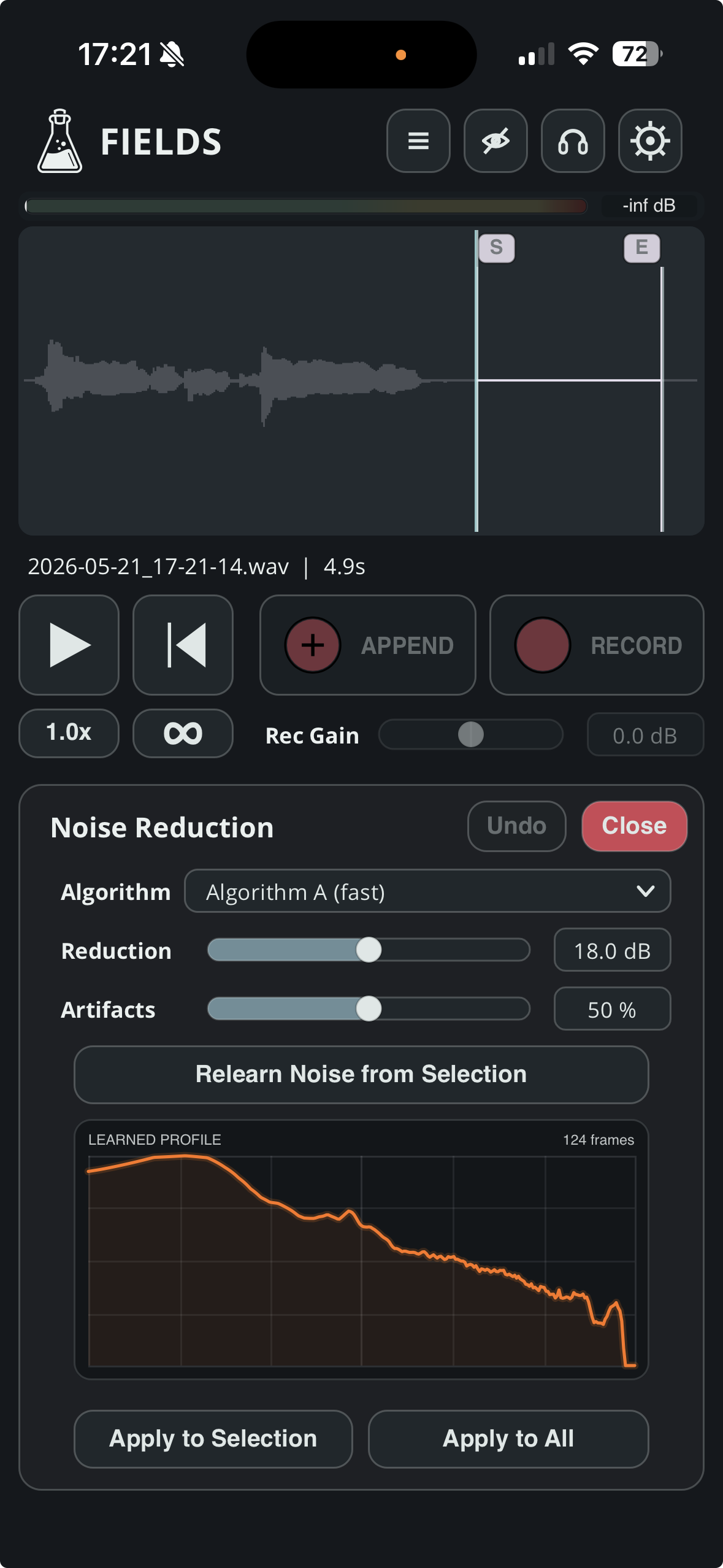
As well as filters and other goodies
@Samu Can this work as an audio editor of sorts for already recorded audio? That noise reduction is what may get me to purchase this.
I do look at other apps, of course, but I don’t usually design my products by looking at what everyone else is doing, or by starting with “how can this be different?” I tend to build things around my own workflow, my taste, and the kind of tool I actually want to use. I’ve been using Fields since day one, and for me the main difference is how immediate and enjoyable it feels. I still need to find a proper portable stereo mic for the iPhone, but even now I often prefer using Fields instead of carrying my Zoom recorder around.
Thanks for the responses. I'll check the TestFlight
Yes you can import your own files and edit them with the internal tools.
Yes, you can import files for editing...
Nice lil field recorder. Recording sounds fantastic. Playlist is a cool feature too!
I would love to have the option to rotate the screen 180 for when I have mv88 connected to the usb-c. Otherwise it's been very solid and great to have when I don't have my kit with me! Thanks!
Cool! Thank you and @Samu !
Is it good at removing wind noise?
Depends a bit on how long the portion you analyze for noise suppression is?!
One way to start combating wind-noise is to first do some low-cut/high-pass filtering on the recording but best of all is really to use a 'dead cat' on the Mic to partially block the wind while recording.
As always there's no one-click solutions to fix bad-recordings
I’ll try to put the phone in a fuzzy wool sock next time 😎
I've used AudioShare with Brusfri loaded in the effect slot in the past. It looks like this would cover that workflow in a convenient all in one package with no set up.
@audiothing, very nice recording app. After playing around with it there’s one thing I found myself wishing it had and that’s the optional ability to record internal audio so that you could, for example, record the internal audio as you manually scrubbed back and forth on the recorded file or played back the recorded file whilst manually changing the filter in real time.
I realize this is supposed to be a relatively simple recorder but such added functionality could allow some extra experimentation and creativity? Cheers.
When I opened it up for a second I thought it had audio Skipback functionality like on the Roland 404Mk 2 as record started on it own but I doubt it does that.
Longtap on the record button and you get an option to swipe up to capture what you might have missed (it grabs everything that is still visible on the screen and continues to record)
This does look very good. Though I'm really locked into my AudioShare workflow. Very easy to save a rough mix/demo from AUM to AudioShare; and it's very easy to load an street recording made with my phone in AudioShare into AUM.
AudioShare, though, is not universally discoverable in various apps, and sending things between Logic Pro and AS requires an extra step or two, so I'd be interested to know where the Audio Thing Fields recordings are stored.
Not to veer offtopic, but holy shit mate how've you been?! Hope you're well.
You can choose where to store the recordings in iCloud or the Fields folder both visible in Files.app.
(In Logic you can then add a location in the Browser that points to your Fields folder for direct access to the recordings).
i like the UI. honestly the “skip-back” feature is excellent but it only gets you a few seconds. it would be nice if it was longer, like 15 seconds or so.
It's always better to reduce the noise at source, but if the noise is static enough, then yes. You can try, select an area of the recording with just wind noise, learn the noise profile, and try to reduce it.
Ah that would be a bit convoluted indeed, I'll think about it.
Anyway, I'll have a new beta ready tomorrow, with some improvements thanks to all the awesome feedback we've received so far!
@audiothing, I’m really liking this app! The only app I have to compare it to is AudioShare, and Fields really holds its own against it. Some things I prefer about Fields:
The recorder and the recorded files are all on one screen;
the Append feature is handy when sketching out song parts memo-style; I like that we can see the soundwave in real time;
the Skipback feature;
the placement of the record/stop controls. Very convenient. AudioShare’s are all the way at the bottom, which makes it difficult to operate if I’m using a windscreen on the my iPhone’s microphone.
The main thing I prefer about AudioShare is the ability to load effects. I like to put a limiter on it if the sound I’m recording has lots of unexpected high peaks. Does Fields have a limiter? That’s the only feature request I can think of.
@audiothing Is there a fade in/out? Might be cool to be able to disable autosave. Could the Append button be like Record, On Append/OffAppend?
@audiothing Not to discard from the original concept of the app but I think if you also made Fields a AU effect and added to the duration time of the Skipback functionality would make a lot of people happy for capturing happy accidents.