Loopy Pro: Create music, your way.
What is Loopy Pro? — Loopy Pro is a powerful, flexible, and intuitive live looper, sampler, clip launcher and DAW for iPhone and iPad. At its core, it allows you to record and layer sounds in real-time to create complex musical arrangements. But it doesn’t stop there—Loopy Pro offers advanced tools to customize your workflow, build dynamic performance setups, and create a seamless connection between instruments, effects, and external gear.
Use it for live looping, sequencing, arranging, mixing, and much more. Whether you're a live performer, a producer, or just experimenting with sound, Loopy Pro helps you take control of your creative process.
Download on the App StoreLoopy Pro is your all-in-one musical toolkit. Try it for free today.
FunkyPipe Chrome - Free Chrome Loopback Recorder/Slicer

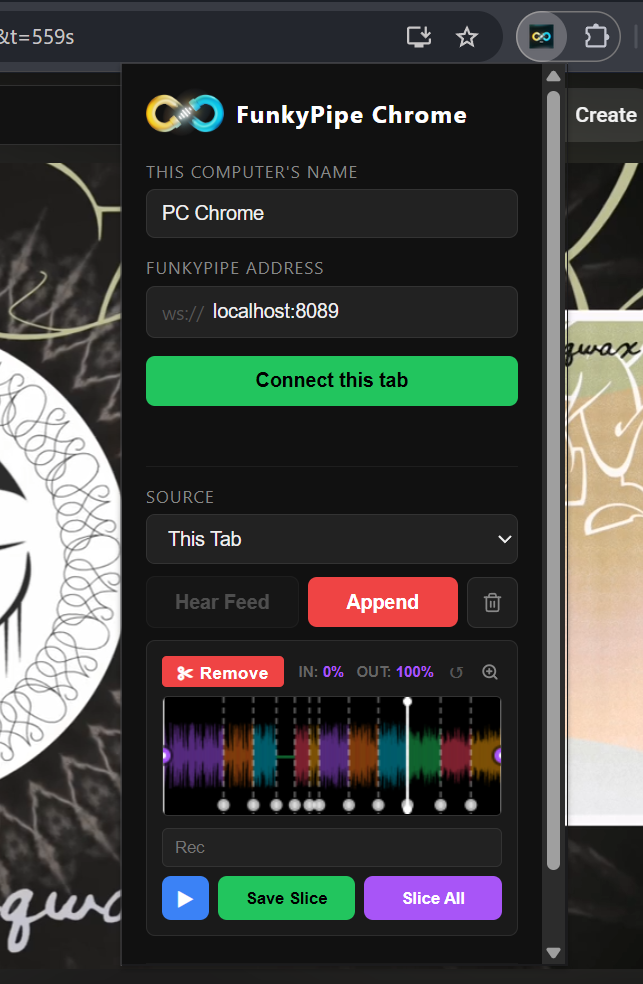
I initially built this as a live audio sender for my iOS app/auv3 'FunkyPipe' for remote sampling (currently in Testflight), but it's evolved into a standalone recorder you can use for free.
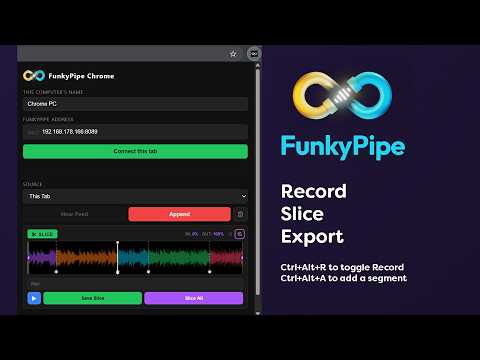
FunkyPipe support (still in development) lets you record from remote LAN sources live, as well as upload slices directly to LAN connected devices after chopping. For more info on FunkyPipe check out https://funkypipe.funks.app to join my discord/Testflight.
Comments
Looks VERY interesting!! Only LAN or Wi-Fi too? haha or is the same?
This is because my main machine is my laptop and desktop when i watch youtube/reddit/surfing the web. Always was a "problem" to really get fast samples to work (or me being super lazy not knowing anything easy/fast)
LAN can refer to either wired, wireless, or both combined. It just refers to the "local area" network behind a router / firewall where trusted devices can all "see" each other. WAN is the broader term for "wide area" network beyond that, where traffic needs to be routed through the firewall or router.
Yeh, when I say LAN i mean your 'local area network' (wired or wireless)...
That's what this is for - though tbh i've not tried it with very long recordings you should be able to just hit record, watch what you want, hit the segment shortcut whenever you hear something you might want later, then go back, chop and export (though in this use case it might be handy to mark certain segments as 'trash', or maybe better to mark 'keepers'? do we need a way to do both? let me know what you think will work better - that way when you bulk export the entire range, trash is ignored/or only keepers are exported?
Just submitted Chrome 2.5 to store (I'll update when complete);
Shift+Click (or drag) to select a loop area; click in or out button to move IN/OUT to loop area
Command/Ctrl+Click (or drag) to mark sections with an X, they will not be sliced when bulk slicing.
Pressing space will play/stop while extension is on screen (and mute active tab audio in the background).
Enable 'FLAC' to save all slices and recordings as lossless FLAC (~25% file size)
fix: large files couldn't be saved, should be fixed.
fix: linux file selection error hopefully fixed.