Loopy Pro: Create music, your way.
What is Loopy Pro? — Loopy Pro is a powerful, flexible, and intuitive live looper, sampler, clip launcher and DAW for iPhone and iPad. At its core, it allows you to record and layer sounds in real-time to create complex musical arrangements. But it doesn’t stop there—Loopy Pro offers advanced tools to customize your workflow, build dynamic performance setups, and create a seamless connection between instruments, effects, and external gear.
Use it for live looping, sequencing, arranging, mixing, and much more. Whether you're a live performer, a producer, or just experimenting with sound, Loopy Pro helps you take control of your creative process.
Download on the App StoreLoopy Pro is your all-in-one musical toolkit. Try it for free today.
Lenght of many audioclips change after time!!!
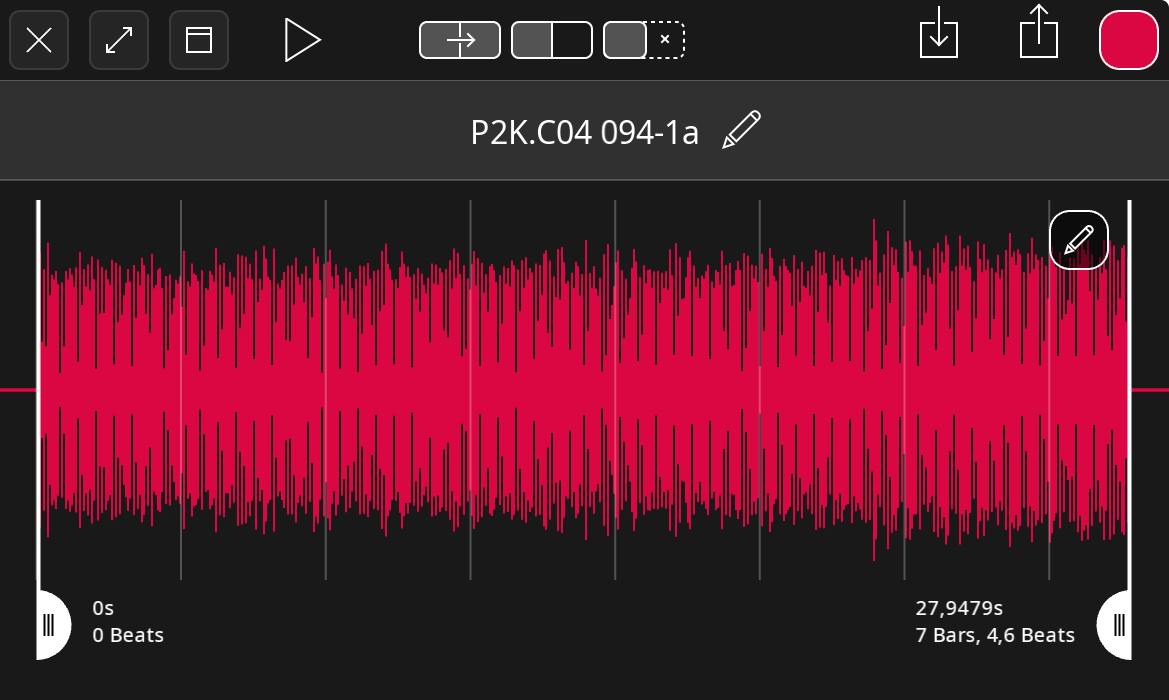
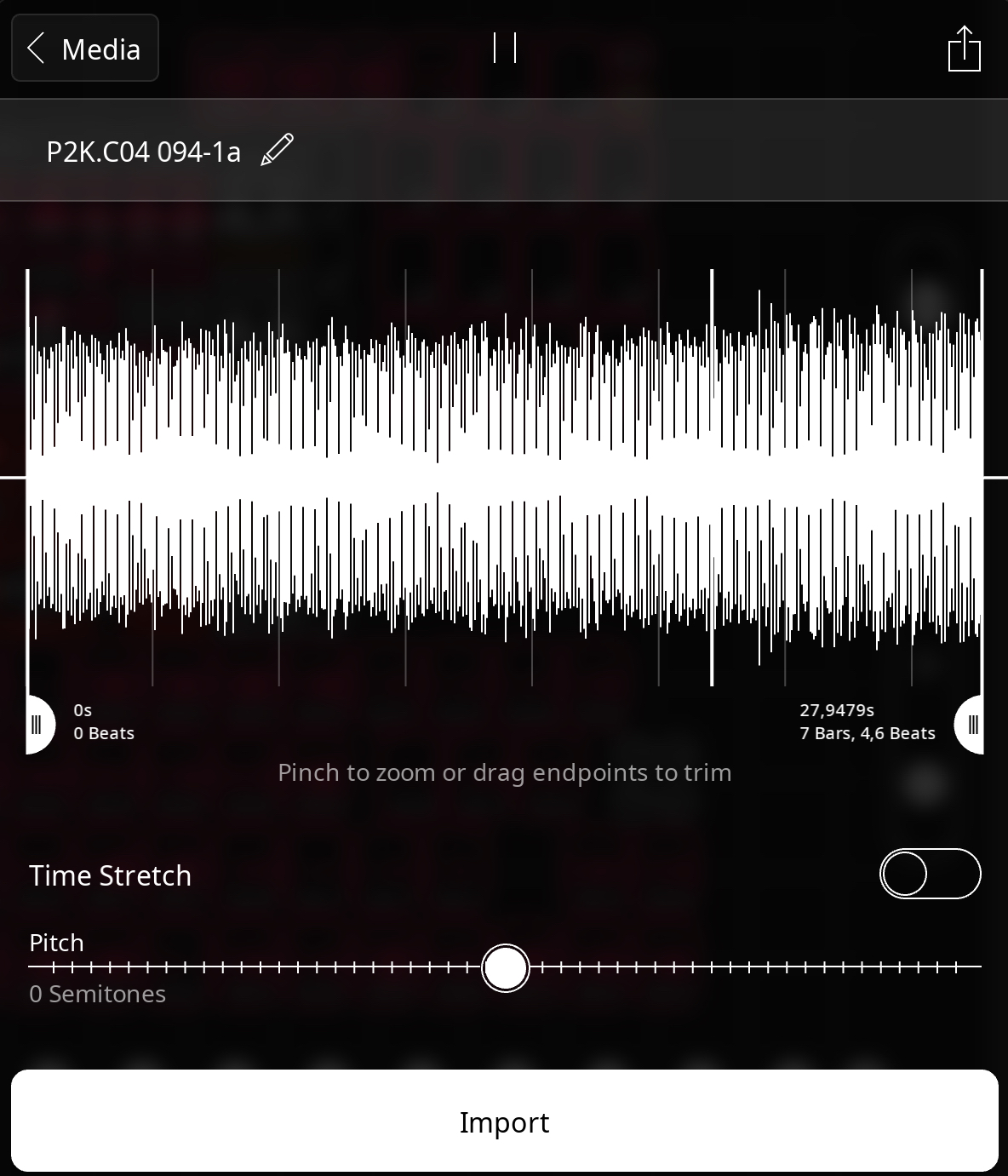
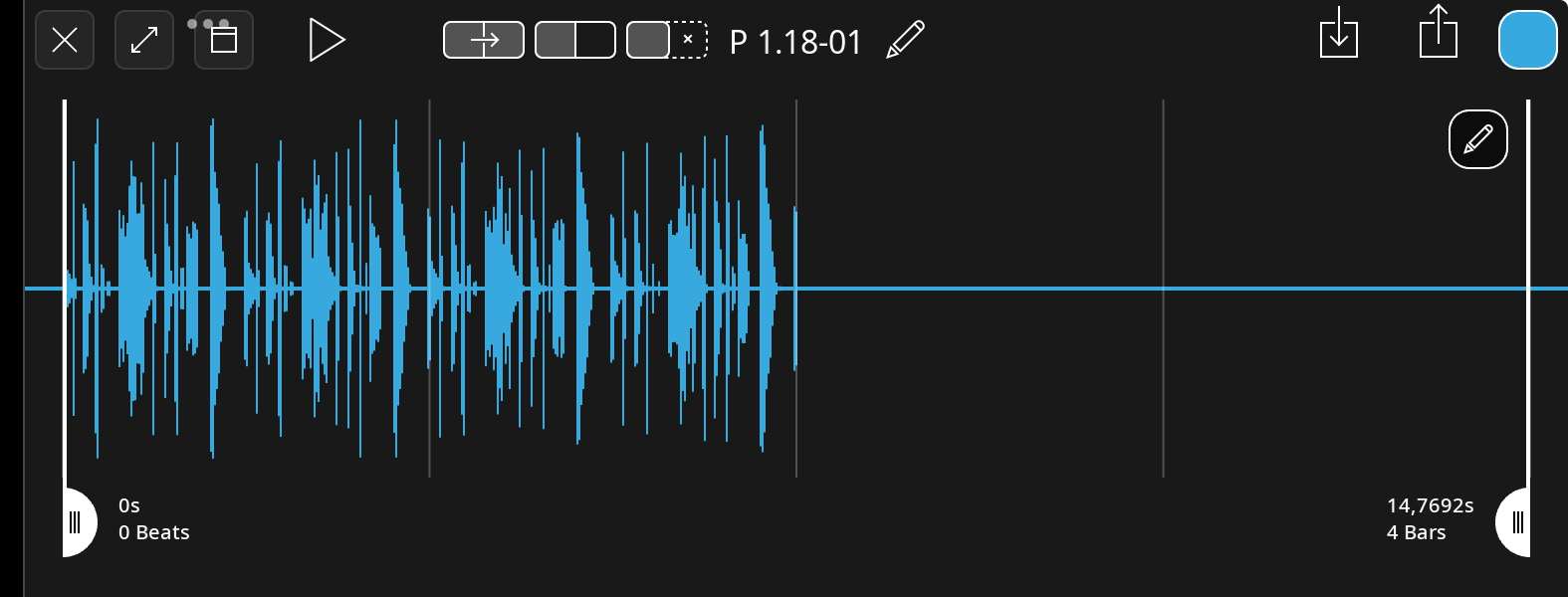
I have a 1.8GB LP project with many many 96kHz 24bits recordings and suddenly many of those 8 bar clips are suddenly 7 bars and 4,6 bars long! When I copy those original 8 bar clips from a backup or import them, the next time I open the project, they are 7 bars again. I also noticed the waveform is incorrect of some clips (half of the waveform is missing). This is a hugh problem for me because I can't re-record those clips. What is going on? Is it the project size?
Comments
@hotswank : some questions:
Mind you, not all clips lenghts are affected, only 10 of them on page A (all rectangular clips). The waveform error also only affects 24 rectangular clips; the circular clips look normal.
@hotswank : if you export the clips, do the exported clips play correctly?
Were these clips recorded in Loopy Pro or imported?
I am a bit confused by the pictures of the clips at the top. The import panel shows the length as 27.9.. seconds which wouldn’t be 8 bars (or 16 bars) at 130 bpm.
If you create a new empty project with time-fitting off and import the clip, do you have the same problem with the length changing?
Are you using version 2.0.5 of Loopy Pro.
Can you double-check that time-fitting is none for the clips.
You mention that the bpm sometimes changes. Were any of the clips imported or recorded when the bpm was not 130 bpm?
@hotswank : we may eventually need to look at the project itself.
Are the rectangular clips, one-shots or loops?
All clips are recorded in LP, I only export/imported some clips to double check their lengths after the fact, so the lenght is "correctly" incorrect. I noticed some clips got the wrong length after (I think) changing to external midiclock that ran 123bpm for a moment. When setting the seq to 130, some clips still did not looped right and that was the moment I noticed the 7+ bars clips.
Unfortunately I replaced the old backup with the new project to save space on my iCloud and those 8 bar clips are now lost forever and cannot import them into new empty project to check.
All the clips does not have Time-fitting, Loopy is v2.0.5 (725)
When I was recording those (now truncated) clips I did not notice anything strange so no wrong bpm setting during recording because I recorded them without the external sequencer. Like I said I had a backup from before the clock ‘switch’, but after copy-paste the affected clips into the current project (not importing), the previous 8 bar clips changed length again.
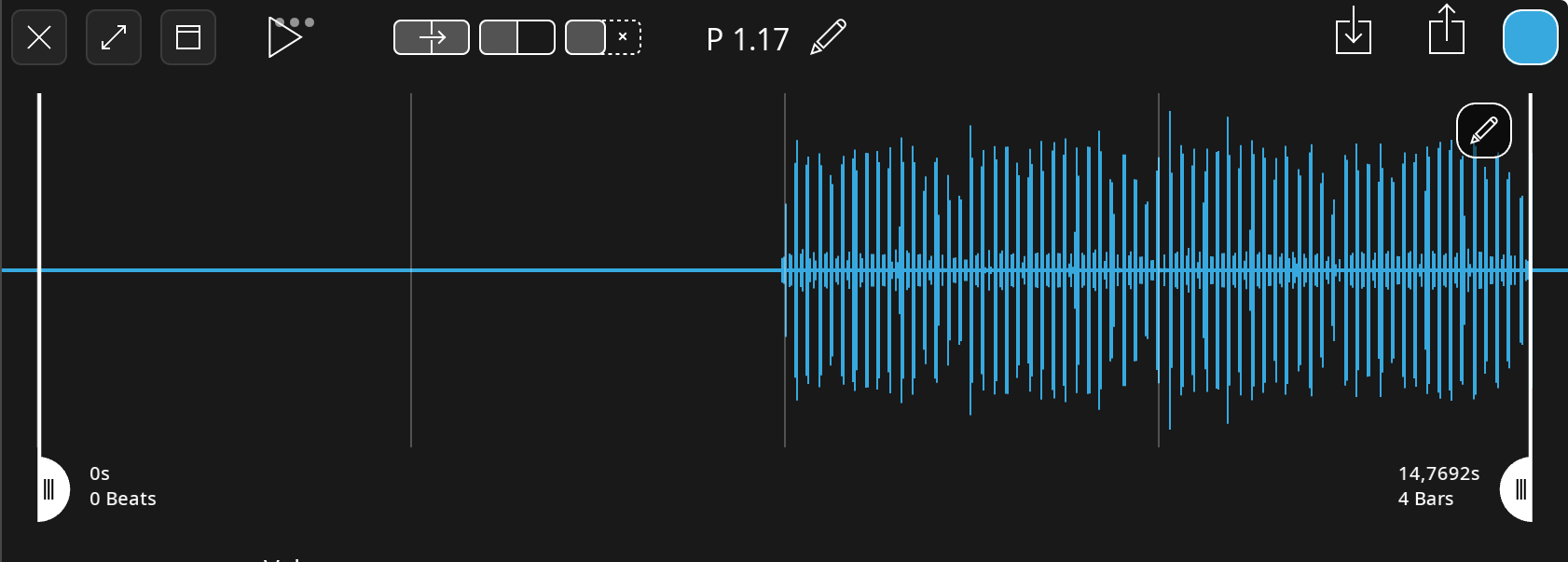
All those blue rect. clips on page B are loops and originally recorded as 2 bars and now they are all 4 bars, thus explaining those empty spaces.
When I recorded the clips my audio interface was set to 96/24, but when I auditioned the project without the interface, the project defaults back to 48kHz. Could that be the issue perhaps?
I now also have a copy project where ALL clips are truncated… very strange.
@hotswank : once loops are recorded, Loopy doesn’t make any destructive changes. The original audio should still be in the project. The metadata might be a problem. From what you describe, it sounds like the issue may be having time-fitting off and having recorded some clips so that they were 8 bars at the time of recording at a tempo different from the current tempo.
It is possible that exporting the clips and re-importing might have resulted in issues. If you loop those clips, by themselves, do they loop correctly?
Did you have save points on in your project?
Thanks for the suggestions but I did not import any clips prior the issue and not the reason.
To be honest I can't recall if I recorded those files before the clock 'switch' or after and it could be possible time stretch was enabled and didn't notice the clip was not exactly 8 bars, untill the next day.
In already repaired the clips in Audition and moved on... 😊
In conclusiin: it could be user error but it does not explain only those rectangle clips changed lenght (2 > 4 bar) but looped as 2 bars.
Thank you for your feedback!
@hotswank : i think we would need to examine the project to have an idea of why the waveforms aren’t drawing correctly. You can send us a link to the project at support at loopypro.com