Loopy Pro: Create music, your way.
What is Loopy Pro? — Loopy Pro is a powerful, flexible, and intuitive live looper, sampler, clip launcher and DAW for iPhone and iPad. At its core, it allows you to record and layer sounds in real-time to create complex musical arrangements. But it doesn’t stop there—Loopy Pro offers advanced tools to customize your workflow, build dynamic performance setups, and create a seamless connection between instruments, effects, and external gear.
Use it for live looping, sequencing, arranging, mixing, and much more. Whether you're a live performer, a producer, or just experimenting with sound, Loopy Pro helps you take control of your creative process.
Download on the App StoreLoopy Pro is your all-in-one musical toolkit. Try it for free today.
How do I "select" an instrument?

I must be missing something because I'm legit just drawing a blank here, without some convoluted MacGuyver setup.
Is there a way to just.. select an instrument/track?
I'm wanting this so I can use the same midi controller for multiple instruments - ie, map a few pads to "select" an instrument, so I can press a pad, lay down drums, press another pad and it "selects" whatever synth I want.. rinse and repeat, you get the picture.
Exactly like how there's a "select clip" function, but I straight up don't see it.
All I can think of is two workarounds that both feel unnecessary:
- midi filtering.. my controller does allow this but it requires going to the right octave, holding shift and hoping I remember WTF instruments are on what midi channels when I choose the channel..
- or basically doing a mute/unmute midi source thing where when I press a pad, it makes sure the Drum instrument I'm using isn't muted, and it mutes everything else.
That feels a bit over the top to me.
Am I missing something, or is the above the actual ways people are doing this?
Comments
I don't see a way to edit my post - but another option is to SOLO the audio source?
This actually seems legit? It doesn't mute the loops when I solo an audio source.
I assume this is the way!
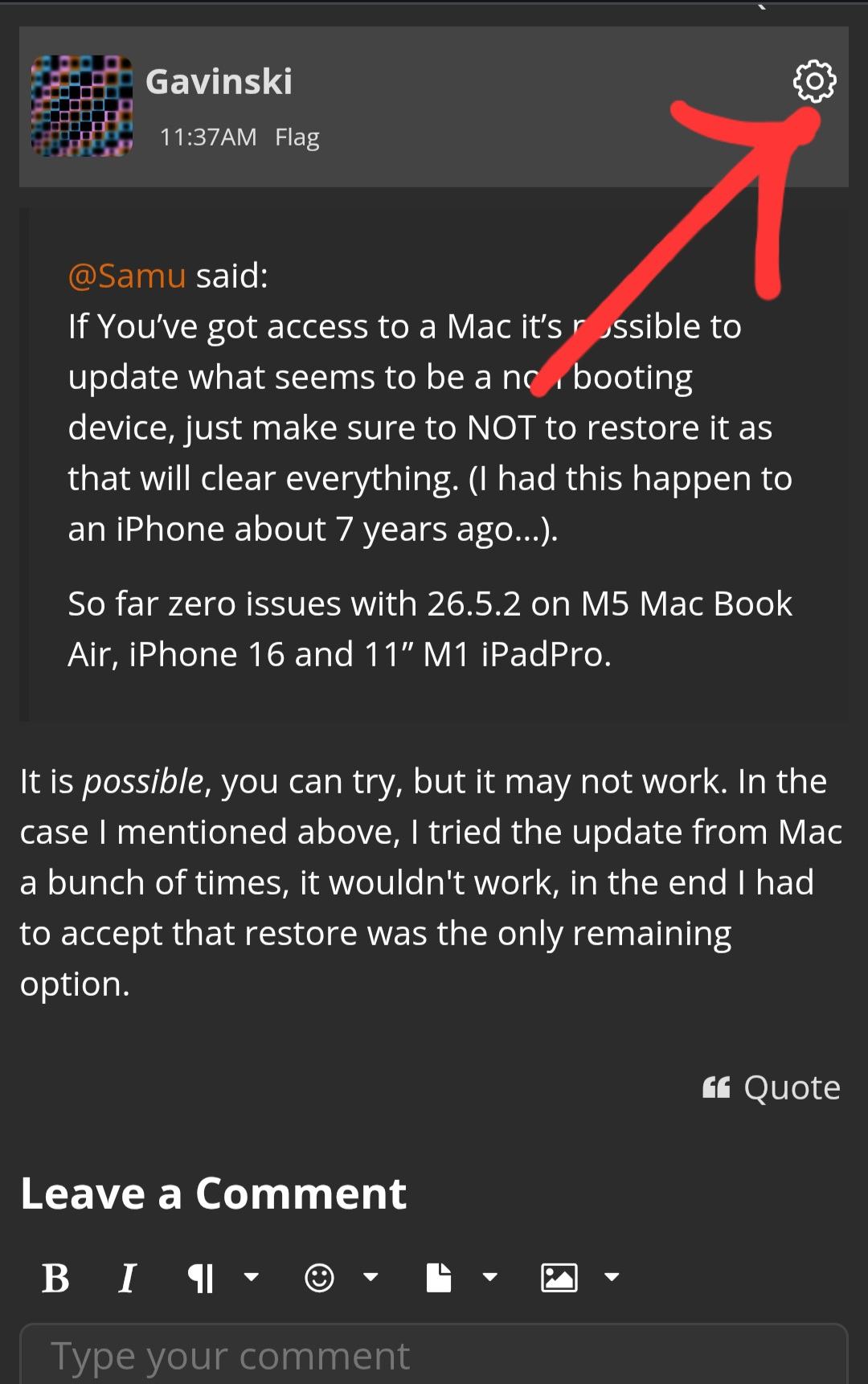
You can tap the cog icon on top right of any post you make, that'll give you options to edit
Does this answer your question?
https://wiki.loopypro.com/Synth_Routing_2.0