Loopy Pro: Create music, your way.
What is Loopy Pro? — Loopy Pro is a powerful, flexible, and intuitive live looper, sampler, clip launcher and DAW for iPhone and iPad. At its core, it allows you to record and layer sounds in real-time to create complex musical arrangements. But it doesn’t stop there—Loopy Pro offers advanced tools to customize your workflow, build dynamic performance setups, and create a seamless connection between instruments, effects, and external gear.
Use it for live looping, sequencing, arranging, mixing, and much more. Whether you're a live performer, a producer, or just experimenting with sound, Loopy Pro helps you take control of your creative process.
Download on the App StoreLoopy Pro is your all-in-one musical toolkit. Try it for free today.
How to mute a channel in the mixer using a button action?

Hi all
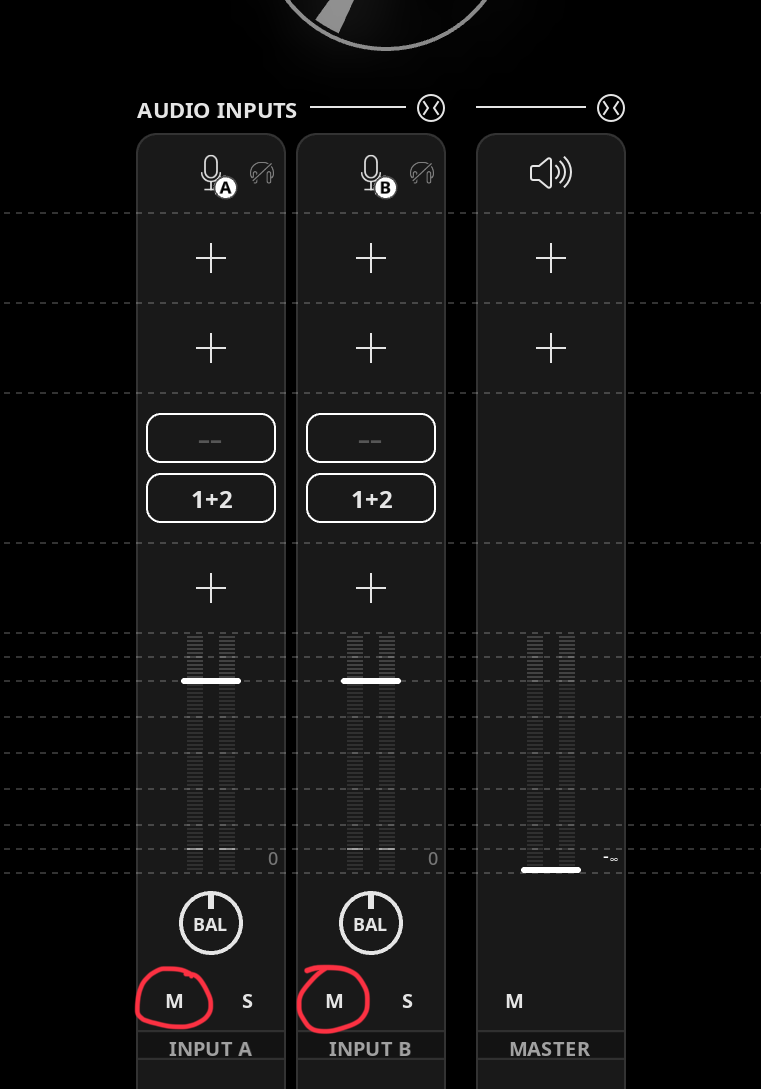
I can't currently see how to mute a channel (in the mixer) using a button action. I can see how to mute a clip, a Color Group, an audio source and a bus, but not a channel. I could connect the channel to a bus but I'm hoping that's not necessary. Any help would be great! I'm attaching a screenshot to highlight the mute button I am talking about. Thanks in advance 
Comments
Under action select mute/unmute audio source. Select press, select the channel, and toggle.If you are in reduced mixer mode you can see the mixer channel mute button cycle on/off as you push the button.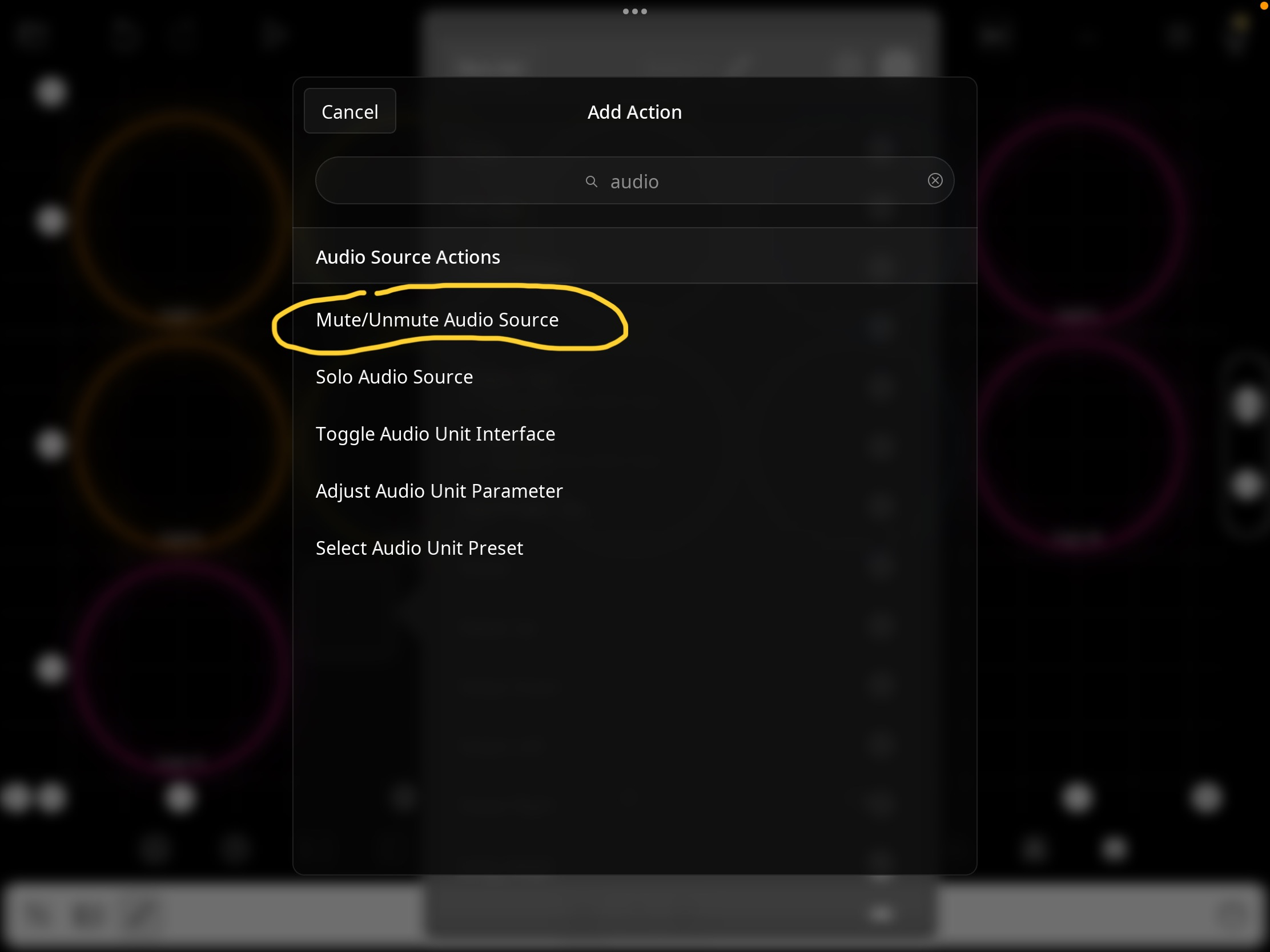
And don't forget to set "Mute position" to "Input". This option set AUv3s in the channel to idle mode.
Ah brilliant thanks
That's definitely me misinterpreting the term 'Audio Source' - wasn't thinking a post-fader mute could be a 'source'. I suppose it is referring to the 'Audio Input' channel (as a whole) as a source in Loopy Pro speak....
Thanks again