Loopy Pro: Create music, your way.
What is Loopy Pro? — Loopy Pro is a powerful, flexible, and intuitive live looper, sampler, clip launcher and DAW for iPhone and iPad. At its core, it allows you to record and layer sounds in real-time to create complex musical arrangements. But it doesn’t stop there—Loopy Pro offers advanced tools to customize your workflow, build dynamic performance setups, and create a seamless connection between instruments, effects, and external gear.
Use it for live looping, sequencing, arranging, mixing, and much more. Whether you're a live performer, a producer, or just experimenting with sound, Loopy Pro helps you take control of your creative process.
Download on the App StoreLoopy Pro is your all-in-one musical toolkit. Try it for free today.
Comments
@McD , @espiegel123. I can confirm that LatencyMeter can't measure Sonicake Pocket Master even on iOS 17.7.1 version.
I've got the same message as McD posted. Still, I tried to measure PocketMaster with all possible internal USB settings but I got "Check connection/levels" or "Too much noise" messages.
Subjectively, the latency at 44kHz/64 is slightly worse than at 44kHz/512 for Zoom AMS22, which LatencyMeter measured at 29.6ms.
Thanks for checking
The Onyx3 support contact replied to me regarding testing the SonicCake Pocket Master’s IOS latency.
I will keep the app to measure latency and do some testing with an older iPad running a prior IOS version.
Hmm, the bolded part of his answer doesn't match my findings from measuring Sonicake on iOS 17.7.1.
It may be that the sonicake has a bug itself with the same symptoms
**MOTU Ultralite MK5 ---> iPad Air 4 2020 (A14 Bionic) 48 kHz 32/64/128 frames **
I'm having the same issue
"Audio Session
Could not set optimal audio session parameters.
Please close any background audio apps.
You may also need to reconnect you audio interface."
Which isn't allowing me to set the buffer size but I'm still able to run the tests.
I assume the buffer is 32 for these.
iPad Pro 12.9" 4th Gen
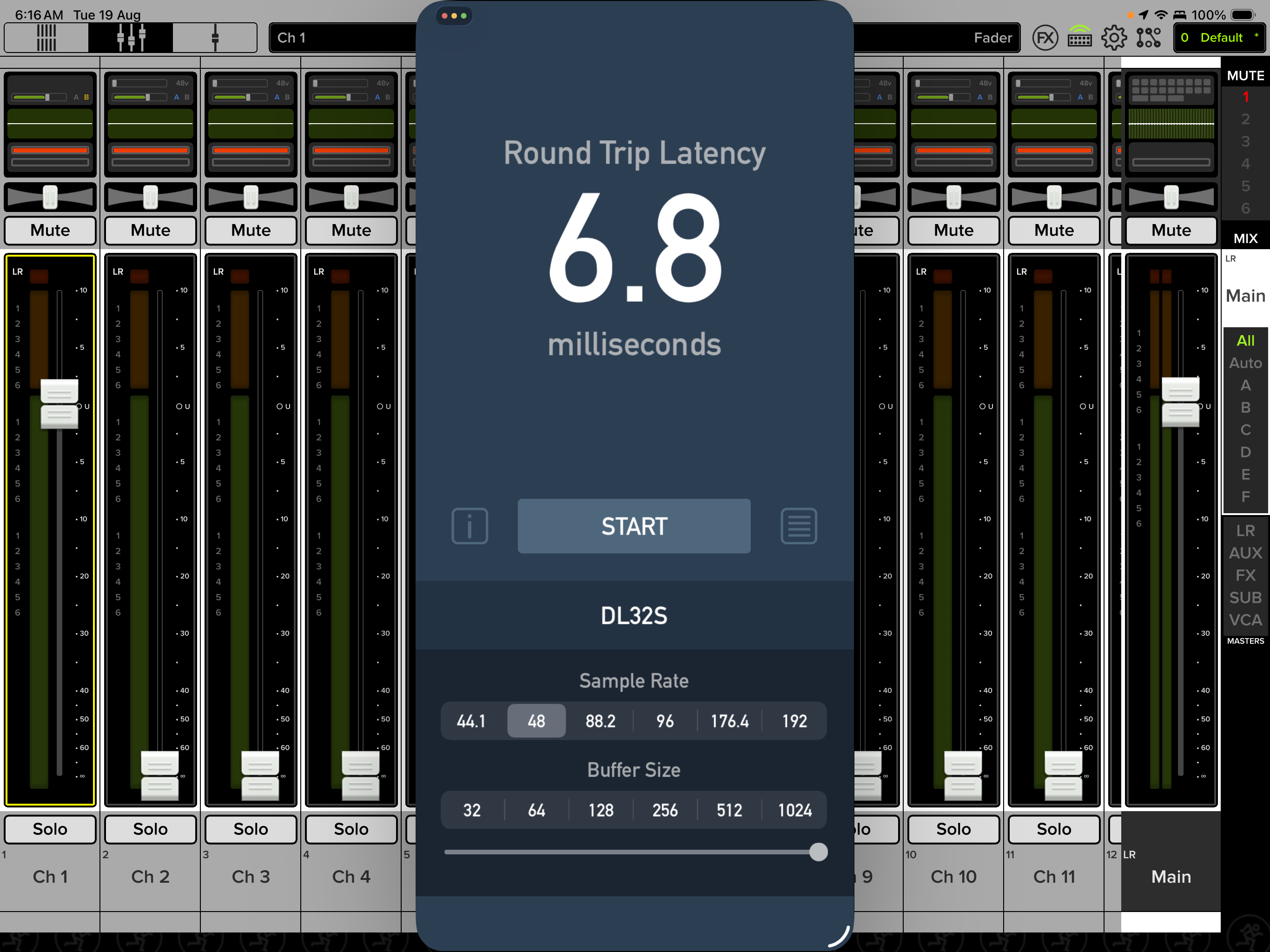
Mackie DL32S:
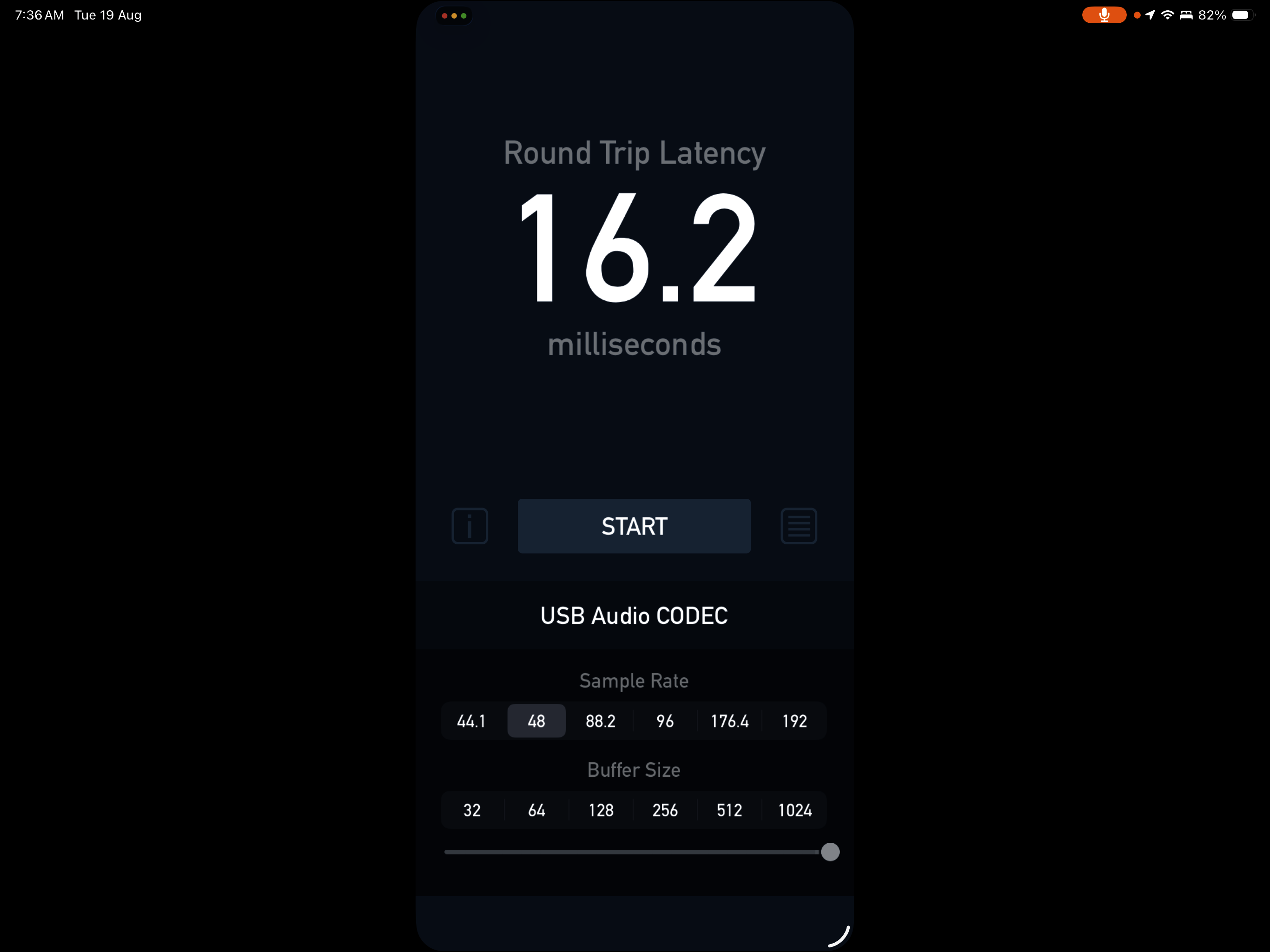
Behringer UCA222:
Zoom Livetrak L6 buffer size 32:
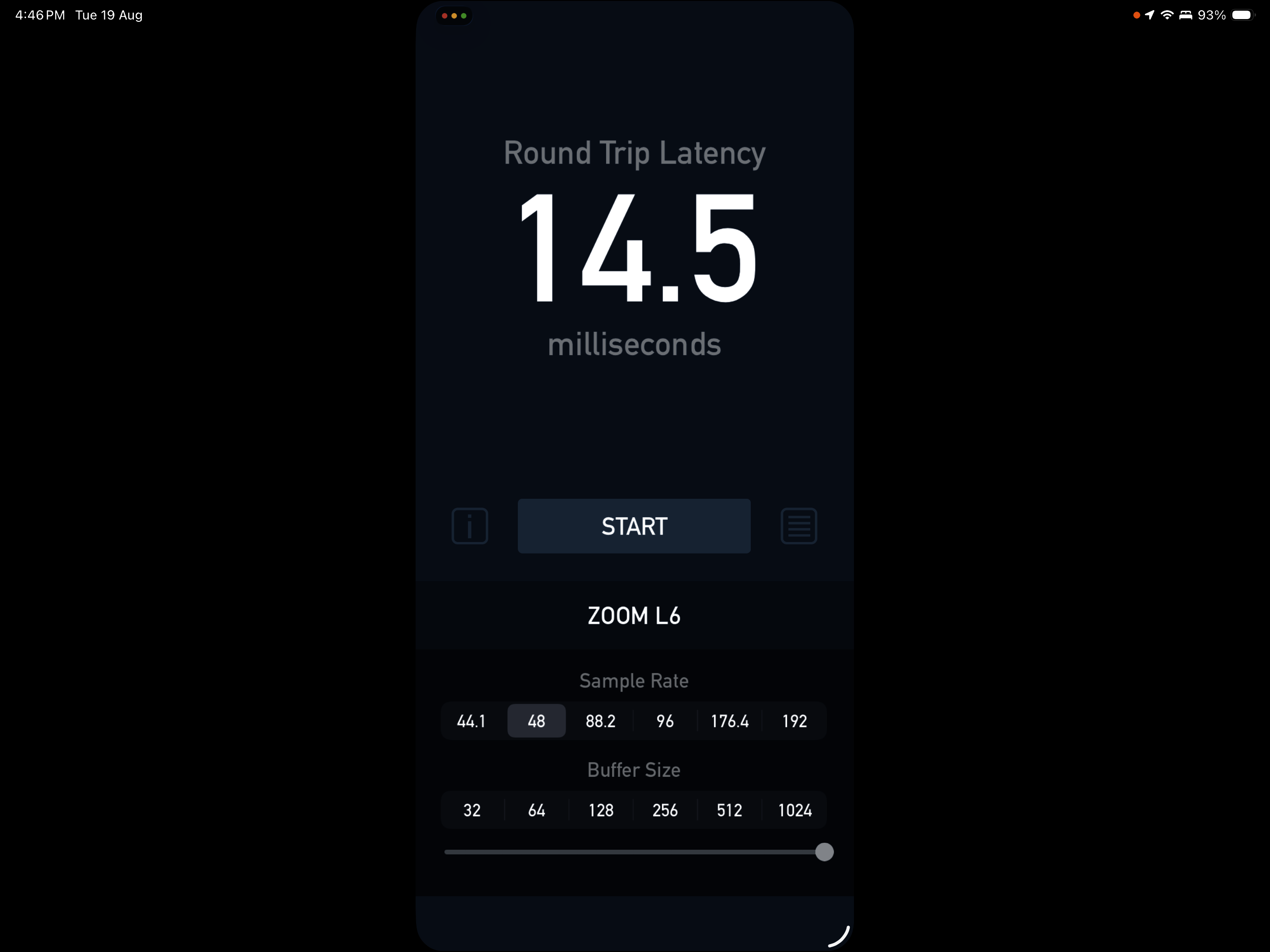
Are you sure that the buffer was 32?
Launch something like Loopy Pro or AUM on the same device and bring up their buffer setting to see what it says. The buffer size is system-wide.
That would be really bad latency at that buffer size.
Yes definitely with 32 buffer:
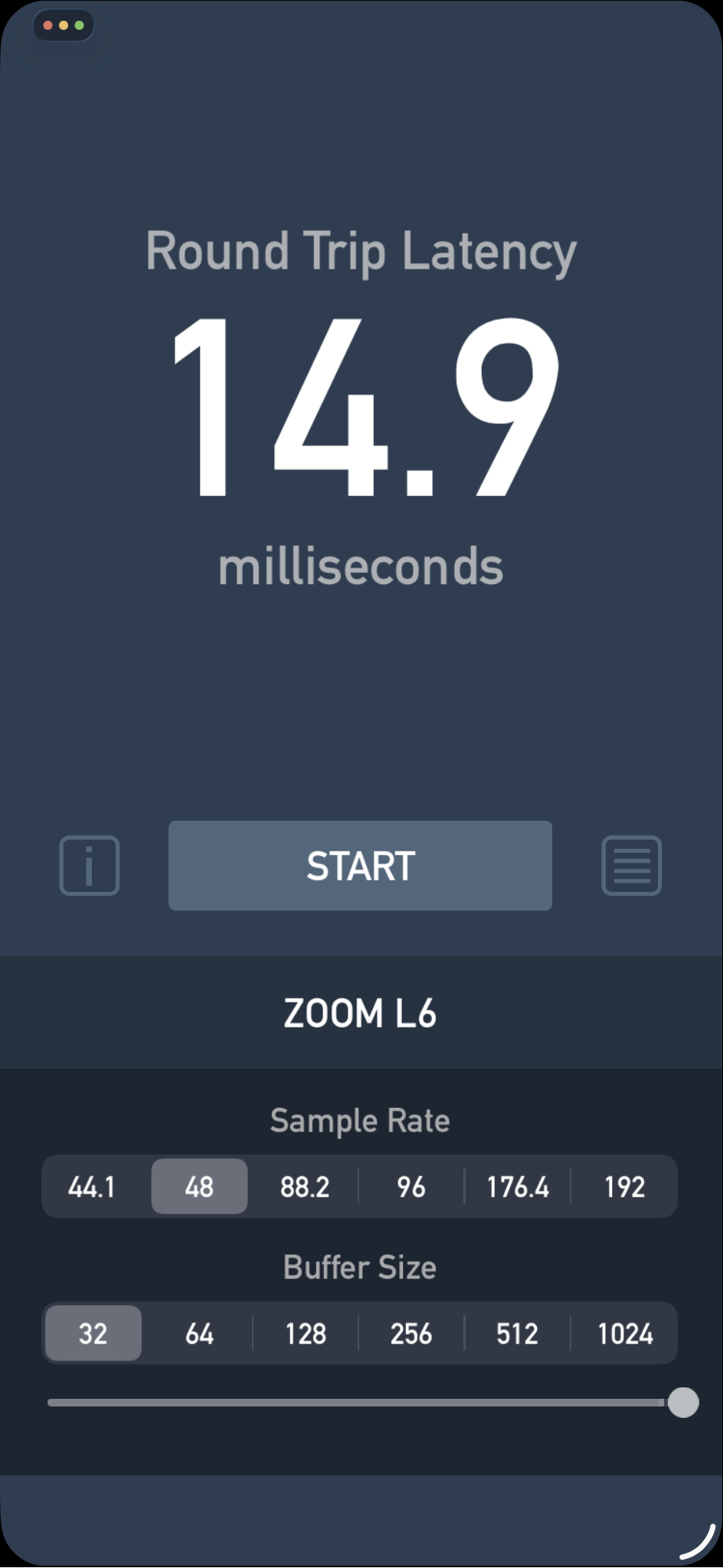
Thats really bad!!
an external thruput ping test on the Zoom L6 using Logic Pro is 4.1ms from in to out. routed thru USB via Loopy with input monitoring on is 19.1ms so it all adds up that this mixer has terribly latent class compliant drivers. I'll be returning it for a refund tomorrow
@AndyP4 Thanks for taking the measurements. I find it quite surprising that the same manufacturer can produce devices that differ so much in terms of latency (results of AMS-22/U-24 vs L6 in this thread).
Let Zoom know and who knows, maybe they’ll shoot out a firmware update
Xsonic Xtone Pro
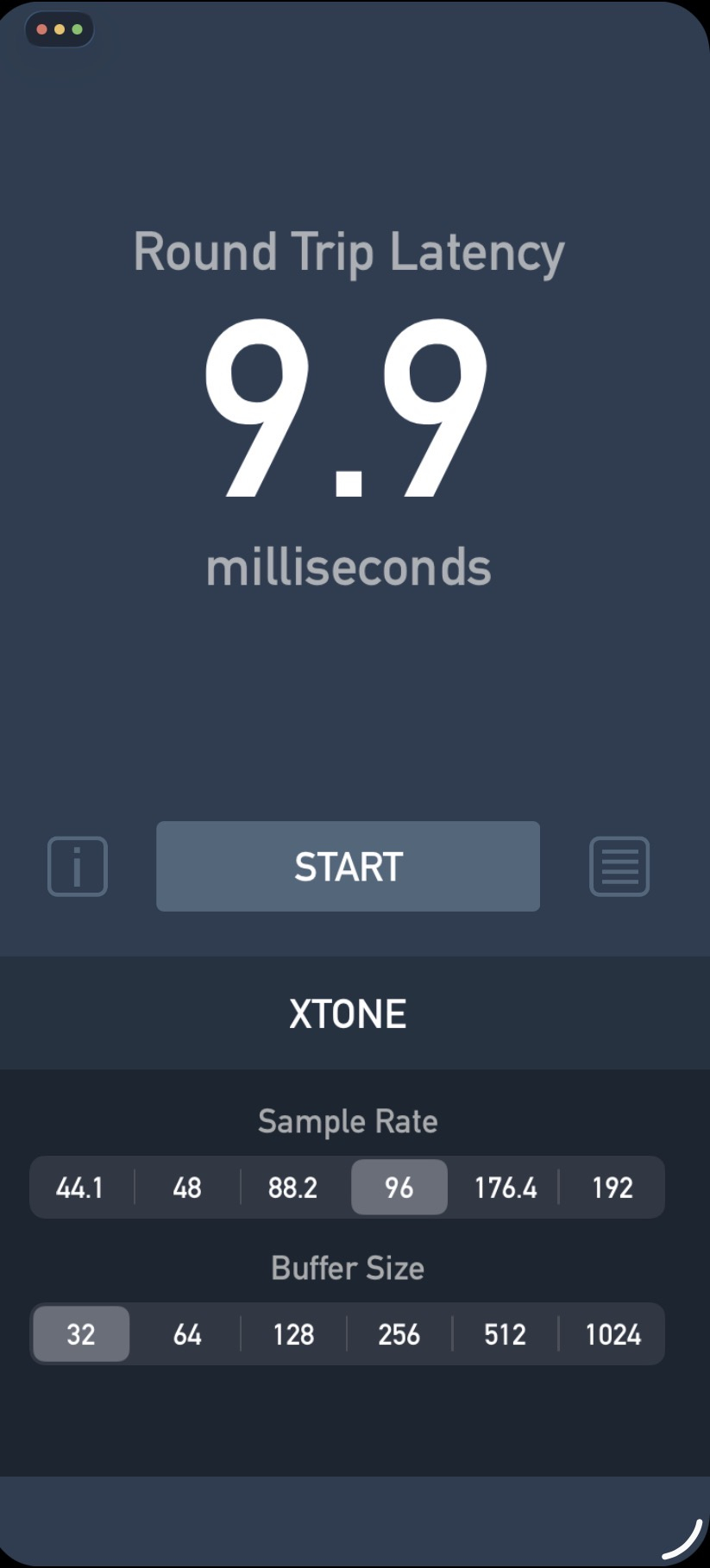
Could you measure it also at 48kHz/64 or 128 samples, please?
For which interface?
Motu M4
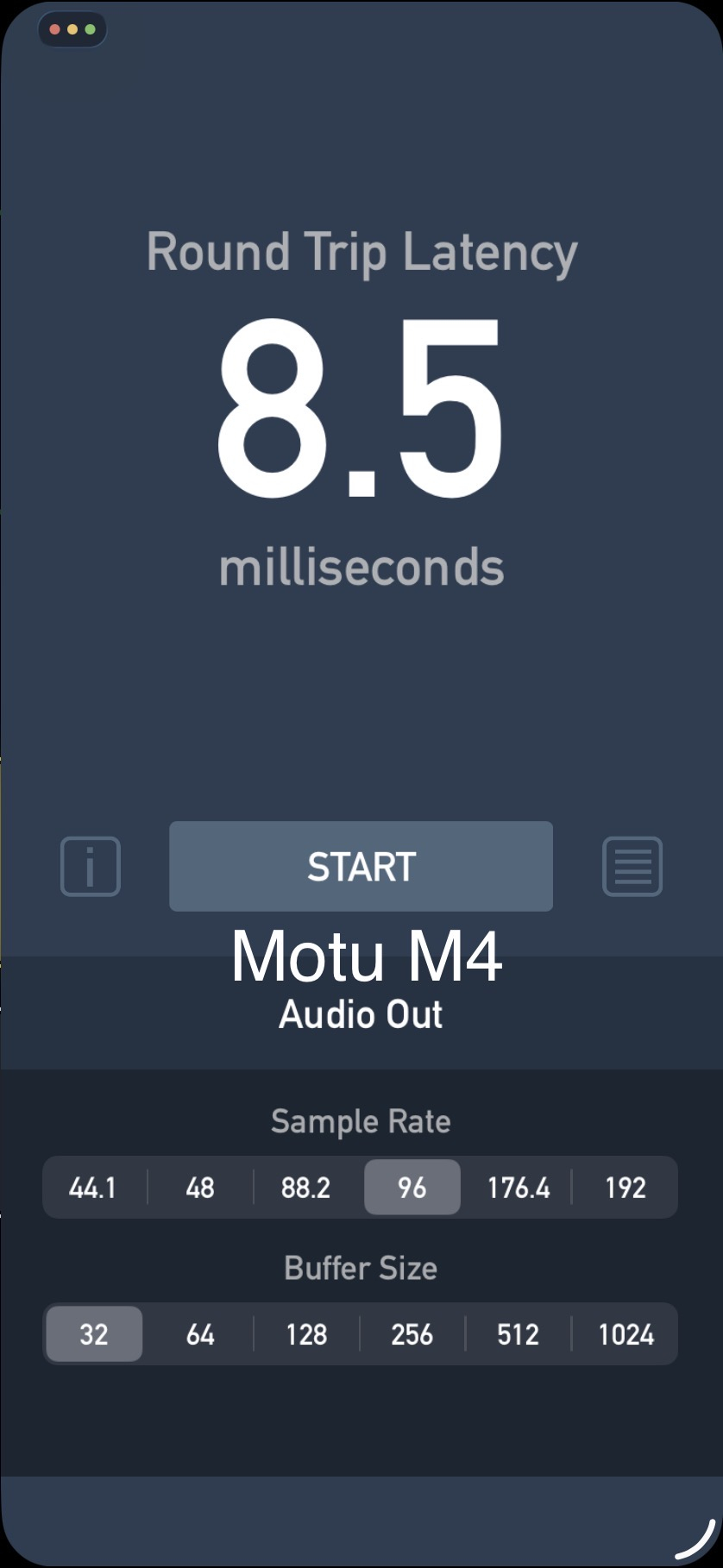
I meant Xsonic Xtone Pro (and now MOTU M4 as well). Knowing of RTL at 48kHz will be useful for every interface.
Blackstar Polar 4:
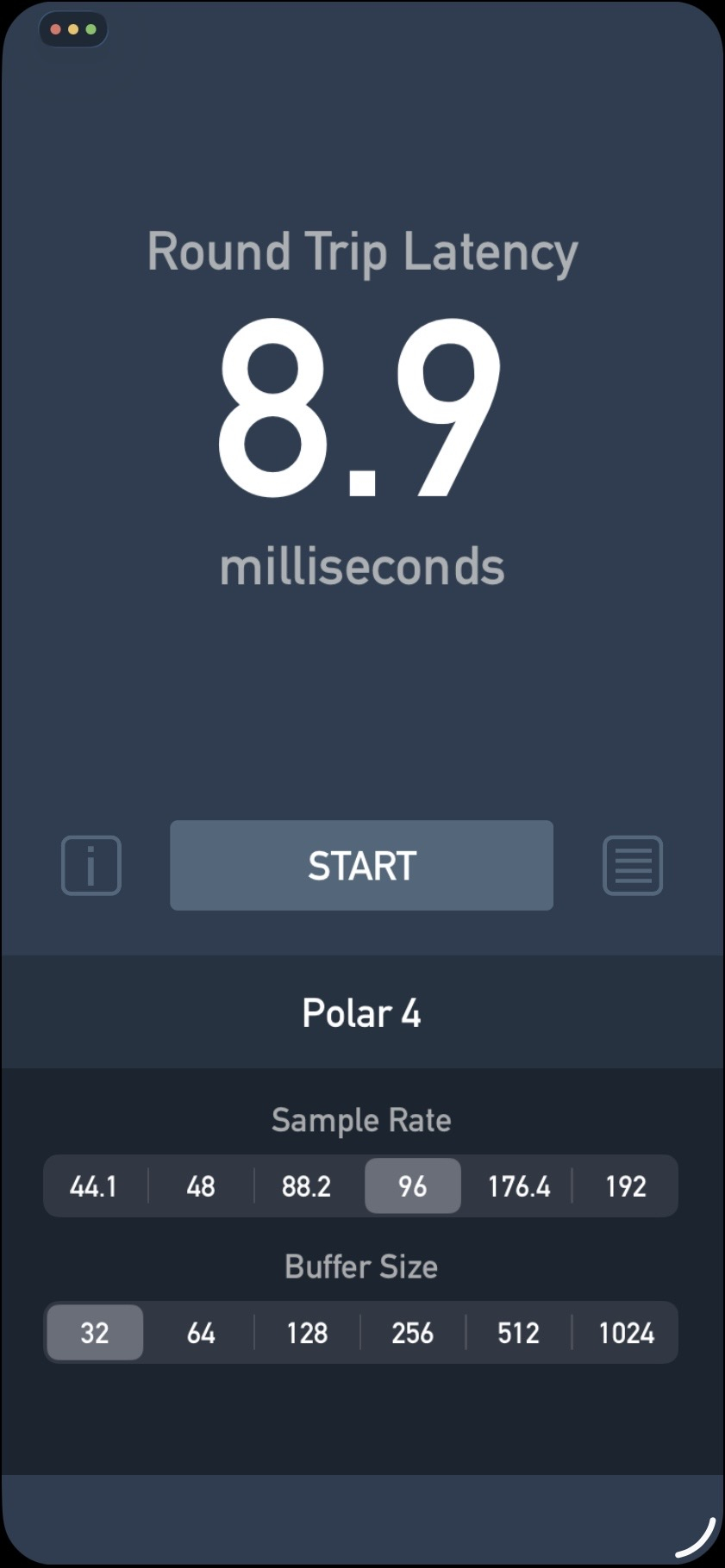
For anyone who would like to know if the CPU has any effect on RTL. Original measurements were taken on iPad Air M1, new ones on iPad Pro M5.
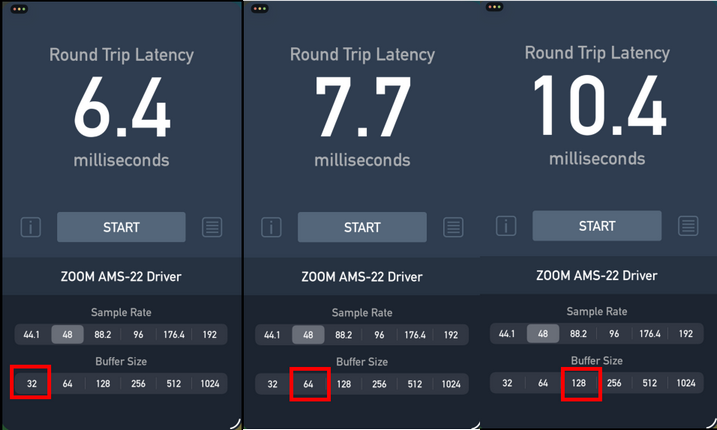
PS: The Onyx app has some issues with highlighting buffer buttons on iPadOS 26.2, so I labeled them manually.
Thank you for that report and comparison. I’m surprised that there’s not more difference between the M1 Air and the M5 Pro.
That's because CPU speed isn't the main factor. A buffer of 128 samples gets processed with exactly the same timing on a slower processor as it does on a faster one - provided there are no overruns. A faster CPU will allow you to use lower buffers without overruns, it won't let you decrease the time duration of that buffer.
A buffer is a fixed number of samples at a fixed audio rate. The duration is the number of samples * the audio rate, no matter what. If the faster CPU can do it's work in a shorter time, it still has to wait that duration before processing the next chunk.
So, lower latency between the two measurements comes from elsewhere than the buffers, and there isn't that much else to work with. (That is if it's not within the margin of error of the measurements, which with those low differences, it could be.)
BTW, processor allocation is dynamic. There's no way for a benchmark program measuring latency to know how much CPU is being allocated by the operating system. The M5 measurement could have been taken while a smaller percentage of available CPU was allocated than in the M1 test.
It's nice to have the measurements though, and nice to see there's an improvement in the newer device.
It's a pity that the iOS kernel can't take advantage of RTL potential of some audio interfaces. I'm thinking mainly of RME. That's why, after switching to iPad, I sold my RME Babyface FS Pro, which I bought for my PC solely because of its excellent ASIO latency. Now I use the much cheaper Focusrite Scarlett 3rdgen, which is only a few tenths of a millisecond worse at the same frequency and buffer size.
Thanks for that comment on CPU speed, @wim. Good to know about the 3g Scarlett vs. the Babyface. I posted a test of my 1g Scarlett earlier in this thread, and it was measurably slower. I've been pretty happy with the MOTU M2. Specs aside, it has a meter on the front panel that I've really come to appreciate.
@filo01 I’m considering buying the Audient EVO 8 to use with Loopy on iPad and was wondering — does it save the gain settings/positions for the inputs and outputs after a power cycle? Do you know?
Sorry, I don't. I had most of the measured interfaces at home for a day or two, including this one.
On iPad Pro M5
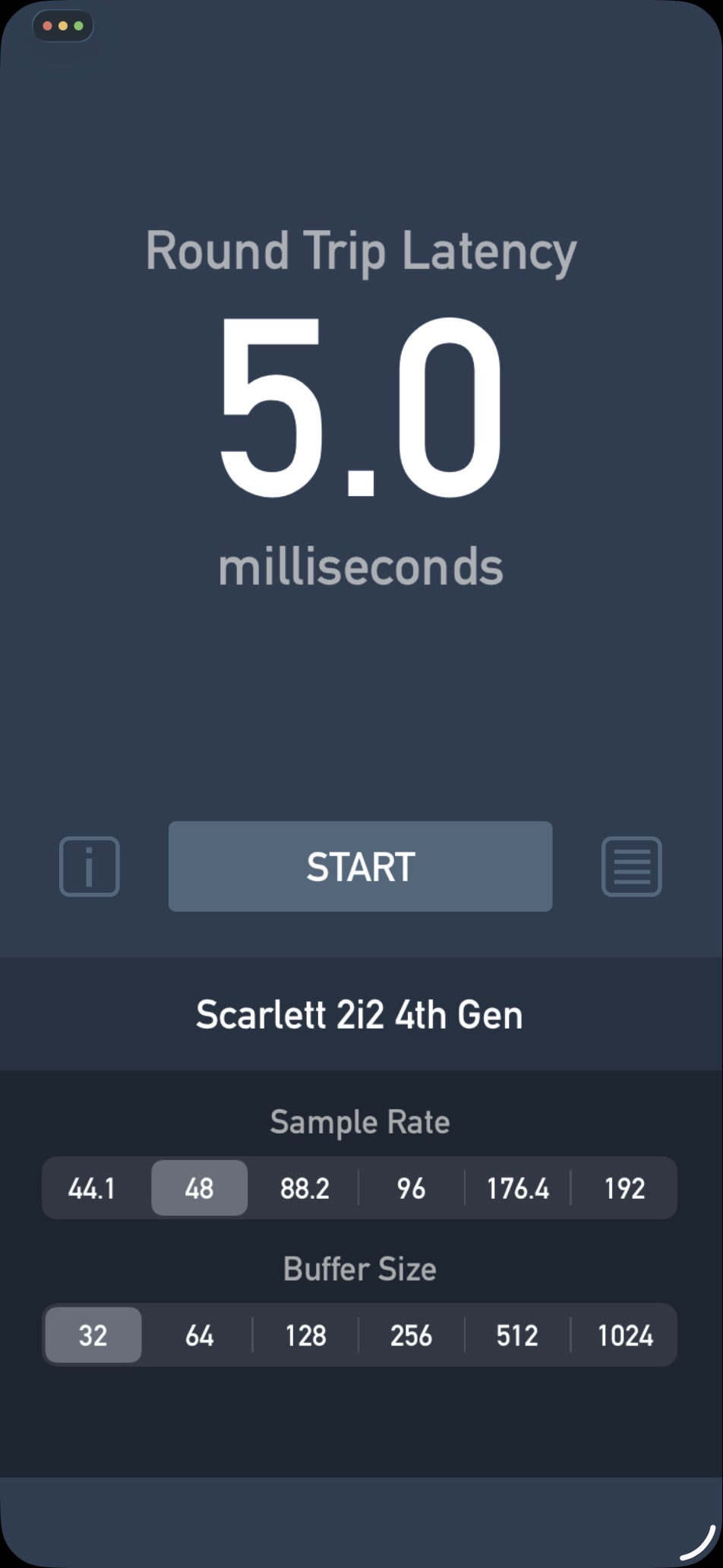
On iPad Pro M5