Loopy Pro: Create music, your way.
What is Loopy Pro? — Loopy Pro is a powerful, flexible, and intuitive live looper, sampler, clip launcher and DAW for iPhone and iPad. At its core, it allows you to record and layer sounds in real-time to create complex musical arrangements. But it doesn’t stop there—Loopy Pro offers advanced tools to customize your workflow, build dynamic performance setups, and create a seamless connection between instruments, effects, and external gear.
Use it for live looping, sequencing, arranging, mixing, and much more. Whether you're a live performer, a producer, or just experimenting with sound, Loopy Pro helps you take control of your creative process.
Download on the App StoreLoopy Pro is your all-in-one musical toolkit. Try it for free today.

Comments
Can you open the fab filter in standalone mode then reopen your LP project. See if that works.
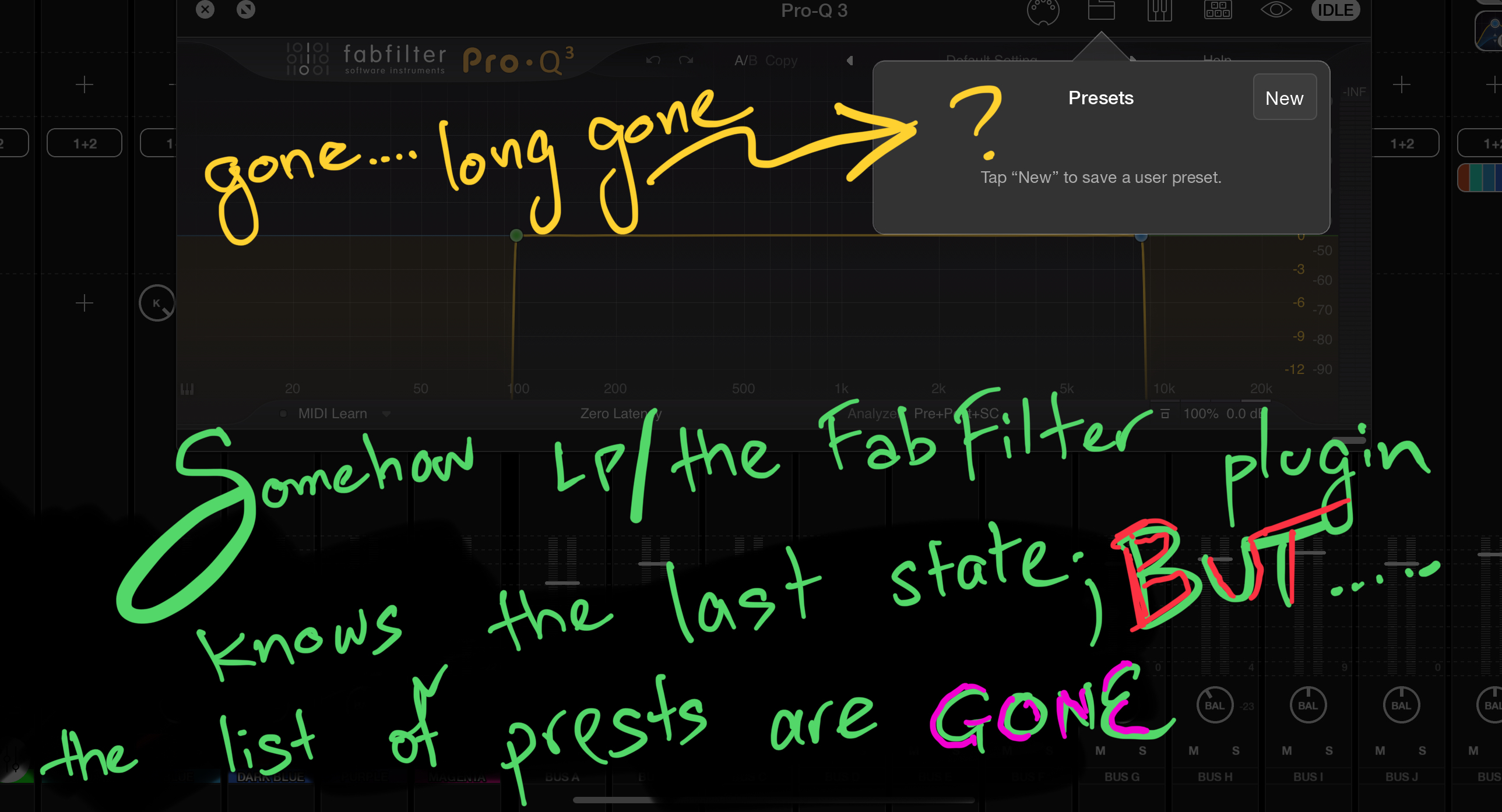
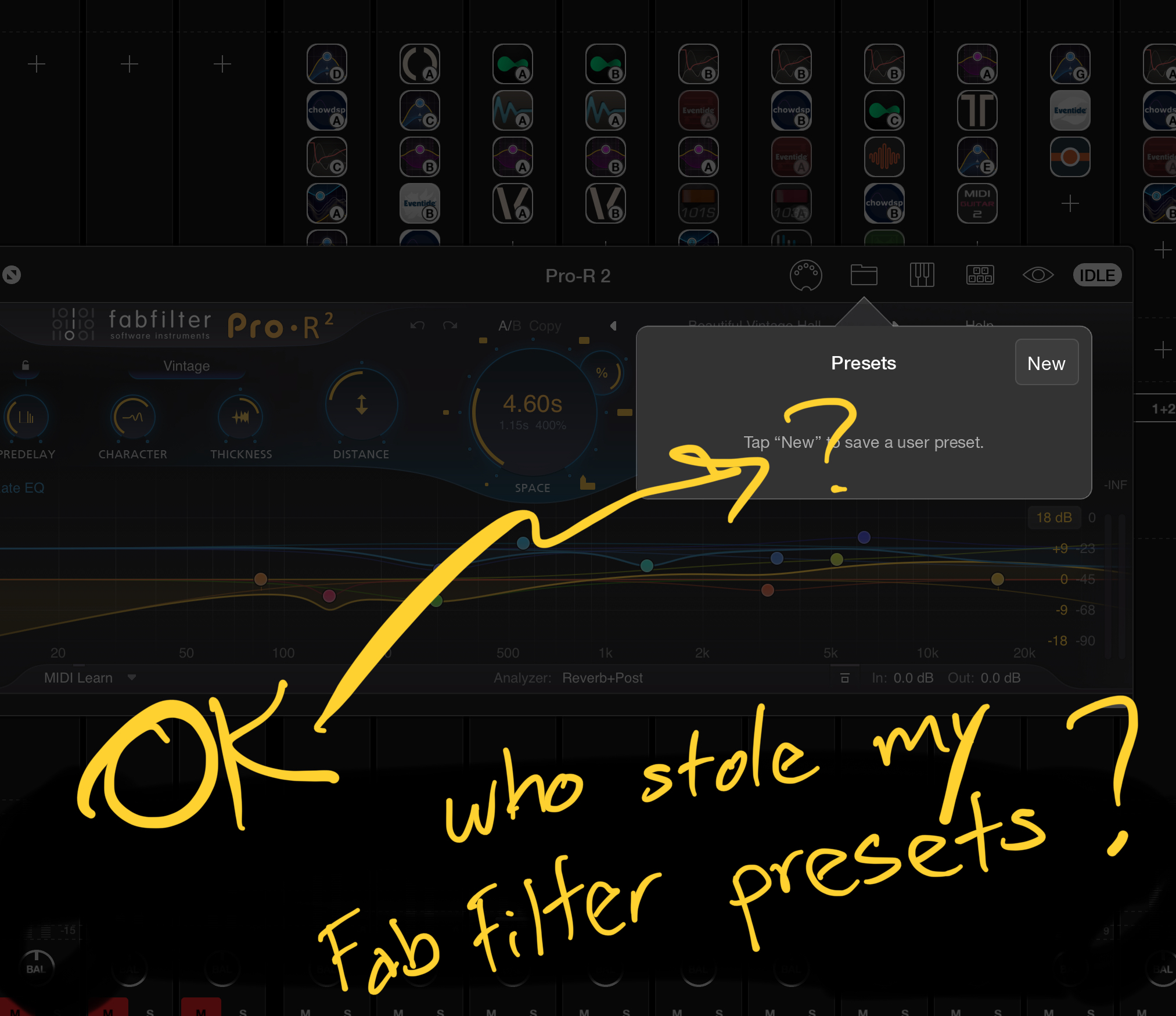
@Hel I can open them (the FabFilter plugins) outside of Loopy Pro. The presets, or the ones that are lost are kept /manged by Loopy Pro, so they are not available in the Stand Alone plugins when you open them.
UUuuhhhh OH NO. I used the "save points" from LP, and opened a save point from earlier today, and one from yesterday - and they are still GONE.
@espiegel123 Do you know the folder under or within LP called "Effect Module Presets" - well, I can see the presets in there. I name my presets with a naming scheme such that the first few letters indicate the type of plugin. For example VRB is 'reverb' and specifically FabFilter's R2, and EQ is FabFilter Q3. SooOOOooo.... I can SEE these files in this folder, HOWEVER it seems that the FabFilter plugins somehow can't or won't look or recognize them.
Any other thoughts?
Have you tried rebooting the iPad?
@espiegel123 I stand corrected here.... other plugins, but not all of them are missing.
the FAC (Fred Anton Corvest), Thafknar, Step PolyArp, and the Blue Mango can "see" or "read" the presets that I've made. The other cannot. They are:
FabFilter, Eventide, Filterstation (Audio Damage) cannot see the presets I've previously made.
But I can see them (see the pic below) in the Effects Presets.
I did shut my iPad down, and started it back up. Is this a Microsoft thing? ;-)
@Vmusic : it is surprising that they aren’t showing up. What has changed on your device since they last loaded?
What do you mean by “ Is this a Microsoft thing?”?
@espiegel123 back in the day, Microsoft support always started with "reboot".
I got it fixed. Somehow..... don't ask me how, I found the Effects Preset folder inside another folder on my iPad. I think it was inside either the iCloud Drive or Recently Deleted. Anyway..... I copied it back over inside the Loopy Pro folder, and now all my presets are there again
WOW!! frightening
The screen snapshot that I posted was actually NOT the Effects Preset folder inside the Loopy Pro folder, but rather it was in the iCloud Drive or Recently Deleted
re: rebooting. No, that is not particularly a Miscrosoft thing. On all platforms and for lots of digital gear, rebooting is frequently a solution to unusual problems.