Loopy Pro: Create music, your way.
What is Loopy Pro? — Loopy Pro is a powerful, flexible, and intuitive live looper, sampler, clip launcher and DAW for iPhone and iPad. At its core, it allows you to record and layer sounds in real-time to create complex musical arrangements. But it doesn’t stop there—Loopy Pro offers advanced tools to customize your workflow, build dynamic performance setups, and create a seamless connection between instruments, effects, and external gear.
Use it for live looping, sequencing, arranging, mixing, and much more. Whether you're a live performer, a producer, or just experimenting with sound, Loopy Pro helps you take control of your creative process.
Download on the App StoreLoopy Pro is your all-in-one musical toolkit. Try it for free today.
Comments
No, it's the other way 'round, MIDI Poly Grid is the BT MIDI device that needs to advertise the BT MIDI service and then you can find it in your DAW, synth or whatever and connect it. It's no different from any other Bluetooth MIDI device.
I've already connected this many times tho, and it is as I say haha. There are even instructions in the app itself which tell you how to connect it and explicitly say that you should advertise the device you want to connect to, then connect to that inside MPG.
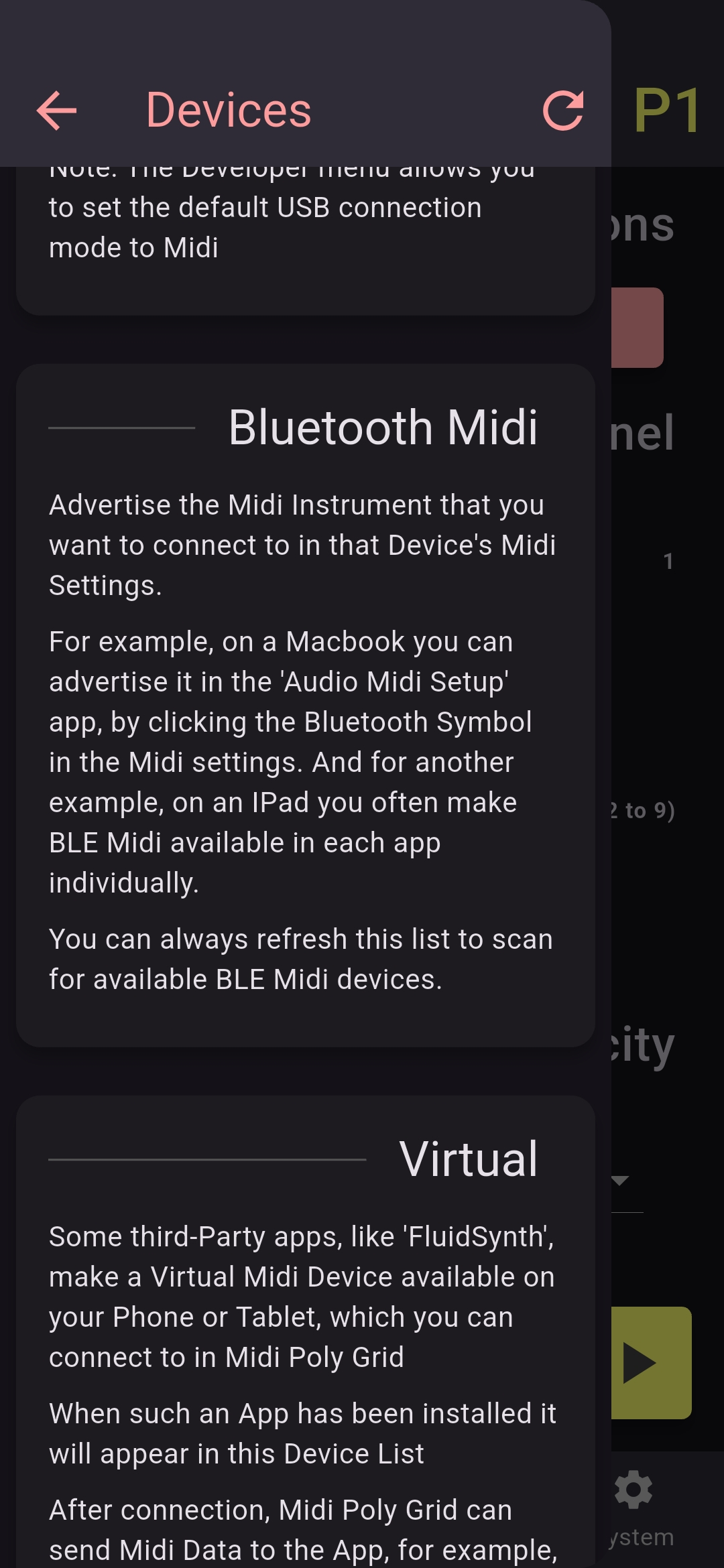
Here's how I connect this on my android to AUM on my iPad
1. Advertise the other iPad using the advertise feature inside AUM
2. Connect MPG to that destination inside MPG, in its midi settings tab (need the updated version of the app obviously)
3. My android phone then appears as a source inside AUM on the other device and I route it to the synth I want to control
See screenshot
Yes @Gavinski you're using the AUM hack if the app doesn't support it natively but imo that's not how it's supposed to be.
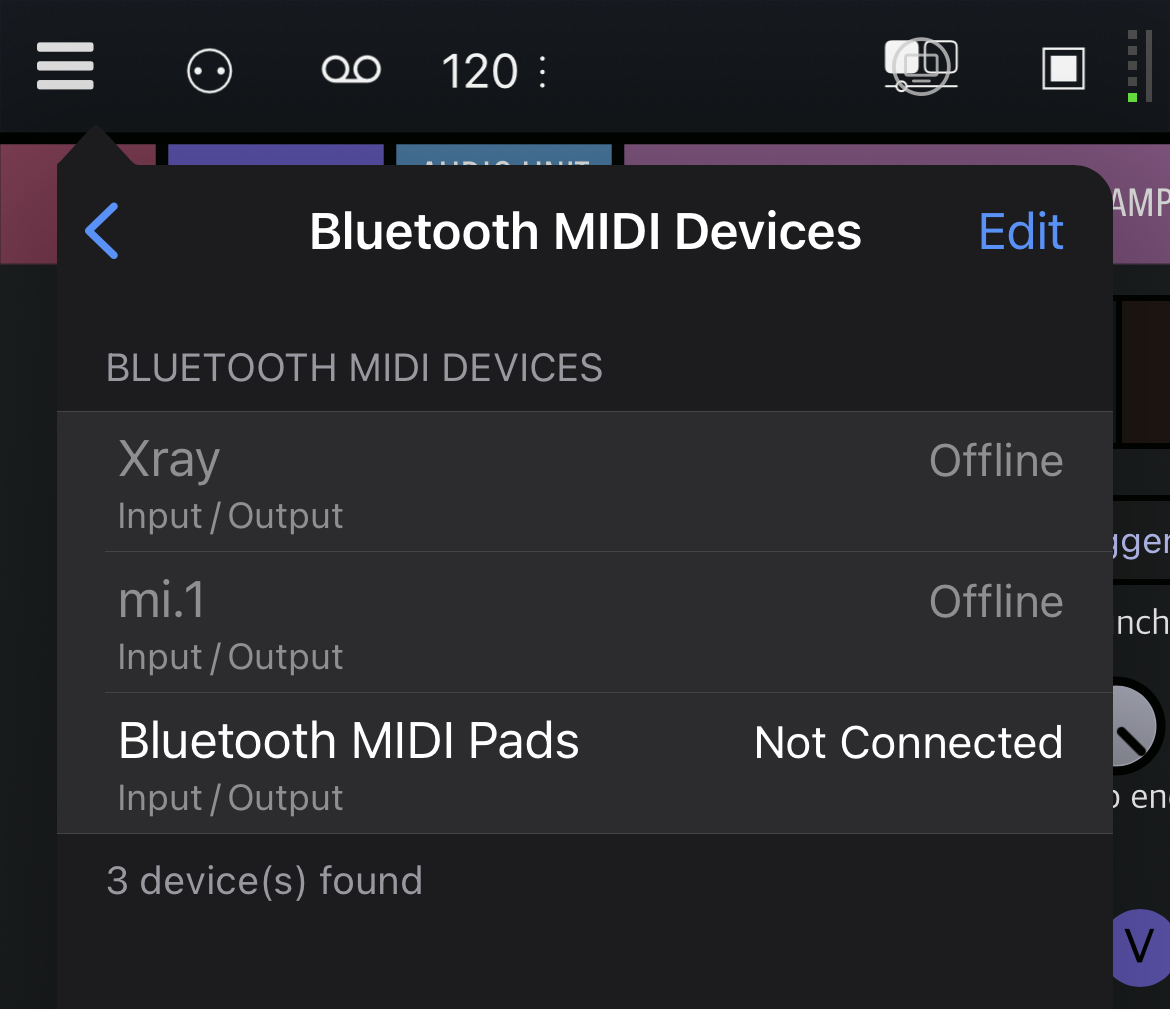
Check the free Bluetooth MIDI Pads app for example.
You tell it to act as a BT MIDI device:

Then you can connect to it from any app that supports BT MIDI devices:
I can't say how it is supposed to be. I am also not sure if there is a hard and fast rule for which device advertises and which one connects. The way it works now is just the way I could make it work with my basic knowledge of Bluetooth Midi.
Personally I am quite happy that it works at all 😆
This is what I doing tho. It's just that I'm doing it from within AUM. The options in AUM are the same as above, so I don't see why you'd need to use a 3rd party app, right? Those peripheral settings are right there inside AUM midi routing matrix when you click the Bluetooth icon. Or am I missing something and there's a faster way? Bluetooth midi is definitely a bit fiddly
No offense intended
I just think that if Midi Poly Grid mimics a MIDI controller, it would make the most sense to be classified as one.
I agree actually, but as you see, I'm right that that's not the way this has been set up!
No offense taken. I actually just am a bit new to coding anything Bluetooth related and I am relying on a third party library for the support.
Maybe I'll figure out the reverse type of connection some day!
I am actually happy you are bringing this up, since it didn't even occur to me that that way of connecting could be a worthwhile addition. So thanks, any suggestions are welcome. I just can't promise that I'll be able to deliver on all of them.
@anzbert @Gavinski Ok someone had to try it in iPad OS 26 you can use Midi Poly Grid side by side with another app. Here I am sending midi to AUM and Quanta 2. No in between app needed.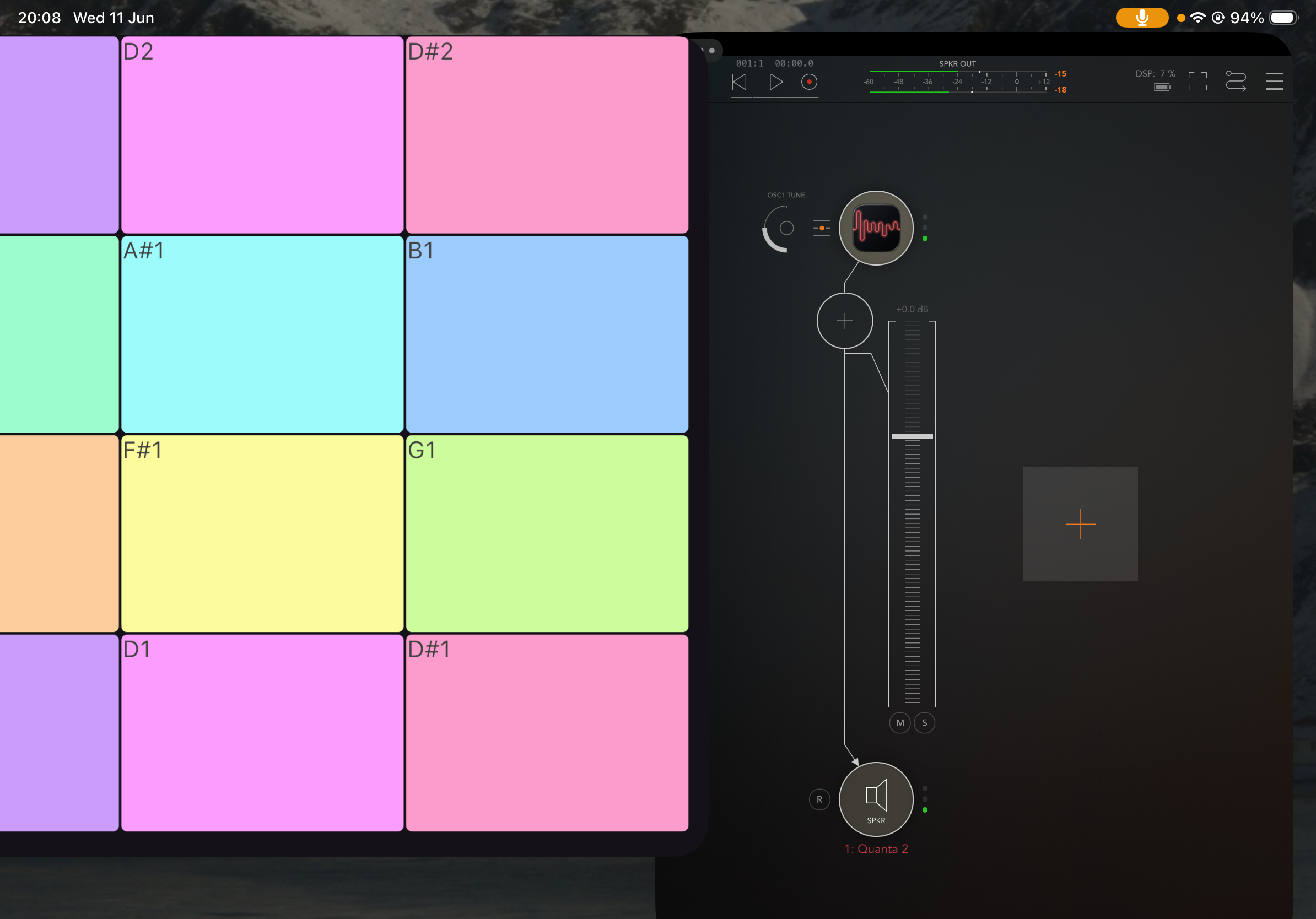
Ah, sweet!
I’d be very curious to try this beta btw, but I’m worried it might break things
@Gavinski No crashes of the OS so far. A few apps i tried crash on opening. Ifretless Bass and Ibassist. But not to derail this thread its going split opion i think. Enough said.
I am loving this app.
I think my only feature request (well aside from Auv3 support which of course we would all love) is:
On the MPE setting page there is an "Input Size" slider that controls the modulation field width.
I would like to see a second slider for modulation field height.
(the pop-up zone size square preview could become a rectangle.)
I would also like to be able to invert the polarities of both of these sliders.
This would mean we have the sort of control that in AUM is found in the ""0-100%" graph you can access when assigning MIDI controls.
If this was implemented it would mean we could save layouts that partner well with specific MPE synths, and restrict the values sent to useful boundaries.
I guess this would have been better explained with screenshots. 🙃
Anyway, a top app.
And running it on a second (or third, 4th ?) iPad can make for a pretty versatile and incredibly good value MPE controller.
Hey Sim, that sounds useful yes. If we get into saving layouts, it would also be ideal that the dev added a way to save more layouts than is currently possible. Preset system could definitely be upgraded. Great app tho. You should probably email the dev, far more likely he'd see this. Email is there written in the info section of the app, btw
No worries. I've seen the suggestions. Thanks a lot, @RiverbendSim ! Always interested in how other people are using the app.
With some spare time, i might update the preset system one day No concrete plans on how to do it yet though.
I also like the idea of sensible range boundaries. Of course there is always the question of how much you want to configure in the app and how much in the synth/daw. In Ableton, for example, you can generally set the range of MPE modulation. But that might work in every other MPE instrument.
Btw, @Gavinski, I've added the ability to flip/mirror any layout in the latest update you brought that up in a recent email and then someone else did too
Great! Still hoping the 'latch and catch' feature might get added! Cheers
Cheers @anzbert ,
I can take writing you an email off my to-do list. ✅ 🙂
Midi Poly Grid is really is an incredibly useful app in my multi iPad with Mac Mini production and jamming setups.
It is also helping me integrate some lovely but dated IAA apps back into the mix.
Those suggestions I made above, and presets to hold specific settings for different instruments or projects, would turn it into something I use even more.
Thanks heaps for making an excellent app. Great value too. 👍🏼🙏🏼
hey thanks for trying this with ios 26 @Jumpercollins
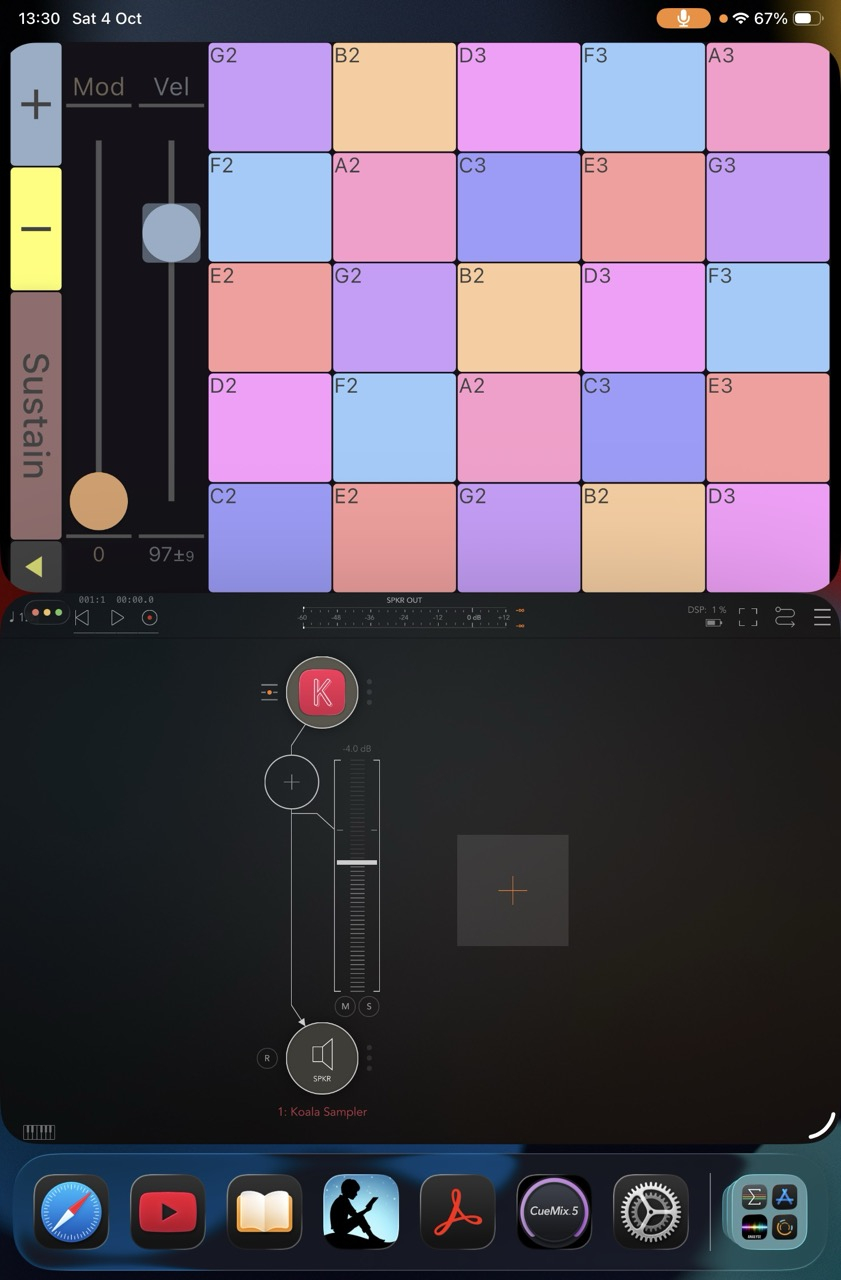
I tried it as well now and it works pretty well. I just had to change the layout somewhat, so that when you use MPG in windowed mode the 'back to menu' button does not conflict with the top gesture zone of the window. The new version should be out in a day or two when its through the apple review.
Here is some screenshots I took playing Koala Sampler through AUM side by side with MPG.
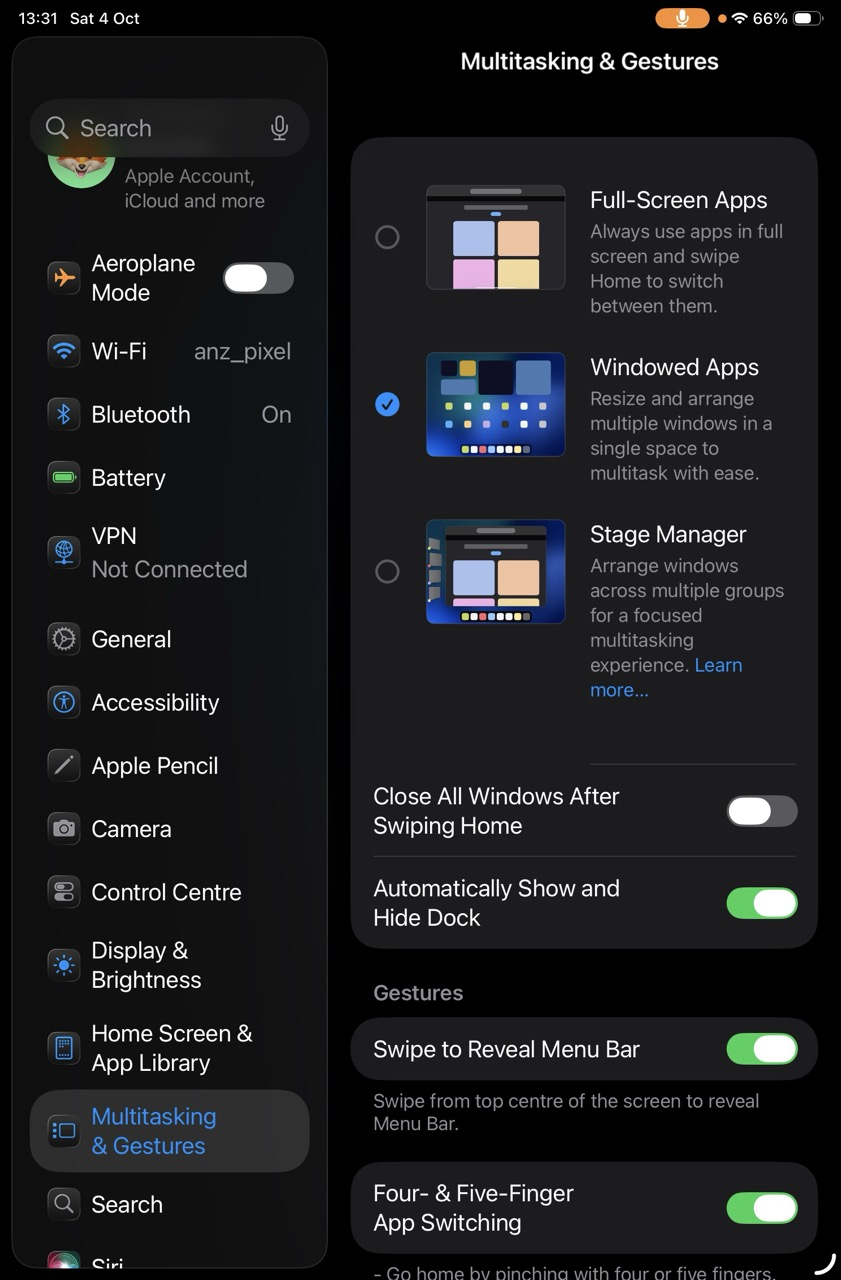
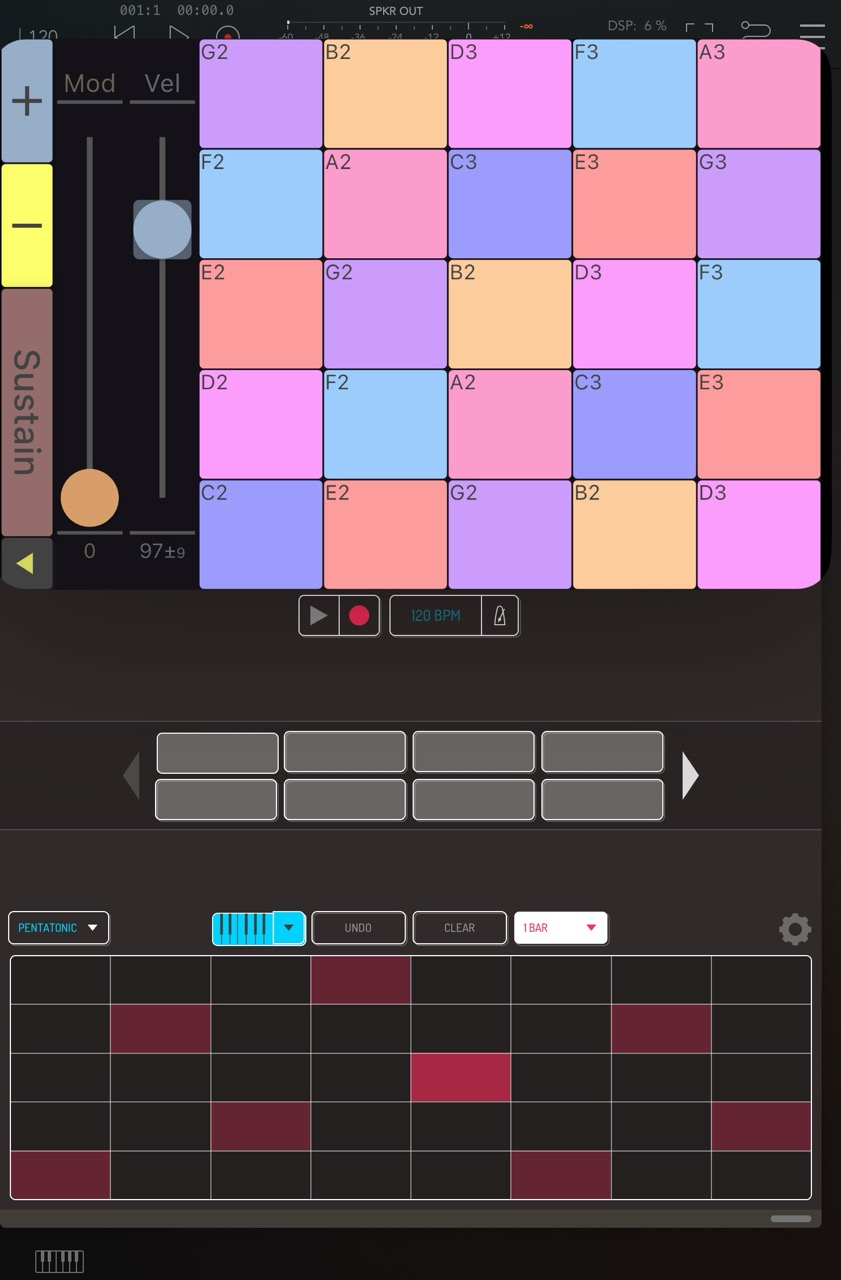
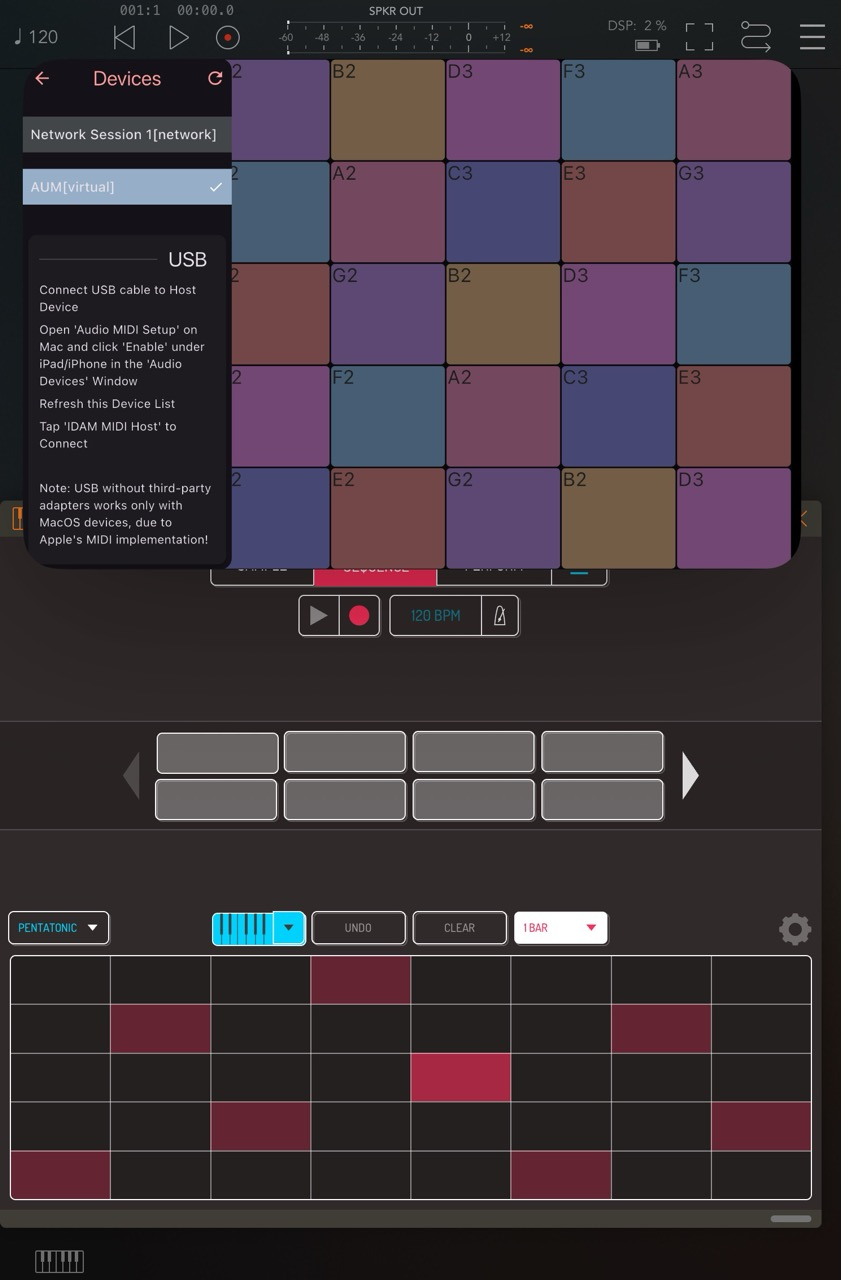
Awesome, I updated to iOS 26 a couple of weeks ago, exclusively to use midi poly grid in windowed mode (otherwise I would have waited). It works great, but it was a bit of a hassle setting it up with the menu buttons getting in each other's way. Really looking forward to the update (not on the german store yet).
Anyway, once set up it works like a charm. It's a lot more fun experimenting with MPE in Drambo, now that I can pick any two out of Poly pressure, cc74 and poly pitch bend while being able to tinker in Drambo at the same time. So good:)