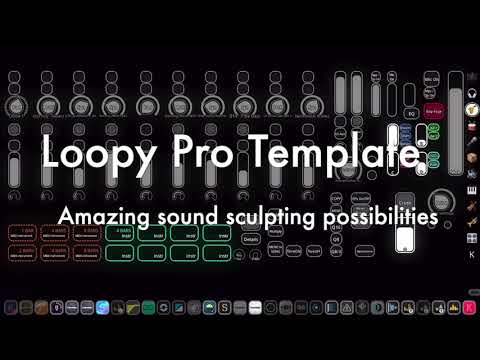
Loopy Pro: Create music, your way.
What is Loopy Pro? — Loopy Pro is a powerful, flexible, and intuitive live looper, sampler, clip launcher and DAW for iPhone and iPad. At its core, it allows you to record and layer sounds in real-time to create complex musical arrangements. But it doesn’t stop there—Loopy Pro offers advanced tools to customize your workflow, build dynamic performance setups, and create a seamless connection between instruments, effects, and external gear.
Use it for live looping, sequencing, arranging, mixing, and much more. Whether you're a live performer, a producer, or just experimenting with sound, Loopy Pro helps you take control of your creative process.
Download on the App StoreLoopy Pro is your all-in-one musical toolkit. Try it for free today.
Comments
Will do Thanks for sharing!
Thanks @espiegel123 ! I will certainly use that in my template to integrate more with Arturia KeyLab II..
Trying to optimize it the DAW template and Launchpad with Liveset templates..
Appreciate a lot 👍
Just sharing - while working with my Beta 2.0 template and Loopy Pro plus auv3 effects and intruments . It can be kind of productive at the same time ;-)
The Effect page xy boxes are supposed to be configured - now duplication of a row..
Storage audio clips page you can use to copy any clips.. or record. Will probably add clip functions to that page also.
This time we used our own vocoder samples in addition too. Created this disco performance together with my daughter Miisa 7 years by using Loopy Pro Liveset template I made a while a go - feel that should improve it a bit though..
I think we have the effects now more settled - but still forgot to have volumes in more sensible levels and adjust some panning more.
Multiple Auv3 effects are used and some loops in Am 120 Bpm
Subscribe or like, if you liked this one!
Hi connecting my Arturia Keylab with Loopy Pro and setting dials to change presets with auv3 instruments. Background music produced with my own gadgets and LP..
Actually I really appreciate @espiegel123 your tip on this! Now just need to find the auv3 plugin instrument that have nicest response to dial.. Korg Module, Beathawk (had to do presets) and audio layer are one of those. I could have created a separate trigger for activation - but it was not good option I my mind.. Also testing the CPU and performance in this video a bit
Hi. published one more clumsy videos, while building a template.
This one is about investigating suiteble auv3 instrument plugins to use conveniently in LP..
There are some music created by me - even singing in Finnish..
While building the "maximum" template - I feel that have AUM+Ableton+EffectStation (touchable)+Looper on my hands inside the template. Just have to remember to build simple and straight forward workflows 😉
Investigating possibilities with LP xy effects (auv3) featuring mostly drumloops from Koala auv3 and auv3 effects as they are the most suitable with multisided features.. Creating one example also with delay (Bleass) on press -->reverb (Blackhole) on release..Also creating resets and stops to effect only while touching.. So Huge amount of possibilities with this Loopy Pro template I'm building..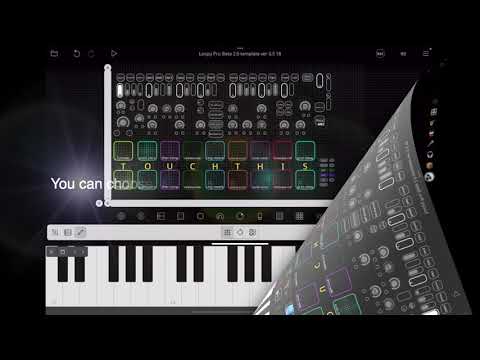
https://buymeacoffee.com/akivilla/sharing-liveset-material-120-bpm-a-minor
Just sharing an example content to testdrive loops and oneshots with 120 Bpm and A Minor scale to have some extra benefits in exchange for coffee.
Hi All. Wanted to share a preview of my Loopy Pro template draft and current status of the design.
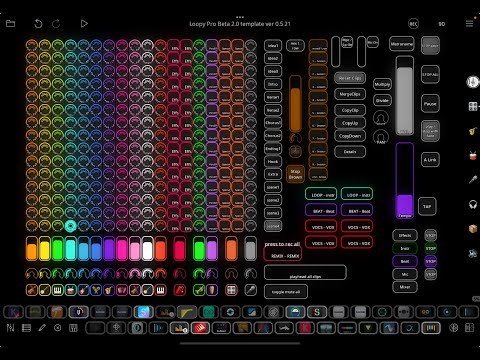
Already making music with it, actually all the time during adjusting it. The backgound music took less than 10 mins to cook.
Almost all of my background music in my videos are made with this template ;-)
Will publish the "official" template after the final release pops up.. supporters have an early access to it and also to some other material.
Hi. Had some "vacation" from building the template - just kidding - not paid to do anything for LP - just personal joy ;-) . But after coming back had to add two sets of buttons. So much can be done by dedicating buttons to some clip play / record action. Just wanted to share some examples. Added one button to activate and another one to deactivate threshold recording - in my example I have chosen next tapped clip (if you use controller, could use next selected clip, or any color or specific clips also). In addition have setup two buttons for midi quantize and use 50% strength for 8th or 16th notes.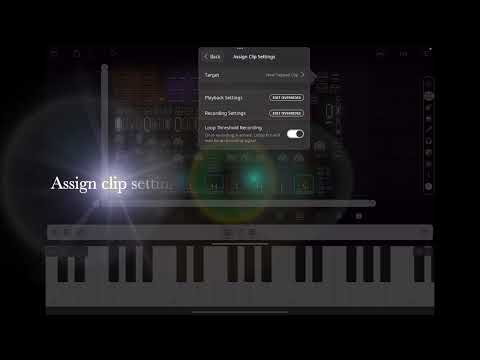
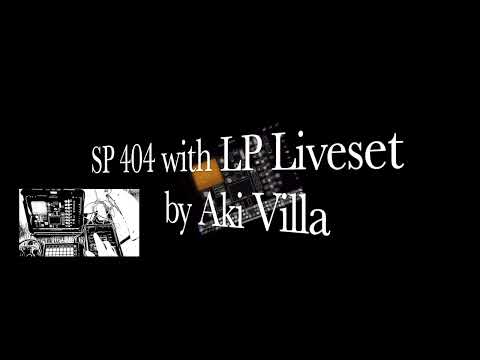
I Think sp404 is a great instrument and audio interface. Currently planning to publish 5 videos, how you could use it with two ipads. E.g. one case: I have Liveset with hundreds of loops / oneshots. I can connect one Ipad with usb-c and use a small dongle with another one and connect it with audio in and create complex mixed loops with tens of auv3 effects and bring them on sp404 (don't use much sp effects while producing, but they are handy for live scenario). So even with this one way I can produce hundreds of projects / variations. Will soon publish a demo of 120 Bpm Am project and share part of it free for sp and Koala.. stay tuned - the beats and basses are Crazy after this treatment
First one already there: 120Bpm A Minor Liveset template.. Grouped for instant playback in SP. You'll have to check them they are CRAZY! - Subscribing and feedback is highly appreciated. Also sharing it for Koala as a wav files..
In this video I have used a dongle to connect a launchpad to Ipad also along side with SP404. And Using my template, which you can upload empty from patchstorage.com. Supporters get access to content of all pages
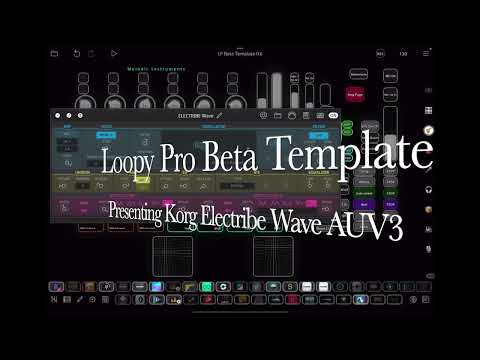
Hi All. While building my Loopy Pro Template in Beta version, I'm testing several auv3 instruments and effects. This time playing with Korg Electribe and drum loops from Koala. This plugin is feeling kind of light and still exposing some parameters and presets, easy to control from Loopy Pro.
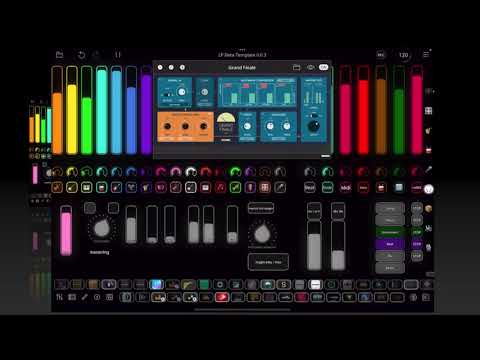
Hi. Presenting the following order in my master bus: TB eq -- Grand Finale -- TB enchancer. I can record the results to my song page "ReMix" also and then deliver the song..
With presets browsing for Grand Finale and TB enchancer. So quick and convenient to master with them. Response and impact is immediate. Of course not competing with pro engineering, but still..
started a new discussion on topic with more generic approach:
https://forum.loopypro.com/discussion/65259/smallest-mobile-studio-ever-share-you-ideas-and-critics#latest
Will present tens of more variations in my tube channel..
that template has alot going on.... i like how the columns pulse to denote which channel is playing audio
well done!
Thanks So Much! Almost every day I’m adding features and adjusting the template, but at the same time I’m a bit afraid that I overdo it.
I will not add e.g multiple midi colors.. to keep the workflow as simple as possible..
But still I’m checking the mixing and mastering also quite frequently to get it more optimized.. also vocals page needs more attention.. When the new version pops out I will share the template to supporters (coffee buyers), but some versions even in patchstorage..
Created a new playlist - related to producing music with Loopy Pro with a video - Using Auv3 Korg Module Pro (4 instances) and Digistix 2 drums effected with Looperator to create somekind of electronical background music..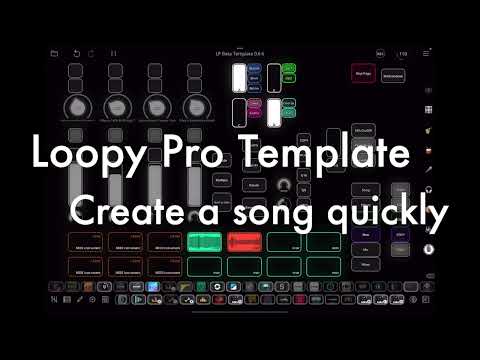
Hi All! Wanted to add a video about scene creation and mastering with Loopy Pro, but it ended up with CRAZY effects - probably you should calm them down in real life.. But maybe overdoing effects is my style - dunno. Mastering is so quick with this and have decent results.. Or what do you think, especially at the end of the video after adding some stereo width and enchancer to "bass mode" ?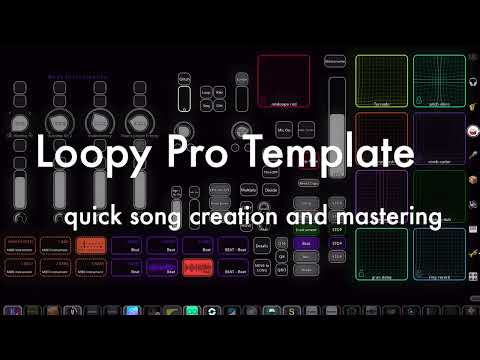
Hi All. This is going to be HUGE! Actually having one Koala is in input channel and this one is on the bus channel - so many ideas on this ;-) . So this Koala Page is specialised to record from Loopy Pro. After generating different layering pages for AUV3 instruments and effects.. wanted to create this one, so I'can also record to Koala with all those capabilities- because the audio editing is still better in there, to be honest. As well as sample browsing.. Loving to be an iPad musician these days..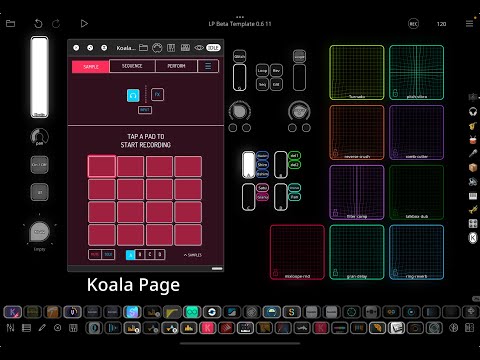
hot dang!
the amount of work gone in the template!
i know what its like to mull over a template... and make the layout as intuitive as possible, i do the same on my maschineJam's ... theres less flexibility with hardware templates compared to that of touchscreens..
i have to ask... how many sample slots does your template account for??
also how many sends can it manage, example can any one of those sample slots be directed to a send?(not that you would send all audio sample slots at once)
im really more curious about how much your ipad can handle.. before the crackle presents itself
i have put together a Reaper desktop based template... on my m1macmini & i would welcome the oppurtunity for integration of the template you have created...
my reaper based Template is setup to be a flexible audio hub...
utilising x2 maschineJam's for extensive midi control(via the helgoboss ReaLearn VST)
routing djaypro/virtualdj/remixlive/maschine
even ipad apps controls are relatively quick to configure with novonotes siderack VST..
but what you have built is quite the beast LOL
Thanks for the feedback and sharing your approach.. I have effect bus send from a to j currently.. and hundreds of sample slots.. I can just copy any page to make it more.. Have now ipad with 16Gb Ram and 1tb ssd so will test does it give some boost. I’m creating some dedicated pages and checking some mastering issues to balance some clip volume hassles.. Also in my routing I use effects only to bake in to audio clips, then I will only apply mastering in scenes while recording to a song.. btw have had maschine jam and Akai Force before..
you have a 16gb ipad... that must mean you have the m4 ipad version... which indeed could handle quite alot of processing!!
yes the duplication of the pages would indeed increase the slots!! thats something i noticed when exploring the previous last loopy pro i have... i have not spent time on making a template with respect to the older loopy pro version, but explored what it was capable of..
given what you have produced in your template, is very interesting..... and makes the case for how extensive and flexible Loopypro v2 is
Questions:
is the number of audio channels still limited to 16 on an ipad?
can multiple loopy pro instances be loaded into AUM and give extra audio channels??
if routing out of Loopy pro into say a DAW on a desktop... what are the workarounds to route beyond 16 channels?? are there any workarounds??
16 audio channels is probably plenty... but im curious if the possibility of more can exist
i just realised something having thought about number of channels...
side rack by Novonotes can route audio too!? i wonder if they can be independant of the 16 within the loopy pro environment?
I am not aware of ios having a 16-channel limitation. I don't believe AUM or Loopy Pro have an input channel limit.
@triple7 Yes I think the same as @espiegel123 In my worflow have noticed that 12 auv3 instances+mic input+stereo input for any synth or standalone groovebox seems to be more than enough.. but probably will add some effect buses and maybe routing between effect buses to create amazing combos.. currently missing like plain ’drive’ / distortion amp channel.. Will test more about the max inputs etc..
Sorry I messed up.. haven’t tested physical inputs so much.. But otherwise the cpu and auv3 input+effect buses etc.. now have 20 auv3 instruments + 10 effect buses with more than 20 effects.. will share some videos - hitting like 140% cpu. Still checking optimal combos of auv3 instruments and effects. Maybe good to have separate template for synth, orchestral, pop etc 🤔
That’s a hard “no”.
A plugin can only route out to the host, not to any external outs. The same goes for inputs. So, that wouldn’t accomplish anything. Also, you can’t use any plugins inside a plugin so you’d be limited in what you could do with Loopy.
"Fully loaded" my template with instruments and effects. All AUV3.. Got some performance issues, but already know that they are mostly related to some specific plugins.. This was tested with 8GB M1 iPad.. Will test if 16GB M2 will handle it better. I will inform the results as soon as I get them. But think about how convenient an quick it is to create melodic instrument layers with 12 auv3's and preset dials + effect buses. Or how you can create beats with variating from 8 auv3's + effects specific for that like Looperator, Turnado or GlitchCore.. I'm sorry but I think this is a winner combo to me even compared to some more hyped grooveboxes - just sharing my thought and opinion ;-)
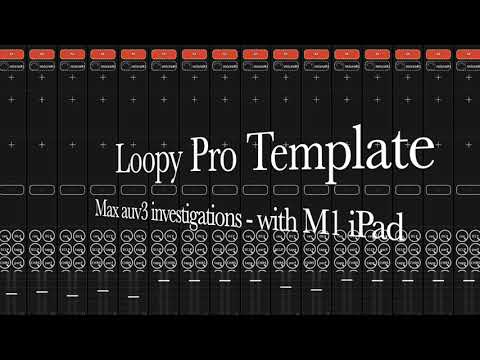
Actually when tested more noticed that it was the iSymphonic causing the audio dropout or "noise" issue. It is much louder in reallife than in this video - can break speakers.. When layering other 11 melodic auv3's instances the cpu stayed in like 40-50% in my M1 and M2 iPad - I think not much difference in the performance between 8GB and 16GB models..at least with this setup
I think this reminds me of ChromaGlow effect in Logic Pro. And after the hard work feeding in the presets I can even change between the presets "real-time".. Maybe it would be worth setting the preset in some sensible order to make best use of this case. Changing the preset don't even glitch as with some effects. So quality of Eventide effects seems to be quite good.
So in my template I added "drive" bus to give the flavour of Crushstation effect - So many presets and the dry / wet level adjustable from the template pages.. Its really nice to use this way
Also checking playback of 12 auv3 instruments - and have to say it works fluently, even with more than 10 effects..