Loopy Pro: Create music, your way.
What is Loopy Pro? — Loopy Pro is a powerful, flexible, and intuitive live looper, sampler, clip launcher and DAW for iPhone and iPad. At its core, it allows you to record and layer sounds in real-time to create complex musical arrangements. But it doesn’t stop there—Loopy Pro offers advanced tools to customize your workflow, build dynamic performance setups, and create a seamless connection between instruments, effects, and external gear.
Use it for live looping, sequencing, arranging, mixing, and much more. Whether you're a live performer, a producer, or just experimenting with sound, Loopy Pro helps you take control of your creative process.
Download on the App StoreLoopy Pro is your all-in-one musical toolkit. Try it for free today.
Foot Controller/Expression Pedal for X-Y Pad?

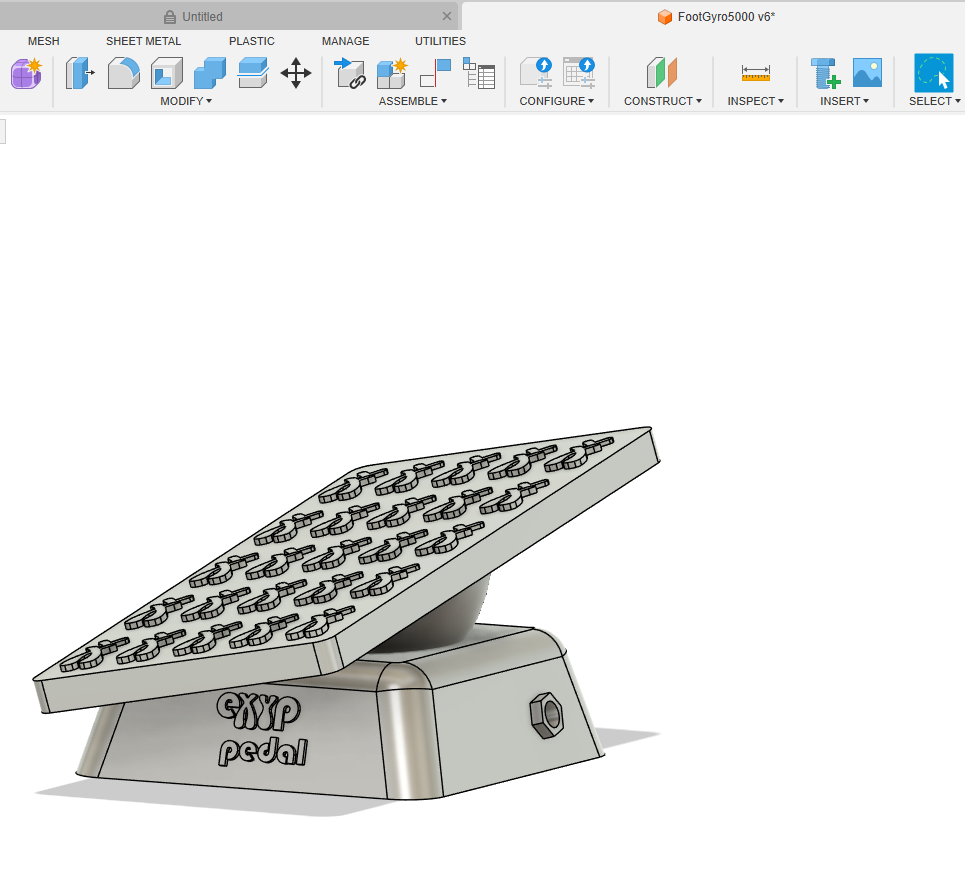
Well.......are there any interesting gadgets that are like an expression pedal (or joystick) and can control an X-Y pad??? Perhaps a foot controlled track ball?
Crazy..... yeah.
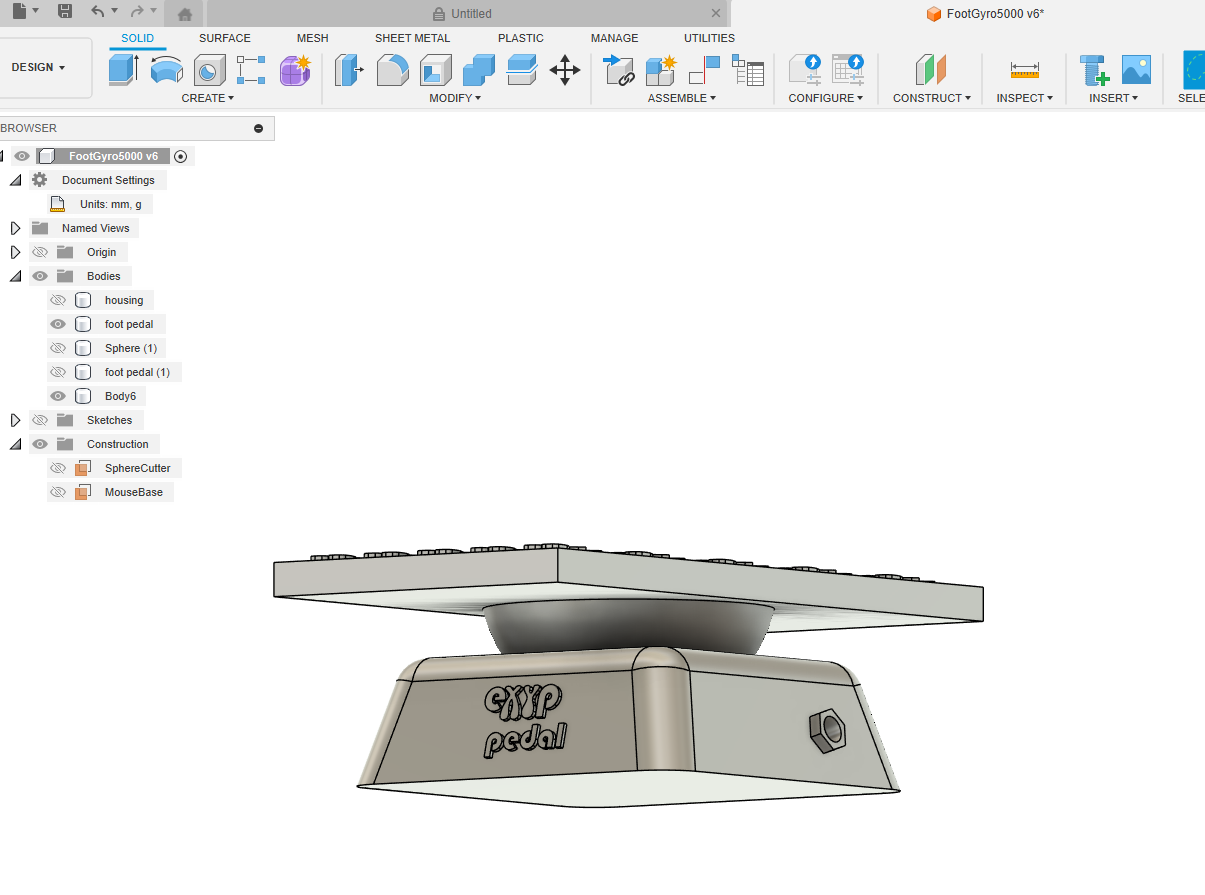
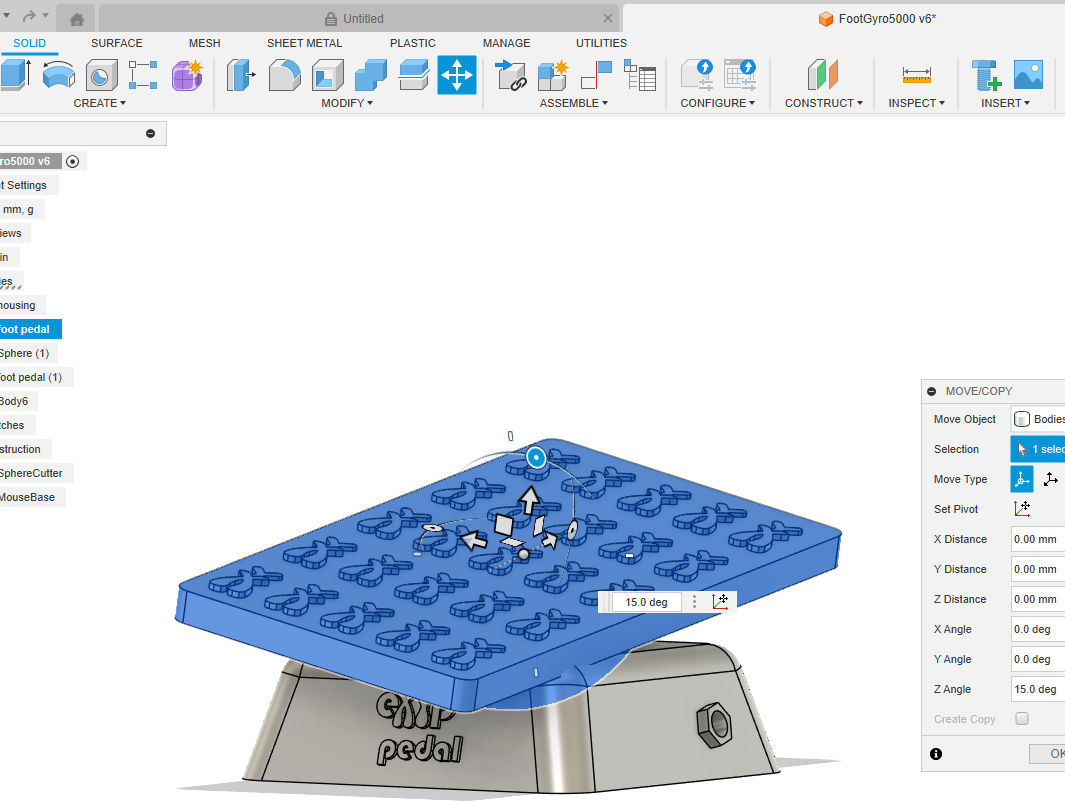
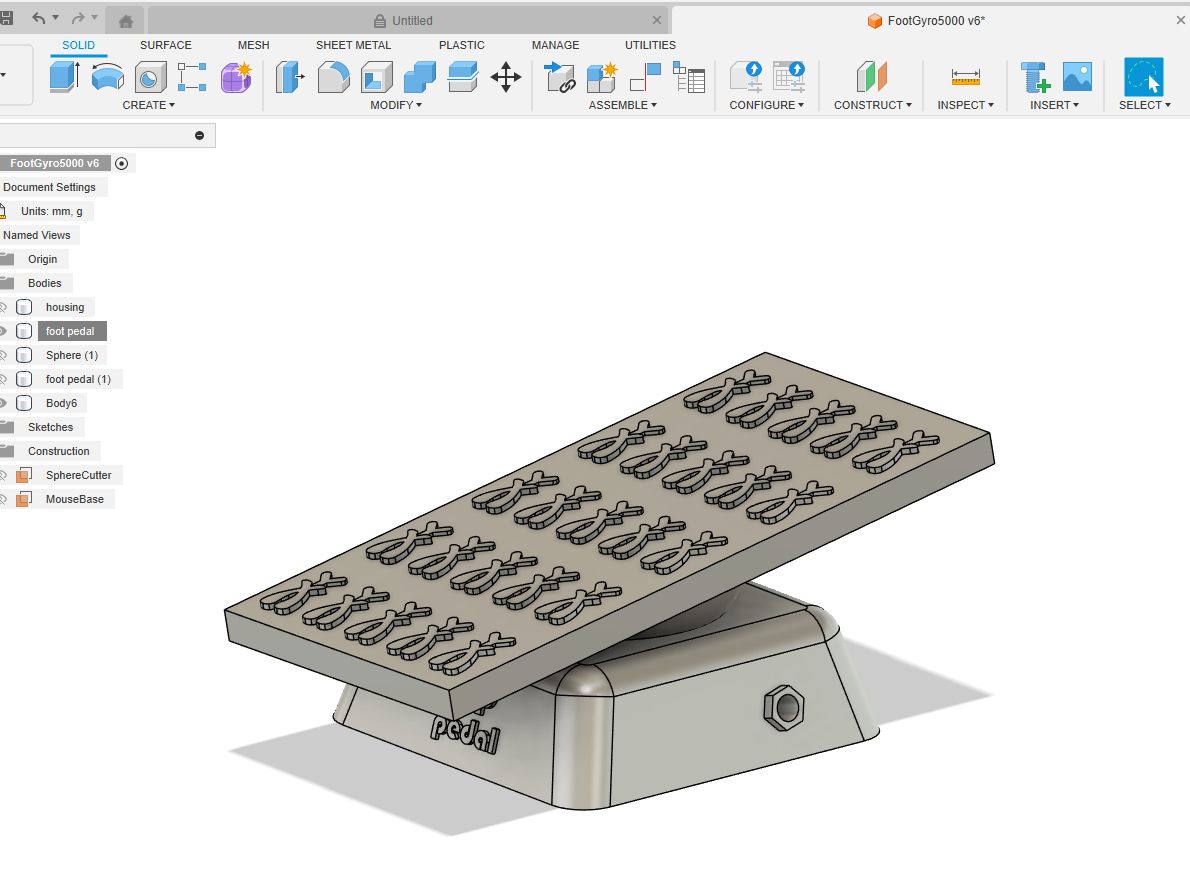
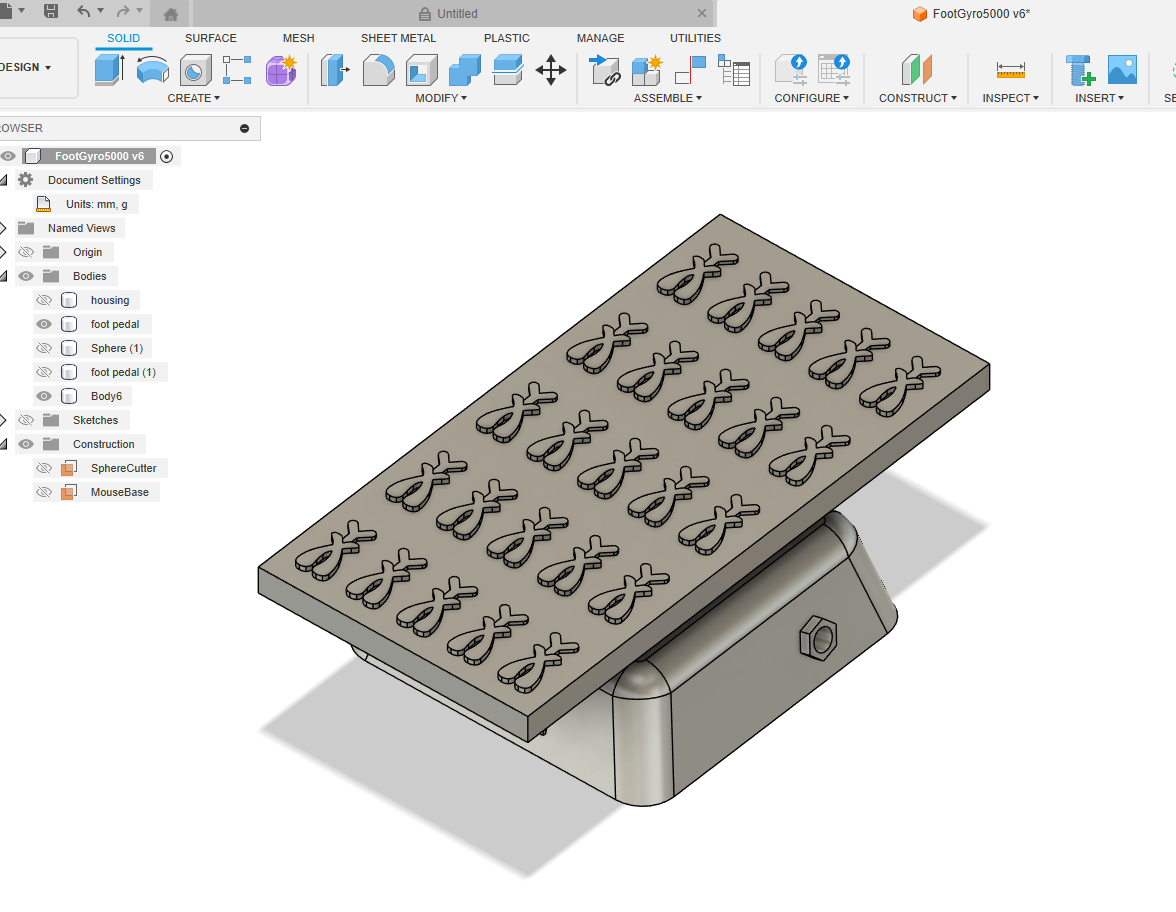
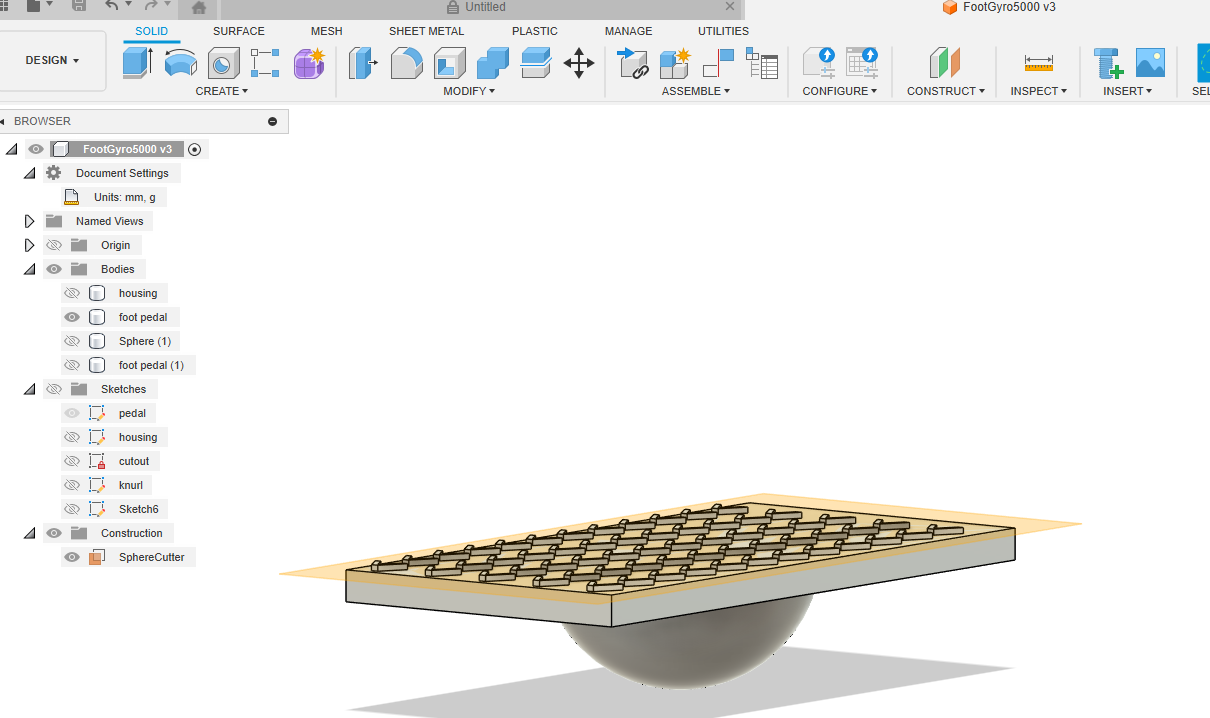
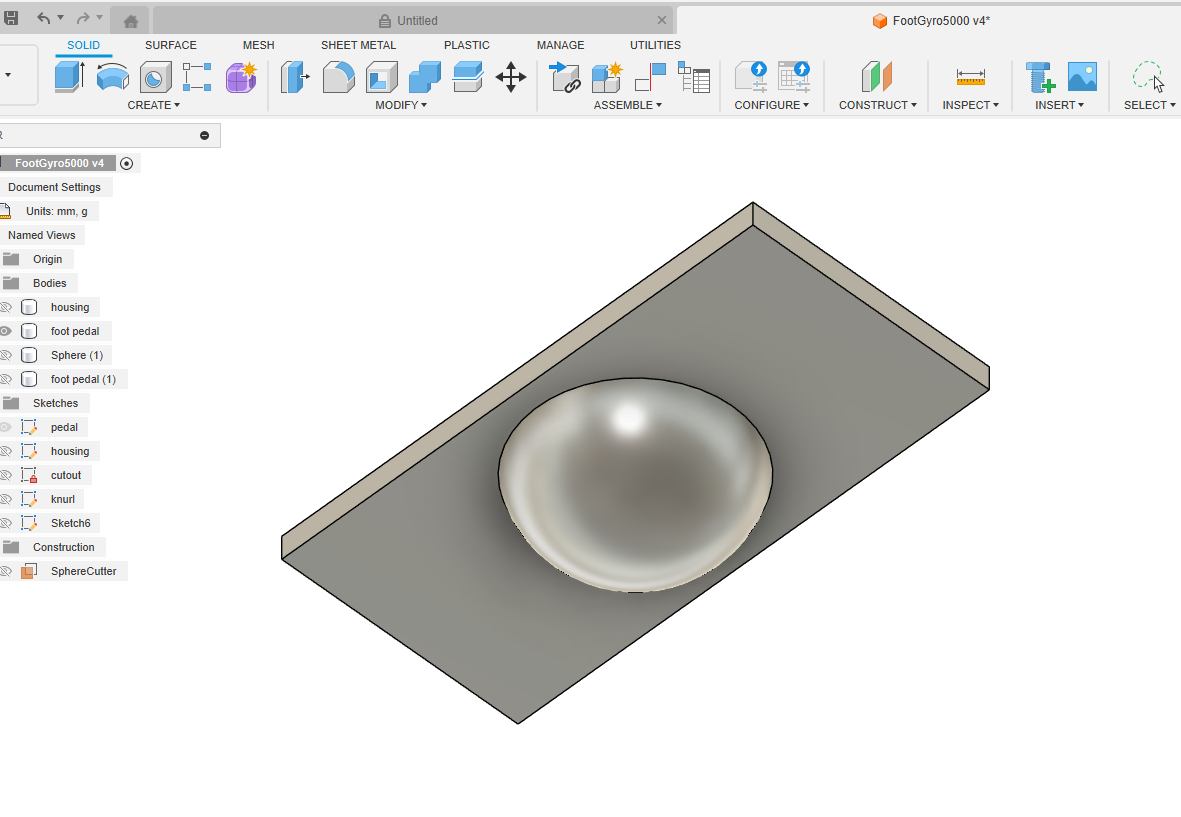
My crude design in my 3D design tool. Now you see why I didn't make it to mechanical engineering school
???????
Comments
https://apps.apple.com/gb/app/midi-footswitch/id1527452822
And
https://apps.apple.com/gb/app/midi-expression-pedal/id1527452076
Great minds think alike. I’ve been searching for a DIY solution. I plan to rig something up in MusiKraken but I like those DIY foot switches. Very Nintendo Labo
You could always just run an X/Y pad controller (for example the X/Y pad IAP in LK) on your phone over BT and control it with your big toe.
OK..... I sketched out some crude thoughts [key word "crude"]'; here you (don't) go:
I fell on the floor as I read.... "then put your phone in the cardboard".....
Actually in Loopy Pro you can set how you want an expression pedal to work. For example: min value to max or flip it max to min, or set the start and ending point.....
Although in LP you can have a single expression pedal control 2 or more "things".
What a regular (singular) expression pedal can't do is simultaneously send 2 sets of MIDI CC messages, one for the X direction and one for the Y direction.
Although the crude pictures I posted are goofy..... it does represent the conceptual idea.
WOW..... where have I been? Obviously not MusiKraken. I am running Loopy Pro and some pugins; so if I had some sort of sensor, like a ring or watch or something sending MIDI messages to my iPad, I could in Loopy, change MIDI control profiles before I wanted to start using the MIDI messages (like with a certain preset or certain plugin) from the device.
Duct Tape an iPhone to your shoe and use any of the midi apps that can send midi using the iPhone tilt sensors. You'll not only have X Y but even Z control. 😎
A small iPhone tripod might make a decent holder if you're one of those weird people who aren't into duct tape.