Loopy Pro: Create music, your way.
What is Loopy Pro? — Loopy Pro is a powerful, flexible, and intuitive live looper, sampler, clip launcher and DAW for iPhone and iPad. At its core, it allows you to record and layer sounds in real-time to create complex musical arrangements. But it doesn’t stop there—Loopy Pro offers advanced tools to customize your workflow, build dynamic performance setups, and create a seamless connection between instruments, effects, and external gear.
Use it for live looping, sequencing, arranging, mixing, and much more. Whether you're a live performer, a producer, or just experimenting with sound, Loopy Pro helps you take control of your creative process.
Download on the App StoreLoopy Pro is your all-in-one musical toolkit. Try it for free today.
"SOLVED" Launching multiple clip at the same time with Select this clip function
Hello everyone,
I’m currently using the small white dot feature to select a clip:
Clip Settings → Gesture → Tap + → Select → This Clip.
This lets me select clips with my fingers on the touchscreen, and also trigger them with my MIDI foot controller.
However, I’m wondering:
Is there a way to launch several clips directly by touching the screen?
Is there a quick method to toggle the Select This Clip option when needed?
Any alternative workflow or tip would be greatly appreciated. Thanks!
Comments
Only one clip can ever be the Selected clip at a time.
You can touch them in succession. If they have a count-in or count-out quantization then all will trigger when the count in or out completes.
You can also make a button and have multiple actions on it to trigger as many clips as you like.
You can't toggle Select Clip. You can only select a different clip.
Select only applies to single clips at this time. There isn't a way to hide the select dot other than to select a clip on a different page.
There are ways to pre-arm multiple clips. I document one technique here:
https://discord.com/channels/922977925182132245/1197695890362736742
@espiegel123
Thank you for your reply and your advice.
When you say “You can touch them in succession within the count‑in or count‑out”, do you mean:
Touch a clip
Press the stop button
Then touch another clip
And press stop again before the count-out?
That feels like quite a lot of actions.
I also tried to understand the “pre‑arm multiple clips” template, but it’s a bit too complicated for my current level.
The INKIE template also gave me some ideas about managing multiple clips with the Select This Clip function.
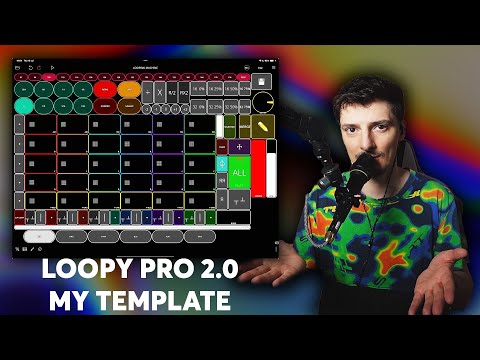
Is there any way—other than using Select This Clip—to trigger freely clips with my foot or hand?
That is not what I meant. I meant that if the clock is running you can trigger several clips in succession to start them counting in so that they will start playing at the same time.
You can set up your footswitch to trigger clips directly rather than using select clip.
btw, if you want to record into more than one loop at a time, you need to enable
Simultaneous RecordingunderClip Settings > Record.@espiegel123
Thank you for your reply.
I like the "Select this clip" feature because it allows me to adjust the pitch or speed of a specific clip with one button.
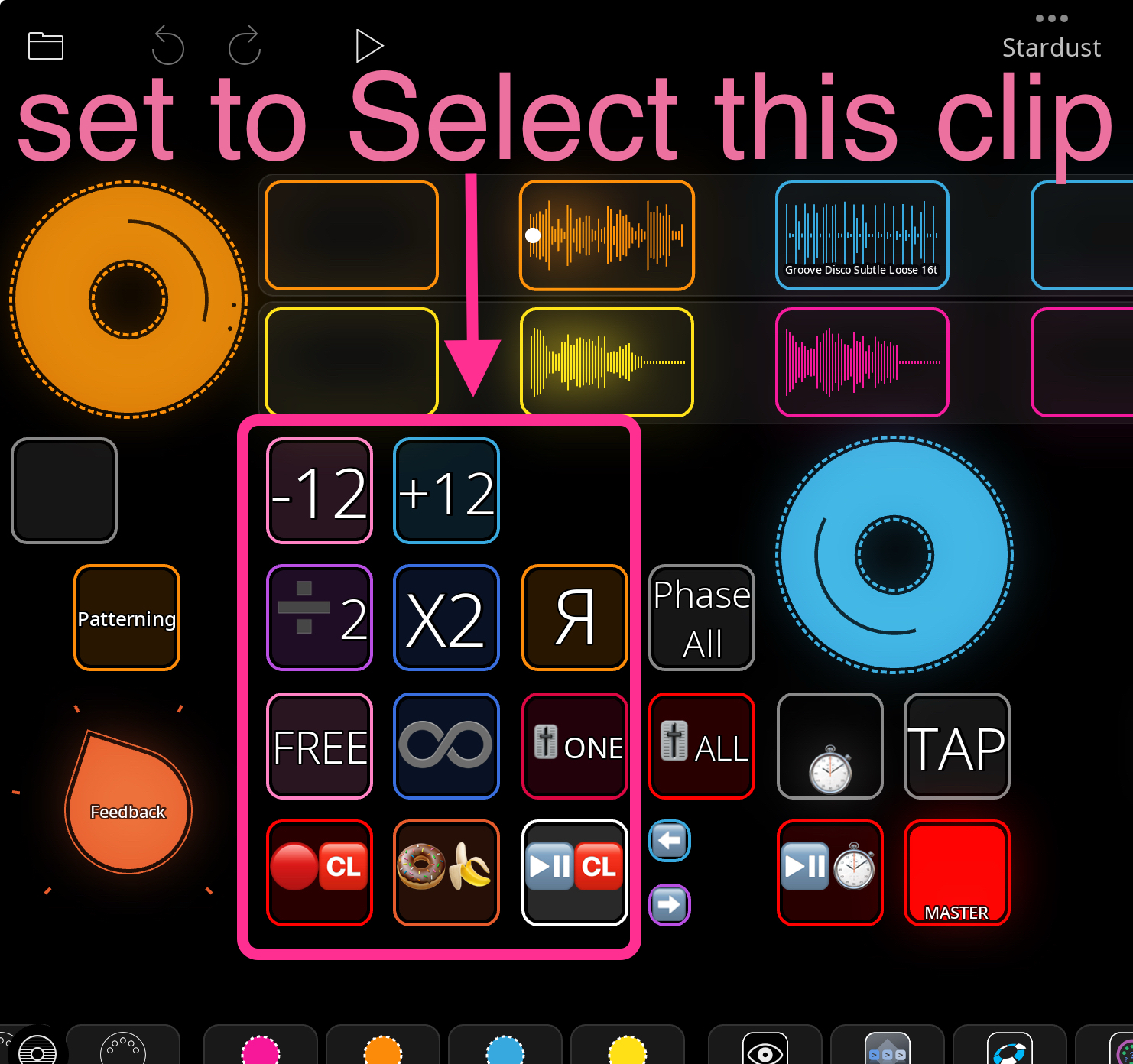
However, is there a way to achieve this without using that function, so I don’t have to create a separate button for each clip?
With the "Select this clip" function, I’m unable to trigger several clips in succession.
How do you handle this?
I would also like the option to freely record, play, or stop one or multiple clips using a foot pedal. Is there a way to do this without relying on the "Select this clip" function?
Or, asking for the possibility to select multiple clips with the white dot on the roadmap is the only solution?
As already mentioned a couple of times. You can trigger multiple clips with a single widget and/or foot press. Just add all the actions you need to the event. There are also other targets that you can use such as all clips of a color, all playing clips, etc.
If you don't want to have to add multiple clips to a widget or binding, then consider putting them into a play group. You can target a play group with an action, and even target "Play group of selected Clip". Then all you need to do to enable actions on multiple clips is to group them together and select any one of the clips.
Or, use colors. They have similar targets.
Again, as mentioned before, if you use count in and count out quantization, you can tap as many clips as you like freely during the count-in duration, and they will queue up to do what you want at the end of the count. That's the most flexible "on-the-fly" solution.
That's pretty unlikely to ever happen. Selected clip is a core embedded concept. A lot would have to change for that to happen.
You have plenty of other options between multiple targets, groups, colors, and count-in/count-out once you understand them.
Multiple selection is a planned feature. But it is unlikely to happen in the near-term.
That's good to know about multiple selection being planned down the road.
The tools are there to do everything needed now though. They just need to be understood.
@win
Using a button or footswitch to trigger multiple clips enables complex live performances, but each control is limited to a specific assignment.
To address this, I keep the default Release gesture set to Play/Stop, and assign “Select this clip” to a swipe-right gesture.
This setup lets standard finger gestures trigger and launch clips, while swipe-right can select clips for pitch and speed adjustments using custom select buttons in my template.
Meanwhile, the foot controller is used for launching, stopping, or recording selected clips, allowing for rapid selection, flexible clip control, and seamless integration in performance.