Loopy Pro: Create music, your way.
What is Loopy Pro? — Loopy Pro is a powerful, flexible, and intuitive live looper, sampler, clip launcher and DAW for iPhone and iPad. At its core, it allows you to record and layer sounds in real-time to create complex musical arrangements. But it doesn’t stop there—Loopy Pro offers advanced tools to customize your workflow, build dynamic performance setups, and create a seamless connection between instruments, effects, and external gear.
Use it for live looping, sequencing, arranging, mixing, and much more. Whether you're a live performer, a producer, or just experimenting with sound, Loopy Pro helps you take control of your creative process.
Download on the App StoreLoopy Pro is your all-in-one musical toolkit. Try it for free today.
How to make a button to turn ON and OFF Auto Count Out

Similar question
How to make a button to turn ON and OFF Auto Count Out?
Thank you
Comments
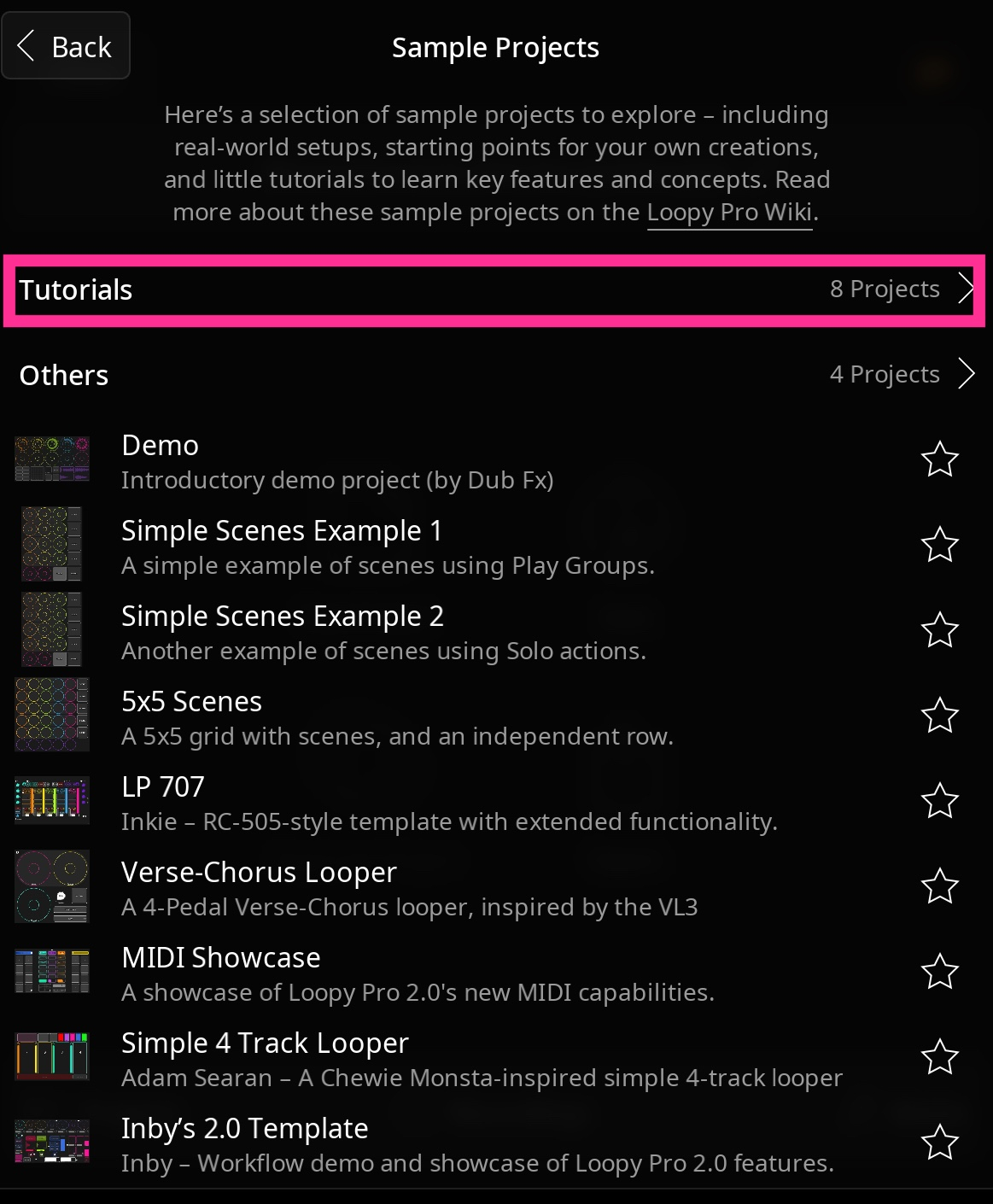
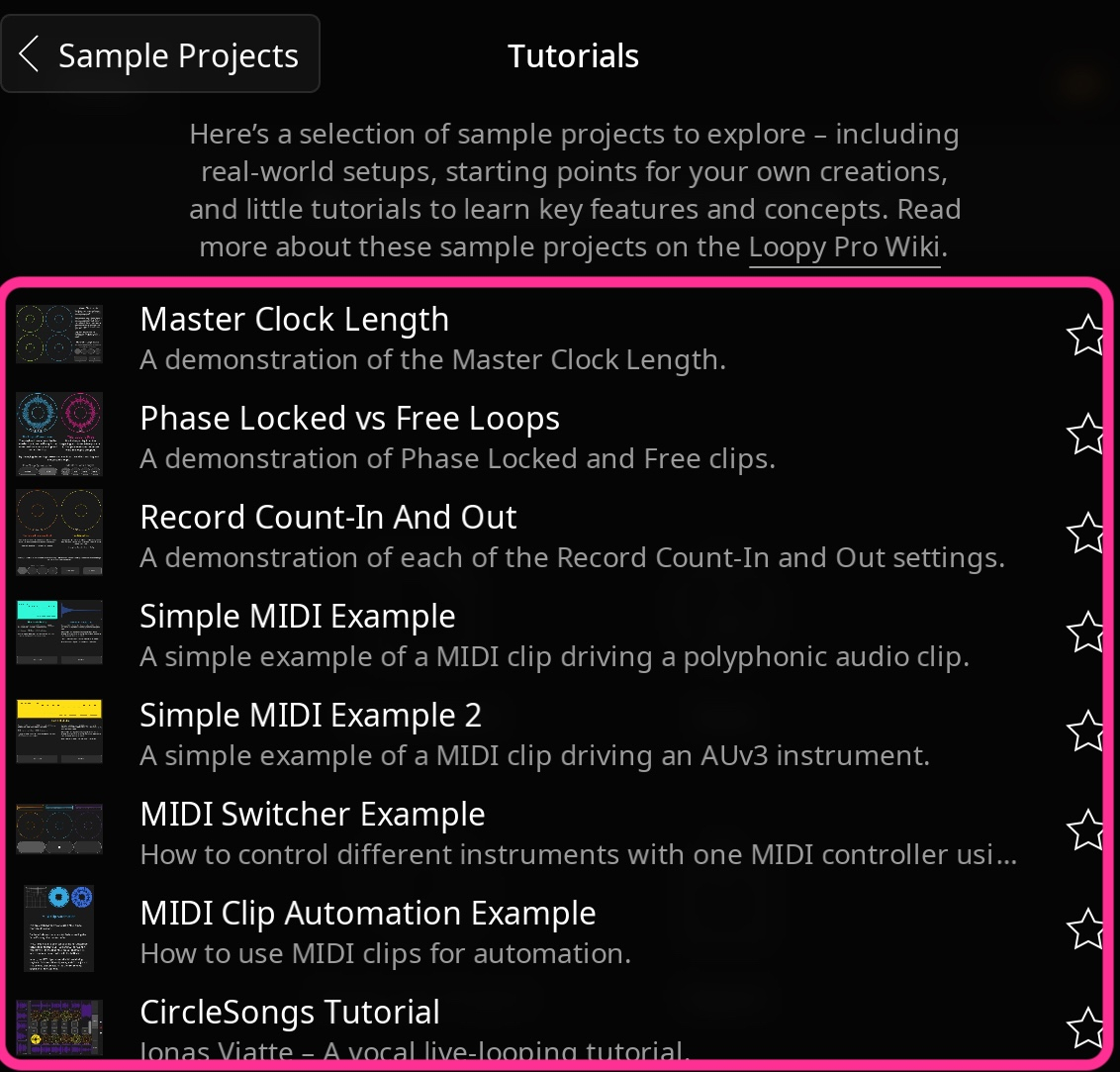
See the 2.O Sample Projects->Tutorials
The Record Count-In And Out tutorial project features this and covers several of your other questions. The Assign Clip Settings action is used.
Thank you for all your responses.
2.0 will solve all those problems!
Can't wait.
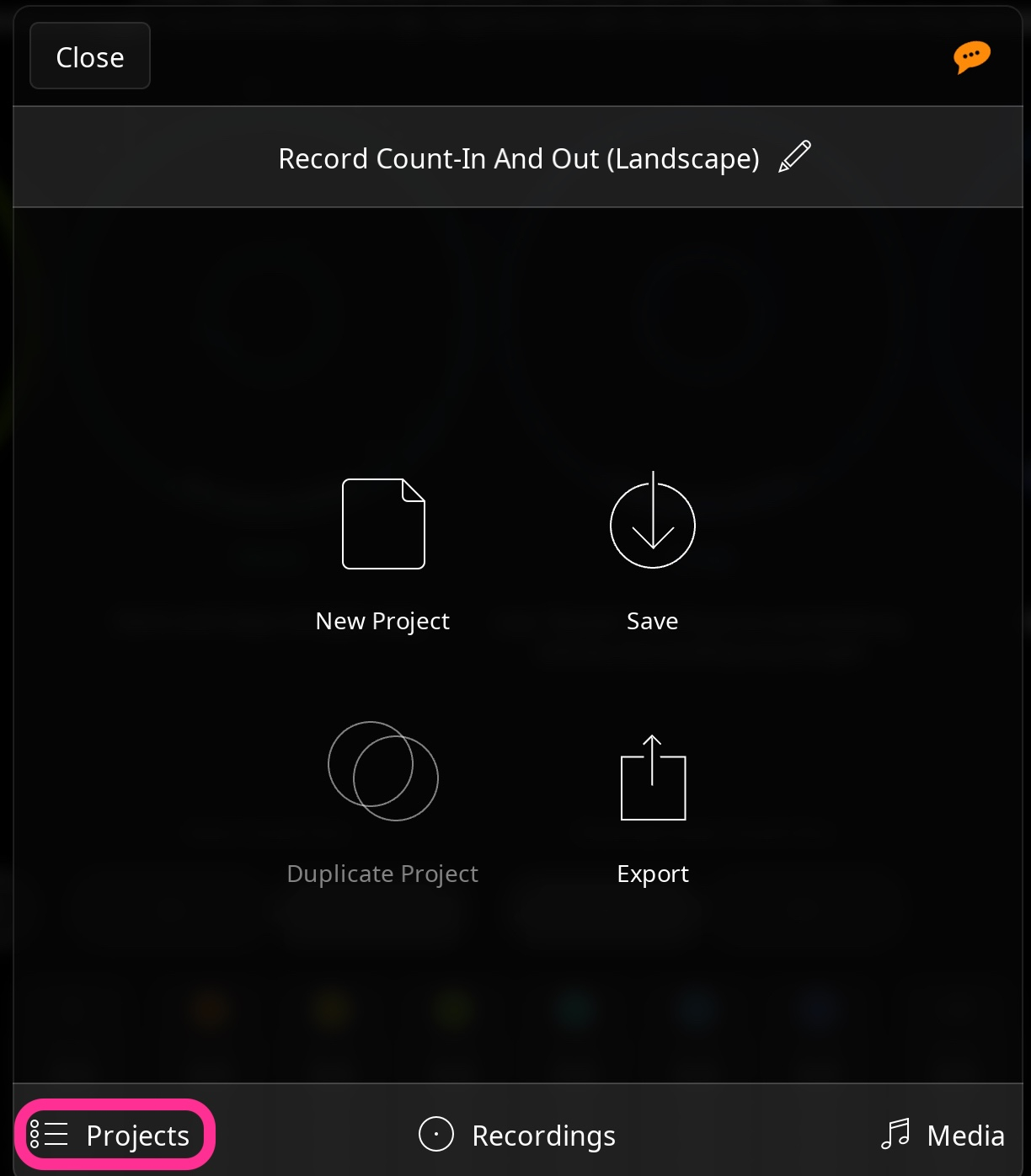
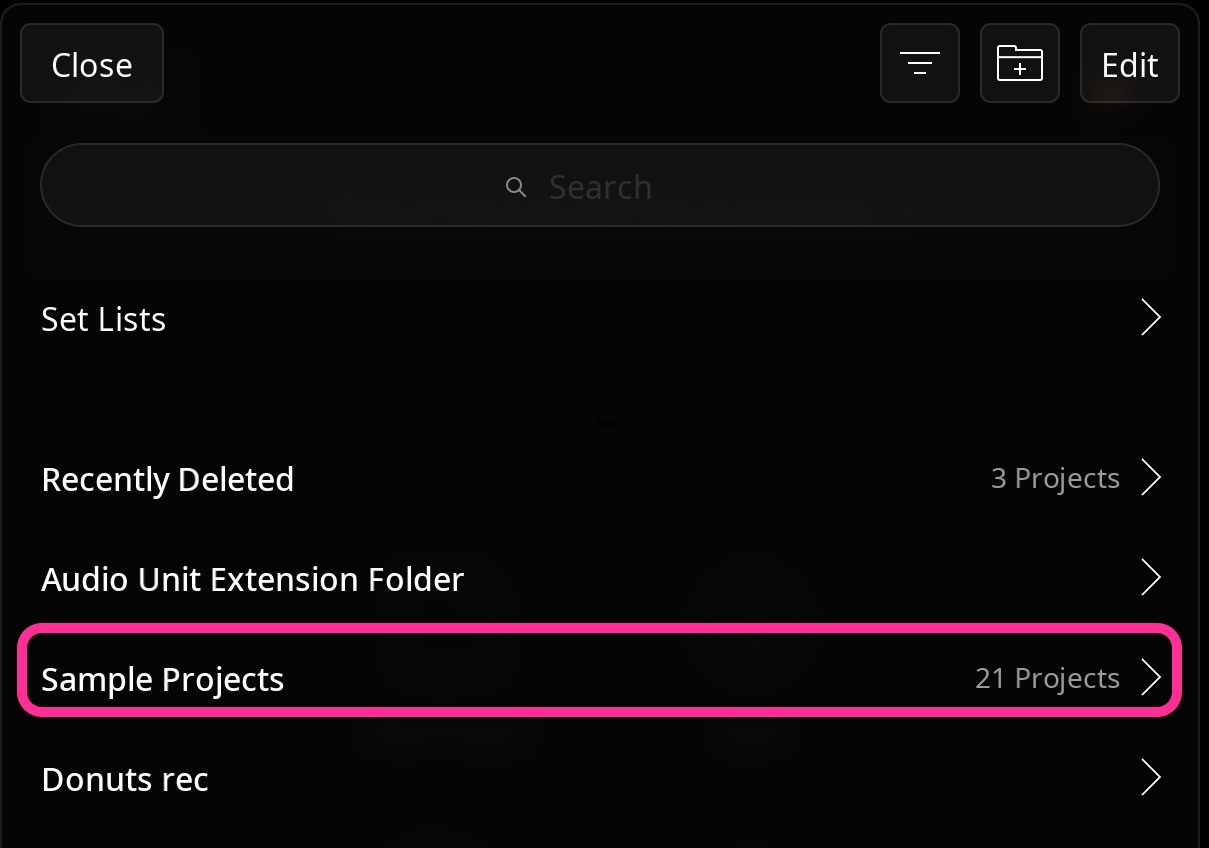
I can't find 2.O Sample Projects->Tutorial
Is it within the Loopy Pro 2.0 app?
When you install 2.0, it installs the sample projects.
Here they are!
Thank you for those very instructive examples.
Loopy Pro 2.O Projects -> Sample Projects -> Tutorial
Thank you.
I found how to turn Auto Count-Out on and off using two radio buttons, but I haven’t found a way to do it with a single button.
I would like to toggle Count-Out with just one button.
Is this possible?
You need two radio buttons or two switch steps. You could use a single button to toggle the radio buttons or dial and hide the extra widgets on another page.
@cellicello see https://wiki.loopypro.com/Stepped_Dials#Using_Dials_As_Toggles