Loopy Pro: Create music, your way.
What is Loopy Pro? — Loopy Pro is a powerful, flexible, and intuitive live looper, sampler, clip launcher and DAW for iPhone and iPad. At its core, it allows you to record and layer sounds in real-time to create complex musical arrangements. But it doesn’t stop there—Loopy Pro offers advanced tools to customize your workflow, build dynamic performance setups, and create a seamless connection between instruments, effects, and external gear.
Use it for live looping, sequencing, arranging, mixing, and much more. Whether you're a live performer, a producer, or just experimenting with sound, Loopy Pro helps you take control of your creative process.
Download on the App StoreLoopy Pro is your all-in-one musical toolkit. Try it for free today.
Mela 6.10 Update: Module On Parameter Enhancements & More

Hey all, here's what's latest in Mela.
Mela 6.10 is here with a range of important enhancements. The changelog may look shorter than usual, but a lot of work has been done behind the scenes. This update focuses on the On parameter, which is now designed with performance in mind rather than serving only as a utility. It has changed from a binary type to a continuous one. Previously, it would disable a module's internal processing, but now switching states smoothly fades the module in and out. These changes mean the On parameter no longer causes clicks in audio when changing state and can also be modulated creatively.
Version 6.7 introduced flexible parameter entry, allowing you to type values in one unit and have Mela automatically convert them. For example, you could enter a delay amount in hertz and it would be converted to milliseconds. This update extends the feature further: percentage, decibel, and multiplier units can now be used interchangeably. For example, entering -6dB is equivalent to 50%, while entering 2x is equivalent to +6dB.
Finally, the built-in help for all modules has been fully refreshed and is now consistent with Core Concepts terminology.
There's a lot more in this update. For the full details, check out the Changelog and the What's New in Mela 6.10 video.
Module On Parameter
- A module no longer dims when it or one of its ancestors is turned off.
- The On parameter has changed from a binary type to a continuous one.
- It is always a Mono modulation target, even if the module is in Poly mode.
- For Group and Stack modules, a submodule's effective On value is the minimum of its own On parameter and its parent's.
- Modulators: The On parameter acts as the amplitude of the modulation signal.
- Pitch Processors: The On parameter crossfades between the input and the generated Pitch signal.
- Audio Processors: The On parameter crossfades between the input and the generated Audio signal.
- These changes mean the On parameter no longer causes clicks in audio when changing state.
- Since the On parameter no longer disables a module's processing or switches its output between Mono and Poly, it has been removed from modules where it added little value or could cause confusion.
- The following modules no longer provide the On parameter: Correlation, Meter, MIDI Capture, MIDI-to-Poly, Oscilloscope, Pitch Oscilloscope, Poly-to-Mono, and Voice Activity.
Other Changes
- Module Help: Built-in help for all modules has been fully refreshed and is now consistent with Core Concepts terminology.
- VA Oscillator: Added the new "Bipolar Triangular Pulse" waveform.
- Voice Activity: In Mono mode, the module now resizes to show a single item.
- Enter Value: Percentage, decibel, and multiplier units can be used interchangeably.
- For example, entering -6dB is equivalent to 50%, while entering 2x is equivalent to +6dB.
- Chord Module: The Note On parameters no longer cause the corresponding Pitch and Velocity parameters to dim or become disabled.
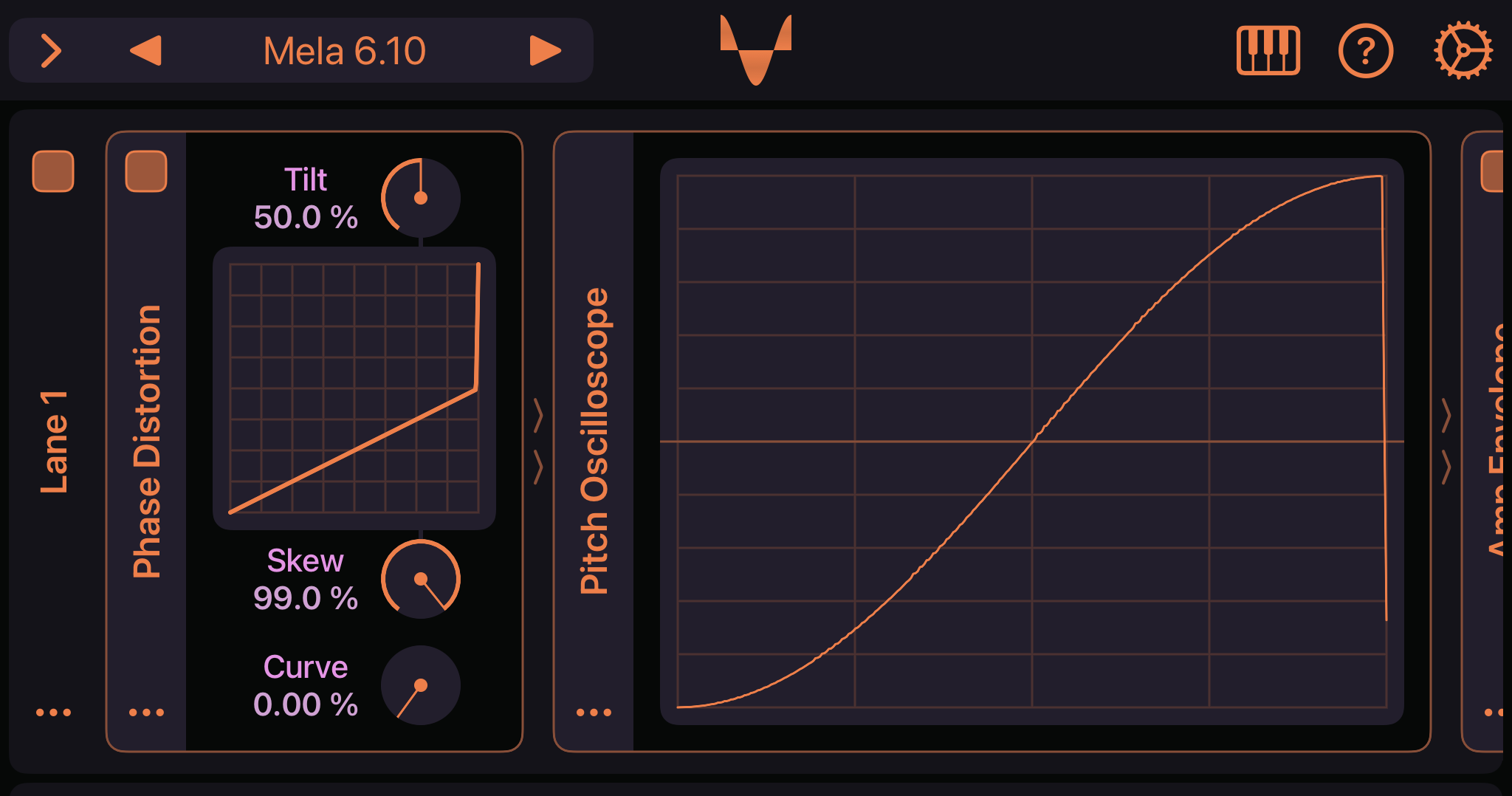
- Phase Distortion: The module has graduated from Mela Lab and can now be found under the Audio Processor category.
- Pitch Oscilloscope: The module has graduated from Mela Lab and can now be found under the Utility category.
Factory Presets
- Added the "Simple Perc" preset to the Synth FX group, showcasing the new waveform.
- Added the "Evolved Perc" preset to the Synth FX group.
- Added the "Chorus-Reverb" preset to the Audio FX group.
- Added the "LR Sweeps" preset to the Audio FX group.
Make the most of Mela with 30% off any Collection until September 30.
Grab Mela from the App Store.
As always, let me know if you have follow-up questions and thank you for your support 🙏
Comments
@Nikolozi : If I read this correctly is this like the built in help panels that are on Bitwig where whatever image your on you can dial in an explanation of the controls you’re on? Like a built in owners manual?
Really nice, thank you!
It’s not quite like that. Each module has a help popover accessible from its actions menu (ellipsis icon) by selecting the Help item and it will display the module description and what each parameter does. At some point, I’d like to add an option to keep a small help view visible while adjusting dials, showing what the selected parameter does.
@Nikolozi ;Yeah, your last sentence..That’s how Bitwig does it, that would be amazing..Just the same, great update, Nik…