Loopy Pro: Create music, your way.
What is Loopy Pro? — Loopy Pro is a powerful, flexible, and intuitive live looper, sampler, clip launcher and DAW for iPhone and iPad. At its core, it allows you to record and layer sounds in real-time to create complex musical arrangements. But it doesn’t stop there—Loopy Pro offers advanced tools to customize your workflow, build dynamic performance setups, and create a seamless connection between instruments, effects, and external gear.
Use it for live looping, sequencing, arranging, mixing, and much more. Whether you're a live performer, a producer, or just experimenting with sound, Loopy Pro helps you take control of your creative process.
Download on the App StoreLoopy Pro is your all-in-one musical toolkit. Try it for free today.

Comments
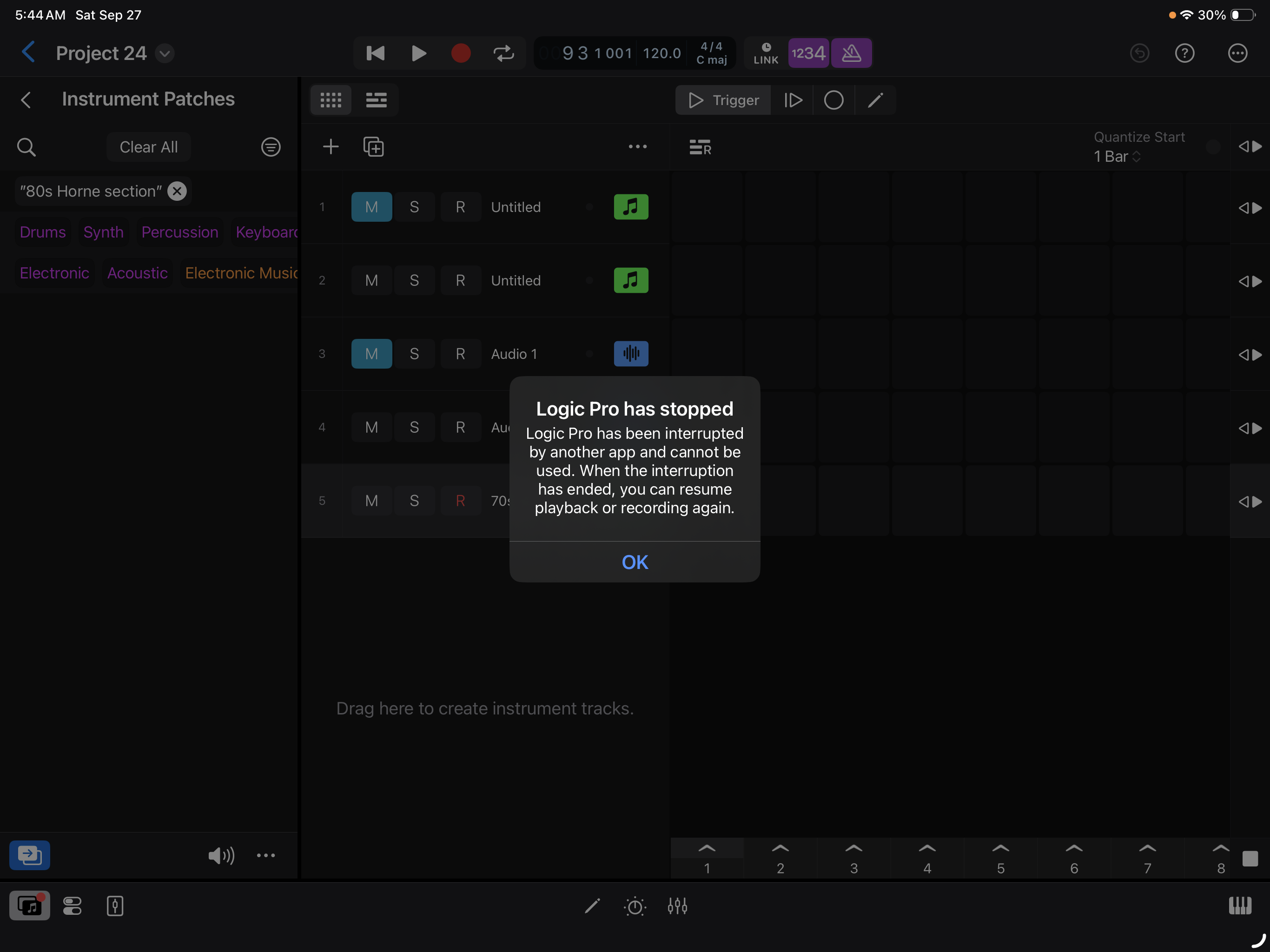
Could be something else using the audio system: Siri, AUM, etc.? What's your iPadOS version?
iOS 26
@uncledave : I do have Siri enabled . Should I turn it off perhaps ? Good thinking’ there
Almost 100% sure it's Siri...
...I have permanently turned off listening portion (ie. 'Talk to Siri') and have not had any issues since then...
Is there a thread about which apps should be removed on your iOS "daws"? There should be. I just recently removed all the map, health, weather, stock crap freed up about 3 gigs.
Ok thanks @egobeats and @Samu . I turned off Siri.. I think that’s it . Thanks also @uncledave
If I set an alarm it will do this to logic when it goes off.
Makes sense, @boomer : I turned off Siri: Problem solved for now
I get a similar message to this in Cubasis 3 from time to time me, I don’t know what causes it, but relaunching Cubasis usually fixes it.
@rapidfire :Thanks
If bluetooth is on turn it off, Some music apps will launch themselves in the background and you can’t see it running.
I was working on a project in Cubasis 3, I momentarily came out of the app to check something on a different app and I got this message below, this never used to happen a few months ago, closing and relaunching Cubasis gets it working again.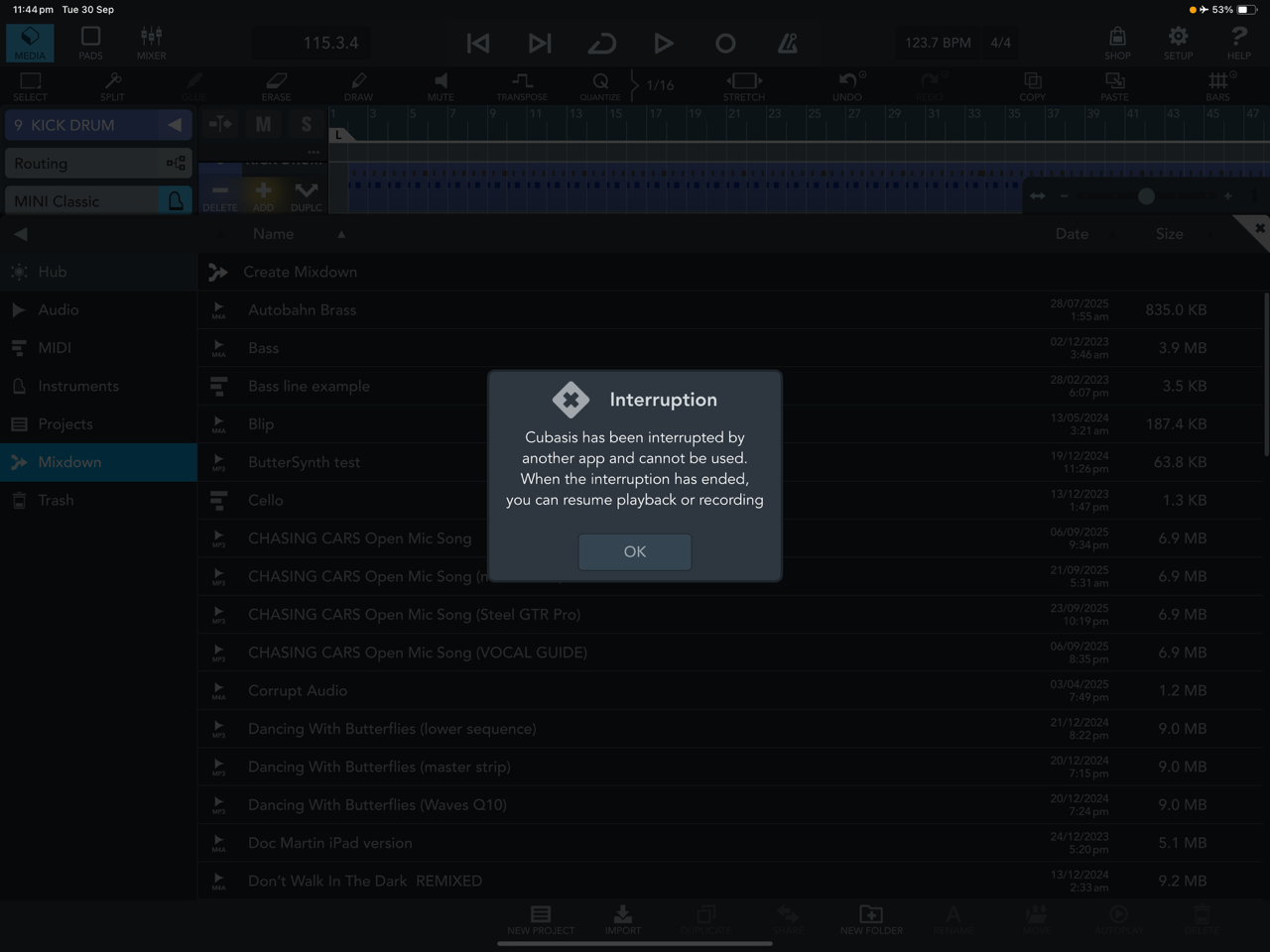
Keeping background audio enabled in apps as well as turning off the ‘listen’ function in Siri usually fixes this…