Loopy Pro: Create music, your way.
What is Loopy Pro? — Loopy Pro is a powerful, flexible, and intuitive live looper, sampler, clip launcher and DAW for iPhone and iPad. At its core, it allows you to record and layer sounds in real-time to create complex musical arrangements. But it doesn’t stop there—Loopy Pro offers advanced tools to customize your workflow, build dynamic performance setups, and create a seamless connection between instruments, effects, and external gear.
Use it for live looping, sequencing, arranging, mixing, and much more. Whether you're a live performer, a producer, or just experimenting with sound, Loopy Pro helps you take control of your creative process.
Download on the App StoreLoopy Pro is your all-in-one musical toolkit. Try it for free today.
line break for text labels in LP

Can I do this? I'e searched but haven't found a way
Comments
Do you mean text widgets or when naming buttons/widgets?
Just add a new line with the return key? Works for me.
Or ... do you mean the names in widgets? If so then line breaks aren't available there.
But there is the text label widget where you can add line breaks.
oops. Cross-posted.
ri9ght, yes I was thinking of the widget naming thing in particular. Might have to opt for the text widget, though that has some downsides if you're moving stuff around and trying to select things. For ages I actually thought that was the only way to do labels and couldn't understand how other peoples layouts looked so tidy compared to mine!
Text widgets can now be anchored to various points on widgets so that they generally move together.
@wim Oh that's good news!
Before moving into position
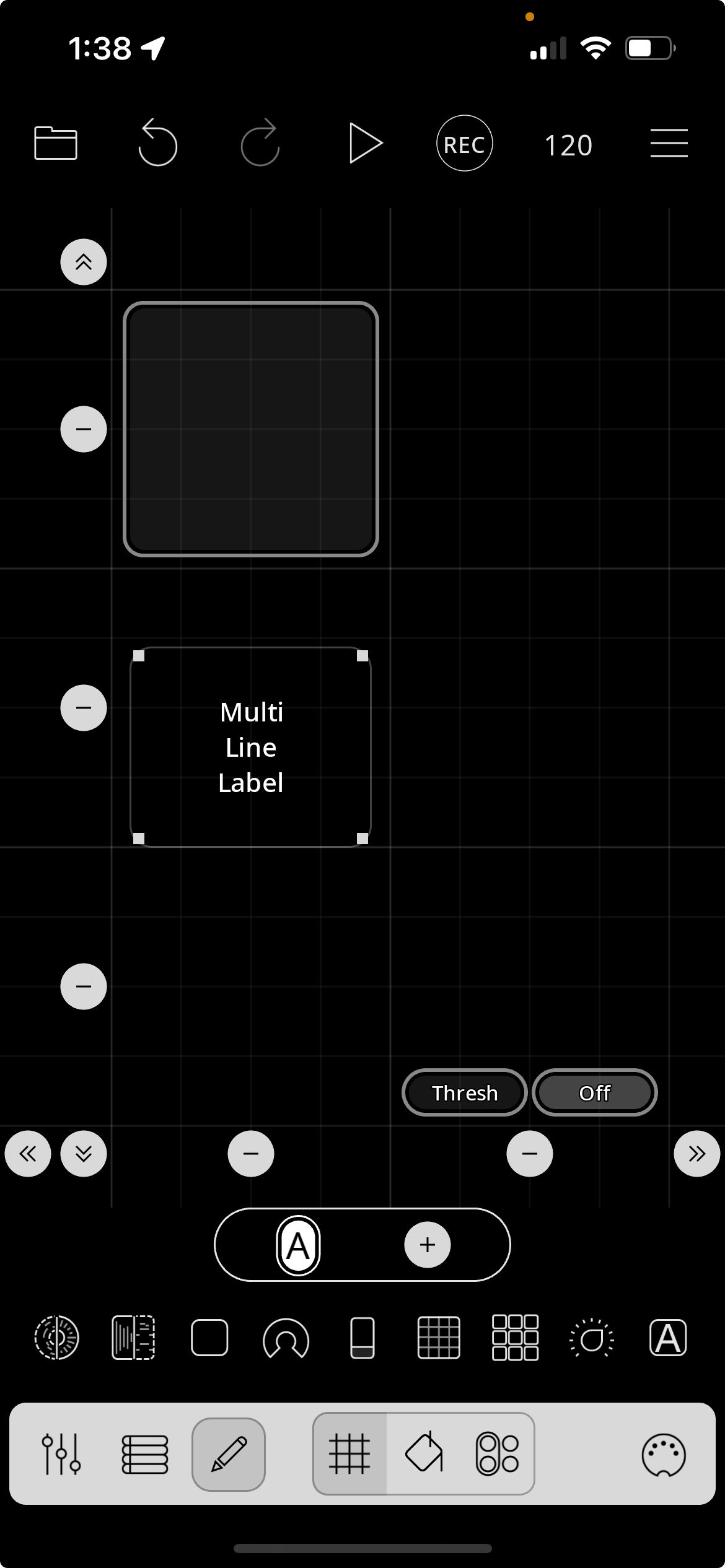
Dragging over a widget will anchor it to the widget
Moving the widget will bring the label with it.
@espiegel123 Thanks, that's going to help!