Loopy Pro: Create music, your way.
What is Loopy Pro? — Loopy Pro is a powerful, flexible, and intuitive live looper, sampler, clip launcher and DAW for iPhone and iPad. At its core, it allows you to record and layer sounds in real-time to create complex musical arrangements. But it doesn’t stop there—Loopy Pro offers advanced tools to customize your workflow, build dynamic performance setups, and create a seamless connection between instruments, effects, and external gear.
Use it for live looping, sequencing, arranging, mixing, and much more. Whether you're a live performer, a producer, or just experimenting with sound, Loopy Pro helps you take control of your creative process.
Download on the App StoreLoopy Pro is your all-in-one musical toolkit. Try it for free today.
Any way to switch banks of stepped dials on same page ?

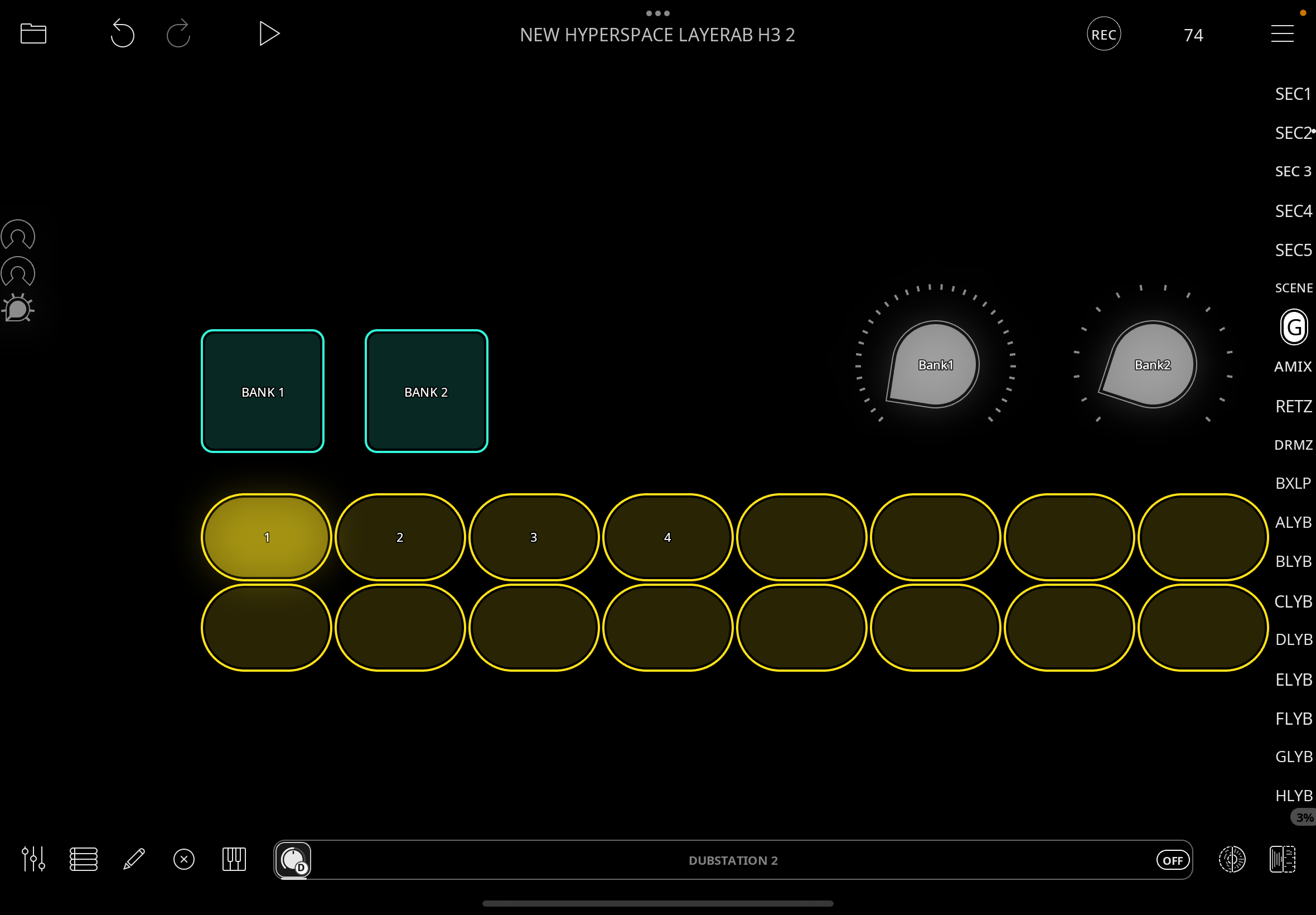
I have 16 Radioswitches , mirroring & triggered by a hardware controller ,
which I want to use to trigger e.g FX presets -
the LED feedback is useful on controller to show which is ON & I can add names to the canvas.
So far so good , but what if I want to add a second bank -
I had hoped with 2 buttons + 1 or 2 switched dials I could find a way to create a switched bank system -
either one switched dial has e.g 32 steps & the 2 buttons define where in the list the radioswitches
begin ,
or 2 switched dials; 1 1-16 , 2 17-32 & the 2 buttons either redirected which dial the radioswitches
addressed … even by turning the other off .
However it seems there is no Turn Widget Off action ,
& the various combinations I have tried have not acheived this functionality ,
either with various Scroll & Item settings for Switched Dial or Step settings for Preset Select .
Yes, I know I could use multiple pages with Active Page ,
I now have this working for other uses (thanks @espiegel123 )
but just wondering if it’s possible with the tools available without masses of extra pages for
something so seemingly simple ??…
or am I writing Feature Requests for Banks integrated into Stepped Dial Widget ?
Comments
@RetroNewb : what are the actions in the dials? Can you post screenshots?
Hi @espiegel123 , thanks for attending ,
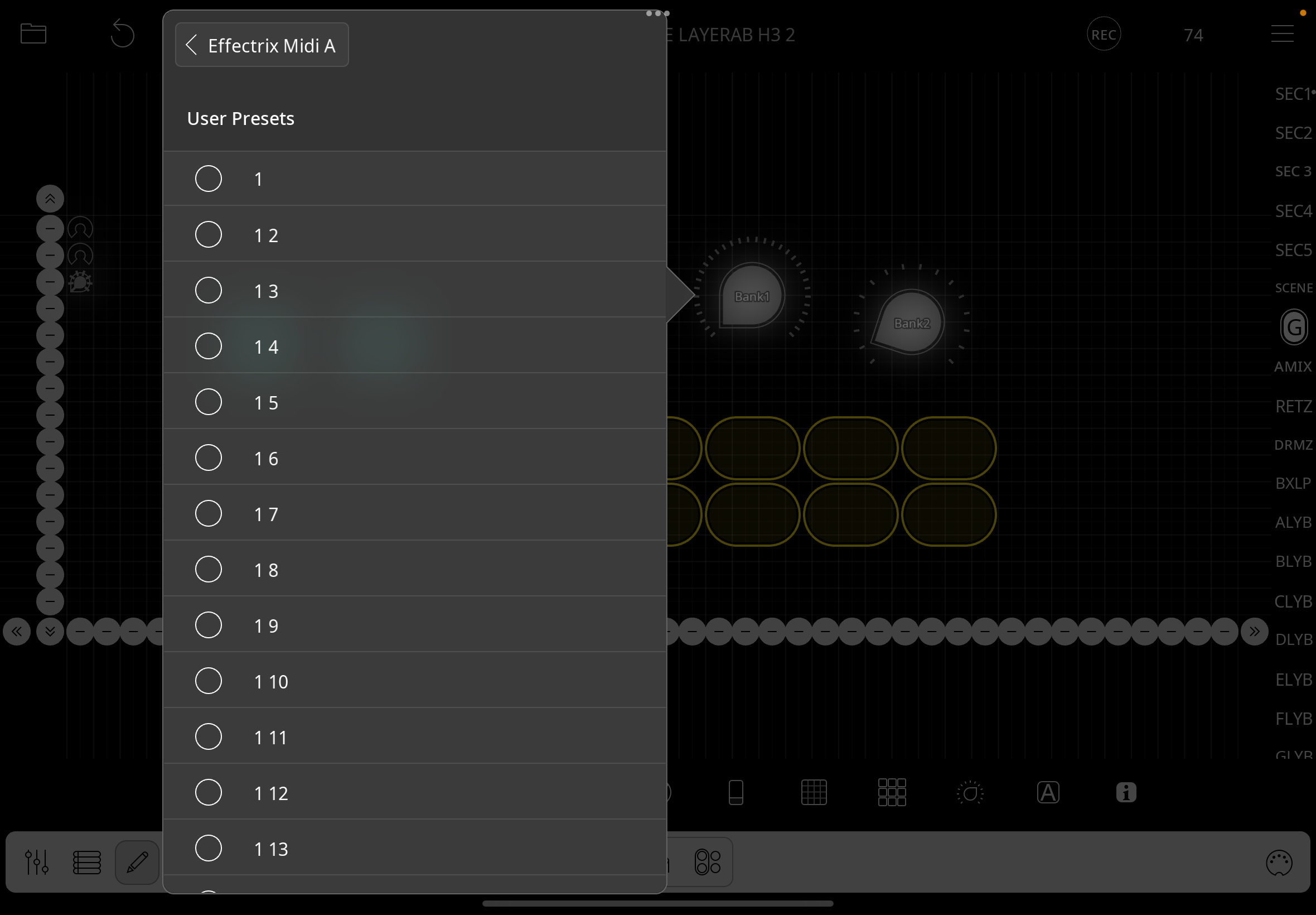
in the first instance it would be SELECT LoopyPro’s own preset system for AU FX Devices,
though I also wondered about other use cases -
just wondering generally if it’s possible to create a system of banks ?
edit
I attach Loopy’s Effectrix Midi list for example
@RetroNewb : can you show the main screen of the widget setup?
@espiegel123 you mean the stepped dial widget ? I’m not sure it will help , as I’ve been trying various options with no success & only a vague idea of how it might work .
it’s the general idea I’m trying to ascertain - I’d hoped there would be a known method for connecting stepped dials
to get bank behaviour , like your midi redirecting tutorial to switch a keyboard to 3 destinations .
I’m trying to switch destinations of the sixteen radioswitches so the same switch value e.g 2 either selects the 2nd
preset in bank 1 or the second in stepped dial /bank 2 , hoping the 2 buttons could somehow switch between which stepped dial is addressed .
edit.
here is select preset , but I’ve also tried Step …
The simplest solution is probably to have your stepped dial “banks” on another page and have a stepped dial that sends midi that reaches Loopy’s midi control system () and switch profiles to switch banks. Have one profile per bank. Or you could send the midi through an AU that can be set to change the midi channel using one binding per channel without switching profiles…or some variation of those.
To send midi from a widget so it can trigger bindings, see:
https://wiki.loopypro.com/MIDI_Essential_Tips_and_Tricks#Triggering_MIDI_Bindings_with_Widgets