Loopy Pro: Create music, your way.
What is Loopy Pro? — Loopy Pro is a powerful, flexible, and intuitive live looper, sampler, clip launcher and DAW for iPhone and iPad. At its core, it allows you to record and layer sounds in real-time to create complex musical arrangements. But it doesn’t stop there—Loopy Pro offers advanced tools to customize your workflow, build dynamic performance setups, and create a seamless connection between instruments, effects, and external gear.
Use it for live looping, sequencing, arranging, mixing, and much more. Whether you're a live performer, a producer, or just experimenting with sound, Loopy Pro helps you take control of your creative process.
Download on the App StoreLoopy Pro is your all-in-one musical toolkit. Try it for free today.
Bram Bo's Midi effects not working in Cubasis 2?

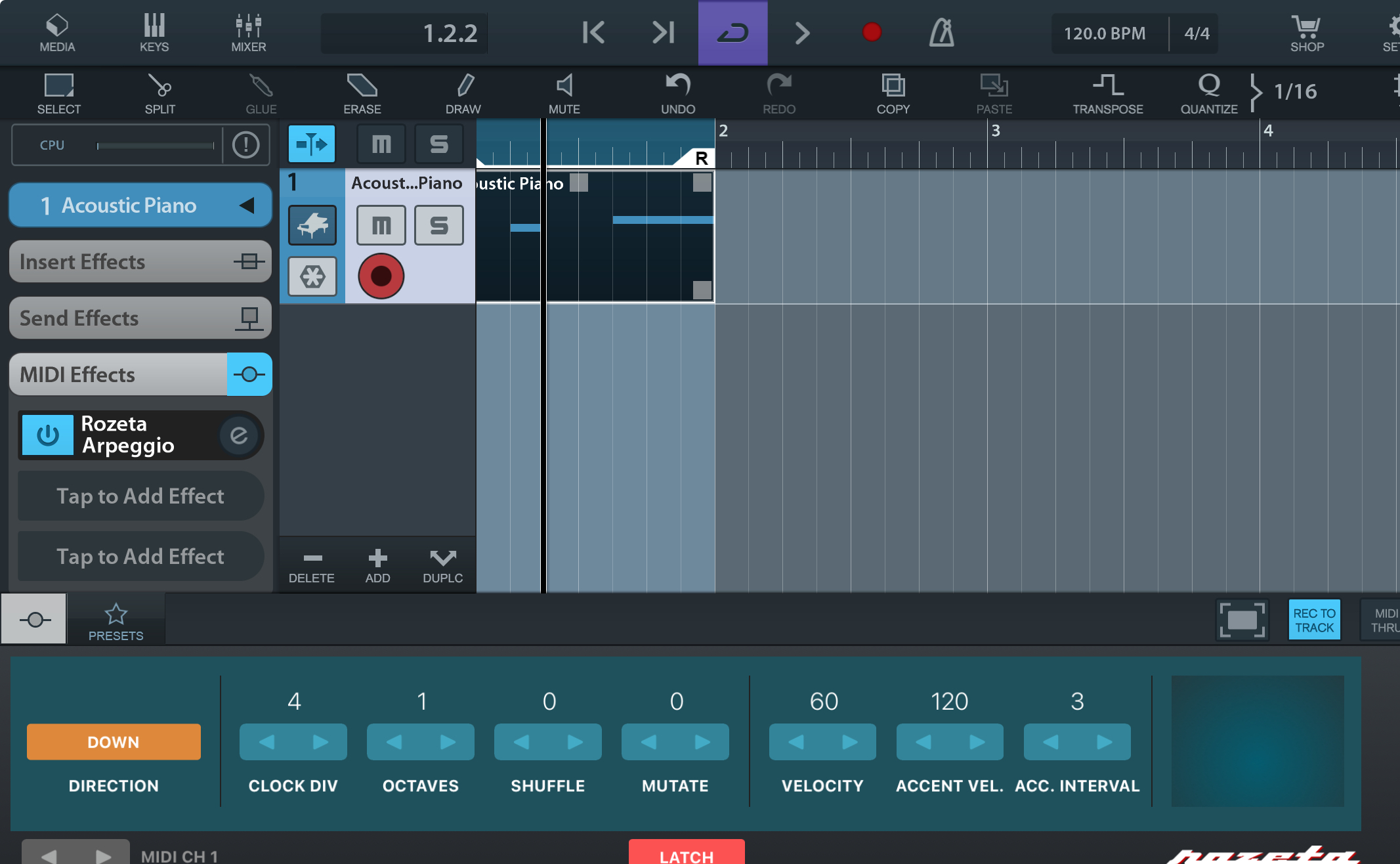
I am trying to use Bram Bo's Arp and scaler inside of Cubasis 2. I inserted the arp as a midi effects on the same midi channel and nothing seems to work. Any ideas ? 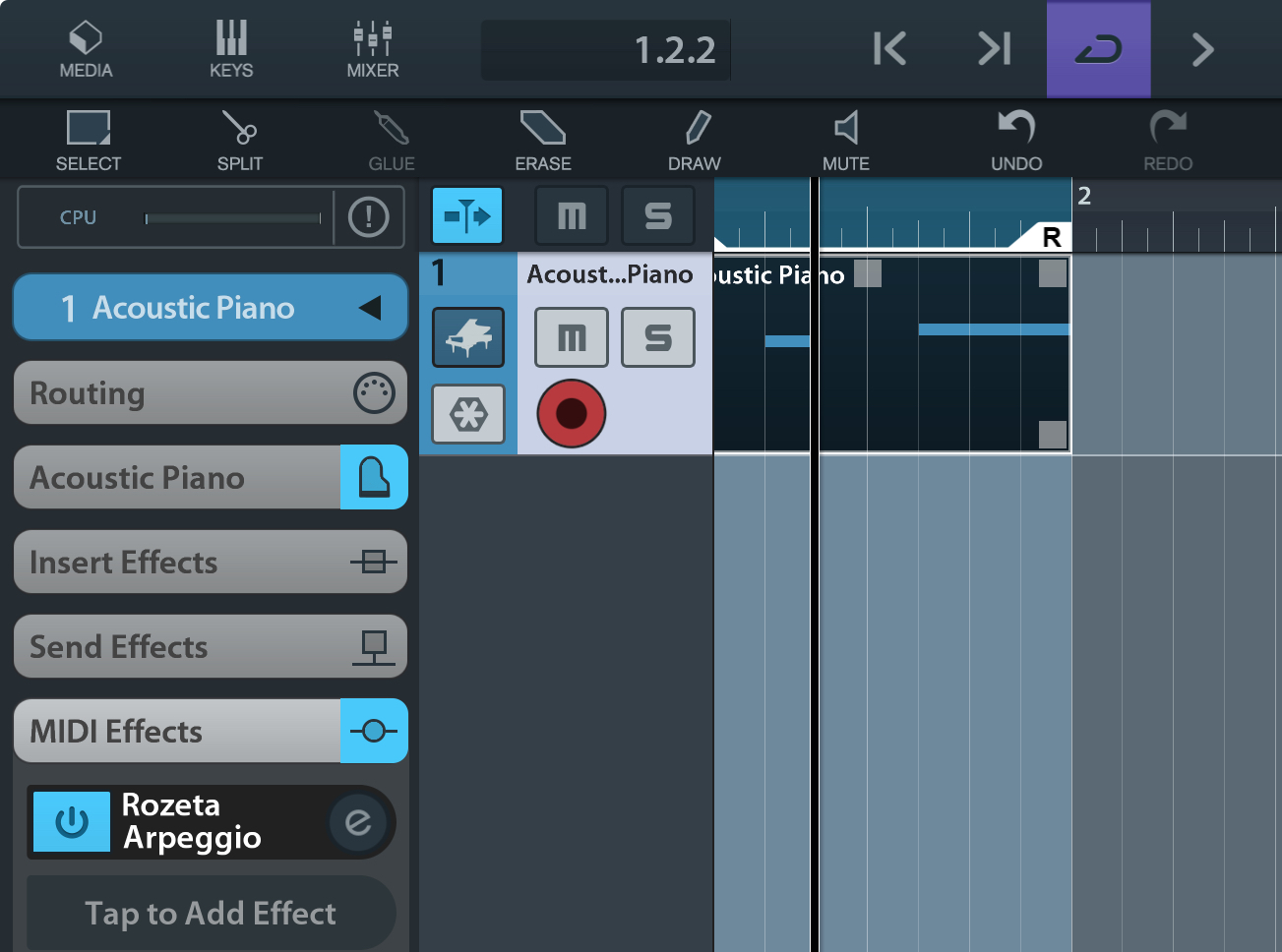
Comments
Looking at your images, you seem to be doing it correctly. Try putting a chord into the timeline instead in the two notes you have. And make the chord last for the whole bar. Hopefully that works for you.
Cubasis 2 is a very old software I am not sure of it will work with more modern versions of Rozeta.
I tried it with Beatmaker 3 and it works ,maybe I need Cubasis 3, if much better.
What version of Cubasis are you using there? You're missing the R W and Automation buttons that I n the plugin window on iPad. Is this on iPhone or iPad?
It works for me on iPad. I can try on iPhone later.
Nvm about the version - it’s in the thread title.
Sorry, I only have Cubasis 3 to test with. It works fine there on both iPad and iPhone.
Ok, thanks ..maybe I will one day get v3.
I just loaded Rozeta Particles into cubasis 2 and it immediately started triggering notes. It worked with the transport going and even recorded the midi into the timeline. I am on an iPad Air iOS 18.7.3
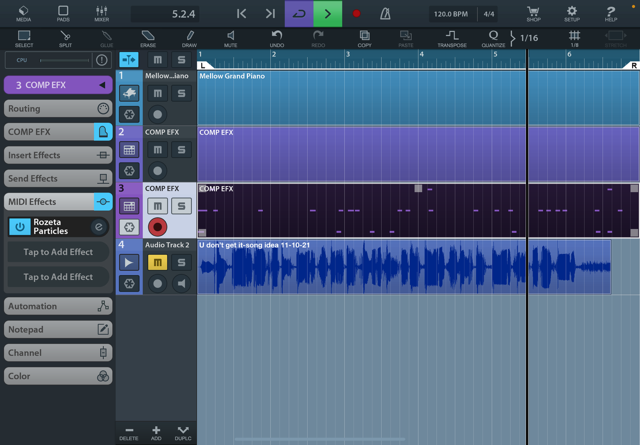
Did you try the chords, or latch the arp. Usually dots flow by in rozeta arp on the right to indicate notes being played, was that visible?
Cool, it's good of you to take the time to test. Can you try with the scenario @Antos3345 is describing: placing notes in a pattern and seeing if Rozeta Arp ... arps?
Generating notes from Particles is a different case than affecting notes passing into the plugin.
I got the arp to work. I had to enable "rec to track" and all good. I toggled it on and off and now it's working. I don't still understand why there are sometimes Rosetta version "old" and "new". Anyway, all good. Thanks for your help Particles and work fine.
There is a thread or a post or something somewhere on the forum about that, if I remember right it was actually needed for some reason to do with the way Logic Pro handles midi plugins but I can't remember the specifics
The original Rozeta plugins were created with the "Audio Unit Music Device/Instrument" type, which basically means they're audio units that can do audio and MIDI. For a pure MIDI plugin that doesn't do audio at all, the more correct type is "Audio Unit MIDI Processor". It all has to do with the somewhat cryptic (at the time at least) four letter letter application type codes, which weren't explained very clearly in the beginning.
Changing the type code would break any projects that had the original plugins, so the decision was made to keep/rename the old plugins and introduce new ones with the more correct app type.
Superb explanation, thnx Mike
Thanks for your excellent explanation:)