Loopy Pro: Create music, your way.
What is Loopy Pro? — Loopy Pro is a powerful, flexible, and intuitive live looper, sampler, clip launcher and DAW for iPhone and iPad. At its core, it allows you to record and layer sounds in real-time to create complex musical arrangements. But it doesn’t stop there—Loopy Pro offers advanced tools to customize your workflow, build dynamic performance setups, and create a seamless connection between instruments, effects, and external gear.
Use it for live looping, sequencing, arranging, mixing, and much more. Whether you're a live performer, a producer, or just experimenting with sound, Loopy Pro helps you take control of your creative process.
Download on the App StoreLoopy Pro is your all-in-one musical toolkit. Try it for free today.
ColorCondenser - I released my first app! Extract color palettes from images
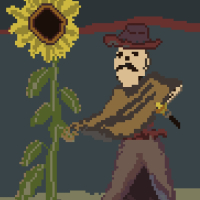
I’m really excited to announce that my first app is officially released! ColorCondenser
https://apps.apple.com/us/app/colorcondenser/id6760206595
App Store description:
Extract, reduce, export. New release!
Extract and reduce color palettes from images, files, and creative references.
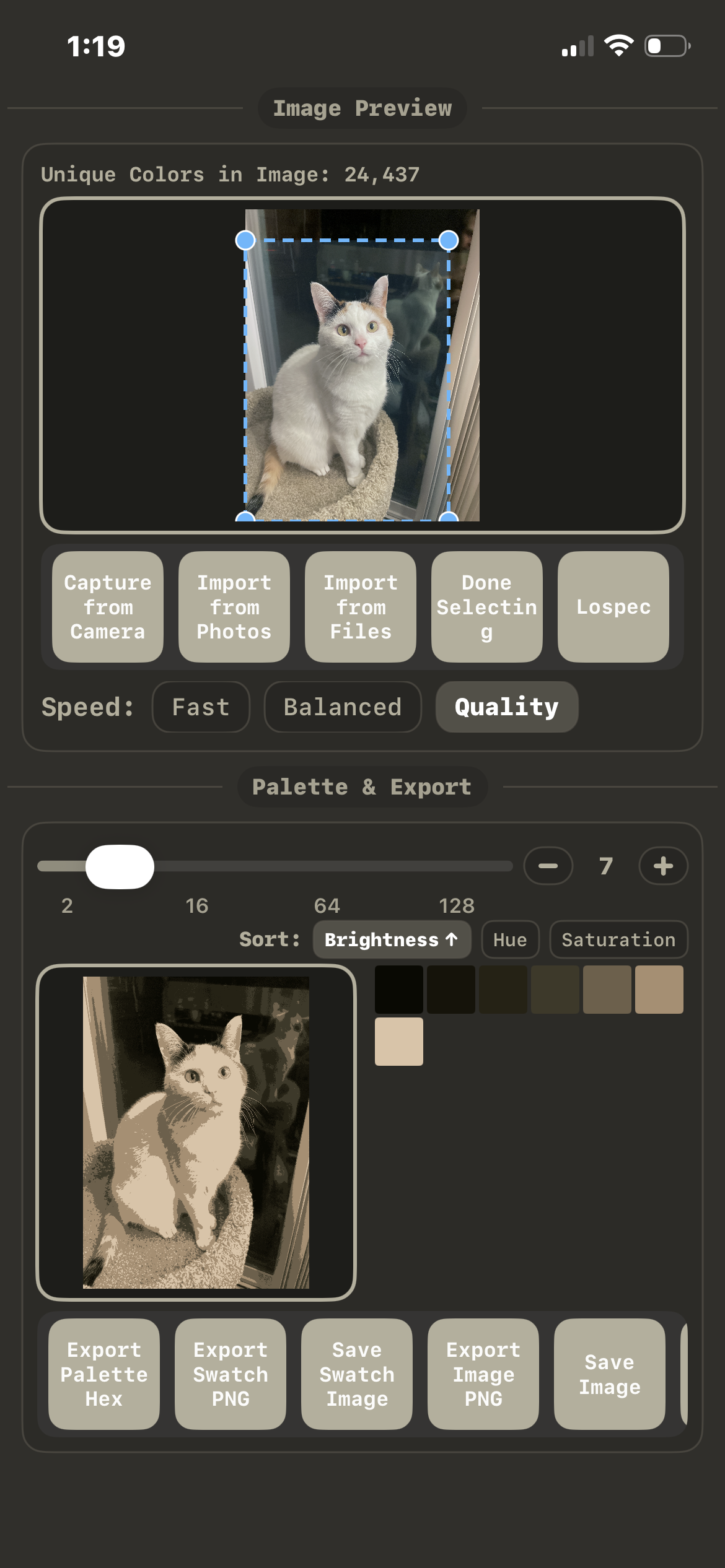
Color Condenser is a fast palette extraction tool for artists, designers, and developers. Import colors from many sources, reduce them using K-means clustering, and instantly copy usable palettes for your workflow.
Everything happens on one screen so you can go from inspiration to palette in seconds.
Extract palettes from almost anything
• Photos and images
• Drag & drop images
• Clipboard images
• Camera capture
• JSON palette files
• HEX color lists
• Lospec palette slugs
• Combine multiple palettes into one
Precise palette control
• Adjustable palette size
• Fast / Normal / Quality analysis modes
• Select regions with a draggable bounding box
• Sort palettes dynamically
• Tap colors to copy HEX codes instantly
Built for speed
Color Condenser keeps everything on one screen so you can quickly extract, refine, and use palettes without digging through menus.
Perfect for:
• Pixel artists
• Game developers
• Designers
• Illustrators
• UI/UX creators
Optional Pro Feature
3D Palette Extraction
Import USDZ models, rotate them, and extract palettes directly from the rendered scene.
Available as an in-app purchase.
Extract colors.
Reduce palettes.
Create something new.
Comments
NEAT! Congrats 🎉
Congratulations! Looks promising.
Looks cool. We like colours
Proud of you! Looks complex!
Is it auv3? 🤓
Interesting. I'm torn whether to ask for a code, or to support you and buy it outright.
  Man, I remember when you first arrived to the forum and needed help making Dedf1sh music like from Splatoon 2. You know, you're the reason I started getting into producing DnB as well as a huge interest in making music for videogames and classic-sounding OSTs. The least I can do is buy your app outright.
  Only 7 quid.
Edit: I bought it outright. This will come in handy for creating trad art with colored pencils.
Edit 2: Gifted it to a friend as well. ❤️
App not available in eu. 😕
Congratulations @FizzyLizzy27
Not EU.
Congrats @FizzyLizzy27
I’ll send this to my GF as she’s into all the color HEX number stuff
This looks great. I could have used this over the last month or so when I was redesigning my website. The Hex numbering system has always confused me. If the codes are still available, I’d love one!
https://youtube.com/shorts/IR789VX2-3A?si=CgqmGpiH3nO_lxLN
Here’s a short little demo of anyone’s wanting to see how I use it. I’ll try and get something with a little more instructions later.
@Meek3 @Slush I submitted it for EU release. There’s a few extra steps involved for approval there so hopefully it shows up soon.
@jwmmakerofmusic Really appreciate the kind words and support! I definitely have learned a lot here and you’ve been a warm and friendly face since day 1 - thanks a ton!
@FizzyLizzy27 You're absolutely welcome. Figured I'd wait to reply to give this thread a bump up.
OH! And yeah, your app is amazing. Been fiddling with the app since I got it, and I can see how to fit it into my art workflow.
Is there a way to delete colors within the generated swatch? Also awesome would be way to select multiple areas within the image, or even better, a select your own colors. All of this relies on the need to delete colors from the swatch though.
One of my favorite features has been generating images from the reduced palette. Here’s a few I like.
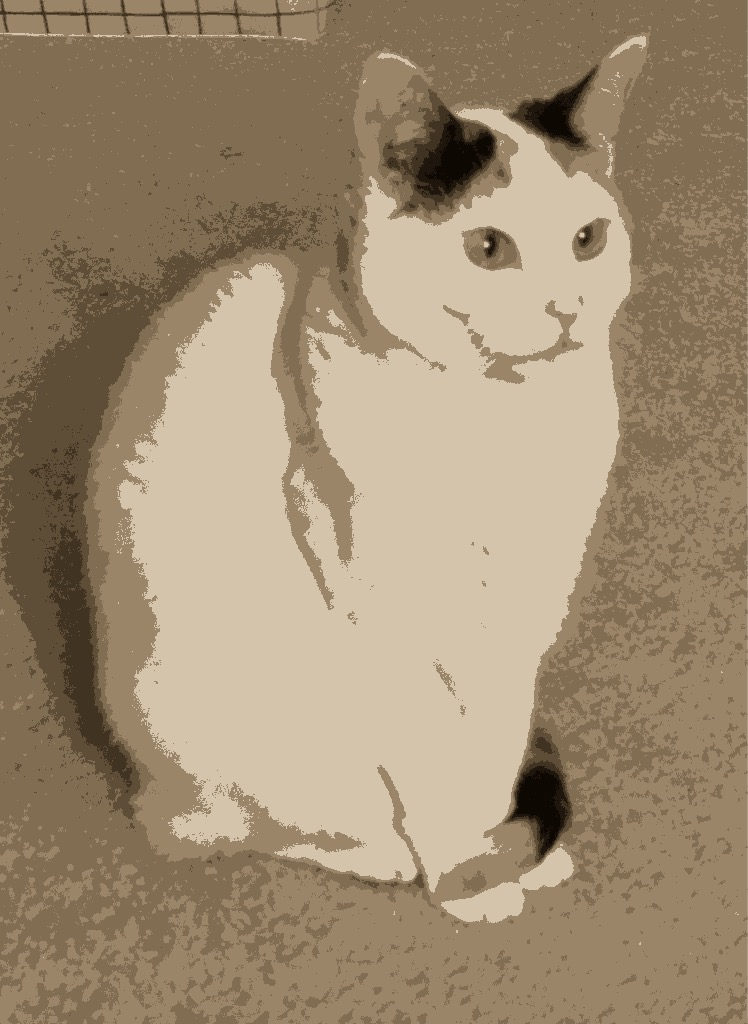
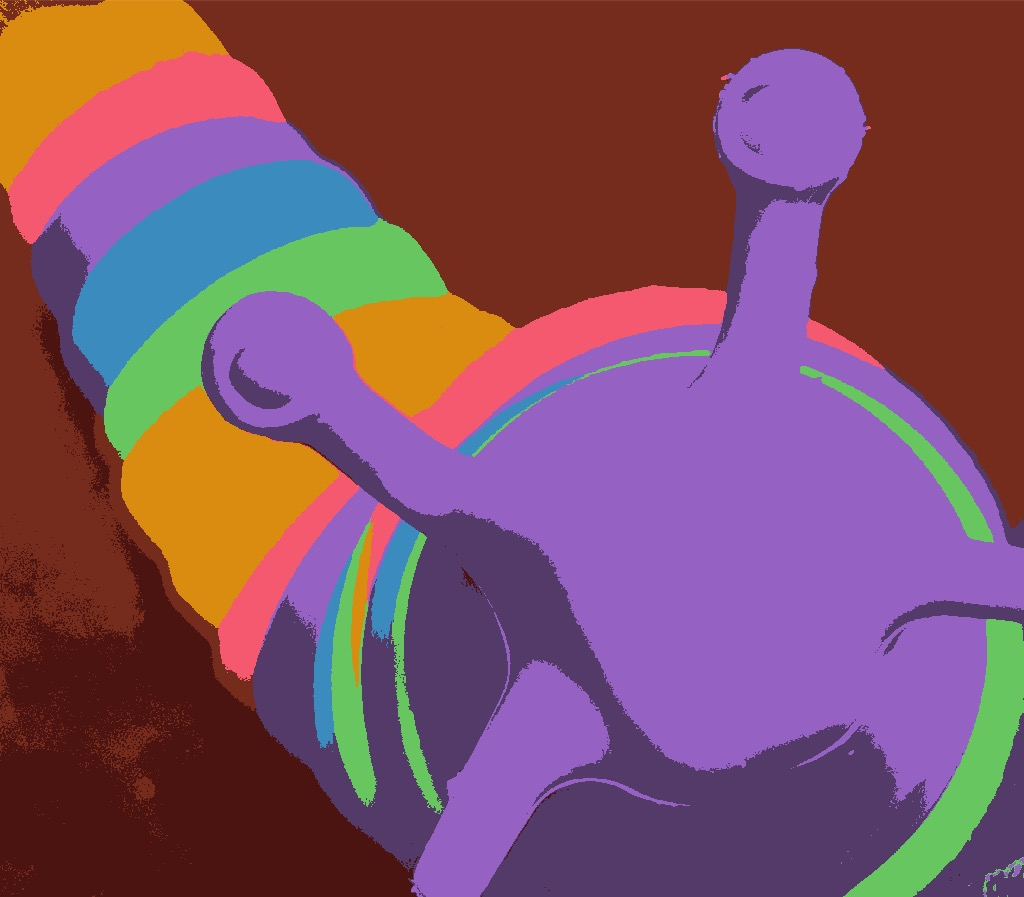
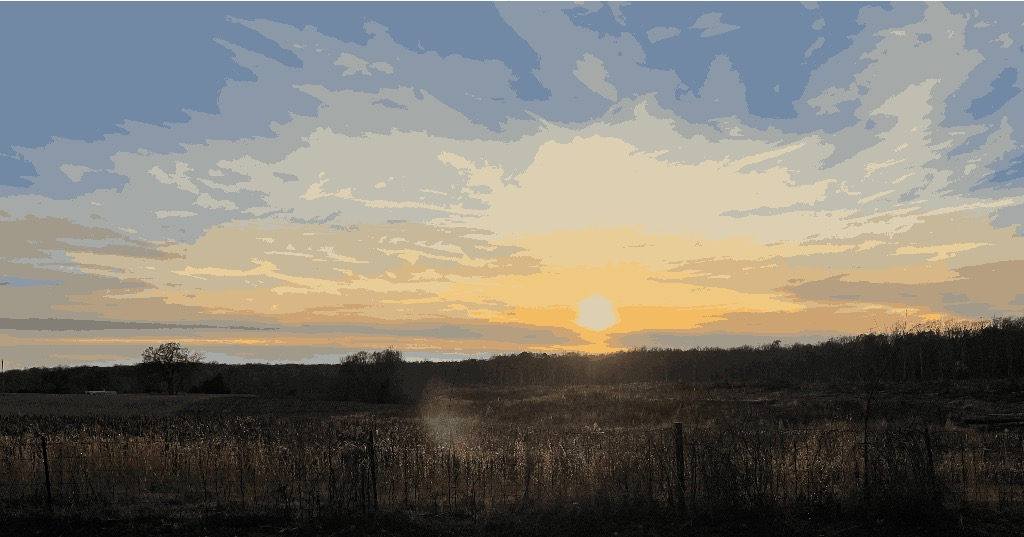
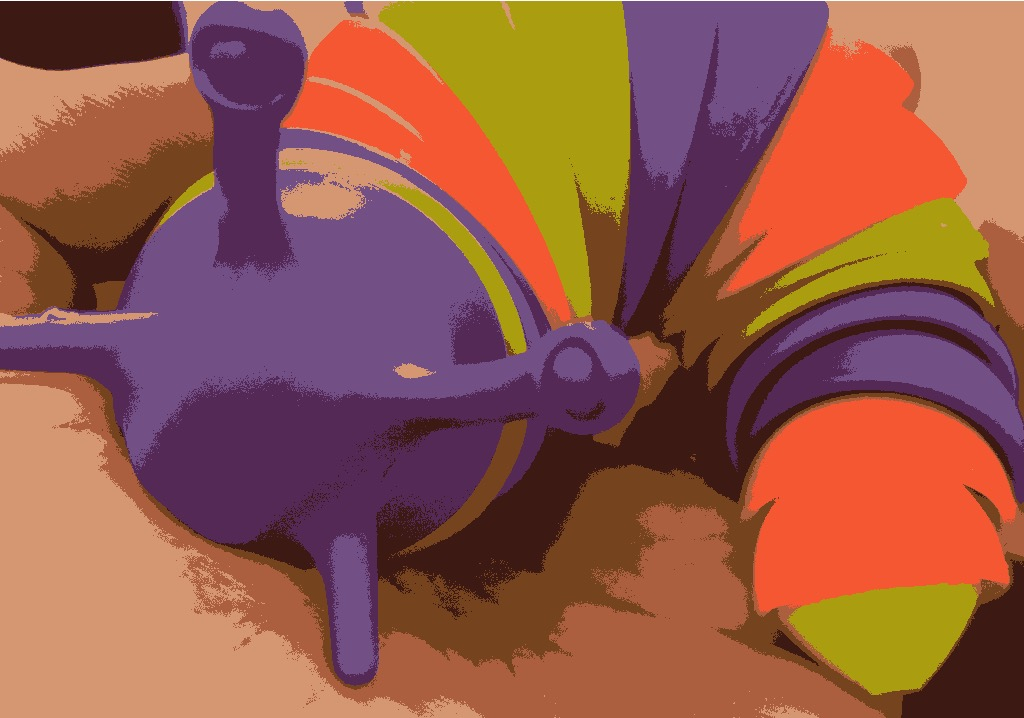
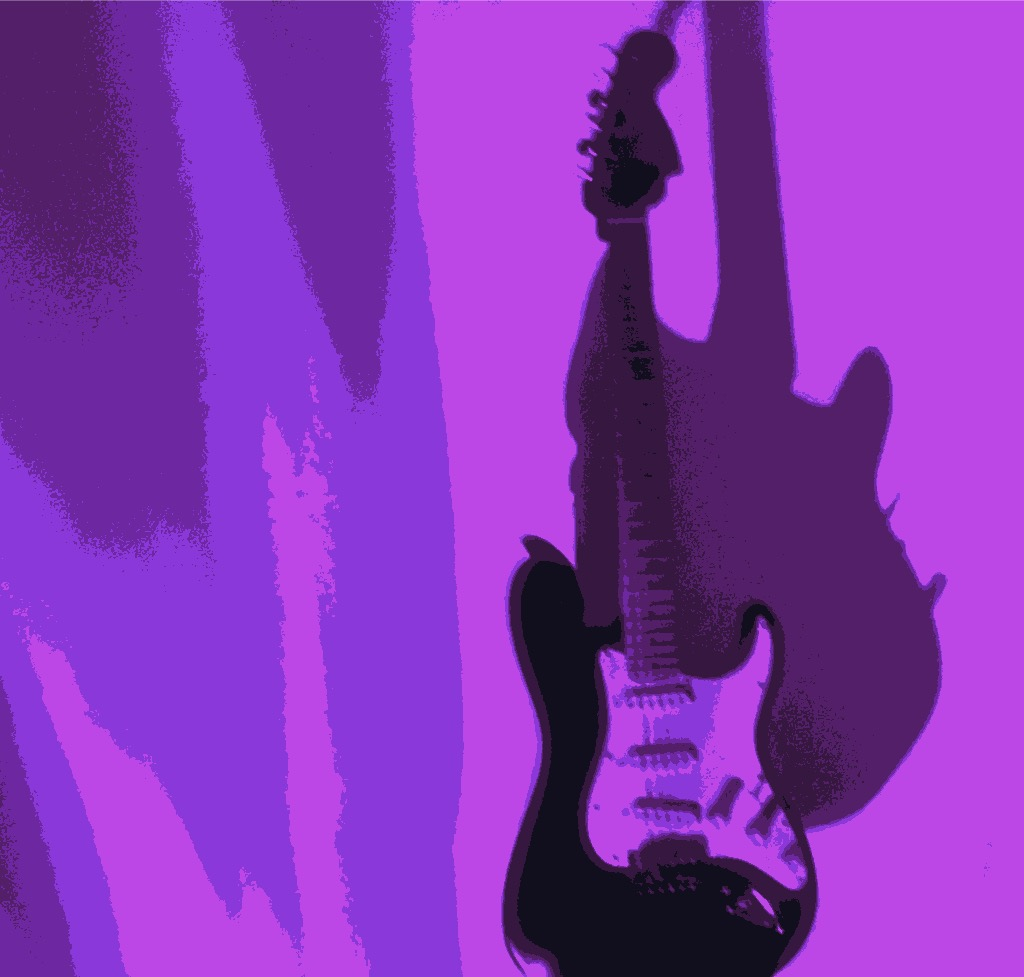
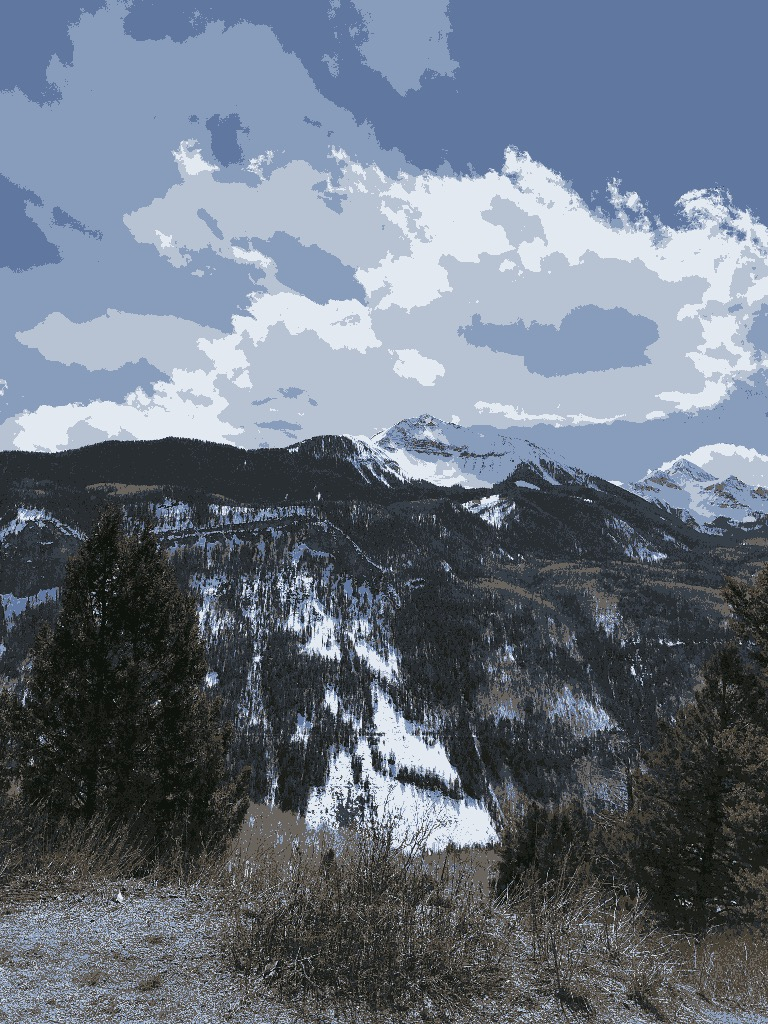
@FizzyLizzy27 proud of you!
Just what I need to spice up my visuals!
I like the binary color export from this image.
Great app idea.
I like it when movies post their color pallets
Like this:
https://youtube.com/shorts/GbgPUm3PY7w?si=Fv7b1rMuBHhYy8Bm