Loopy Pro: Create music, your way.
What is Loopy Pro? — Loopy Pro is a powerful, flexible, and intuitive live looper, sampler, clip launcher and DAW for iPhone and iPad. At its core, it allows you to record and layer sounds in real-time to create complex musical arrangements. But it doesn’t stop there—Loopy Pro offers advanced tools to customize your workflow, build dynamic performance setups, and create a seamless connection between instruments, effects, and external gear.
Use it for live looping, sequencing, arranging, mixing, and much more. Whether you're a live performer, a producer, or just experimenting with sound, Loopy Pro helps you take control of your creative process.
Download on the App StoreLoopy Pro is your all-in-one musical toolkit. Try it for free today.
Looking for art apps that have brushes similar to Harmony by Mr Doob (app found!)

Hi Everyone,
So, I only know of one current art app on iOS that has this type of brush style found from Harmony by Mr Doob, and it's Sketchclub.
https://sketchclub.com/help/ui-tool-sketchy.html
Also known as "procedural brushes", "procedural algorithms", etc, it's capable of making some pretty great-looking art such as these...
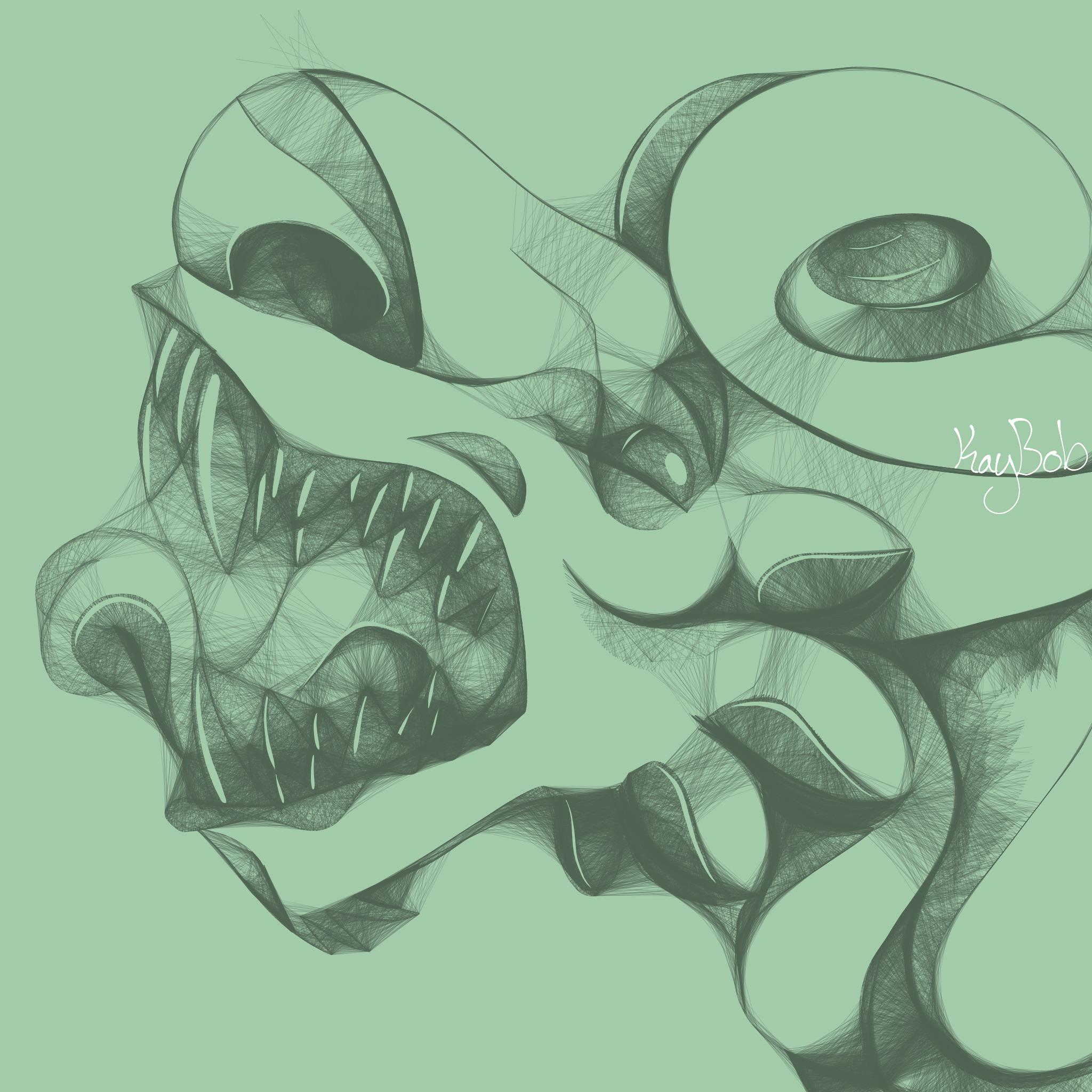

(Neither are mine.)
And the strokes work like this...

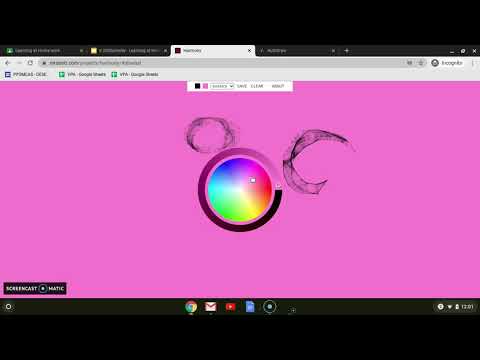
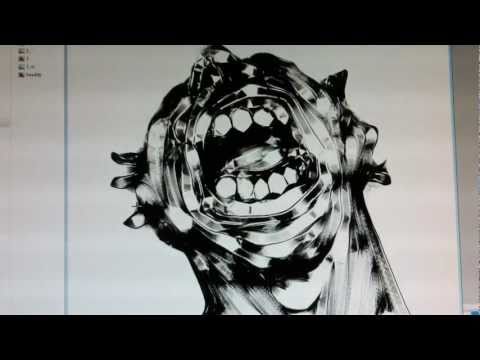
(You needn't watch these videos with sound on, especially the second which has some kind of crappy cheesy EDM in the background. 😂 )
However, SketchClub is an older app that hasn't been updated in a while (it worked fine on iOS 17, but I haven't tested it on iOS 18/26) and has a more limited feature set compared to ProCreate (iPad) and HiPaint (Android).
Fellow artists, are there any other art apps out there with this kind of brush?
Comments
Asketch
Sketchbook maybe?
ASKETCH! Holy shit, it's been forever since I've heard about that app! I didn't know it was still around. (I remember it was gone from the Appstore for a long time.)
I don't think Sketchbook has these types of brushes, but I could be wrong. Been years since I last used that one.
Infinite Painter has them
https://apps.apple.com/gb/app/infinite-painter/id1146543227
That may jolly well end up being my main art app! 😱 Infinite Painter is on iOS and Android, and has an extensive feature set.
Just a question - where do I access those brushes in Infinite Painter? I never stumbled upon them during my tests.
They’re all the way down at the bottom of the brush list.
I don't know how I never noticed that section, but then again being all the way at the bottom, it's easy for me to miss! Mate, you just ended my search. Thanks so much!
No worries mate, have fun!
I find the pricing of infinite painter a bit confusing.
@Meek3 It appears $9.99 is the correct price. Worth every penny. I don't have Infinite Painter on iOS, but I do have it on Android, and Android is what I plan to use for art (I have a Wacom Movinkpad 14 Pro).
Is that from the AppStore product page? Often when looking at IAP info, pricing shows all historical pricings. It's very confusing but it's an Apple thing rather than the developers' fault. The only real way to know the current iap price is to check inside the app itself. Or use an app like Appraven.
I learned a new thing, thanks for sharing @jwmmakerofmusic
Very interesting brush indeed I’m sure I’ll find a use for
The picture is from appraven
Of course, mate. I hope this brush will serve you well. It's great for general sketching and also for (what I like the most) Abstract art!
I will still stand by that Infinite Painter at $9.99 is worth the asking price. It's amazing. Once I get a bit more money, I will purchase the full unlock for iOS (for iPhone and iPad). I already have it on Android, but would be nice to have this fully featured app in my pocket on the go.
I’ve been dabbling with visuals lately and this is a nice idea. It’s a fun concept that gives that depth feel without actually being hard. Kind of picasso like (the guy could draw, for sure, he just couldn’t be bothered)
Ehehe. Back before 2017 before my first Apple Pencil-compatible iPad (the 2017 iPad Air), I used a "dumb" stylus and SketchClub for creating art. SketchClub is awfully out of date feature-wise, but has those "Mr. Doob Harmony" brushes. It was my preferred way to sketch on my iPad Air 2.
That said, until today, I had no fucking idea Infinite Painter also has the harmony brushes. 😂 And Infinite Painter is a far more robust and up-to-date app than SketchClub. I don't have the iOS unlock yet, but I plan on it! Will be fun to mess around with on my iPhone. (I just need to find that bloody Adonit Jot disc stylus I had last year before I lost it somewhere, lol.)
FlowPaper is based around them i think, $7.99 iap to unlock all features for lifetime but can try for free.