Loopy Pro: Create music, your way.
What is Loopy Pro? — Loopy Pro is a powerful, flexible, and intuitive live looper, sampler, clip launcher and DAW for iPhone and iPad. At its core, it allows you to record and layer sounds in real-time to create complex musical arrangements. But it doesn’t stop there—Loopy Pro offers advanced tools to customize your workflow, build dynamic performance setups, and create a seamless connection between instruments, effects, and external gear.
Use it for live looping, sequencing, arranging, mixing, and much more. Whether you're a live performer, a producer, or just experimenting with sound, Loopy Pro helps you take control of your creative process.
Download on the App StoreLoopy Pro is your all-in-one musical toolkit. Try it for free today.
Yamaha RS7000 sticky pads issue

Just got my RS7000 out of storage after 10 years.Everything works fine except a few of the pads are sticky.
Does anyone know if the pads can be popped off without opening the whole thing? Im hoping a few squirts of Deoxit D5 in pad crevices might suffice or will i have to open it all and replace the individual switches? Im not even sure if Deoxit is the right stuff tbh.
Any help and advice would be greatly appreciated.
Many thanks.
Comments
Never heard of sticky pads on an rs7000.
Usually it are the skipping potmeters and knobs.
I just bought a new rs7000 when the old started to give troubles.
Love it
Best sequencer ever
And the sampler is very underestimated.
But that is not of help for you.
Thanks for your reply and thoughts.
Perhaps sticky pads wasnt the best description rather a few of the pads require extra pressure which ultimately will wear them down.
Any more thoughts most welcome.
Thank you.
Then the buttons below the pads are worn down.
You can buy sets of them on ebay
https://www.ebay.de/itm/275878076252?_skw=yamaha+rs7000&itmmeta=01KP8YF7PEGTSGC7TPZWQR3T6D&hash=item403b9d5f5c:g:quEAAOSw43BgZhpg&itmprp=enc:AQALAAAA8GfYFPkwiKCW4ZNSs2u11xA8kN7oKyxiCBNodq7GcVkznYjyNhoQ7Zba84RGmQi6zNphKP8smZBxEOACDxsJauGe5dJFUZt9gBIw8A01uXOq9mXSXz+PmnBoEu+sKzOcqONOLl/J01jKZhOi5EMZSnx6BCwwq4w45zhe7Rcyi550CMEULJ9m4dgVg+Aw34V6qHXyZmyGx9epMFe8tZlQY2Q0ibKHDI0rt70aJboX7zQK6tiXcq89doPiZKrVPFmLuDHqOcP141VNVEnZBiGYs46jtweGMSkgSeHGAXef3jGptabhBIZaG32gKbrUdPJ5fg==|tkp:Bk9SR6z7vJ6yZw&keyword=yamaha+rs7000&sacat=0&relatedSearch=true
Thank you very much Meek3 for that link and your thoughts,very much appreciated.
Worth knowing that everything after the question mark can be deleted in links. This is enough!:
https://www.ebay.de/itm/275878076252
Same happened with my Rm1x. I thought I’d be able to take it apart to get under the key bed and clean, but after about 50 screws I gave up as I was getting nowhere near it. I just got used to hitting them a bit harder.
Thanks for all the replies.
I think I will initially try some Deoxit D5 in between the switch crevices and see what transpires.
Can any please kindly advise if this is suitable or should i use a different solution such as Isoproyl alcohol or contact cleaner?
Many thanks again.
Usually spraying stuff on knobs solves the problem temporarily but makes is worse over a long time.
I would bring it to a musicshop and let them repair it.
Thank you again for your sound advice Meek3.
Yes im beginning to think I should just put the machine in for a full service to replace all the switches and get the capacitors checked as i read they are prone to leaks and bulging which,after nearly 30 years,seems wise whilst the machine is open for servicing.
Thank you again.
Yes I have mine at the repair for a capacitor that spontaneously got loose
It is worth it to repair. It’s the heart of my setup still.
Thanks Meek3.
As i said above ive just pulled mine out from 10 years storage and id forgotten just how powerful a machine it is,really outstanding.I can see easily how this can become the centrepiece of one’s setup.I think i need a break from peering at touchscreens,time to get hand-on again!
Kind regards.
Im also having a problem formatting this with a 128MB Smart Media Card which works fine normally
I bought the card second hand but its been fine saving and loading file from the RS7000.The card came without a write-protect sticker on the card.
So to update i need to download v1.22 (final update) from the Yamaha website onto the card(via a Smart Media Card adapter).This was done successfully.
However when i try to load the card into the RS7000 and initiate the update procedure i am met with a “ write-protected” error.
Further research indicates i should format the card in the RS7000 itself which i attempted to do only to receive the same “write-protected” error.
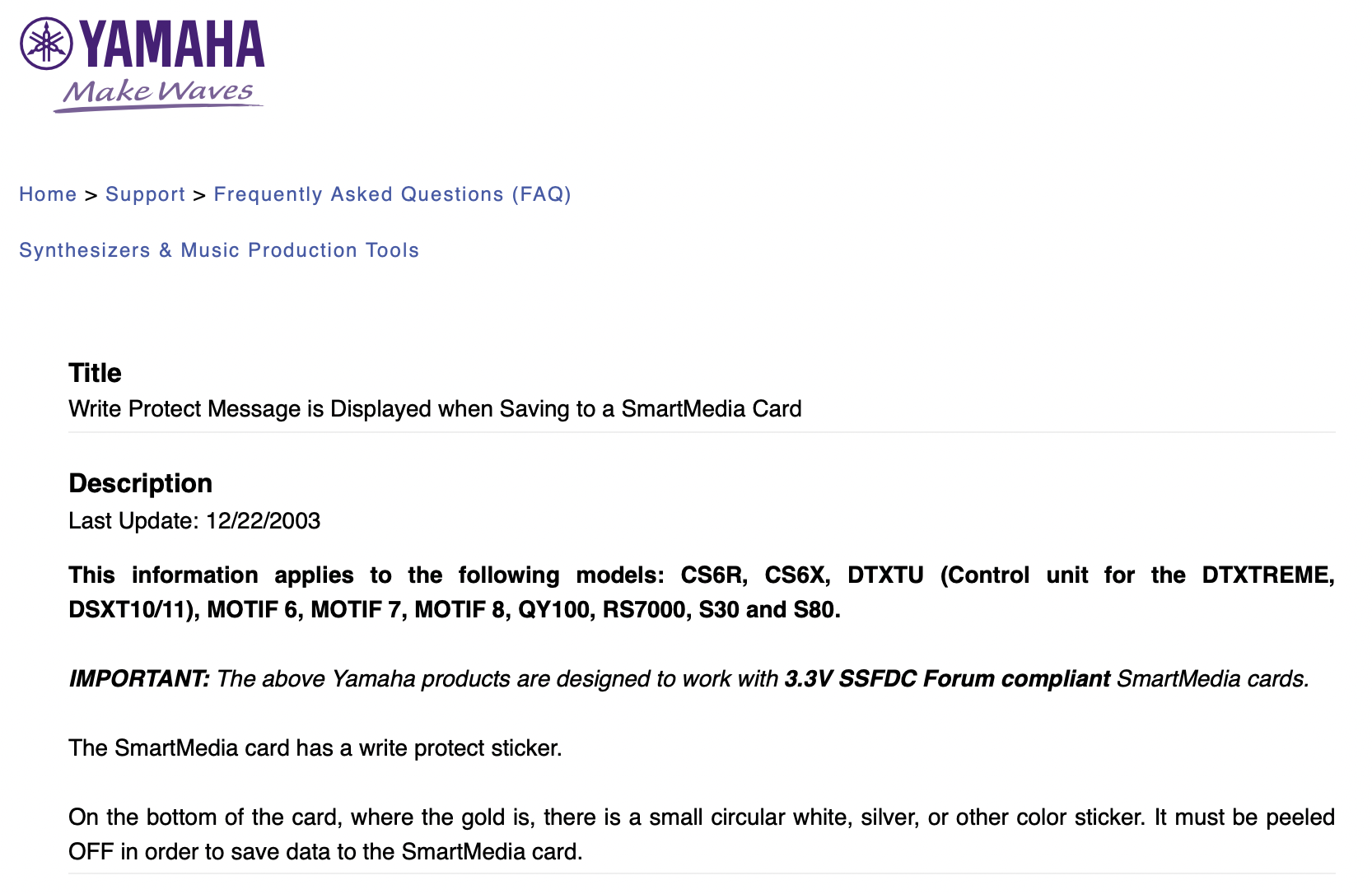
Doing a Google search presented me with a head-scratcher.Google AI says to be able to write on the card i must ensure the small circular write-protect stickers are removed from the card BUT also that removing these stickers automatically locks the card into write-protected status.
Wtf??
Im truly puzzled here and would greatly welcome all thoughts and advice.
Many thanks again!
I dont understand why a rs7000 would have to write in an update procedure in the first place
Very strange. I would expect with an update procedure the rs7000 to read the card.
And formatting it on the pc/mac to FAT first?
Does it has to be smartmedia or can it also be done through the scsi port?
I never formatted a card on the rs7000 I think. 🤔
Hi Meek3 and thank you again for your thoughts.
Tbh its such a contradiction im beginning to think the Google AI is just plain wrong.It makes zero sense.
Yes i agree i wouldve thought the update would be read only too.
The only thing i can think of is i bought the card second hand from someone who i recall useed it for Olympus cameras and although it worked fine for saving and loading its possible i have to reformat it in the Yamaha machine and protocol as they state in their manual.
I suppose also the card could be broken although its was working fine before i deleted my fioes from it in my laptop and put the downloaded OS Update file on it(Yamaha instructs to only have the one OS update file on the card prior to the failed attempt to read/update on the RS but hmmm unlikely I think.
I will try more tomorrow and let you know how I progress.
Best regards.
Meek3,
Im not sure if it can be OS updated via SCSI but I’ll check that and get back to you..certainly the Yamaha manual states cards must be formatted in the RS only.
Cheers
I would try to format it to fat32 on the pc/mac.
Please don't. These are not switches with metallic contacts, they're conductive rubber pads like in your TV remote.
Replacing the switches is the only sane way to get it fixed reliably imo.
If you feel like you're up to the fiddly task, you could crack open the switches, take out the conductive rubber part and apply a bit of acetone on the conductive surface, while slightly rubbing on it. You can check your success by measuring the resistance across the pad(s) before and after doing it.
Then you'll have to close the switch again, maybe by applying some power glue very carefully.
I wouldn't do it because it will take at least as much time as replacing the switches.
@Meek3 and rs200,
Thank you again for your thoughts and advice,much apprecciated.
The strange saga continues…so the smart media card wrote some pattern save data onthe Rs7000 a few nights back which were seen on my laptop.I then backed these up and deleted the data and formatted the card in FAT32. I then loaded the OS update v1.22 onto the card.As soon asI attempted the update in the RS it was an immediate “write-protected”.error.There are no little circular write protect stickers on the card.
Returned the now empty card to laptop,wiped it and tried formatting the card in the RS-again “write-protect” error.
Tried loading thebackup pattern files onto the card in the laptop,which i could see were on the card.Tried to load them onto RS-files not visible in RS Load page.
Im now wondering if the card is broken even though it seems to work on laptop?? Or else RS card reader has problems.Yamaha advises to do OS update via card and not SCSI.
Hmmm its a head-scratcher for sure. Could i replace the RS card reader? Havent seen any available online at all.
Any and all help,suggestions greatly appreciated.
I would try another card.
Meek3,
Thanks,yes i will try another card it could be that simple.Its possible the card simply doesnt work in the RS whilst still working in the laptop i guess.
Ive ordered a whole new set of switches,buttons and RAM upgrade and will try a full repair/service myself.I dont have skills beyond basic soldering but there are enough teardown/ repair vids on YouTube,so if i proceed slowly and take enough pics then i reckon its possible.
Thank you again for your thoughts and advice,really appreciated.
About SmartMedia write protection: