Loopy Pro: Create music, your way.
What is Loopy Pro? — Loopy Pro is a powerful, flexible, and intuitive live looper, sampler, clip launcher and DAW for iPhone and iPad. At its core, it allows you to record and layer sounds in real-time to create complex musical arrangements. But it doesn’t stop there—Loopy Pro offers advanced tools to customize your workflow, build dynamic performance setups, and create a seamless connection between instruments, effects, and external gear.
Use it for live looping, sequencing, arranging, mixing, and much more. Whether you're a live performer, a producer, or just experimenting with sound, Loopy Pro helps you take control of your creative process.
Download on the App StoreLoopy Pro is your all-in-one musical toolkit. Try it for free today.
Extending loop - adding silence without snapping.

I have a loop and I want to add some silence to the end before it starts again.
If I click on extend. It lets me extend the loop, great, but then it will snap the play head marker to the very end of the clip, or the end of the original loop, no in between (see pictures). If I swipe down to do coarse adjustment, it doesn’t let me do anything, just move to the left to the original clip.
Here’s the clip settings.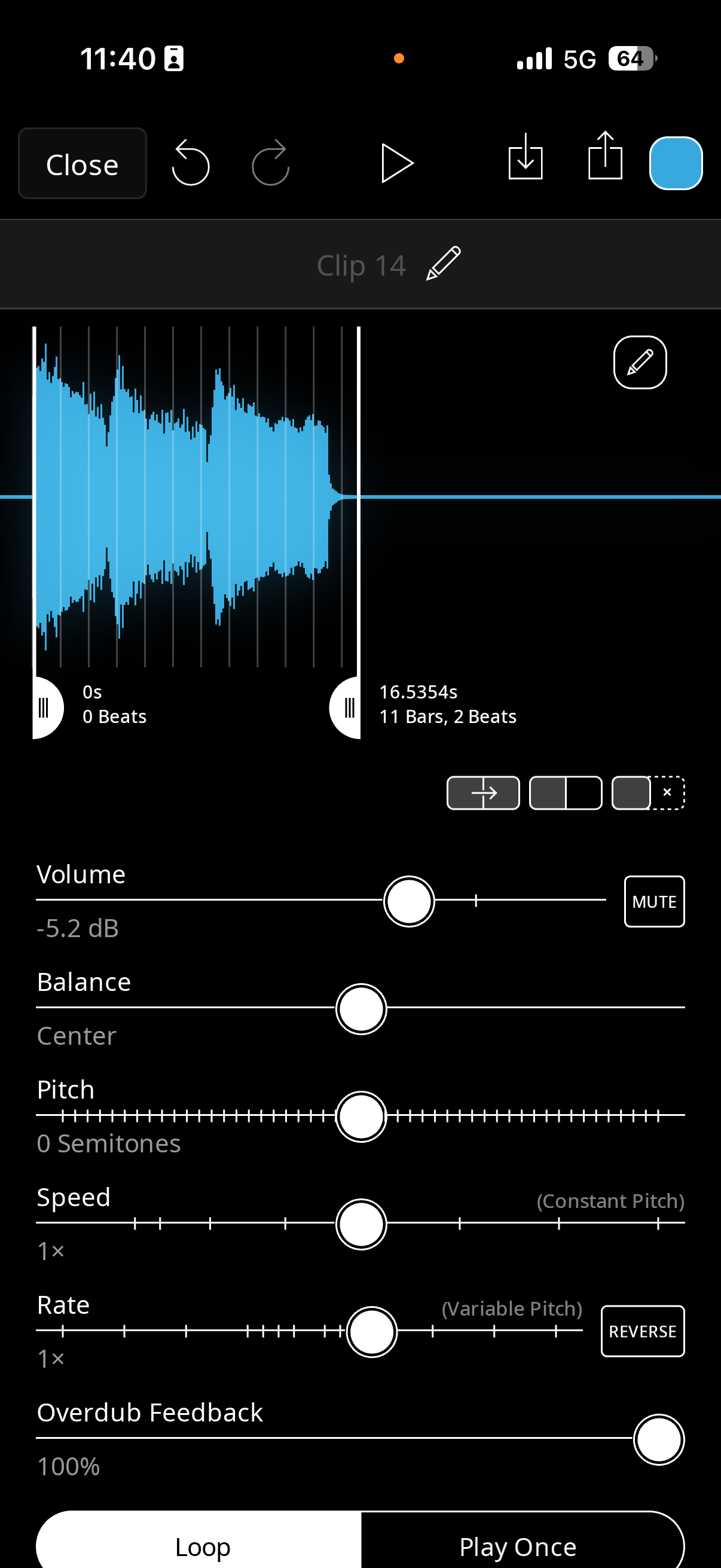
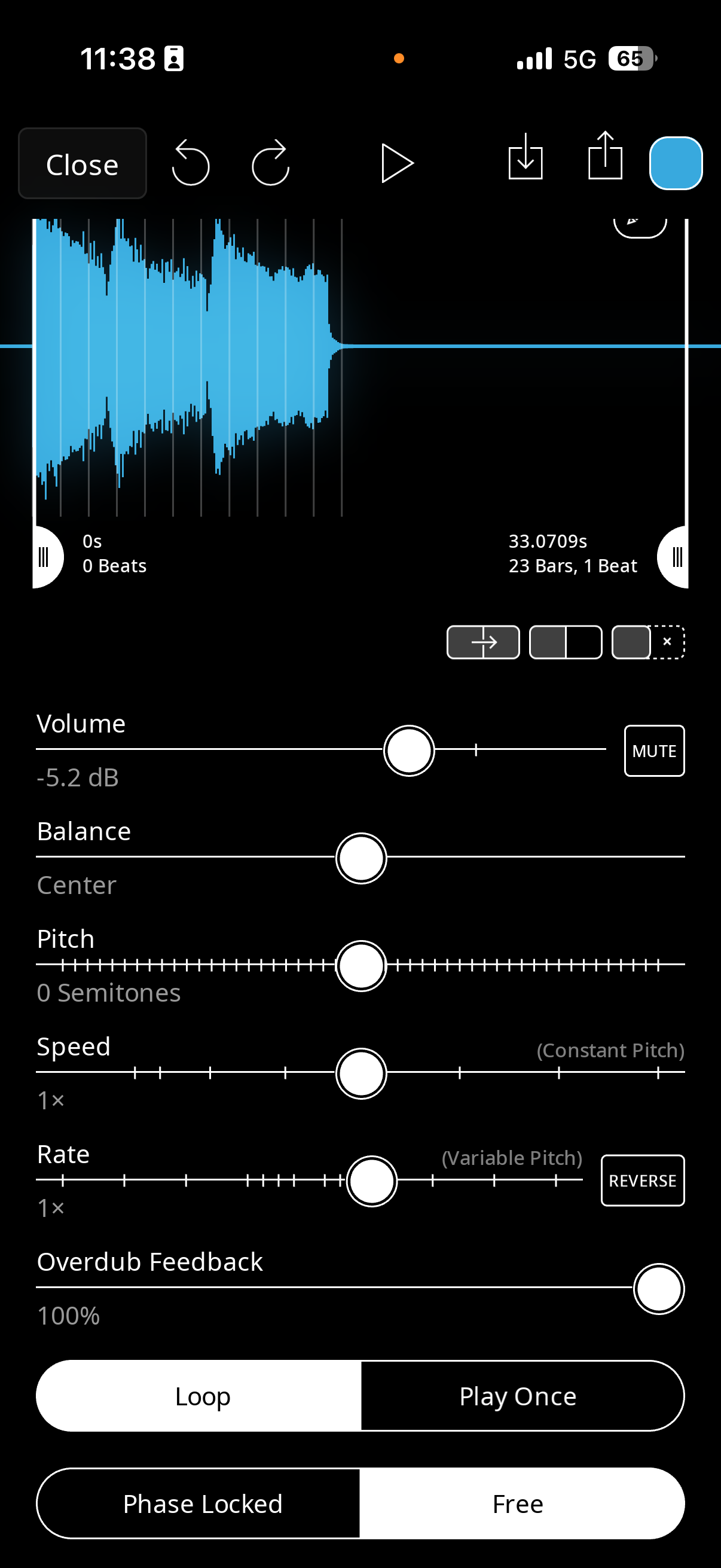
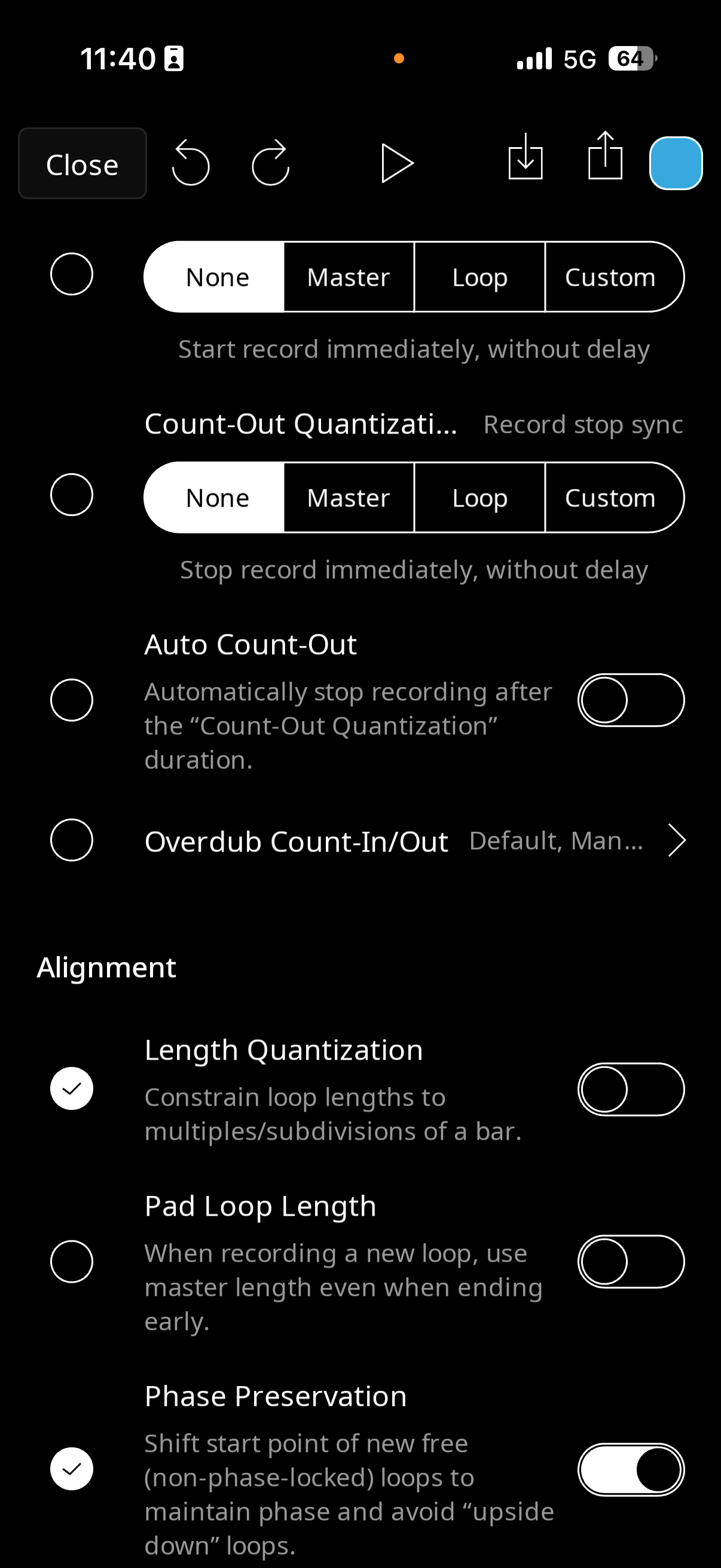
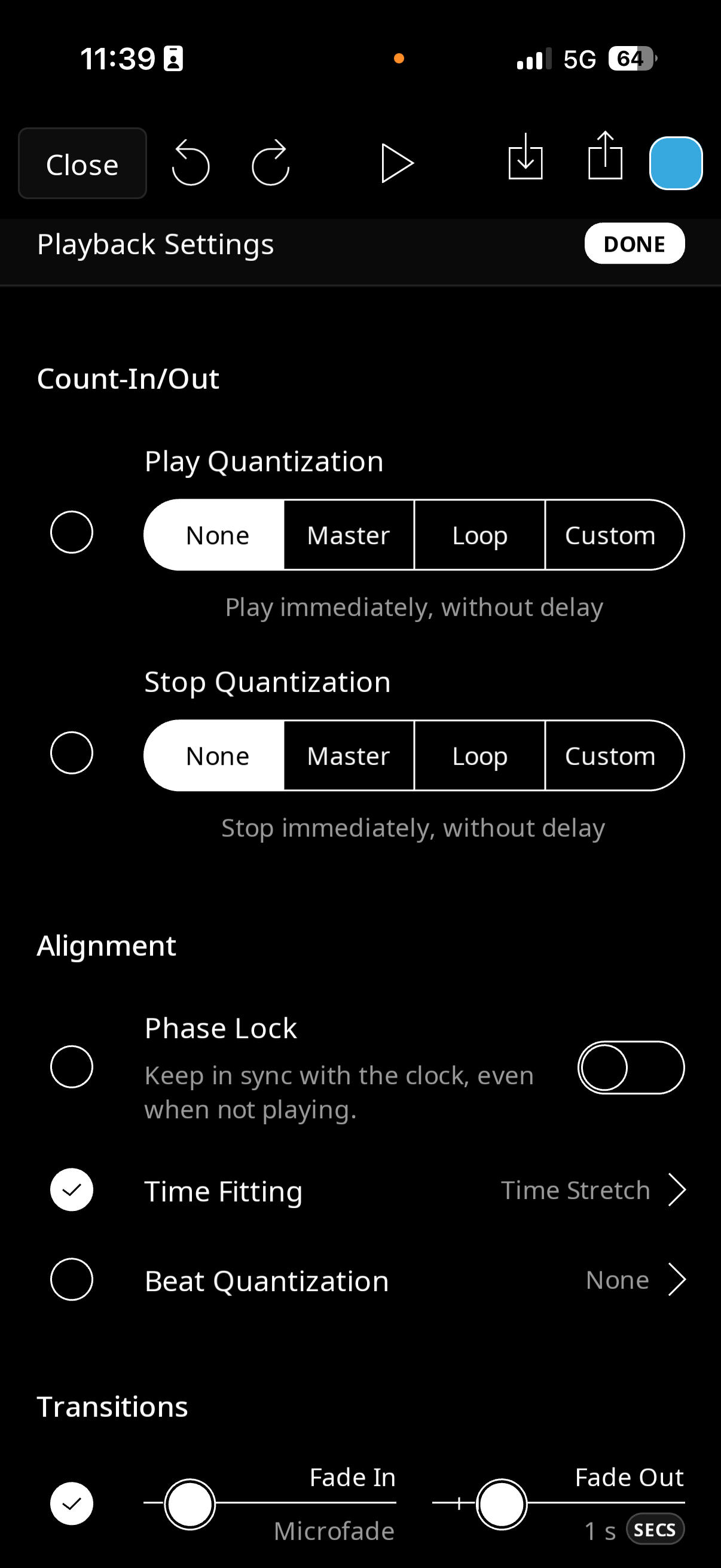
Am I missing something super simple?
Comments
@Verbs_and_Nouns : you have found a bug. Here is a workaround. After extending the clip. Tap the export icon. In the share sheet, tap Copy which will copy the audio to the clipboard. Then tap the import icon and choose the clipboard. Turn the timefitting option off. Then you can move the end marker.
Thank you! Glad to know it’s a bug.
I thought I was going crazy because I was positive that I have been able to do it in the past, but recently I haven’t been able to.