Loopy Pro: Create music, your way.
What is Loopy Pro? — Loopy Pro is a powerful, flexible, and intuitive live looper, sampler, clip launcher and DAW for iPhone and iPad. At its core, it allows you to record and layer sounds in real-time to create complex musical arrangements. But it doesn’t stop there—Loopy Pro offers advanced tools to customize your workflow, build dynamic performance setups, and create a seamless connection between instruments, effects, and external gear.
Use it for live looping, sequencing, arranging, mixing, and much more. Whether you're a live performer, a producer, or just experimenting with sound, Loopy Pro helps you take control of your creative process.
Download on the App StoreLoopy Pro is your all-in-one musical toolkit. Try it for free today.
Is this a bug? (Fixed by copy-pasting into a new project)

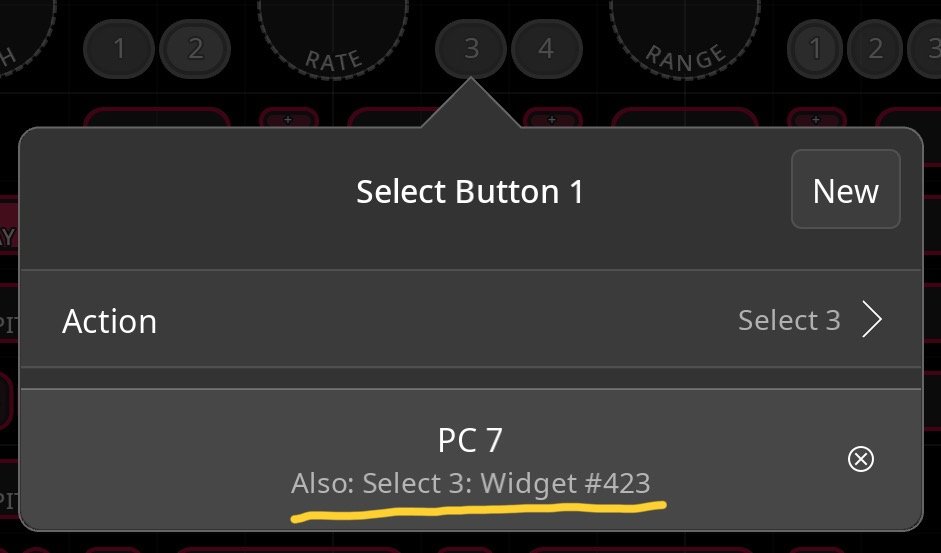
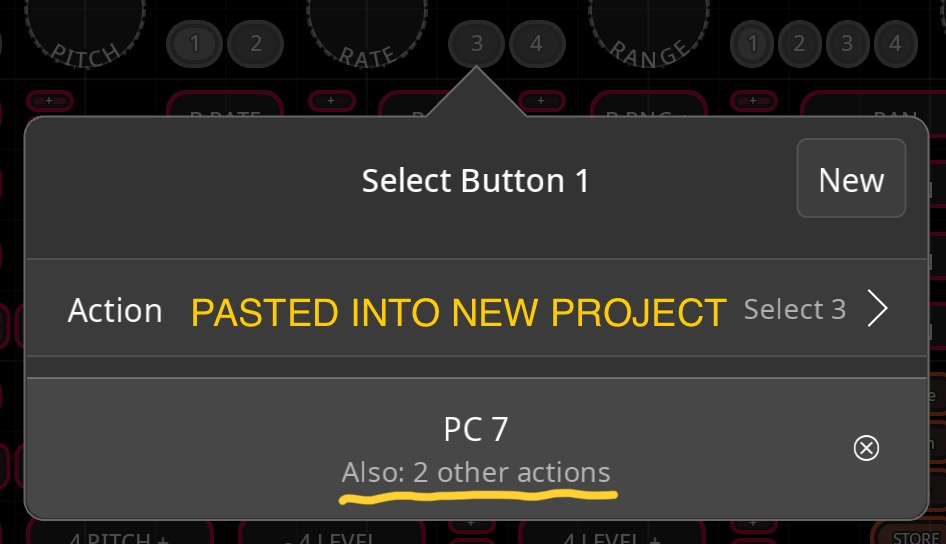
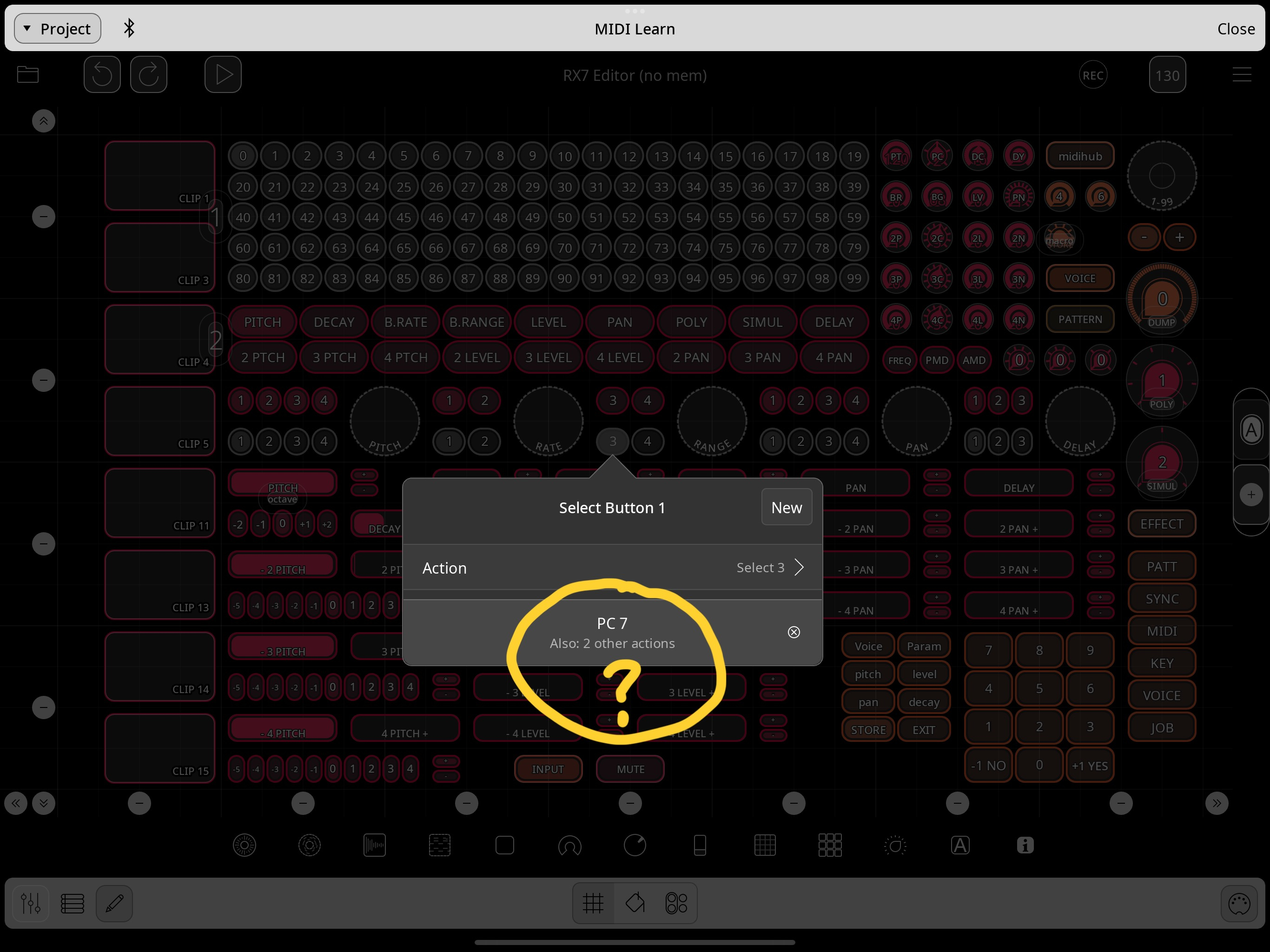
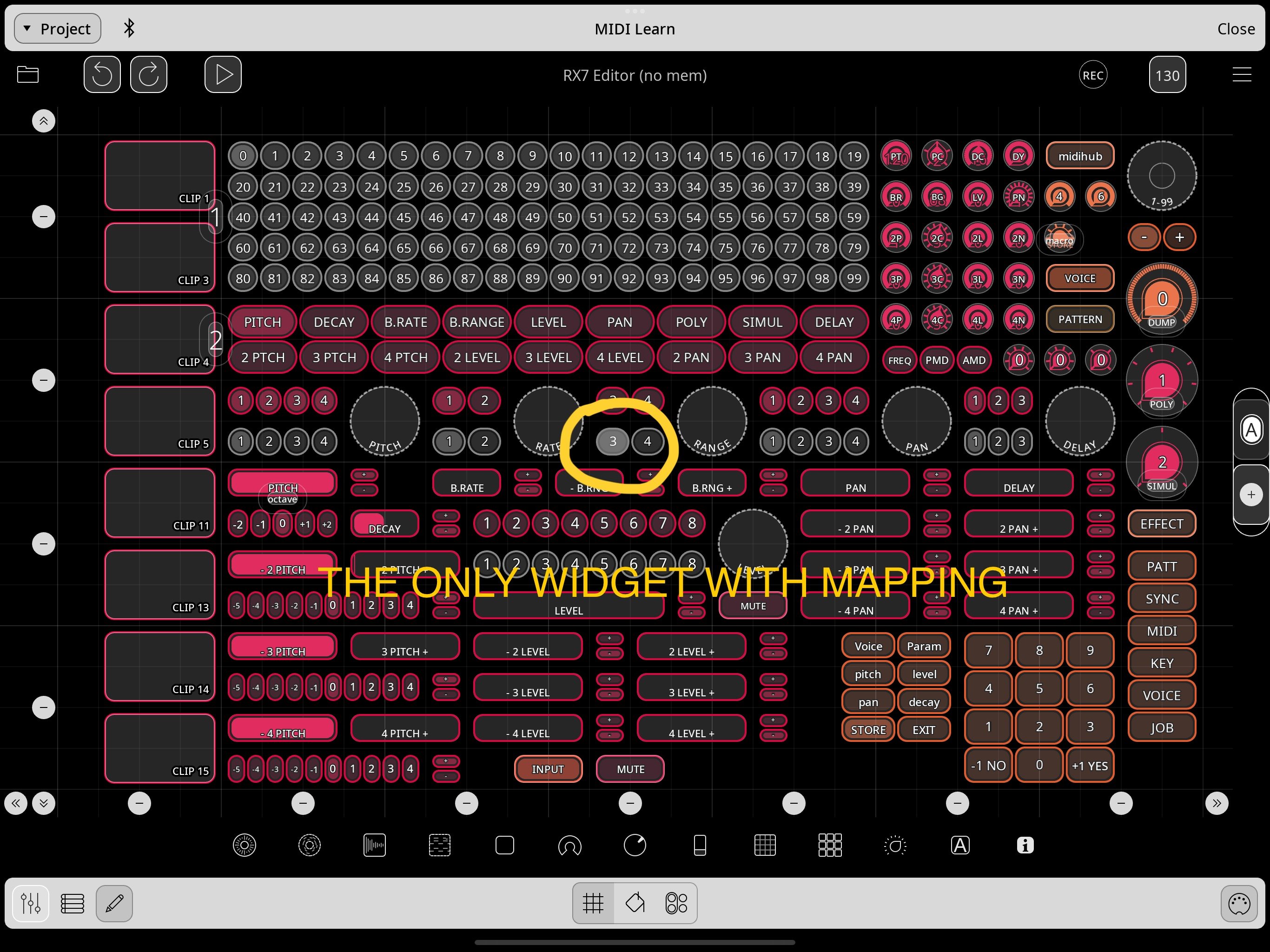
When I tried to map some simple MIDI actions, there was this particular 2 button (previously 4 button) radio-button widget which I duplicated and from which I delete item 3 and 4 of the original and item 1 and 2 of the copy. After I mapped 2 Program Changes, it said it was mapped to another (no longer available) widget #. When I copied the radio-button into a new project and copied it back to the original project (and deleted the original), the mapping now says it is used by 2 other actions (I removed all the other mappings so this can't be really possible).
The solution: pasting ALL the items of the original project into a fresh new project and those mapping "errors" cleared up. But the huge problem with this is all the midi (Mozaic in this case) references are gone unless you add Mozaic and all other the midi devices used by the old project PRIOR pasting, but still you need to assign all AU knobs again for EVERY widget (I just learned that the hard way not lol).
Not sure what's going on here but it seems to me this is some kind of bug only happening after re-saving all the many many iterations during building the project?
Can I just ignore those "duplicate" action warnings because assigning every AU knob again from memory is too much work...
Comments
@hotswank : which aspect of this is the bug?
When you delete widgets, references to them are not removed from other widget’s actions or midi bindings. If you set up midi bindings, you can delete them. All midi bindings are stored and visible in control profiles that you can edit via the control settings panel.
Note: it is generally a good thing that references are deleted as this makes reconnecting simpler if you copy/paste to another page and delete the originals before updating the references,
Oh wow... I didn't know those bindings where saved in the Default Project Profile and thus not a bug, thank you for mentioning this because I almost went ahead and re-assigned those AU knobs....