Loopy Pro: Create music, your way.
What is Loopy Pro? — Loopy Pro is a powerful, flexible, and intuitive live looper, sampler, clip launcher and DAW for iPhone and iPad. At its core, it allows you to record and layer sounds in real-time to create complex musical arrangements. But it doesn’t stop there—Loopy Pro offers advanced tools to customize your workflow, build dynamic performance setups, and create a seamless connection between instruments, effects, and external gear.
Use it for live looping, sequencing, arranging, mixing, and much more. Whether you're a live performer, a producer, or just experimenting with sound, Loopy Pro helps you take control of your creative process.
Download on the App StoreLoopy Pro is your all-in-one musical toolkit. Try it for free today.
A way to make a rotary button less sensitive?

Im t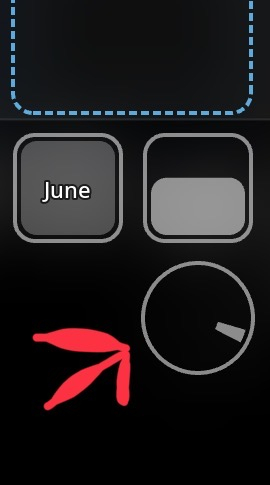
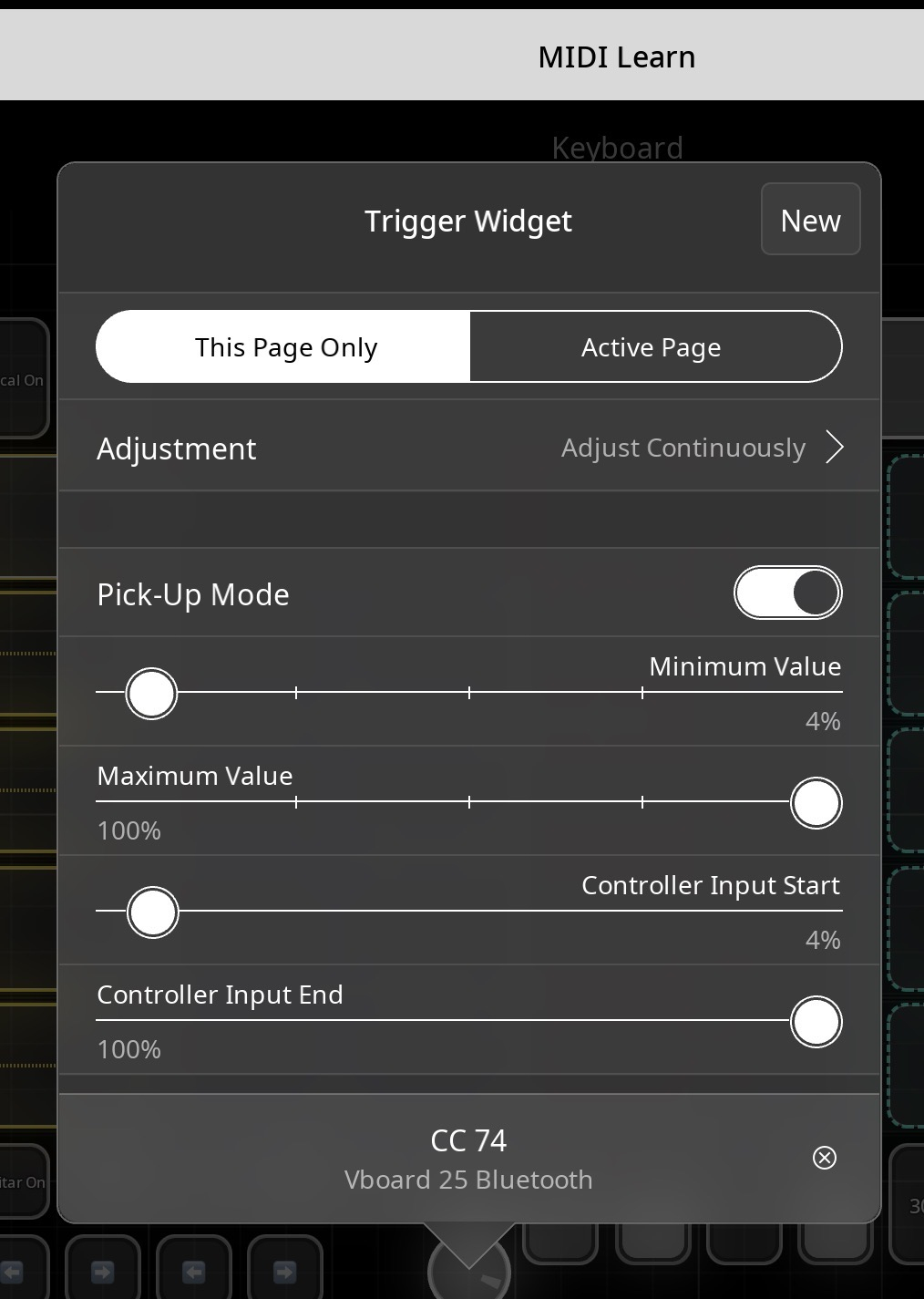
I’m using a sensitive dial on a midi controller to scroll presets, but every incremental change of CC (0-127) each triggers a preset. It would be safer if I could have 3-4 cc’s between paches when scrolling.
I mapped my midi keyboard to the rotary widget on the picture, is there a way to make 3-4 cc changes on my keyboard = 1 cc on the widget? I tried some settings (picture) to see what they did but have not caught it yet.
Thanks!
Comments
Have you tried Minimum/Maximum 0/20%, with Controller Input 0/100%?
I am afraid there’s not. It also sounds like you are using absolute midi to control a rotary knob which can be a little tricky. Rotary encoders are intended mostly for use with relative midi.
@espiegel123 I’m curious if you can envisage any way to try it? Would be pretty cool to scroll
I have not gotten home yet to try uncledave’s sugg