Loopy Pro: Create music, your way.
What is Loopy Pro? — Loopy Pro is a powerful, flexible, and intuitive live looper, sampler, clip launcher and DAW for iPhone and iPad. At its core, it allows you to record and layer sounds in real-time to create complex musical arrangements. But it doesn’t stop there—Loopy Pro offers advanced tools to customize your workflow, build dynamic performance setups, and create a seamless connection between instruments, effects, and external gear.
Use it for live looping, sequencing, arranging, mixing, and much more. Whether you're a live performer, a producer, or just experimenting with sound, Loopy Pro helps you take control of your creative process.
Download on the App StoreLoopy Pro is your all-in-one musical toolkit. Try it for free today.
Surreal Machines Impact - Open Beta

Hello,
This is Matt, the founder of Surreal Machines.
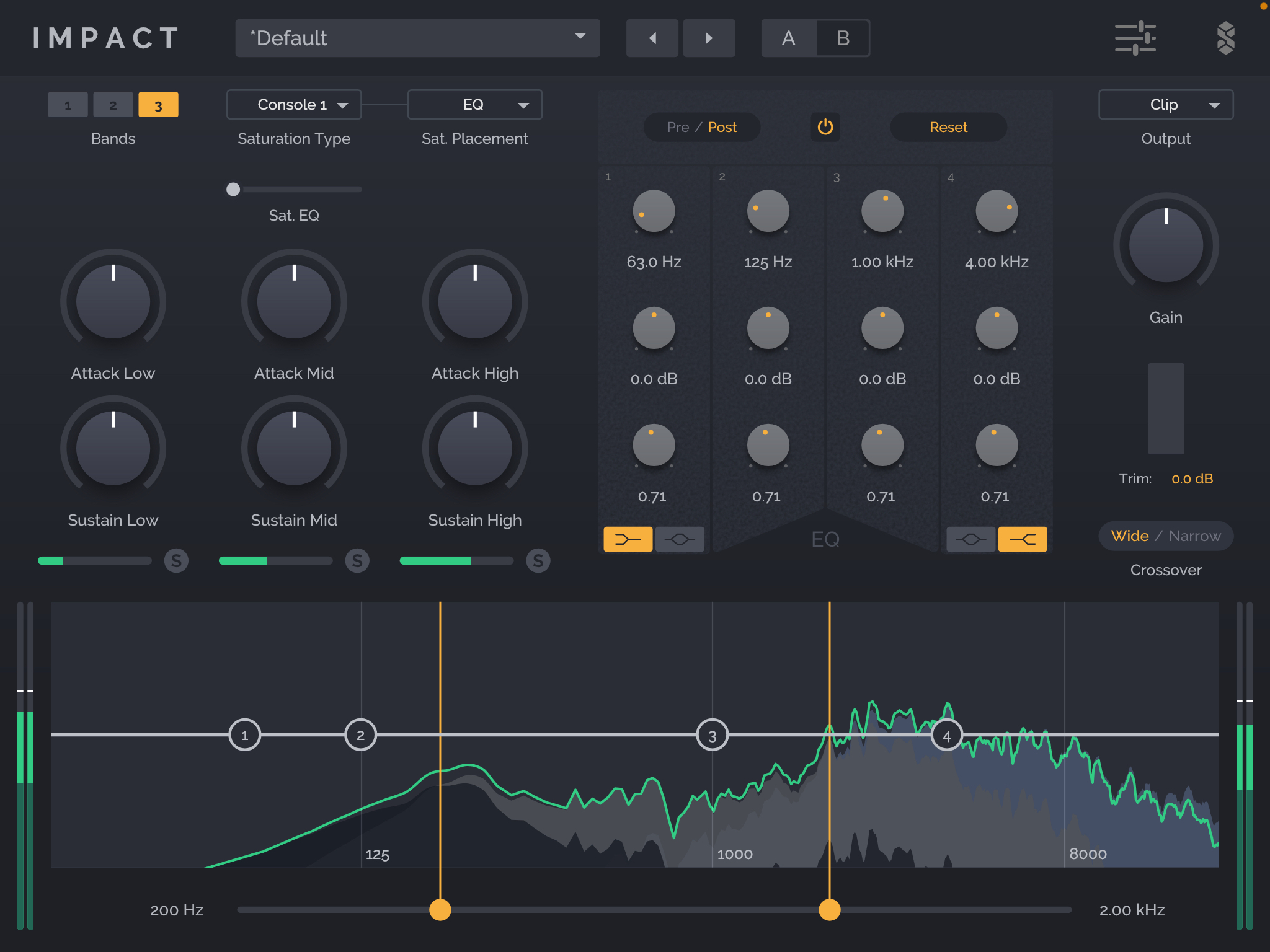
We have just uploaded for public beta an iOS version of our flagship multiband transient shaper, distortion, EQ, Maximizer. There is an online demo on our website where you can read all about it.
We'd love to have great testing coverage before submitting to the app store. Please use this link to download a copy and give it a go!
https://testflight.apple.com/join/FVgAJj7w
Comments
Looks like I was a bit too late, all the slots are already taken
Please try again. I added more.
Still says it’s full
Sorry. It looks like even the beta has to be reviewed by apple now. It's in review.
Sorry. It looks like even the beta has to be reviewed by apple now. It's in review.
Its currently accepting
Is it intentional that the beta can be installed on macOS as well?
This might be something to look into unless the plan is to have a fully universal release...
It was not intended but could be interesting.... how did you install it on Mac?
Via TestFlight, just accept the invite and tap install.
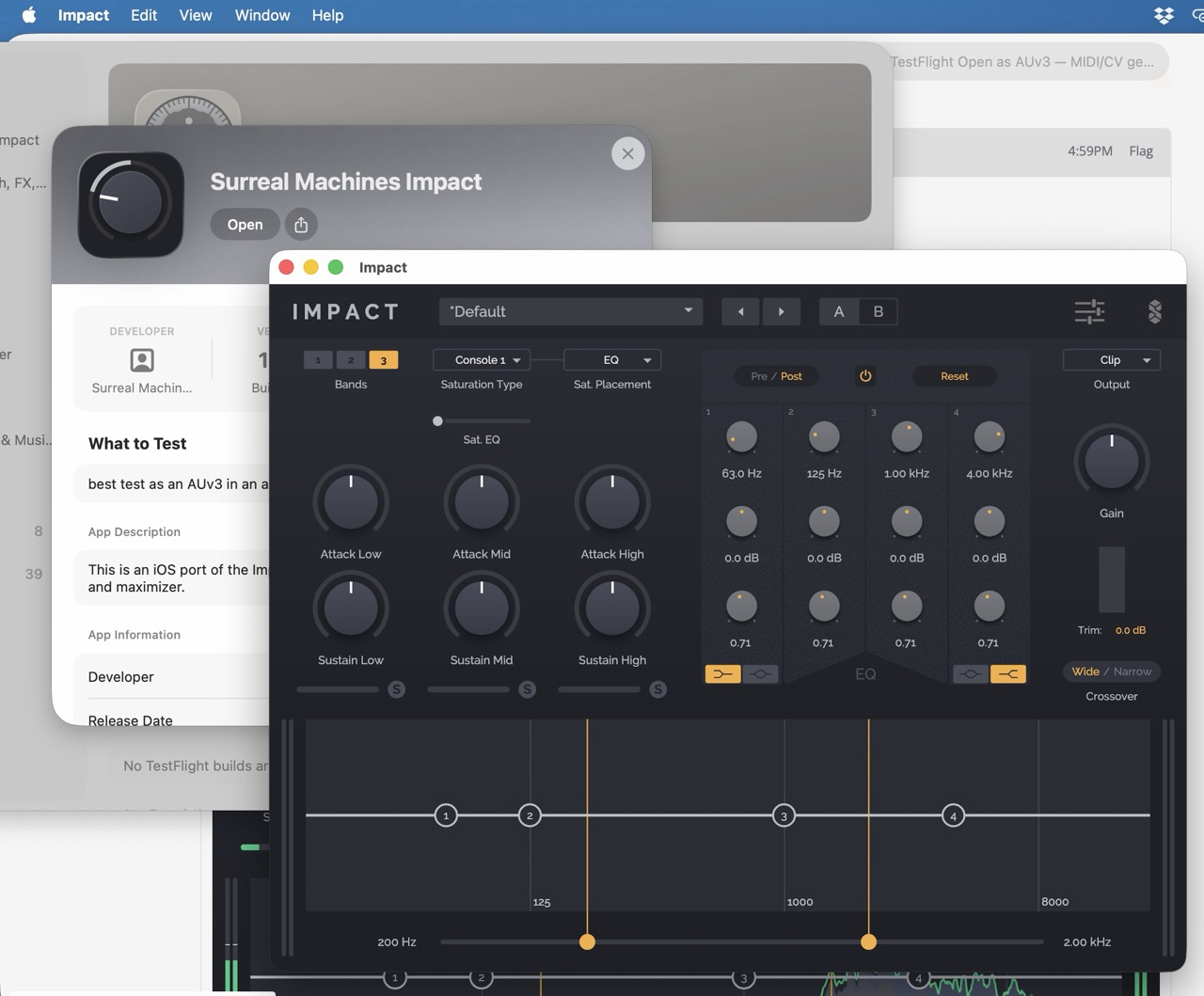
But now worries, it won't work as an AUv3 on the Mac
@Matt_Jackson one minor issue I'm seeing is that I have trouble targetting the band boundary controls (the little yellow circles). I have to be very intentional with targeting them right in the middle, while other apps (an even yours, e.g. the Spread, Noise and Width sliders in Modnetic) are more forgiving.
Edit: the Saturation slider in Impact behaves as I would expect as well
Thanks grandbear. Bothers me too! I’ll fix it.
@Grandbear fixed and pushed to a new beta
Nice!
That's about the only thing that I found to be a bit tricky and happy too see it getting fixed
Other than that Impact has been solid as a rock, no crashes or any other issues to report...
Same here, thanks @Matt_Jackson! I'll give it a try once the new beta goes live
It should have shown up in testflight as far as I understand... if it's not there (version 1.2.2) let me know. The link for the last build put everyone who tested in our public beta list as anonymous and I just assumed they would get update notifications.
Mine still says 1.2.1 (July 19) in TestFlight, no option to update it manually.
Edit: Just in case, I removed myself from the beta and rejoined with the link in the first post, but it still says 1.2.1.
1.2.1 (July 19)
Same here…
Thanks. I've corrected the release type and it's waiting review
@Matt_Jackson it's available now. The sliders work great now, thank you
great!
Great stuff Matthew!