Loopy Pro: Create music, your way.
What is Loopy Pro? — Loopy Pro is a powerful, flexible, and intuitive live looper, sampler, clip launcher and DAW for iPhone and iPad. At its core, it allows you to record and layer sounds in real-time to create complex musical arrangements. But it doesn’t stop there—Loopy Pro offers advanced tools to customize your workflow, build dynamic performance setups, and create a seamless connection between instruments, effects, and external gear.
Use it for live looping, sequencing, arranging, mixing, and much more. Whether you're a live performer, a producer, or just experimenting with sound, Loopy Pro helps you take control of your creative process.
Download on the App StoreLoopy Pro is your all-in-one musical toolkit. Try it for free today.
Comments
Magic words "OP-1 style". @pablo_snz Is it available yet? If not, it's a day-one purchase for me, lol.
EDIT - Nevermind, I saw it's available for a fiver. Instabuy.
It’s quite good! A few improvements could certainly be made and I hope the dev keeps at it!
Does do landscape as an AUV3, at least on iPad. It’s annoying that you can’t export from the AUV3 (you can in standalone)..
Kind of feels almost-finished.
I wasn’t able to move tape pieces around, which is advertised in the manual. Reached out to the dev and hope to hear back. Yes, I was able to do landscape in AUv3 as well. In standalone on iPad it was portrait only.
Yes, +1 for landscape mode on iPad. On iPhone, portrait mode definitely makes more sense. ☺️ Maybe also on an iPad Mini it makes sense, but on a huge 13" iPad Air? Not so much, lol.
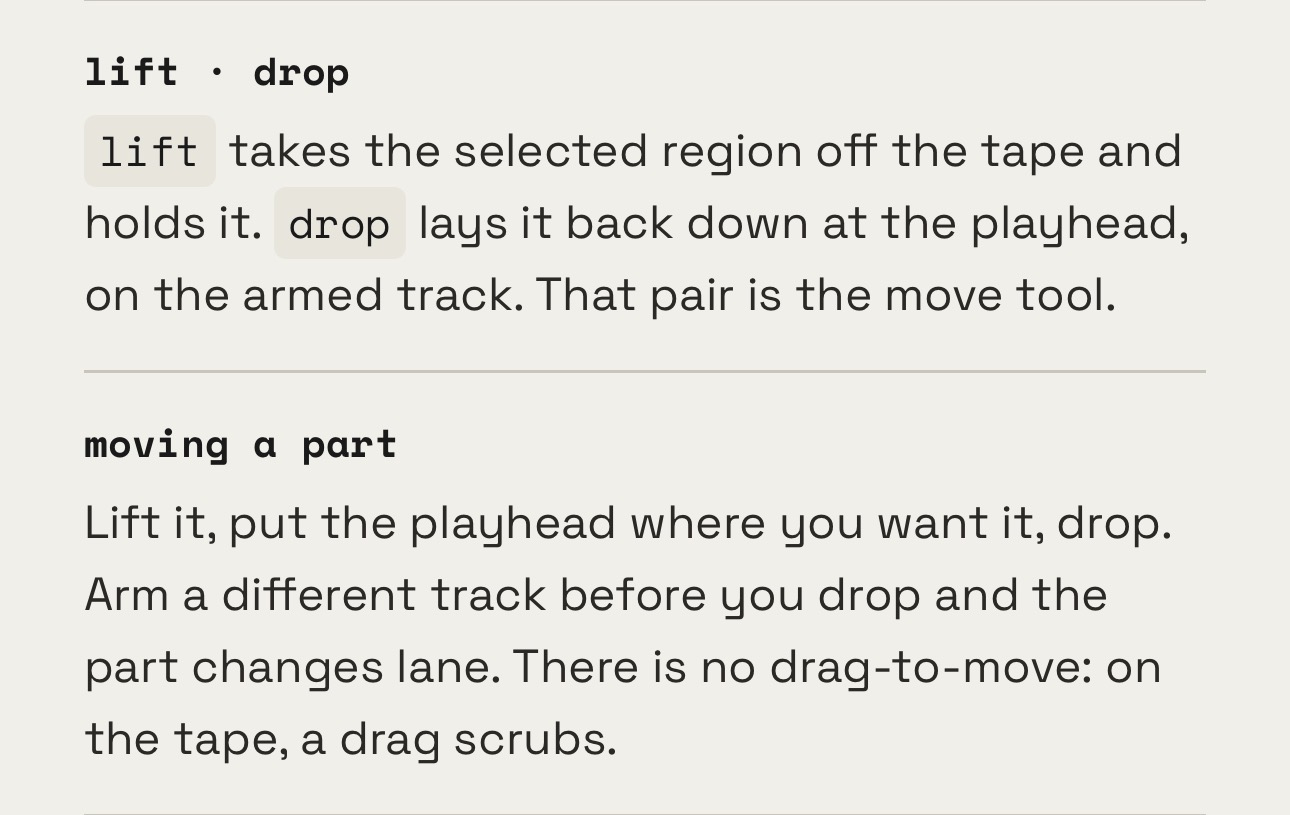
Press the piece of tape you want to move, you’ll find a button “lift” with an upwards arrow at the bottom of the screen, move forwards or backwards along the timeline by sliding, then “drop” the piece of tape where you want it.
@hgonh welp I’m (almost positive) yesterday I read in the manual about a drag to move or extend function. But it’s very clearly not there today and says so explicitly
https://pablo-snz.github.io/tapedesk-site/manual.html#edit
Great update 👍
Not available in the eu
What about this one?
https://apps.apple.com/nl/app/reel-4-track-recorder/id6760545075
Might this be a UI-semantics point?
From the attached info it seems like the way to move parts is by setting playhead to desired (new) position then “dropping” (placing) part there.
ie: more like a copy-paste than a visual drag-to-move(?)
@Proppa I'm assuming this was just a wishful thinking moment on my part as I read. looking back I don't know what I could have read that would have made me think you could drag and extend tape clips.
The edit makes some serious improvements. Haven't spent much time with this still but it really captures the charm of the OP1 tape workflow.
Having done some testing Moving clips is very fluid - not typical dragging but works great. I’m not sure about extending clips. Is it possible that was another app? It seems like there’s been a bunch of Tape apps releasing back to back.
Any one experience with this?
It looks very nice.
https://forum.loopypro.com/discussion/68403/reel-4-track-recorder-by-24bit-studio-info-walkthrough-video/p1
I haven’t tried it, but if you’re on Reddit it has its own subreddit at r/ReelApp moderated by the dev u/Earthchildxy