Loopy Pro: Create music, your way.
What is Loopy Pro? — Loopy Pro is a powerful, flexible, and intuitive live looper, sampler, clip launcher and DAW for iPhone and iPad. At its core, it allows you to record and layer sounds in real-time to create complex musical arrangements. But it doesn’t stop there—Loopy Pro offers advanced tools to customize your workflow, build dynamic performance setups, and create a seamless connection between instruments, effects, and external gear.
Use it for live looping, sequencing, arranging, mixing, and much more. Whether you're a live performer, a producer, or just experimenting with sound, Loopy Pro helps you take control of your creative process.
Download on the App StoreLoopy Pro is your all-in-one musical toolkit. Try it for free today.
Comments
Will add to the bugs card. Thank you.
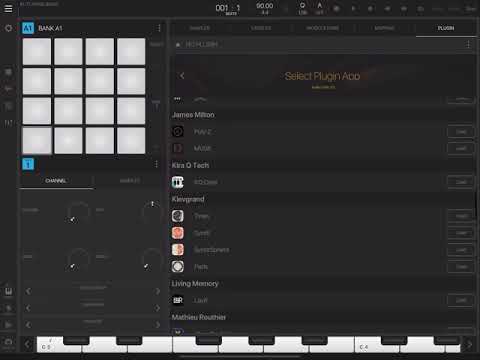
A quick little “my personal process” workflow video:
I can say that on iOS 12.4 I have quite a few problems with loading some AUv3 plugins. None of the Moog synths
work. Sugar bytes won't work either. But that's an iOS 12.4 specific problem afaik.
Odd, I’m able to load and work with all Moog and Sugarbytes plugins on 12.4.1
Thank-you for this, lovely to see the workflow, top job!
I thought u had my iPad for a minute. The list of plugins is so similar. Great stuff!!!!
A quick question concerning midi sync.
I've tried syncing BM3 to Auria Pro and BM3 doesn't follow bar position.
Any suggestions?
Also why is Ableton sync switched off when midi sync is running?
Because Link and midi clock would fight each other and cause erratic timing. Only one sync source should ever be used at a time.
I think that’s in the manual. If not it should be. I can see where people may not realize or know this.
I can't get it to follow song position either.
I suppose that BM3 simply doesn't support it (yet). Only clock and status so far, no SPP.
.
iOS13.2 just dropped so I'll check if BM3 still works as expected
It doesn’t work as expected. I expect it to crash every 20 minutes and it just doesn’t. I can’t figure it out. 🧐
Hehe, good one
I appreciate the improved stability...
Bugger.
If it doesn’t keep crashing some of us will need new excuses for not being able to write that tune.
If you can’t blame your tools...
I upgraded, started it up and everything worked, took about 10 seconds to load up and I could pound on pads
Loving the latest update...feel right at home with it...also love using the mk3 with it. RECORD button YAY!!! Making it very easy to create Patterns on the fly with no fuss.
This comment should be a sticky at the top of the forum. Well done.👌🏾
Despite all the doomsayers and naysayers and soothsayers, BeatMaker 3 is here to stay...loving this workflow...loving its flexibility and stability.
Welcome home old friend:
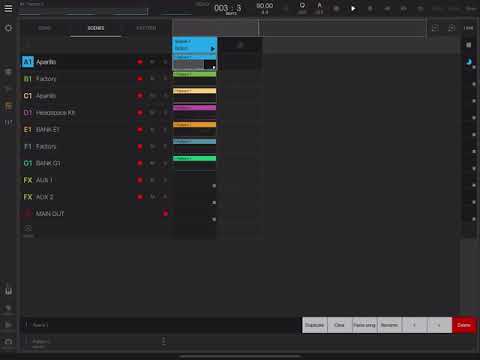
For me NS2 is the wife but I’ve been having a fling with the mistress on the side... I can make this work! 😆
Keep their birthdays straight.
Very boom bap chill of you my man. Reminds me of back days on Linden and goats like Phife Dog and Q-Tip.
Have you mapped the Mk3 pads to launching scenes? ☕️ 👀
Many thanks. Glad you Dig it!
I have not...not sure how to access that part of the app...let me know if you do...cause that would be cool
Been having this issue since before the update. Wasn't a major issue to me since I use an interface 90% of the time but it is strange
I've used the MK2 for 2 years now and its been the best keyboard for BM3 in my opinion. Want to upgrade but idk if its worth it as far as mapping goes
Anyone else? The volume buttons don’t do anything in BM3 - totally fine in all other apps including NS2.
Edit: same on 13.2
Which volume are you referring to. Works fine here. Not stuck at 100%
Question to FAC Envolver + BM3 + Midi Route plugin owners: does it work in BM3? I guess the AU must be added as an audio fx to analyze the envelope, but the midi CC it sends out must be in Midi fx if the route plugin should be able to send this to some other pad or bank. In flexible hosts starting with "A" this is no problem, but perhaps not so in BM3?
I mean the physical ipad volume buttons and / or system volume - changing these does nothing to the volume of output from BM3.