Loopy Pro: Create music, your way.
What is Loopy Pro? — Loopy Pro is a powerful, flexible, and intuitive live looper, sampler, clip launcher and DAW for iPhone and iPad. At its core, it allows you to record and layer sounds in real-time to create complex musical arrangements. But it doesn’t stop there—Loopy Pro offers advanced tools to customize your workflow, build dynamic performance setups, and create a seamless connection between instruments, effects, and external gear.
Use it for live looping, sequencing, arranging, mixing, and much more. Whether you're a live performer, a producer, or just experimenting with sound, Loopy Pro helps you take control of your creative process.
Download on the App StoreLoopy Pro is your all-in-one musical toolkit. Try it for free today.
Drambo - “visual extension” Lessons

Hi, could you help me understand VE and achieve results like this? 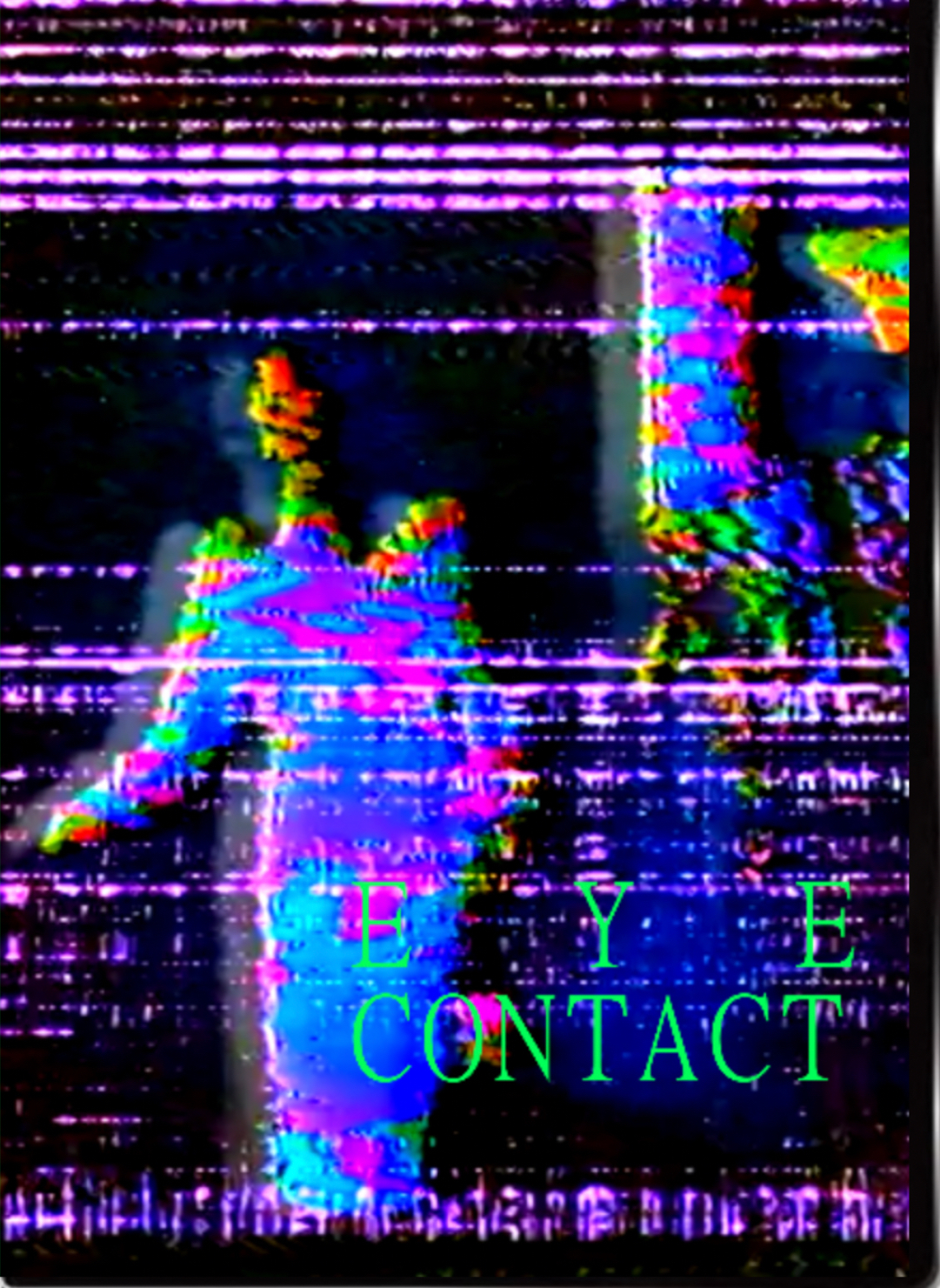
@bcrichards I can’t see XY transform for example in my extension (?)
I’m totally noob as it comes to Drambo and not sure how to connect those modules
Comments
Just from the look of it, it has a video module, then one or several shader processors after it for the glitchy part. Finally it has a text module (for the text, of course), and a mixer module to see both the shader effected video and the text overlay
There’s much more that can be done to make it more dynamic, that’s when you start using masks and modulating stuff (shader parameters/knobs) but that’s really the bare bones of it.
Overall creating something like that shouldn’t be hard at all, drambo would be perfectly capable of that and much more.
If you want I can try to work out a proof of concept you can toy with
@Mateusz
Here's the dRambo Visual manual
https://www.beepstreet.com/drambo-visual/drambo-visual.html
There are 42 Tutorials inbuilt into dRambo Visual which you can find in the Visual extension section.
Open up the Visual Rack presets and look for the folder Tutorials.
@pedro Yes, I would be very gratefull. But I don’t have original material..
This is just a quick half-arsed project I whipped out in a couple of minutes. Of course you can go much more sophisticated but the principle remains.
If you mean by original material, you don’t have any original videos to start with, there’s plenty of public domain videos you can mangle beyond recognition.
Like @gravitas suggests, the inbuilt tutorials would be a good starting point
Another variation:
Here is the first step. You can add a Text module and mix it in later using a Mixer module.
The final Shader module has the Color preset loaded. It generates only a solid color defined by Hue, Saturation, Brightness, and Alpha.
Next comes the core concept behind Drambo Visual: per-pixel modulation. The video output modulates the Hue, and the modulation is applied individually to each pixel. This creates an X-ray like effect.
I then added another Shader module with the “Binary Loader” preset to apply an additional layer of hue modulation.
And then when you are there, go wild, experiment freely, and try unexpected combinations. That’s the most fun part, and it really helps everything click sooner.
Play with different presets, modules, per-pixel modulations between them.
e.g. You can add Processor Shader / Transform to move, scale a texture, but then when you apply per-pixel modulation knob, the video can displace itself or can be displaced by it's processed version. In this example the video gets pixelated, but the pixelation is used only as a modulation source for another simple Transform preset.
You can do the same with Colors, Distortions, effects, use another video or shader to modulate processing presets. You can use many of them and stack different combinations.
Things can get wild even with just two simple modules. Below: two Shaders using the Mandala preset, the first modulates the scale and rotation of the second on a per-pixel basis. Feel free to modulate other params, like Speed or Glow or add a processor driven by the first Shader. (pity I can't post the video)
then try the Feedback rabbit hole:
Or drive 3D Shaders with Video texture if you like Aphex twin
Remember to learn Drambo first. Signal flow, sockets, color coding and modulations.
It takes just a little effort to get started, but the creation is truly yours. You’re not paying just to modify pre-made visuals and you don't need to code.
@giku_beepstreet Much love 🫶 , thank you for examples I will chew on and hopefully expand on.