Loopy Pro: Create music, your way.
What is Loopy Pro? — Loopy Pro is a powerful, flexible, and intuitive live looper, sampler, clip launcher and DAW for iPhone and iPad. At its core, it allows you to record and layer sounds in real-time to create complex musical arrangements. But it doesn’t stop there—Loopy Pro offers advanced tools to customize your workflow, build dynamic performance setups, and create a seamless connection between instruments, effects, and external gear.
Use it for live looping, sequencing, arranging, mixing, and much more. Whether you're a live performer, a producer, or just experimenting with sound, Loopy Pro helps you take control of your creative process.
Download on the App StoreLoopy Pro is your all-in-one musical toolkit. Try it for free today.
Steinberg Mobile Summer Update: New HALion Sonic Play, Instrument Updates & Cubasis 3.8.5 Available

Hi everyone,
We have a few exciting things to share today!
Today we've released a range of updates across the Steinberg mobile lineup, including the new HALion Sonic Play music workstation, Cubasis 3.8.5, and free updates for our Verve and Etude pianos, and our Iconica Sketch orchestral app.
Enjoy 25% savings on HALion Sonic Play, Verve, Etude, and Iconica Sketch until August 24, 2026, with even greater savings available through the Verve/Etude Bundle.
We hope you enjoy the new releases and updates, and we're looking forward to hearing what you create with them!
Please support us by rating our apps on the App Store and Google Play!
Enjoy being creative!
Lars
Comments
HALion Sonic Play Available Now
HALion Sonic Play is now available for iPhone, iPad, and AUv3-compatible hosts.
Our new music workstation app comes with 2,000+ sounds, covering everything from keyboards, synths, and guitars to orchestral instruments, drums, and much more. It also includes integrated arpeggiator, filter, and amp controls, making it a versatile companion for songwriting, production, and live performance.
Download HALion Sonic Play on the App Store
Verve 1.1, Etude 1.1 & Iconica Sketch 1.2
Free updates for Verve, Etude, and Iconica Sketch are available now.
These updates introduce user preset management with AUv3 support, an enhanced preset browser with search and favorites, a new scalable keyboard with chord pads and sustain support, plus various fixes and improvements.
Download Verve on the App Store
Download Etude on the App Store
Download Iconica Sketch on the App Store
Cubasis 3.8.5 Available
Cubasis 3.8.5 for iOS and Android is available now as well.
The update includes new features and fixes based on user feedback, while further enhancing overall stability and performance (see below for more details).
Download Cubasis on the App Store
Get Cubasis on Google Play
Flagship Workstation Instrument for Mobile Music Creation |
HALion Sonic Play for iPhone, iPad & AUv3
New in Cubasis 3.8.5
New Features & Workflow Improvements
CBT-591 Support for system-wide Audio Unit user preset support
CBT-4249 Streamlined plug-in preset management
CBT-4551 Instrument browser search now includes subfolders
CBT-4548 Added adaptive snap grid
CBT-4527 Improved Follow Playhead behavior
CBT-4531 Added mixer option to pin output channels
CBT-4537 Added MIDI Learn for Amp Rack and Bass Amp stomp effect switches
CBT-4571 Renamed Hub to Home and moved the button to the MediaBay toolbar
CBT-4575 Keyboard minimap now shows keyswitches and non-playable ranges
CBT-4426 Improved MIDI Mixdown workflow
CBT-4610 Automation data is now copied when using the copy event handle
AU & Plug-in Fixes
CBT-4416 Fixed AU effects sometimes not loading correctly
CBT-4043 Fixed AU freeze sometimes producing silence
CBT-3057 Fixed first note not playing with AU instruments
CBT-4550 Fixed MasterStrip Stereo Imager control issues
CBT-4568 Fixed reordering of insert and send effects
CBT-4549 Fixed long notes when recording from Octachron MIDI Effect
CBT-3584 Fixed Perforator AU gated notes not playing in the first loop
MIDI & Editing Fixes
CBT-4543 Improved MIDI editor note length handle usability
CBT-4595 Fixed MIDI editor selection scrolling behavior
CBT-4581 Fixed vertical MIDI editor zoom centering
CBT-4559 MIDI export now uses track names correctly
CBT-4538 Fixed incorrect Undo description after MIDI recording
CBT-4565 Corrected chord naming and octave labeling on chord pads
CBT-4525 Registering Cubasis in the Steinberg account is supported again
CBT-4607 Fixed global mute button state display
CBT-4606 Fixed frozen levels in the Inspector’s channel after reopening the mixer
CBT-4570 Fixed track rearranging mode getting stuck
CBT-4539 Fixed undo behavior after audio recording
CBT-4530 Fixed audio editor minimap jitter
CBT-4214 Fixed MediaBay sorting by file type
CBT-4541 Fixed deleted presets being restored automatically when opening the trash
CBT-1876 Improved launch times
CBT-4542 Fixed instrument list buttons overlapping other controls
CBT-4593 Fixed unexpected arranger behavior during vertical pinch zoom
CBT-4582 Fixed instrument rack resizing behavior
CBT-4603 Fixed tempo track drawing artifacts
CBT-4590 Fixed mixer channel width changing after resizing the app window
CBT-4601 Fixed empty undo point after clearing undo history
CBT-4217 Improved chord button edit mode text display on phones
CBT-4518 Instrument rack preset arrows sometimes did not work
CBT-4617 Fixed negative value display for NeoFM fader
Apple Pencil Fixes
CBT-4441 Fixed Apple Pencil Hover movement snapping back
CBT-4560 Fixed event handle dragging with Apple Pencil when snap is disabled
Stability Fixes
CBT-4526 Updated the app framework and improved UI performance
CBT-4479 Fixed a sporadic crash on iOS at launch
CBT-4585 Fixed crash when quitting after loading several projects with AU plug-ins
CBT-4500 Fixed a rare iOS crash related to the audio session
Android Improvements
CBT-4326 Improved Android audio session behavior
CBT-4325 Added support for Android audio hardening requirements
CBT-4324 Added Android AudioFocus support
CBT-4178 MIDI device feature requirement is now optional on Android
CBT-1732 Microphone permission is now requested only when required
CBT-2621 Audio recording permission is now optional on Android
CBT-1731 Fixed crash when denying permissions at first launch on Android
CBT-3802 Fixed blurry Android splash screen icon
CBT-4454 Fixed an intermittent crash on Android
CBT-4528 Fixed a rare My MIDI Files folder issue
CBT-4602 Fixed an intermittent crash when returning to the Home screen on Android
CBT-4535 Updated Android network components
CBT-1264 Improved audio recording timing
CBT-4514 Revised Bluetooth audio recording with warning message
CBT-4544 Fixed high monitoring latency on Android after changing buffer settings
CBT-4540 Fixed crackling when looping auto-stretched audio events
CBT-4520 Fixed incorrect freeze results in projects with mixed sample rates
CBT-4605 Fixed silent audio events when playback starts during fade-out
CBT-4583 Improved recording behavior when storage space is full
CBT-2477 Progress indicator is shown while recorded audio files are being written
New in Verve 1.1, Etude 1.1 and Iconica Sketch 1.2
https://youtu.be/wB81Q43Jvlk?is=PSx5GTIhkJLfSb13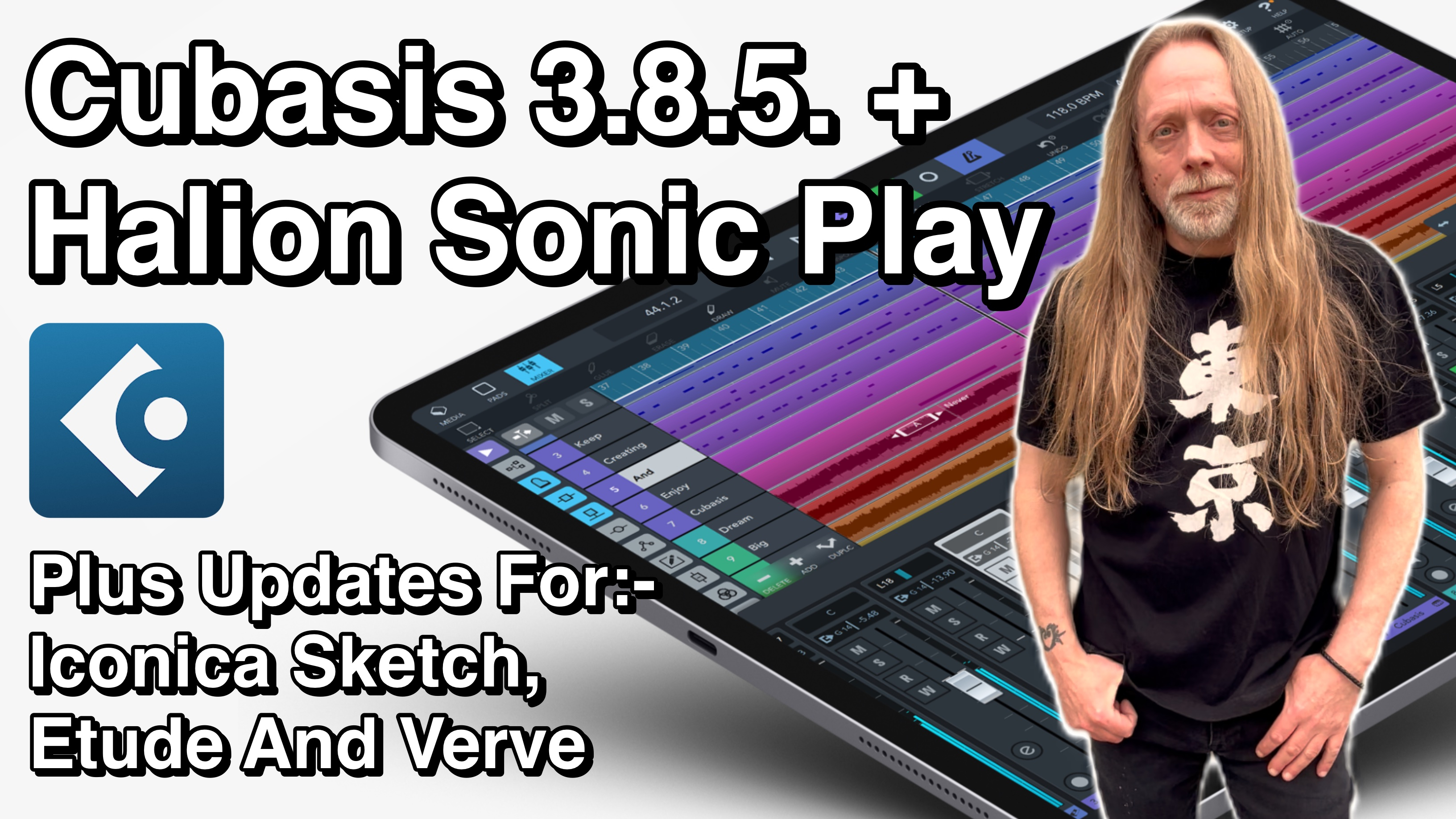
@LFS, how much is the actual install size of Halion Sonic Play once samples are downloaded? I presume it’s not actually 21.2mb? Would really help if you included this info in the descriptions for this, Iconica and the pianos. Cheers.
Absolutely - essential information. And it would be good to know how much overlap there is with the existing IAPs in Cubasis - the Halion Sonic Selection, for example.
@Jamie_Mallender
Thank you for taking the time to review our latest releases, Jamie. We greatly appreciate your support and thoughtful coverage!
Hi @Robin2
HALion Sonic Play includes approximately 2.1 GB of content.
Thanks
Lars
It’s 1.2 GB just downloaded
Hi @purpan2,
Thanks for your message.
We will be publishing a dedicated support article regarding the HALion Sonic Selection in-app purchase and the new HALion Sonic Play iPhone/iPad app today. The article is intended to answer any remaining questions and provide further details.
Once it's available, I'll be happy to share it here.
To answer your question: Compared to the former HALion Sonic Selection, HALion Sonic Play offers +2000 sound (vs. 1100 sounds), an arpeggiator, ADSR envelope editing, a dedicated standalone app for iPhone and iPad, and AUv3 plug-in support to use it with every AUv3 compatible DAW.
For more information about HALion Sonic Play, please refer to our tutorial linked above and Jamie's review.
Hope that helps!
Thanks,
Lars
Thanks @LFS and @Jumpercollins…but which is it? 2.1gb or 1.2gb?
As already stated, HALion Sonic Play comes with approximately 2.1 GB of content (2.12 GB)...
Best,
Lars
Okay, thanks Lars.
Ha sorry misread to early ! Cool app cheers @LFS hope we get all the Sonic Selection packages over eventually
Hi all,
We've published a dedicated support article explaining how HALion Sonic Play replaces HALion Sonic Selection, including what this means for existing users, the differences between the products, and answers to frequently asked questions.
👉 https://helpcenter.steinberg.de/hc/en-us/articles/35150006046738-HALion-Sonic-Play-replaces-HALion-Sonic-Selection
If you have any questions about HALion Sonic Play, this article is a great place to start.
Best,
Lars
@Jumpercollins said:
Hi @Jumpercollins
What do you mean by this?
Best,
Lars
Hi @LFS was thinking about the FM Classics & FM Neo or are they outside the HALion family ?
Hi @Jumpercollins
For now these are available exclusively via individual Cubasis in-app purchases.
Best,
Lars
Ah ok cheers they do sound good so would love them in AU form. Hope we get a light skin also for this new app as it’s really hard to read at present on iPhone at least.
@LFS my iPad download was only 320 MB compared to iPhone 2.1 GB is that correct?
Do you own both HALion Sonic Selection and HALion Sonic Play?
If so, the smaller download size is expected. Both apps share content, so only the additional content required by HALion Sonic Play needs to be downloaded. This is especially useful if you use both the standalone apps and the Cubasis plug-in versions.
On its own, HALion Sonic Play requires approximately 2.1 GB of content.
Best,
Lars
I was just thinking about how I wish I had Halion sounds in other apps. Sold.
Ok cheers that makes sense had a feeling it might have been that.
Hi @LFS,
Thank you and your excellent team for this new 3.8.5 update, particularly the new ‘Pinned’ Master Output Channel’ that is now always visible no matter how many channels are being used, this is a 200% improvement for mixing and in my opinion makes the best DAW on iOS even better.
Mike 🍻🍻🍻🍻🍻🍻🍻🍻🍻🍻🍻🍻🍻🍻🍻🍻🍻🍻
@LFS Hate to say this, but after having a play in the standalone of Halion Sonic Play, you and the Steinberg Mobile team have outdone Roland. 😂 I'm a sucker for romplers, and the sounds in Halion outshine GX by a longshot. Add to that the fact Halion Sonic Play is also available on iPhone, whereas GX is not.
@cyberheater you need to check this rompler out if you haven't already!
I've yet to check the actual synthesis/editing capabilities of Halion Sonic Play (didn't get it yet as I currently have very limited internet connectivity). But do we get separate envelopes for filter, pitch and amp, can were create layers and cross-fade between them based on note-velocity? Can the individual drum-sounds be tuned or panned etc.
Are there any 'updated' waveforms as most of the sounds sound more or less like the old Yamaha S90ES
Agreed just drop a fully fledged rompler out of nowhere no fanfare and it’s AU from day one.
Well I guess you don't get all of that in Halion Sonic Play, but you get filter envelopes (depending on preset), amp envelopes, a pretty robust arpeggiator, etc.
I don't think you do, but the thousands of sounds already included in Halion Sonic Play are more than enough to keep me busy for a very long time.
😂 Exactly.
I have installed the new version and Cubasis still records 1/32th of a bar too short in punch in mode.