Loopy Pro: Create music, your way.
What is Loopy Pro? — Loopy Pro is a powerful, flexible, and intuitive live looper, sampler, clip launcher and DAW for iPhone and iPad. At its core, it allows you to record and layer sounds in real-time to create complex musical arrangements. But it doesn’t stop there—Loopy Pro offers advanced tools to customize your workflow, build dynamic performance setups, and create a seamless connection between instruments, effects, and external gear.
Use it for live looping, sequencing, arranging, mixing, and much more. Whether you're a live performer, a producer, or just experimenting with sound, Loopy Pro helps you take control of your creative process.
Download on the App StoreLoopy Pro is your all-in-one musical toolkit. Try it for free today.
Comments
There’s a lot to be said for “cool “. You be you @AnalogMatthew 😎
I just gave my 5 stars! Also loving the trance gate doing non-Trance-y stuff with it.
Hello @AnalogMatthew, the thread title is accurate, my iPad really caught a virus and I can't open the Viral T2X Synth anymore in Garageband
 My device is iPad Pro 11" M1 with iPadOS 18.5. Garageband last version 2.3.17. Around 30 GB of free space on the device.
When I had several (at the end 8) of Viral instances running in my project in GB it start occasionally show warning messages that it has stopped working, and then that Viral is not installed.
To continue working on the the poject in GB, I had to close the project and reopen it. Then I had to forcefully close GB and reopen GB. Now Viral stop opening in GB at all. Currently when creating even a new project, after choose Viral the loading icon spins endlessly. I've a few times restarted my iPad and reinstalled Viral, but this not helps.
This type of messages happened to me many times in GB when several instances of any AUv3 were running. But it is first time, when I can not run AUv3 in new empty project at all. At the same time Viral works as a standalone and in AUM. Other AUv3 work in GB too. Very strange situation. I've included a few screenshots below:
1)
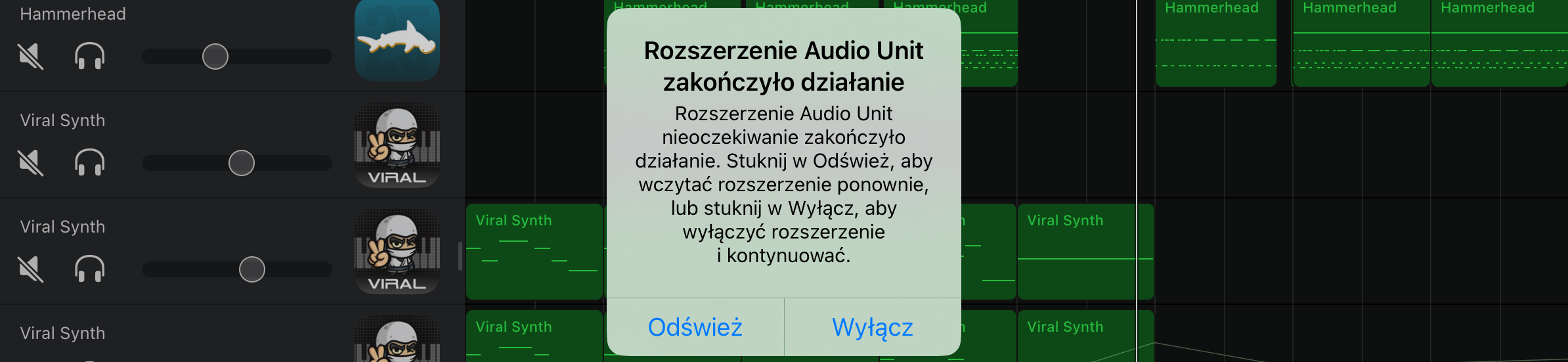
Audio Unit Extension Quits
The Audio Unit extension quit unexpectedly. Tap Refresh to reload the extension, or tap Disable to disable the extension and continue.
Refresh / Disable
2)
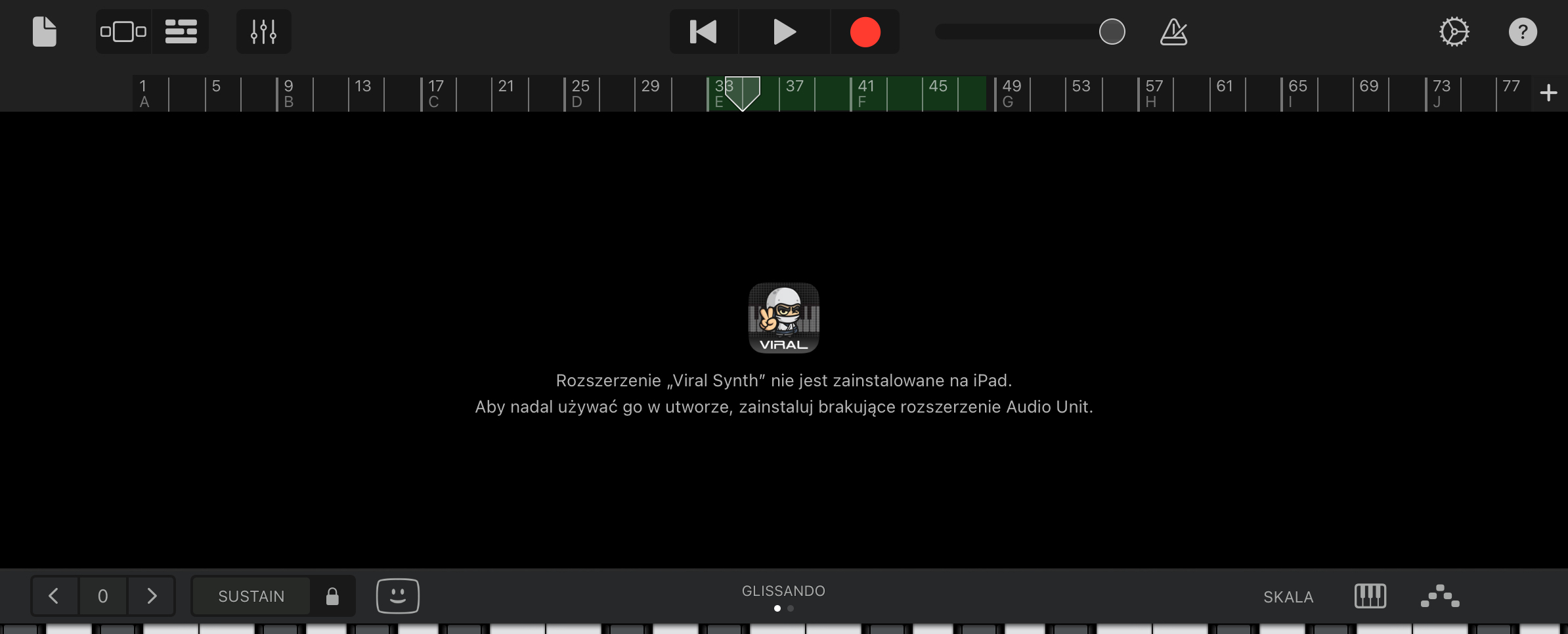
The "Viral Synth" extension is not installed on your iPad.
To continue using it in your song, install the missing Audio Unit extension.
3)
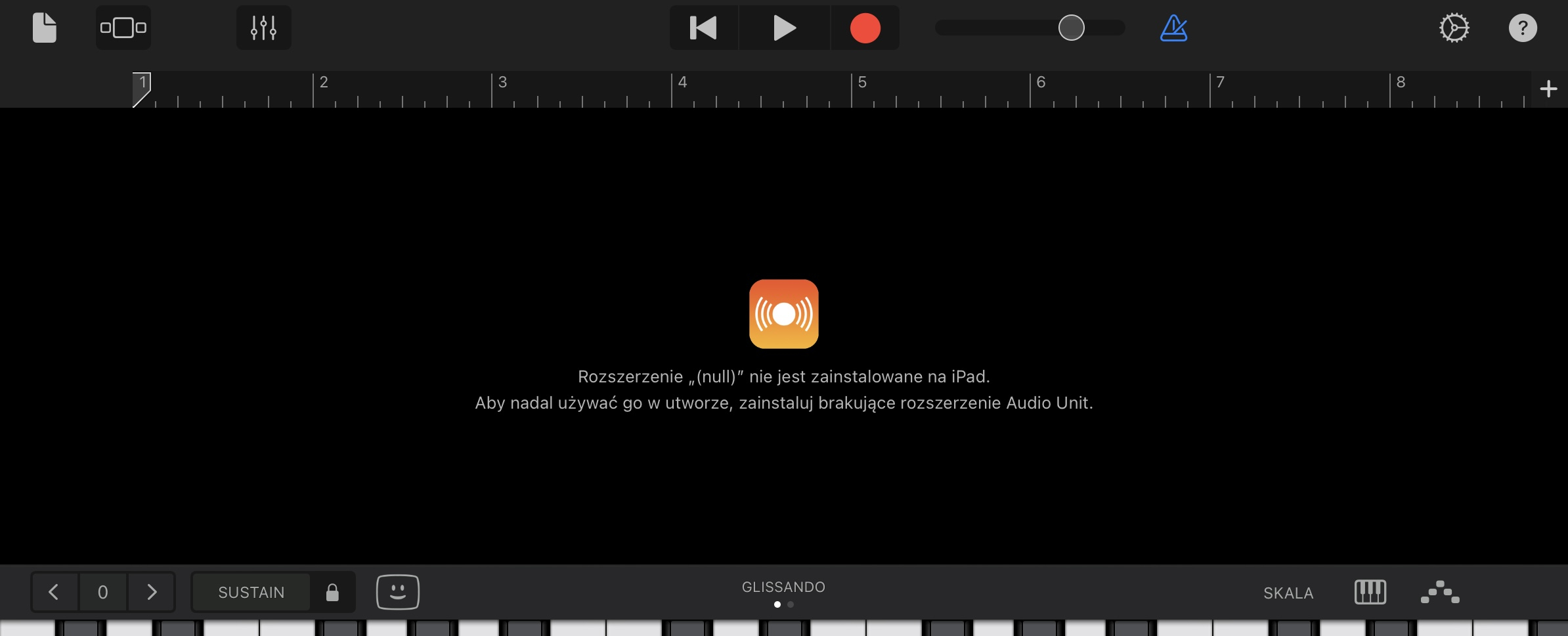
The "(null)" extension is not installed on your iPad.
To continue using it in your song, install the missing Audio Unit extension.
4)
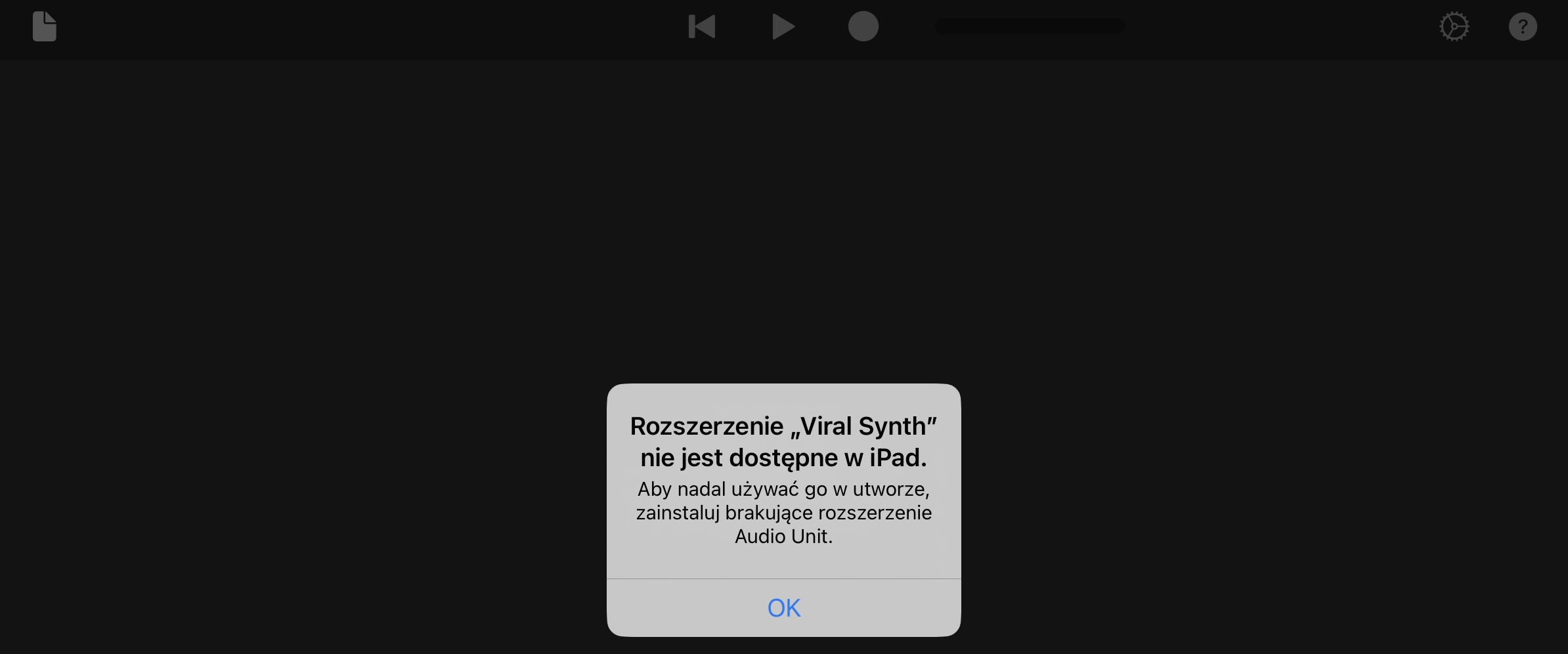
The "Viral Synth" extension is not available on your iPad.
To continue using it in your song, install the missing Audio Unit extension.
5)
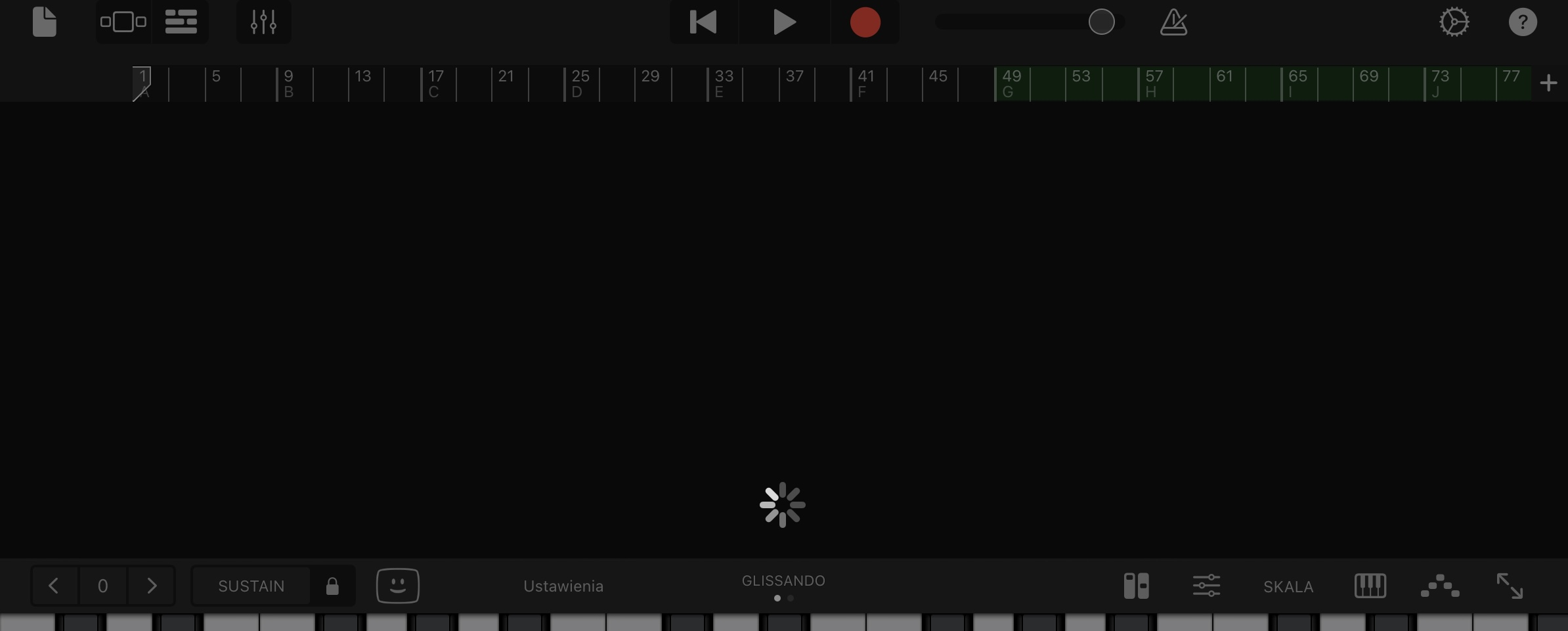
My Polish isn't very good. But, from this report...
I should advise everyone with an 11" M1 to only run 7 instances of Viral Synth.
8 is apparently too many.
You might need to force GarageBand to rescan your plugins
Go to your iPad Settings, then search for GarageBand
Turn Audio Units off and back on.
Restart your iPad if necessary. And, remember to go back and delete all the instances from the crashed project first
AUv3s are sandboxed and limited to a fairly small memory footprint (around 50–120 MB depending on iOS version and device).
Multiple instances of a super synth can push it over the limit. Try to limit the amount of instances.
I had something similar last night ; had all the AudioKit synths going and I kept getting the messsage saying an audio unit had stopped . I have a strong feeling GB is running out of memory (not the device ) .
@Fear2Stop maybe forcing GarageBand to rescan your plugins might work for you too.
It's still mind-blowing that we live in a time where we can have a portable synth like this for $5 or less. That's what made iPad music fun in the first place!
In my case once I disabled PunchLab and Blackhole it was fine . I’m gonna readd those and then merge tracks and it should be ok from there
Gasp! Viral Synth falsely accused.
But... Exonerated 🏆
In all fairness I also had Nerd, all the Kings, and SNES synth loaded as well. Plus vocals lol
Doesn't seem to work for me with SNESynth.
@AnalogMatthew Thank you for answer, explanation and hint Sorry for the other language, I added a translation to the screenshots in the previous post.
In Garageband settings I have iCloud locations set for the projects. I didn't deleted Viral from crashed project yet, but on the other hand I don't open it. If I don't touch it, I assume it doesn't affect GB (?) I don't want to lose it and I'm going to reapir it when the problem with GB will be solved.
I tried to create a new project. I tested different sequences for that 3 things: scanning plugins in GB settings: (off/on) , (only off) , (only on) / restarting the iPad / reinstalling Viral - but it didn't help in my case. It's as GB decided not to run Viral anymore. All other AudioKit Pro apps (and other) works in GB. The problem is probably only on my device for some unknown reason.
If I find the cause I'll let you know. If you have any other hints I'd be happy to try them out as well. Thanks. (I would like to avoid these steps, but in the end I will probably decide to reinstall GB and possibly update to iPadOS 26).
@dakti That does sound frustrating.
Has anyone had something similar happen with other plugins? How'd you fix it?
Damn! This one is good. 😎
I judge synths these days by how fast I can get to something new and different (for me) starting from the init patch. I didn't expect too much based on a quick flip through some presets. Boy was I wrong. I didn't come up for air for a couple of hours. Jeez, I went all over the place. The most fun I've had with a synth in a long time of being basically pretty bored with sound design.
Thanks @AnalogMatthew !
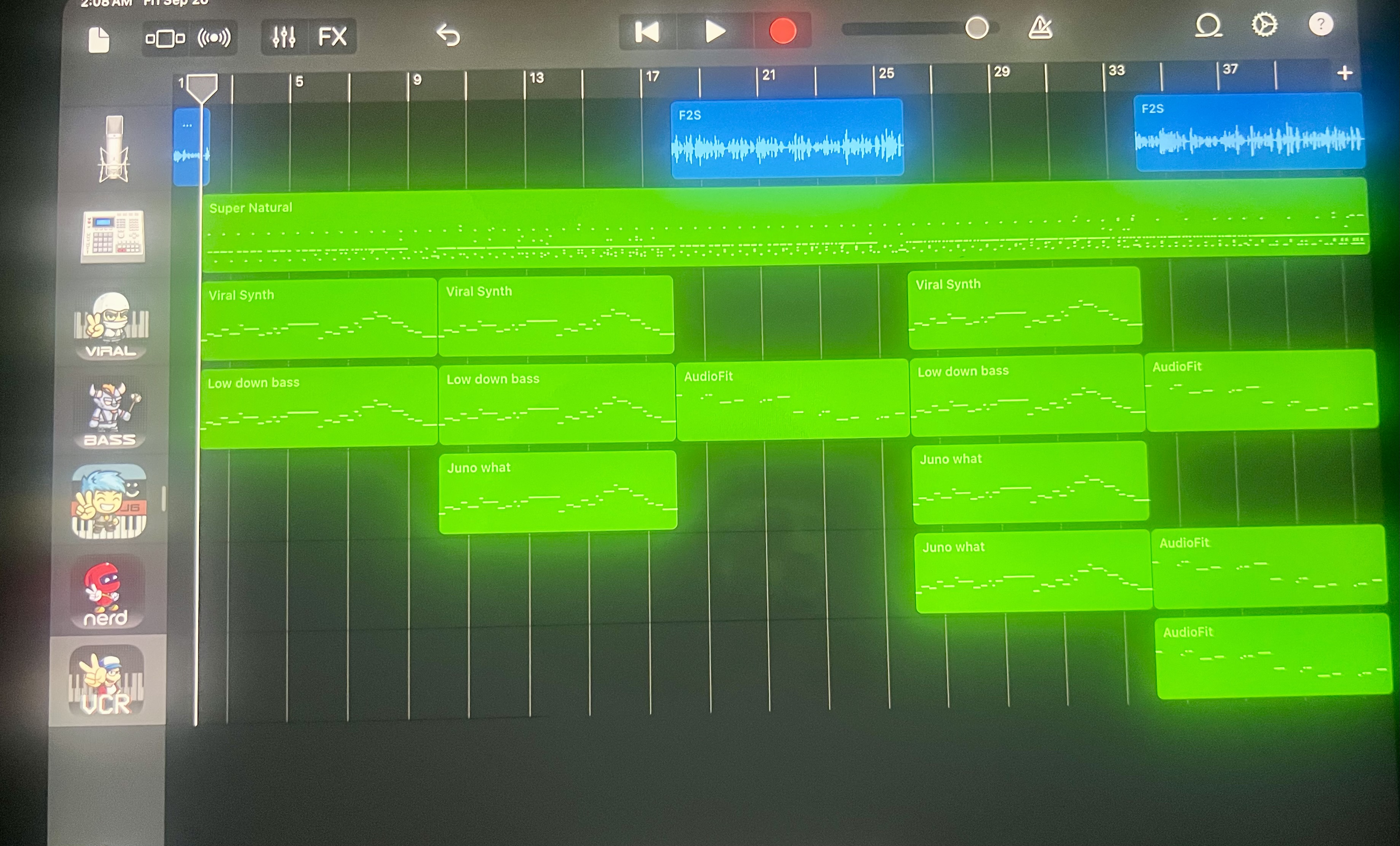
GB just crashed . Shortly after I took this picture(which I did just in case I merge the tracks I will have a record of what I did at that point and I haven’t figured out how to do a screenshot on an iPad )I added a second instance of viral , king of digital, and SNES synth. As soon as I changed the preset in viral GarageBand crashed . iPad 16 running iOS 18.5
@AnalogMatthew , @Fear2Stop I found a solution - "Reset Garageband" in Garageband settings helped. Here's a LINK to youtube showing similar issue. After using this option and start GB again, Viral start to work in a new and in crashed projects right away. Hurray
In my case I used too many Viral instances and GB started to stutter. I restarted the project and GB so many times that something finally stuck for good. Luckily in case with these types of problems "Reset GB" helps (projects backup is recommended before).
Sometimes with computer controls I cannot find the control and it is because it is automatic.
Matt has implemented this in a great way. It appears that these controls DO sync up automatically so a sync switch is not needed. When you do not want them to sync you adjust the rate by changing a knob. BOOM
Nicely done.
Actually, that setting (Enable Apple-designed Audio Unit Extensions) only changes whether the Audio Units list includes the Apple AUv3s. It doesn't affect 3rd-party AUv3s. Someone has already posted that the next item, Reset GarageBand, is the one to force a database rebuild.
@DMTcymatics brother... absolutely sick presets. Where do you even find the time. Congrats on the critter.
Thanks, do know what the preset was right before the crash - so I can figure out what preset it was loading when it crashed?
Thanks! I will pass this solution along. And will continue to work to improve the app!
Thanks for the clarification!
Let’s hear your presets! 👀 🔥
H withdrawal?? ☹️ Please take care of yourself, Broheim.
@Blipsford_Baubie worse actually (methadone) Thank You man, means a lot. I dosed today so I'm back to (my) normal. Appreciate the kindness.
I'd like the icon characters running between different apps and having a little fight with each other and causing random mischief like randomly adjusting each others dials..... ;-)
....probably not for long though....
Epic 90s Trance, I think.
Does resetting GarageBand erase anything?
I thought I didn’t need another synth, but I was wrong, this thing sounds amazing!!!
And at this price I feel I’m more like stealing than buying
@deadpoetlive Great idea It would be really funny when you using VIRAL and a fox from SNESYNTH came and replaced the sound you were playing with another one. A masterful approach to take the "random" feature to a new level
  There could be an IAP that would support all AudioKit Pro apps with characters. But as you mentioned, there should also be a PANIC option to disable it, otherwise users would be pissed off after some time
I'm adding a small performance below
https://youtube.com/shorts/ca87d_PX488?feature=shared
Have X/Y pad 'snap' bugs been pointed out yet? Unless I missing something it seems to not be working properly here...