Loopy Pro: Create music, your way.

What is Loopy Pro?Loopy Pro is a powerful, flexible, and intuitive live looper, sampler, clip launcher and DAW for iPhone and iPad. At its core, it allows you to record and layer sounds in real-time to create complex musical arrangements. But it doesn’t stop there—Loopy Pro offers advanced tools to customize your workflow, build dynamic performance setups, and create a seamless connection between instruments, effects, and external gear.

Use it for live looping, sequencing, arranging, mixing, and much more. Whether you're a live performer, a producer, or just experimenting with sound, Loopy Pro helps you take control of your creative process.

Download on the App Store

Loopy Pro is your all-in-one musical toolkit. Try it for free today.

(Poppin) and P-Locking in AUM

2»

Comments

  • @wim said:

    @Squishy said:

    @wim said:

    You still have to do all the wiring up though, and you won't be able to record from movement of knobs in the plugin itself, except in the rare cases where those knobs output midi. You'll be needing to record external midi input or from a controller app, and all that will need to be routed to the AU parameters.

    Ya, that was the part of the update video I linked that didn’t make sense to me; how was his NuRack app recording knob movements, those don’t “put out” midi messages, they only accept them. I probably misunderstood what he was doing. With the IAA CC-PAL, if I connect it to to the same midi channel/note as an auv3 parameter, then go to CC-PAL and wiggle, the knob in the auv3 wiggles, so when I hit record in cc-pal it’s recording the movement then sending it to AUM not the other way around. Will any of the recorders you mentioned serve that same function?

    I think it’ll help if you understand what’s really happening. CC-PAL, Drambo, NuRack, Loopy, whatever are simply sending out midi cc values. If you connect those CC’s to plugin parameters through AUM midi control, then those values can move the knobs in the plugin. None of those apps is doing anything but sending midi cc values. They don’t know anything about the app they’re sending to.

    So, it doesn’t matter at all what’s doing the sending. All apps are doing the same thing.

    It’s important to note that this is one-way communication. If you move a knob in the plugin you’re controlling, it wont update the sender and the two will be out of sync.

    That makes sense, thanks! I’ve gotten that far and also learned much about p-locks. Enough so that I realize now that this thread I created is incorrectly titled and I was looking for “parameter automation” this whole time, so apologies for any confusion all around. Sometimes you play the fool, but you learn a lot that way.
    And I’m seeing now that parameter automation is totally doable in AUM in all sorts of ways, a lot of them mentioned here already.

  • @timfromtheborder said:
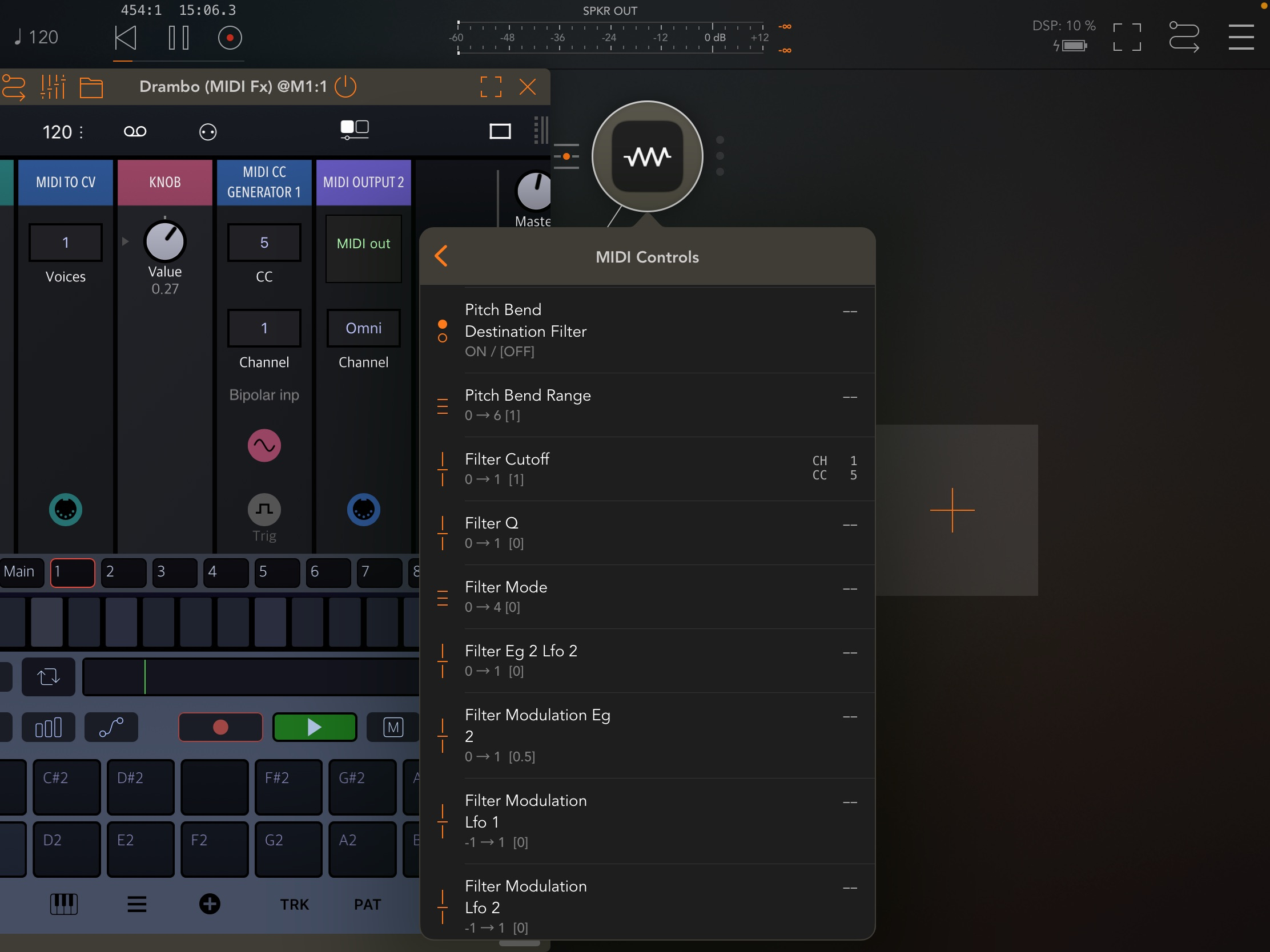
    You could also give Loopy Pro a go. It can be used in a similar fashion to AUM, as primarily a mixer, but you can also do automation recording. It is a bit of setup again for that, and you can’t edit automation yet (Drambo is amazing for that), but once you have a custom template going it’s golden.

    Thanks and also for the Drambo method recommendation. I participated in the Loopy Pro beta but chose to drambo first; learning both of those at once would overwhelm me haha. I will definitely revisit it in the future tho, and I’m sure it’ll be full of all kinds of new stuff by then haha

  • @timfromtheborder @wim
    Got this set up and working, thanks again

  • @Squishy said:
    Got this set up and working, thanks again

    Nice! You are on your way. 👍🏼

Sign In or Register to comment.