Loopy Pro: Create music, your way.
What is Loopy Pro? — Loopy Pro is a powerful, flexible, and intuitive live looper, sampler, clip launcher and DAW for iPhone and iPad. At its core, it allows you to record and layer sounds in real-time to create complex musical arrangements. But it doesn’t stop there—Loopy Pro offers advanced tools to customize your workflow, build dynamic performance setups, and create a seamless connection between instruments, effects, and external gear.
Use it for live looping, sequencing, arranging, mixing, and much more. Whether you're a live performer, a producer, or just experimenting with sound, Loopy Pro helps you take control of your creative process.
Download on the App StoreLoopy Pro is your all-in-one musical toolkit. Try it for free today.
Battlestation: the 1-minute groovebox

I have just launched something new:
Battlestation: the 1-minute groovebox
A workstation built for DAW-less EDM jamming; designed to get a jam going in < 60 seconds.
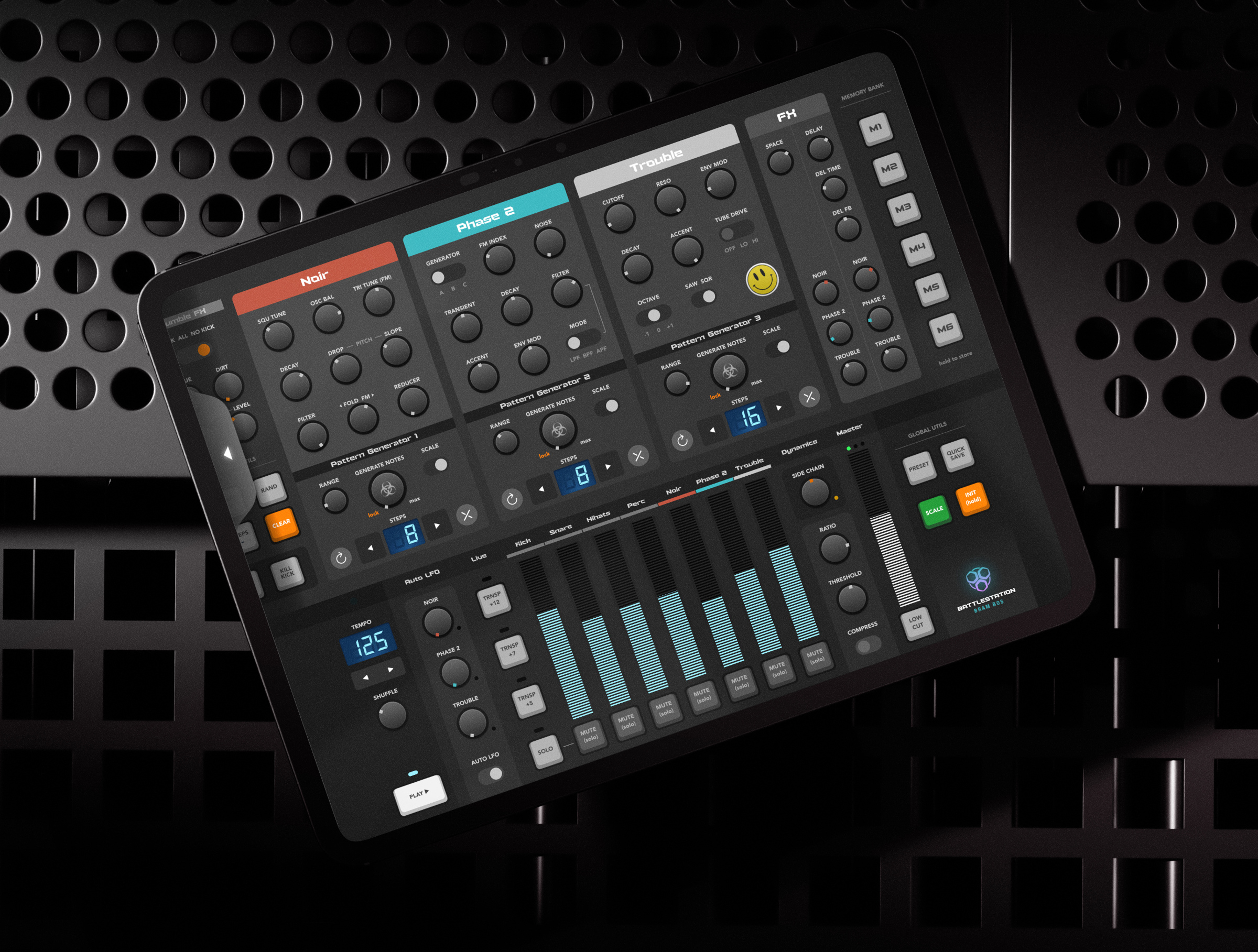
It has an analog drum machine, three synths, a mixer and a bunch of effects.
It is designed for speed, fun and accessibility. All controls are laid out on a single screen, so no menu diving is required.
Battlestation has generative sequencers (inspired by the modular concept of Turing machines) instead of conventional sequencers, so you can focus on the most enjoyable parts of jamming.
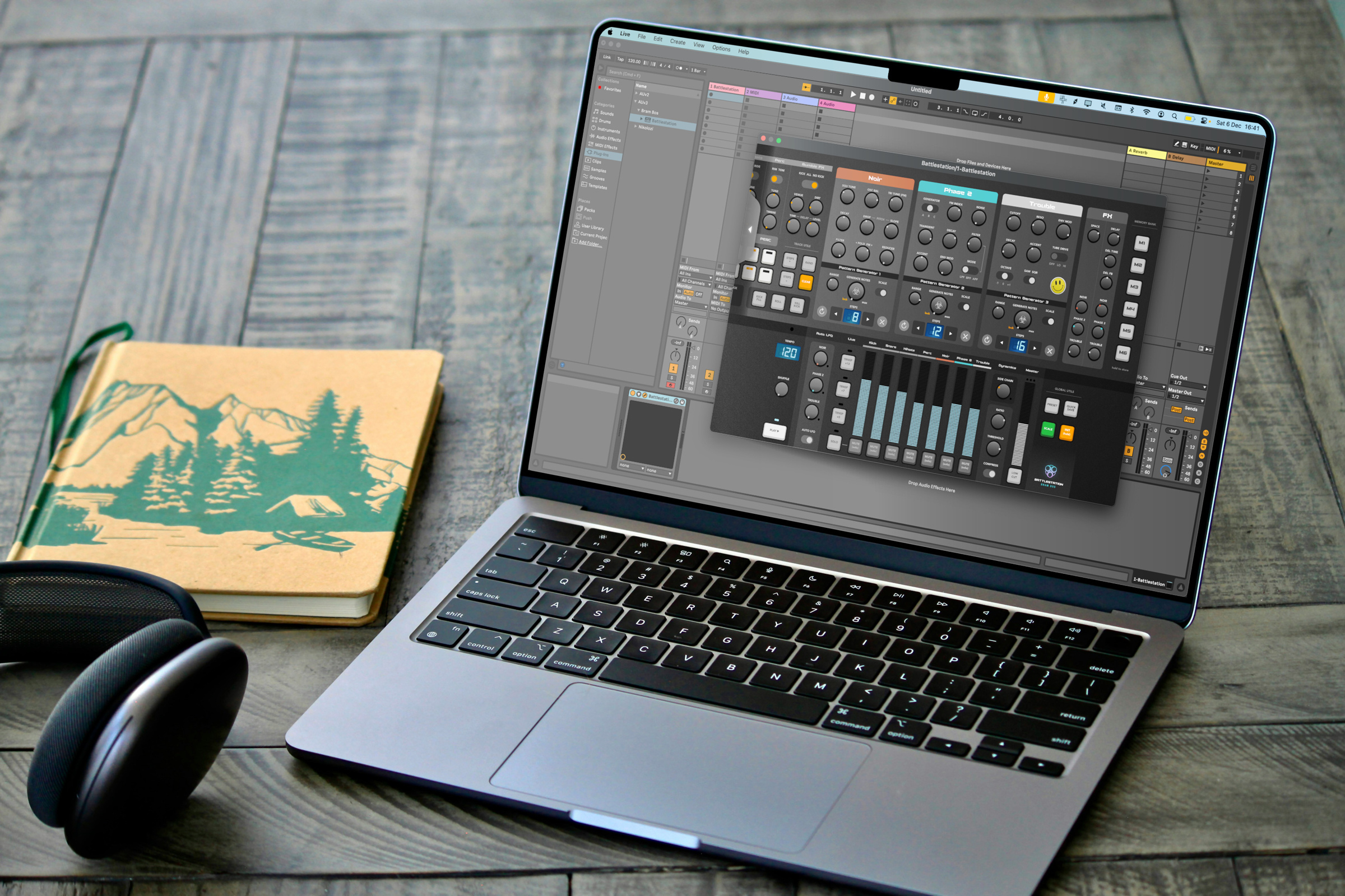
If you want to turn your jams into full tracks, Battlestation also offers AUv3 plugin compatibility with separate outputs for each instrument, MIDI in/out and fully exposed AU parameters.
It is a fully universal app - standalone and AUv3 plugin - and can be installed on iPads and Macs (and iPhones, but a big screen is highly recommended).
App Store linky:
https://apps.apple.com/us/app/battlestation-groovebox/id6754467726
Comments
Christmas came early this year.
Be careful, everyone, this looks extremely addictive.
Post deleted
😍
Jakob's Youtube review...
It's a banger.
Looks very cool. Question, looking at the screenshots, where do you set the panning for the individual percussions and instruments?
If I'm not mistaken you can't unless you route all the individual outputs to separate tracks in AUM or some other host.
Yes, for jamming (the main UI) it didn't make the cut. I had to make very hard choices about what would make it to the single-screen UI.
But as a plugin with individual outs you can process everything in any thinkable way.
@brambos @Samu Ok… thanks!
Blimey, we’re just recovering from Storm Bram here in the UK, looks like it’s back for round 2!
Love that it’s Mac compatible too, so one of those ‘instabuy’ things.
@brambos - any chance of a Mac compatible Hilda one day? Happy to pay again, or IAP, as it’d save me shelling out £400 for a similar hardware version!
Wham bam thank you Bram! 🥊
What a joyful little creation. Love it. Focusing this one on the Turing machine sequencers is really fun. Great run through from @jakoB_haQ as well.
Good times! 🔊🎛️🚀
I just read the description sideways but of course I’m getting this, although I probably don’t need it
Only thing that gives me pause is “best on ipad or mac” does it work on iphone? Cause that would be great for a 1min jam on the go (then maybe flesh it up on ipad, I don’t have a mac)
Bram-in-a-box! Nice
I’m getting Hilda vibes though, and since I got so much fun from that…
It works on iPhone, but I don't recommend it. Particularly text labels will be really small.
This is the way all apps on iOS should be done imho. Amazing job (and it's not even my style of app/music).
Someone willing to do an ambient/downtempo demo? Not interested in EDM..
https://www.ruismaker.com/manuals/battlestation_poster.pdf
@brambos is there any way to record the MIDI notes output from each separate device on a Mac? Tried Live and Logic with no success, aside from recording the whole output in Logic on the main Battlestation track - can't get it to send to additional MIDI tracks. Live doesn't pick it up at all.
Also it'd be useful to have a resize option that doesn't need the page arrow scroll feature - if I resize the apps window on my laptop, it just zooms in, so the page arrows remain, which is a shame as there's plenty of space available for the whole thing.
Good sounds and enjoying the sequencer, would be nice to be able to capture/route the MIDI tracks on a Mac though.
It outputs on different MIDI channels (so all the drums output on MIDI channel 1, Noir on 2, Phase on 3 and Trouble on 4). That's about as sophisticated as I can make it using the AUv3 MIDI protocol, but you should be able to filter out or remove the unwanted MIDI data that way.
Alternatively: simply mute the unwanted channels in the plugin UI while recording MIDI.
Yeah, that's a limitation of using Mac Catalyst. It has a fixed window aspect ratio on Mac, otherwise I could have been a bit more creative with that.
Ah gotcha, thanks, just seen the .pdf too.
Exceptional fun running this in Logic, and outputting a couple of channels to Solderbox!
No worries, thank you for making it Mac compatible too!
Very nice @brambos ! For me it’s much better in AUM. The interface is bigger and more legible than standalone. Navigation in AUM is quick. The only thing I see so far is the need for some indication that a memory slot has something in it. Thanks!
That should be doable. I'll put it on the list
😎✌🏼
Refreshing concept and well thought out! Love the performance focus. Just a question: would it be possible to have some kind of simple midi cc loop recorder for knob movements? Or how would you go about automating the knobs?
Instabuy!
Oh nice one @brambos , thank you for a great release...congratulations!
I'm a BIG fan of Noir for many years.
Regarding the Pattern Generators. I can see 4 MIDI controls exposed, but not one for the 'less' notes button, please can this be added?
Maybe the generator could also be added to the Rozeta app.
$8 is a steal for this! Instabuy! Will be fun to see what I come up with in this app.
By the way, @brambos . How've you been doing? Hope life is treating you well.
That would be cool.
There is an app called Ribn that has up to eight recordable sliders that will do this very nicely but you have to set up the cc mapping in AUM.